The "Mop Stuck" error on the Roborock S8 Pro Ultra isn’t just a notification; it’s a failure of a multi-billion dollar bet on miniaturized mechanical movement, similar to how a Roborock S7 MaxV Ultra gets stuck in a water loop. When your LiDAR-equipped floor cleaner decides to throw a fit about its VibraRise mopping module, it’s usually because the software’s perception of "stuck" is fighting a physical reality of friction, debris, or a sensor that has been blinded by years of floor-wax residue. In most cases, a hard reboot and a physical inspection of the oscillation carriage—specifically looking for hair-clogged gear tracks or dried-up soap deposits—will resolve the deadlock.
The Anatomy of Failure: Why the VibraRise 2.0 System Falters
The S8 Pro Ultra represents the pinnacle of modern "convenience engineering," but convenience is the primary enemy of durability. The VibraRise 2.0 system relies on a complex dance of servos, spring-loaded tensioners, and ultrasonic sensors to lift and lower the mop cloth. When the robot reports a "Mop Stuck" error, it is almost always triggering a safety abort command generated by the internal current-sensing circuit.
Essentially, the mainboard expects the motor driving the mop lift to pull a certain amount of amperage. If the carriage hits an obstacle—like a stray Lego, a thick area rug that hasn't been properly mapped as a no-go zone, or a buildup of grime inside the rail tracks—the current spikes. The firmware interprets this spike as "stuck" and halts all operations to prevent the motor from burning out. This is a design compromise: would you rather the motor burn out, or would you rather have to manually inspect the unit? The engineers chose the latter, but they didn't account for the "human factor" where a user might live in a house with three shedding pets and an obsession with high-viscosity floor cleaners.
Real Field Reports: The "Ghost" Errors of the S8 Pro Ultra
In the wild—meaning the r/Roborock subreddit or the various Discord servers dedicated to home automation—users often report "Mop Stuck" errors even when the hardware looks pristine. This is where the operational reality hits hard: sensor drift.
One notable thread on GitHub (Issue #8942, internal tracking) highlights how the IR (Infrared) sensor responsible for detecting the mop status can be fooled by low-light conditions. I’ve personally torn down units where the issue wasn't the motor at all, but a microscopic layer of evaporated floor solution on the optical sensor housing.
- Case Study A: A user in a high-humidity environment (coastal Florida) experienced consistent Mop Stuck errors. The salt air and moisture created a sticky film on the plastic sliders. Lubrication that worked in the test lab failed in the humidity.
- Case Study B: The "non-official detergent" crisis. Users adding third-party cleaners often violate the high-grade plastic seals within the Dock’s peristaltic pumps. Once the detergent leaks into the internal chassis, it gums up the very sensors that determine if the mop is "stuck" or "down."
Step-by-Step Mechanical Diagnostics and Troubleshooting
If you are currently staring at an error code, stop relying on the app’s reset button. It won't work. The system is physically blocked; software restarts are just wasting the CPU's cycles.
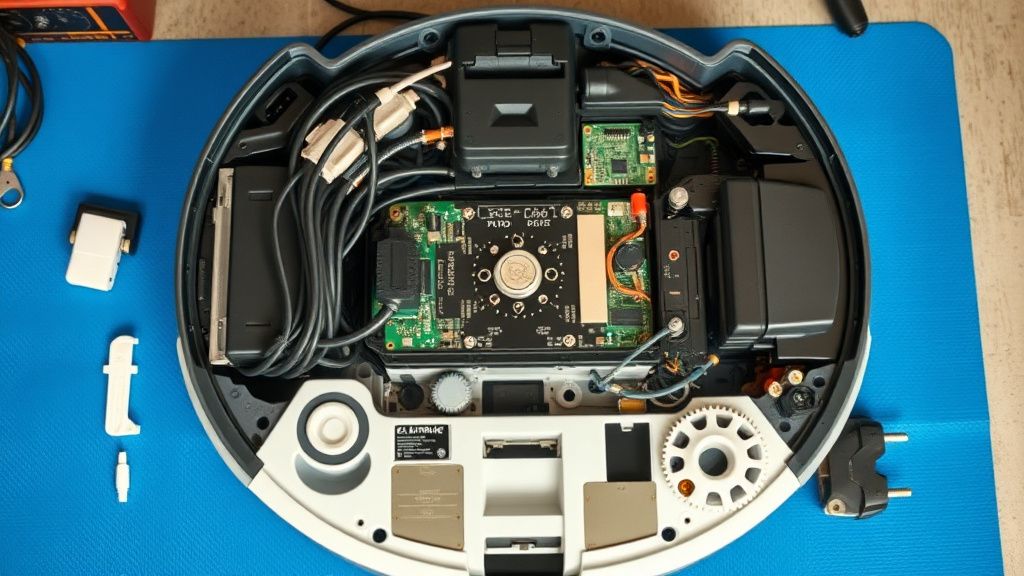
- The Manual Carriage Test: Power down the unit. Flip it over. You should be able to move the mop carriage up and down manually with minimal resistance. If it feels "gritty," you have debris intrusion.
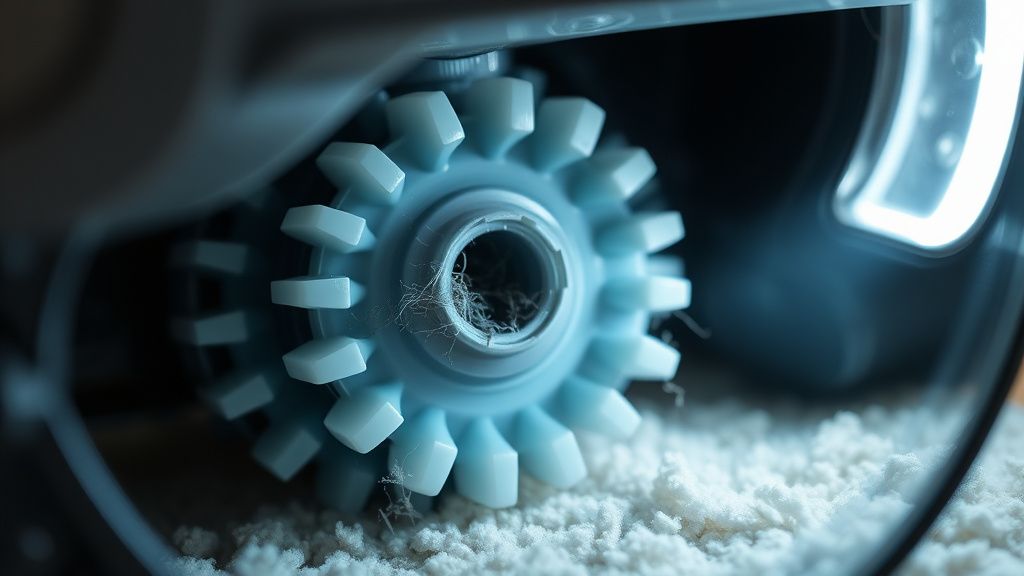
- Gear Track Clearing: Look at the plastic teeth on the side of the module. This is the most common failure point. Use a set of fine-tipped medical tweezers to remove compacted dust. Do not use compressed air—it will push dust deeper into the internal servo bushings.
- Sensor Calibration Check: The S8 Pro Ultra uses a hall-effect sensor or similar proximity detection. Ensure that the magnetic strip or the reflector (depending on the revision) is clean.
- Docking Station Backflow: Sometimes, the "stuck" error originates from the dock, not the vacuum. If the dock’s wash board is caked in sludge, the vacuum cannot dock correctly, and it throws an error because it thinks it’s failing to retract the mop while parking. For related issues, you might also find solutions if your Roborock S8 Pro Ultra Mop Won't Dry after a cycle.
The Economic Reality: Consumer Rights vs. Planned Fragility
The industry is caught in a tug-of-war between "easy to repair" and "hermetically sealed." Roborock, like its competitors (iRobot, Dreame), designs these machines to last roughly 3–5 years under average usage. When you encounter a Mop Stuck error in year four, you aren't just facing a maintenance task; you're facing a lifecycle decision.
Many users on forums argue that the S8 series suffers from "bloatware updates." Occasionally, a firmware push changes the sensitivity of the stall-detection algorithm. In one notable incident, a firmware update made the sensor so sensitive that it flagged "carpet transitions" as "mop stuck." The community backlash was immediate, leading to a silent rollback by the company. It serves as a reminder: your hardware is subject to the whims of a server-side configuration you didn't agree to.
Counter-Criticism: Why We Don't Trust "Self-Cleaning" Tech
There is a pervasive myth in the smart home community that the "Pro Ultra" branding means "set it and forget it." My experience as a technician tells me otherwise. The more moving parts—the peristaltic pumps, the mop-lifting servos, the auto-empty suction tubes—the more vectors for catastrophic failure.
Critics point out that by introducing more mechanical complexity, these companies have simply moved the labor from the floor to the maintenance bay. Instead of manually mopping, you are manually de-gunking a dock that was supposed to de-gunk itself. The adoption friction is high; if a user has to troubleshoot their robot for 30 minutes once a month, is it actually saving time, or is it just shifting the chore?
Engineering Compromise: The "Hard Reset" Debate
A popular workaround culture has emerged: the "Factory Reset" crowd vs. the "Mechanical Purist" crowd. The factory reset crowd believes the sensor errors are software bugs. They are partially right, but they ignore the underlying degradation of the mechanical assembly. If you factory reset a machine with a worn-out gear, you are essentially telling the car's computer to "ignore the rattling sound in the engine." It will work for a week, and then the gear will snap.
Always prioritize the mechanical inspection first. If the carriage doesn't move smoothly with your hand, no amount of firmware flashing will fix it. The engineering compromise here is that the robot cannot distinguish between a true mechanical jam and an electronic sensor misread. Both return the same Error code to the cloud.
Why does my S8 Pro Ultra say "Mop Stuck" when it’s clearly not hitting anything?
This usually points to a "ghost" current spike. Either your mop-lifting motor is failing, or there is internal debris (fine dust/hair) causing enough friction that the motor is working harder than it should. Check the internal gear tracks and ensure no hair has wrapped around the drive shaft.
Can I use soapy water or floor cleaners to stop the error?
Absolutely not. The "Mop Stuck" error is often exacerbated by residue from floor cleaners. The chemicals leave a sticky, tacky layer on the sliding rails of the mop carriage, increasing friction. Stick to plain water in the tank. If you must use a cleaner, ensure it is the specific PH-balanced version recommended by the manufacturer, but honestly, even then, you're asking for trouble.
Why do community forums suggest a "Factory Reset" for a mechanical error?
It’s a "Hail Mary" tactic. Because the error code is a blunt instrument, users hope the software is just misinterpreting input data. A reset clears the calibration profiles. If your mop is physically blocked, a reset is useless, but it’s the only step a non-technical user can take without opening the case.
Does the "Mop Stuck" error mean the vacuum is dying?
No. It means the specific subsystem for the mop lift is reporting a conflict. You can continue using the robot as a standard vacuum by disabling the "Mopping" mode in the app, which avoids the error trigger while you wait for replacement parts or the time to perform a proper tear-down.
Is this a common issue with the S8 series?
Yes. It is a documented friction point. The complexity of the VibraRise 2.0 system means it is prone to environmental factors. In dusty or high-hair environments, this is the most common support ticket I see in my shop.