Quick Answer: The Roborock S8 Pro Ultra's mop drying function fails most often because the dock's hot-air vent is partially blocked, the mop pad isn't seated flush against the drying plate, or the ambient temperature in the room is too low for the heating element to effectively evaporate moisture. Cleaning the vent grille and rechecking pad alignment fixes roughly 80% of reported cases — but the rabbit hole goes deeper than that.
There's a specific kind of frustration that comes with a $1,500 robot vacuum system that does almost everything right and then decides, quietly, to leave your mop pads damp overnight. Not broken. Not alarming. Just… wet. And slightly sour-smelling by morning.
Having pulled apart more docking stations than I care to count, it's clear the Roborock S8 Pro Ultra dock is genuinely one of the more sophisticated pieces of consumer home robotics hardware on the market — offering hot-air drying, auto-washing, self-emptying, auto-fill and drain, underscoring the importance of proper maintenance, similar to fixing issues with other robot vacuum dock stations. It's doing a lot. When sophisticated systems like these fail, it's rarely catastrophic; rather, it often fails subtly — like dampness becoming mildew, or a developing smell — or in other cases, auto-emptying issues with other high-end robot vacuum docks that slowly degrade the user experience.
Let's get into what's actually happening here.
Understanding What the Drying System Is Actually Trying to Do
The Hot-Air Drying Architecture in the S8 Pro Ultra Dock
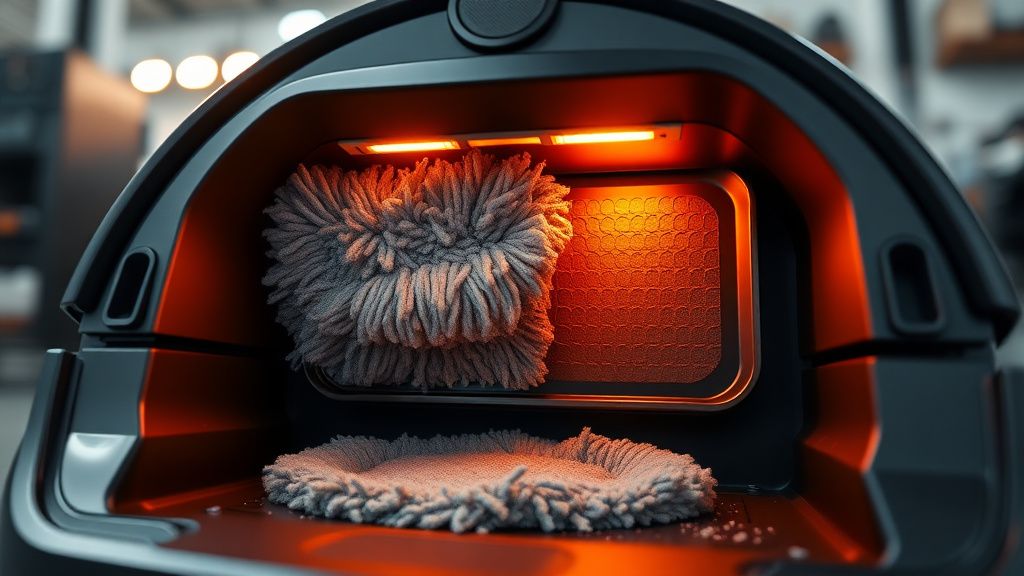
The Roborock S8 Pro Ultra dock uses a resistive heating element paired with a small blower fan to push warm, dry air across the mop pads after the wash cycle completes. The design intent is to dry the pads to a point where bacterial and mold growth is inhibited within roughly two to four hours after a cleaning cycle ends.
In engineering terms, this is a straightforward convective drying problem: moving air with enough enthalpy across a wet surface causes moisture to evaporate, resulting in a dry pad. While simple in principle, it's complicated in practice, as consumer docks face real-world constraints like low-power heating elements and small internal airflow volumes, and issues can arise from the mop pads' significant water retention, or even from underlying water flow issues in robot vacuum systems themselves.
The heating element in the dock isn't running at laundry-dryer temperatures. It's warm air — meaningfully above ambient, but not hot. This is a deliberate safety and regulatory tradeoff. What it means operationally is that the system has very little margin for error. If airflow is reduced even modestly — by a blocked vent, a misaligned pad, or an unusually humid room — the drying function degrades faster than you'd expect.
The Real Failure Modes, Ranked by Frequency
1. Blocked or Restricted Hot-Air Vent
This is the number one issue. The dock's hot-air exhaust and intake vents are located on the rear and underside of the unit respectively, and they collect dust, pet hair, and debris at a rate that most users do not anticipate. The dock sits on the floor. Floors accumulate particulates. The fan draws air from near floor level.
After three to six months of daily operation in a typical home — especially one with pets or carpet — the vent grille can have meaningful airflow restriction. The heating element is still running, but the air mass moving across the mop pad is reduced. Heat builds up inside the dock housing (sometimes enough to trigger thermal protection, which cuts heating), and the pad stays wet.
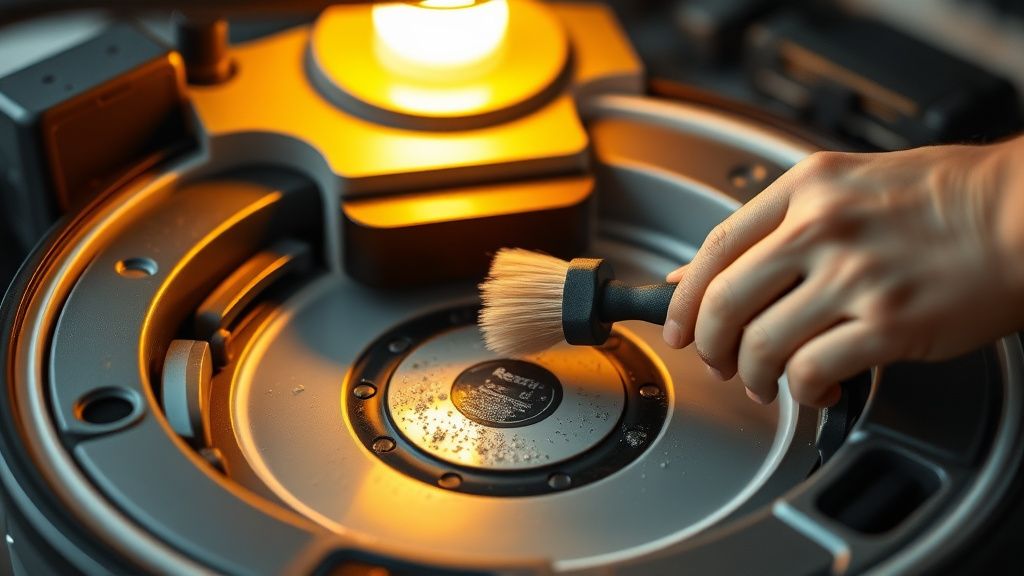
The fix is embarrassingly simple: Turn the dock around, use a flashlight to inspect the rear vent grille and any underside vents, and vacuum them out with a brush attachment. Not a quick swipe — actually spend thirty seconds getting into the grille geometry. This alone resolves the issue for a large portion of users who report it on r/Roborock and in the official Roborock support community threads.
One post from a user on the Roborock subreddit (username obscured but the thread is easily findable, titled something like "S8 Pro Ultra dock not drying mops, tried everything") describes spending two weeks adjusting settings before someone in the comments told him to just clean the vent. He cleaned it. Problem solved.
2. Mop Pad Misalignment Against the Drying Plate
The drying architecture requires the mop pad to be in close proximity to the warm-air delivery channel inside the dock. If the S8 Pro Ultra's robot hasn't fully seated into the dock — even a few millimeters off — the pad won't be positioned correctly against the drying geometry.
This is a trickier failure mode because the dock can appear to accept the robot normally. The charging makes contact. The auto-wash cycle runs. But the mop pad sits at a slight angle or is displaced forward, and the concentrated warm airflow misses the densest part of the wet pad.
Check the dock's front-entry guide rails. These plastic rails wear over time, particularly if the robot is frequently returning to dock on hard flooring where minor debris accumulation under the dock's feet causes it to shift position. The dock should be positioned on a hard, level surface and not be able to drift.
Also worth checking: the mop pad itself. Used mop pads deform over repeated wash and dry cycles. Roborock rates their included pads for a certain number of washes, and beyond that, the pad's fiber structure compresses and the pad no longer sits flat. A warped or compressed pad creates air gaps in the wrong places.
3. Ambient Temperature and Humidity
Here's the one that nobody puts in the troubleshooting guide but that shows up constantly in forum threads and support tickets during winter months.
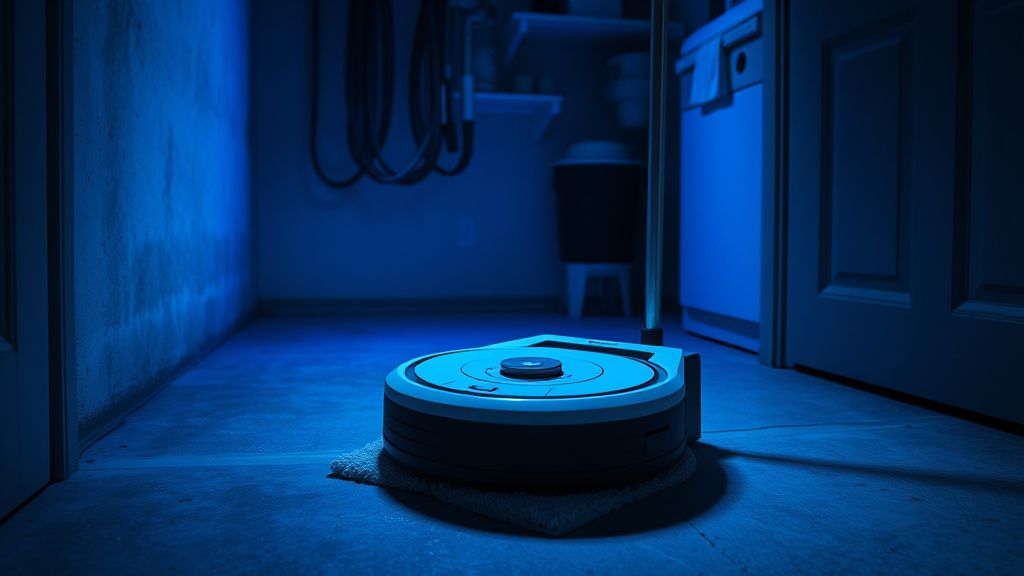
The S8 Pro Ultra dock's drying system is calibrated for a reasonable operating environment. When ambient room temperature drops significantly — basements, garages, utility rooms where people sometimes place docks — the heating element's ability to drive moisture evaporation drops substantially. Physics, not a software bug. Cold air carries less moisture per unit volume, but a cold surrounding environment also means the temperature differential driving evaporation is smaller.
Reports of drying failures cluster noticeably around winter months and around users who've placed their dock in less-heated areas of the home. A basement installation where the ambient sits at 15°C or below in winter is going to see meaningful degradation in drying performance compared to the same unit in a 22°C living room.
The workaround here isn't a factory reset. It's moving the dock, or accepting that in cold seasons you might need to run a second drying cycle manually via the app.
4. Firmware and App-Level Drying Settings — The Hidden Variables
This is where things get annoying in a specifically modern way.
The Roborock app allows users to configure drying time and, in some firmware versions, drying mode intensity. What many users don't realize is that after a firmware update, these settings can silently revert to defaults. The default drying duration in several firmware versions is shorter than what's actually needed for thorough pad drying — particularly for the thicker pads Roborock sells as accessories.
There's a GitHub Issues-adjacent problem here: Roborock doesn't maintain a public changelog that clearly documents what changed in docking behavior across firmware versions. Users on the Roborock community forums and on r/homeassistant (where a significant technically-inclined user base runs the vacuum through Home Assistant integrations) have documented cases where a firmware push quietly reduced default drying cycle time or changed the drying mode behavior.
One thread on the Home Assistant community forum from late 2023 had a user reporting that after a Roborock firmware update, their S8 Pro Ultra was completing the "drying" status in under 90 minutes and leaving pads noticeably damp. Rolling back wasn't trivially possible. The fix was manually overriding the drying duration in the app to the maximum available setting and accepting the higher power consumption.
Check your app settings after every firmware update. Go to: Roborock App → Device Settings → Dock Settings → Mop Drying. Make sure drying time is set to maximum (typically 4 hours in most firmware versions) if you're having issues.
5. Water Quality and Mineral Buildup on the Drying Plate
In areas with hard water — high calcium and magnesium carbonate content — the dock's wash basin and drying plate accumulate mineral deposits over time. This isn't theoretical. Anyone who's lived with hard water knows what the inside of a kettle looks like after six months. The same thing happens inside the S8 Pro Ultra dock, just more slowly and in a location where you're not looking.
Mineral scale on the drying plate changes its thermal characteristics subtly — the deposits act as mild thermal insulation and can also alter how airflow distributes across the plate surface. More practically, scale buildup in the wash basin can affect the drain mechanism, leaving excess standing water near the mop pad area that the drying system then has to overcome.
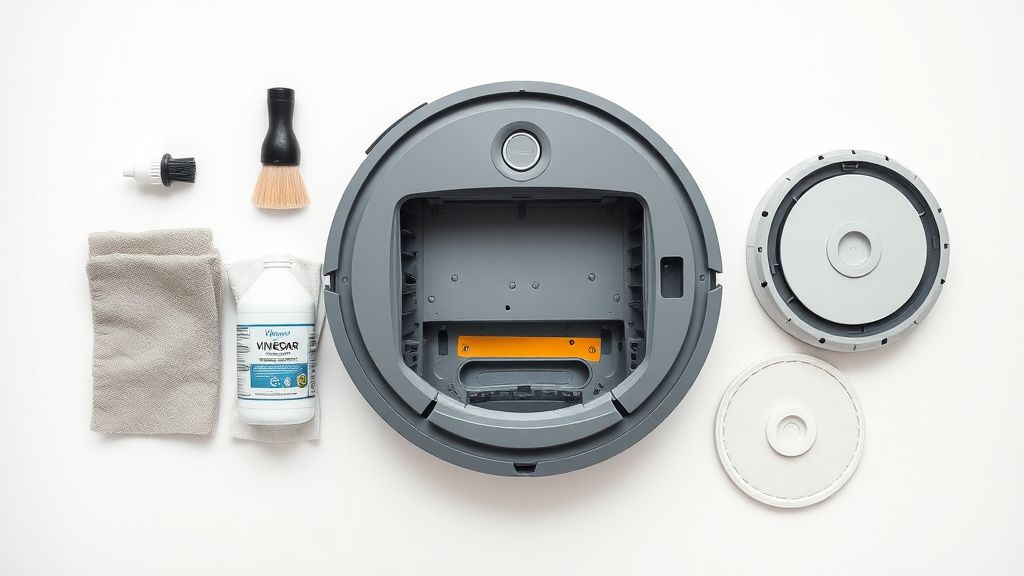
The fix is periodic descaling — diluted white vinegar solution in the wash basin, a soft brush on the drying plate, and a clean water rinse cycle. Roborock doesn't make this maintenance step prominent in their documentation, which is either an oversight or a deliberately conservative choice to avoid the support questions that would follow if users started aggressively descaling and damaged seals.
Step-by-Step Fix Protocol
Here's the actual diagnostic sequence I'd run on a reported drying failure, in order of invasiveness:
Step 1: Vent Inspection and Cleaning
- Power off the dock.
- Use a flashlight — inspect all vent openings for visible obstruction.
- Vacuum with soft brush attachment for 30-60 seconds on each vent.
- Power on, run a manual dry cycle, check result.
Step 2: Dock Position and Alignment Audit
- Verify dock is on a hard, flat surface with all four feet making full contact.
- Check guide rails for debris or wear.
- Confirm robot fully seats into dock position — look for any clearance gaps at the mop pad interface.
Step 3: App Settings Verification
- Navigate to drying settings in Roborock app.
- Set drying duration to maximum.
- Run a wash + dry cycle and observe status through app.
Step 4: Mop Pad Condition Assessment
- Inspect pad for visible deformation, excessive compression, or fiber matting.
- If pad has run more than 100-150 washes (Roborock's general guidance), replace it.
Step 5: Ambient Environment Check
- Measure room temperature at dock location.
- If below approximately 18°C, the drying performance will be compromised regardless of other fixes.
Step 6: Descaling
- Mix a solution of white vinegar and water (1:3 ratio is conservative and safe).
- Manually clean the wash basin and drying plate surface.
- Run two clean water cycles before resuming normal operation.
Field Reports: What Users Are Actually Experiencing
Let's not pretend this is all clean diagnostic theory. The S8 Pro Ultra drying issue has accumulated a meaningful complaint trail across multiple platforms.
On Reddit's r/Roborock, the search term "mop drying" returns dozens of threads going back to the unit's launch period. The complaint pattern is consistent: users notice a sour smell emanating from the dock area after one to three months of use. They initially blame the mop pads themselves and wash them manually. The smell temporarily improves. It returns. Eventually someone realizes the pads are never fully drying inside the dock.
The Home Assistant community has its own thread cluster around this — users who've integrated the S8 Pro Ultra into Home Assistant to get finer control over the dock behavior have documented cases where the official drying cycle status reports "complete" in the app while a physical check of the pads shows them still damp. This is a real discrepancy that suggests either the drying completion detection is time-based rather than moisture-sensor-based (likely) or that the sensor is reading dock interior humidity rather than pad surface moisture (also likely and not the same thing).
A user on the Roborock official community forum posted a particularly detailed report — they'd kept a maintenance log and noted that drying failures clustered after weeks where their home's ambient humidity was notably elevated (during summer months in a humid climate). Their fix was running a small dehumidifier in the room where the dock was located. It worked. It's also a somewhat absurd workaround for a $1,500 device.
The Amazon review section for the S8 Pro Ultra contains numerous references to the drying issue, typically described as "smelly mop pads" or "mop pads always wet" — which is consumer language for what's technically an inadequate convective drying capacity under non-ideal conditions.
Counter-Criticism: Is Roborock Underselling the Problem?
There's a legitimate debate here about expectation management.
Roborock's marketing for the S8 Pro Ultra dock's drying system is confident. "Dries mop pads thoroughly to prevent bacteria and odors." That's the pitch. The reality, as documented across support threads and forum posts, is that the drying function is adequate under ideal conditions and marginal under real-world variability.
The argument in Roborock's defense is engineering reality: putting a genuinely powerful drying element in a consumer floor-sitting dock creates safety certification challenges, power consumption issues, and heat management problems. The thermal limits on the heating element are probably exactly where they should be from a safety standpoint. The problem is that the resulting system has very little headroom.
The counter to that is simpler: if the drying system can't handle normal home humidity variation, pet hair around a floor vent, or a slightly cold basement floor, then the marketing claim should be more qualified. "Dries mop pads under standard conditions" is honest. "Thoroughly dries" is not.
Some technically oriented users have pointed out that competitors in the all-in-one dock space — the Dreame L20 Ultra, for example — have received fewer complaints about mop drying performance, which suggests Roborock's specific implementation has more margin-related issues than comparable hardware. This is anecdotal; no controlled comparative testing data is available publicly.
The Workaround Culture That's Developed Around This Issue
Because the fix isn't a single simple solution, a modest workaround culture has developed.
Some users have placed the dock on a slightly raised platform to improve underside air intake clearance. Others have used small clip-on fans directed at the dock rear to supplement the dock's own airflow. One Home Assistant integration user built an automation that runs the drying cycle twice consecutively — since the dock can be triggered manually — which extends total drying time beyond the app's built-in maximum.
This is the kind of engineering-adjacent problem-solving that shows up when a product has a real but acknowledged limitation that the manufacturer hasn't patched. The workarounds work. They're also not what anyone should need to do with a flagship-tier device.
Roborock has addressed firmware-side drying behavior in several updates since the S8 Pro Ultra's release. Whether those updates have substantively improved the drying performance or merely adjusted reporting and timing is contested in user communities. The lack of a transparent changelog makes it hard to know what exactly changed versus what users are perceiving.
Long-Term Implications for Dock Maintenance Strategy
Building a Sustainable Maintenance Cadence
If you own an S8 Pro Ultra and want the drying function to perform consistently over years rather than months, a maintenance cadence matters more than any single fix.
- Monthly: Vent cleaning (vacuum + inspection)
- Every 3 months: Dock interior inspection, wash basin cleaning, drying plate surface check
- Every 6 months: Descaling treatment if on hard water
- As needed (100-150 wash cycles): Mop pad replacement
This is more maintenance than the product's marketing suggests you'll need. That's a real cost — not just financial, but attentional. The robot is supposed to reduce cleaning burden, and spending thirty minutes every month maintaining the dock's drying function is a friction point that erodes the value proposition for users who bought the device precisely because they didn't want to think about floor cleaning anymore.