
Quick Answer: The Roborock Q Revo dock fails to clean mops when the dock's self-cleaning cycle is blocked by clogged nozzles, dirty water tank issues, mop pad misalignment, or firmware-level scheduling bugs. Nine times out of ten, a manual nozzle flush, tank drain-and-refill, and a forced cleaning cycle restart resolves it within 15 minutes — no service call needed, much like how one might troubleshoot a Dreame L10s Ultra not emptying.
There's a particular kind of frustration that comes with a robot vacuum that's supposed to clean itself. You spend $700-plus on a machine that promises to handle everything — vacuuming, mopping, emptying itself, washing its own mop pads — and then you walk into the laundry room one afternoon and the mop pads are sitting there, crusty with dried-on grime, smelling faintly like a wet dog, and the dock is just... sitting there. Doing nothing. The app says "cleaning complete." Nothing is clean.
This is the Roborock Q Revo dock-not-cleaning-mops problem, which can be just as frustrating as an Eufy X10 Pro Omni LiDAR error. It's more common than Roborock's support documentation wants you to believe, it shows up across Reddit's r/Roborock, the official Roborock community forum, and scattered through Amazon and Best Buy review threads going back to the unit's launch window. And the fixes, while not always obvious, are almost always achievable at home with tools you already have.
Let's get into it.
How the Q Revo Dock Self-Cleaning System Actually Works — And Why It Fails
Before you can fix something, you have to understand what it's actually trying to do. The Q Revo dock is not magic. It's a relatively elegant but mechanically dense system with a surprising number of ways to go wrong.
The Mop Washing Mechanism: Wash Nozzles, Spin Pads, and Water Flow
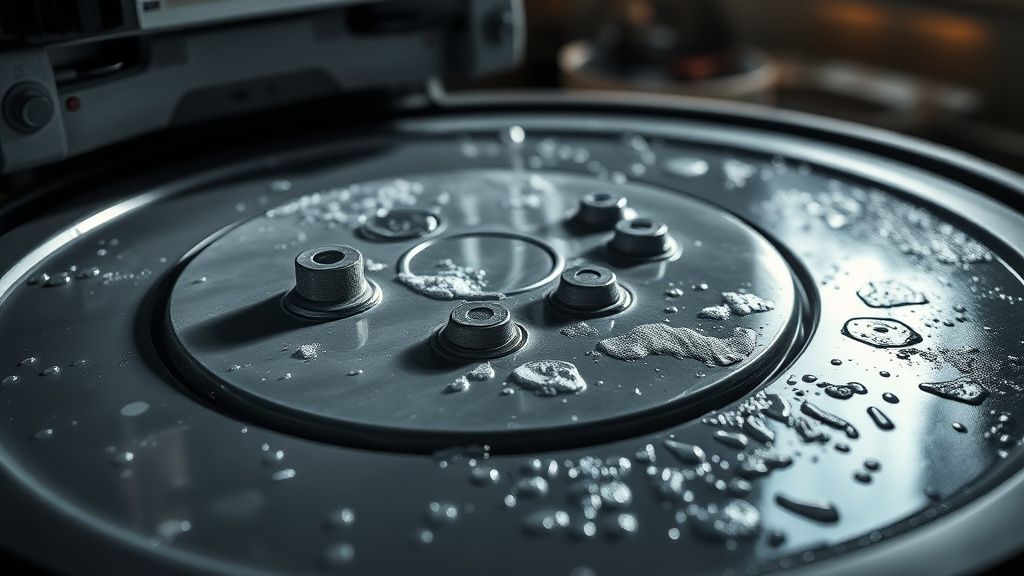
The dock uses high-pressure water jets — called wash nozzles — positioned underneath the mop pad tray to spray the spinning mop pads as the robot parks in the dock. The pads spin rapidly against these jets, mechanically agitating the grime loose, and the dirty water drains into the dirty water tank.
Here's the first failure point: those nozzles are small-bore openings. They're designed for clean tap water. In practice, tap water in most municipalities carries mineral content — calcium, magnesium, iron — that precipitates out and slowly clogs these tiny openings. You'll never notice it happening. The flow rate drops incrementally over weeks. And then one day, there isn't enough water pressure to spin-clean the pads properly, and the dock "completes" its cycle having done essentially nothing.
This is not a defect. It's physics. Limescale is real. But Roborock's onboarding documentation barely mentions it, similar to how owners of other smart appliances often struggle to find clear guides for issues like a Ninja Foodi E5 error.
Water Tank Logic, Pump Sensors, and the Empty-Tank Trap
The system uses a pump to move water from the clean water tank through the nozzles. That pump has a float sensor or pressure sensor (depending on firmware version — this distinction actually matters, more on that later) to detect water levels.
When the clean water tank reads "low" or "empty" — even if it's just slightly misseated, has an air bubble trapped, or has a sensor fouled with mineral deposits — the dock will abort the mop cleaning cycle silently. It won't always throw an error in the app. Sometimes it just logs "cleaning complete" and moves on, an experience familiar to users struggling with an Oura Ring Gen 4 not syncing. This is a known issue documented in multiple community threads, including a prominent r/Roborock post from late 2023 titled "Dock says cleaning done but pads are still dirty — tank was full" that attracted dozens of confirming responses.
"My tank was literally full. Full. And it still decided not to wash. Took me two weeks to figure out it was the sensor contact point on the tank that had a calcium film on it." — r/Roborock user, paraphrased from community thread
Mop Pad Seating and the Misalignment Problem
The mop pads attach to the robot via a Velcro-style hook-and-loop system on rotating discs. If a pad isn't seated fully flush, it can interfere with how the robot parks in the dock. The dock's design has relatively tight tolerances — the pads need to land precisely over the wash nozzle jets. Even a few millimeters of offset means the jet stream hits the disc, not the pad, and you get a dock that runs its cycle but cleans approximately nothing.
This misalignment issue gets worse over time as the Velcro attachment loses grip, especially on the outer ring. Users on the official Roborock community forum have noted that pads start to "creep" after 3-4 months of use, sitting slightly off-center. Some have resorted to small pieces of tape as a shim — which is obviously a workaround, not a solution — but it works.
The Firmware Variable: When Software Makes Hardware Fail
This is the part that doesn't get talked about enough. The Q Revo is a connected device. Its behavior is partly determined by firmware, and firmware updates have a documented history of changing the cleaning cycle logic in ways that break things that previously worked.
Post-Update Behavior Changes That Broke Dock Cleaning
Several users on the r/Roborock subreddit and the HomeAssistant community forums documented a specific issue after a firmware update in late 2023 (the exact version numbers vary by region and aren't consistently logged in app changelogs — which is its own problem): the dock's auto-clean trigger interval changed. Specifically, the dock would only trigger a self-clean if the robot had run for a minimum floor-coverage threshold before returning. Short runs — say, cleaning one room and docking — stopped reliably triggering the mop wash cycle.
This made no sense to users. Their floor was mopped, the robot was docked, the dock was plugged in, and... nothing. The mop wash cycle never ran. You'd pick up the robot the next morning for a scheduled run and the pads from last night were still damp, dirty, and sitting there fermenting.
The workaround that emerged: manually triggering the dock clean cycle through the app. Going to Device → Dock → Clean Mops Now. Which works. But having to manually trigger the self-cleaning function on a machine that is specifically marketed on its self-management capability is... well. That's a product design contradiction that Roborock hasn't formally acknowledged.
Scheduling Conflicts and the "Ghost Clean" Problem
Related issue: if you have cleaning schedules that run back-to-back or have short rest windows, the dock can get caught in a state where it's mid-cycle on a mop wash when the robot's next scheduled run triggers. The dock firmware doesn't always handle this gracefully. In some documented cases, the mop wash aborts silently, and the robot goes out on its next run with wet, dirty pads — spreading dirty water on your floors instead of cleaning them.
This is not a minor edge case. It happens to anyone running multiple daily cleaning schedules, which is a fairly common use pattern among Q Revo owners given that mopping is more effective in shorter, more frequent passes.
Step-by-Step Diagnostic and Fix Protocol
Okay. Enough analysis. Here's the actual fix workflow, in the order you should try things.
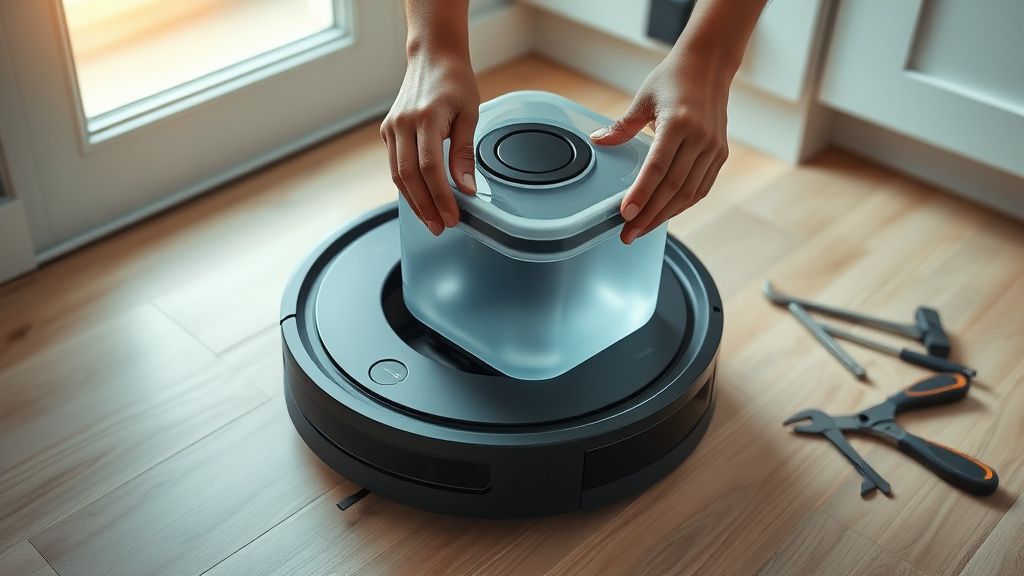
Step 1: Visual Inspection — Start Here, Every Time
Before touching software or settings:
- Remove the robot from the dock. Physically pull it out.
- Inspect the mop pads. Are they seated flush on the rotating discs? Press each pad firmly from the center outward to re-seat the Velcro. If the pad feels loose at the edges, that's your primary suspect.
- Look at the dock nozzle area. You'll see small metal or plastic nozzle openings in the wash tray. Are any visibly clogged or white-crusted? That's limescale.
- Check both water tanks. Remove the clean water tank and the dirty water tank. Shake the clean tank — you should hear water sloshing. Check the sensor contact points on both tanks (small metal contacts or plastic tabs) for mineral film.
Step 2: Clean the Nozzles — The Most Commonly Needed Fix
This is the fix that solves the problem probably 40-50% of the time based on community reports, though I'm not citing a formal study — just aggregated forum observation.
What you need:
- White vinegar (distilled, 5% acidity)
- A soft-bristled toothbrush or a dental pick
- A syringe or small squeeze bottle (optional but helpful)
- Paper towels
Process:
- With the dock unpowered (unplug it — don't just turn it off), pour about 100-150ml of undiluted white vinegar directly into the wash tray area, focusing it on the nozzle openings.
- Let it sit for 20-30 minutes. Vinegar's acetic acid dissolves calcium carbonate (limescale) effectively.
- Use the toothbrush to gently scrub around and into the nozzle openings.
- If you have a syringe, use it to force a small amount of vinegar directly into each nozzle to clear internal blockage.
- Rinse thoroughly with clean water. Vinegar residue left in the system can leave its own film on pads over time.
- Dry the tray area with paper towels.
- Reconnect and run a manual dock clean cycle.
In hard water areas (much of the American Southwest, UK limestone belt, large parts of Germany and Australia), you should be doing this monthly. Not quarterly. Monthly.
Step 3: Clean the Water Tank Sensor Contacts
Remove both tanks. Using a cotton swab lightly dampened with white vinegar or isopropyl alcohol (70% or higher), clean the metal sensor contact points on the tanks and the corresponding points inside the dock housing. Mineral film on these contacts is electrically resistive and can fool the sensor into reading "empty" when the tank has water.
Dry everything completely before reinserting.
Step 4: Force a Manual Mop Clean Cycle Through the App
- Open the Roborock app
- Navigate to the dock's device settings
- Look for "Mop Washing" or "Clean Mops" option
- Trigger manually
If the cycle runs and the pads come out cleaner, your problem was the trigger logic — either firmware-based or schedule-related. Adjust your cleaning schedules to leave at least 30-45 minute gaps between cleaning runs to ensure dock cycles complete.
Step 5: Check for Firmware Updates — Or Roll Back If Recent Update Broke It
This one is tricky because Roborock doesn't offer a rollback option through the standard consumer app. If a recent update broke your dock cleaning behavior, your options are limited:
- Check the Roborock community forum or r/Roborock for threads specific to your firmware version
- File a bug report through the app (Settings → Feedback) — these actually do get aggregated by engineering teams, even if you don't get a personal response
- If you're running Home Assistant with the Roborock integration, there are more granular controls available that can sometimes work around firmware-level scheduling bugs
Step 6: Inspect and Replace Mop Pads
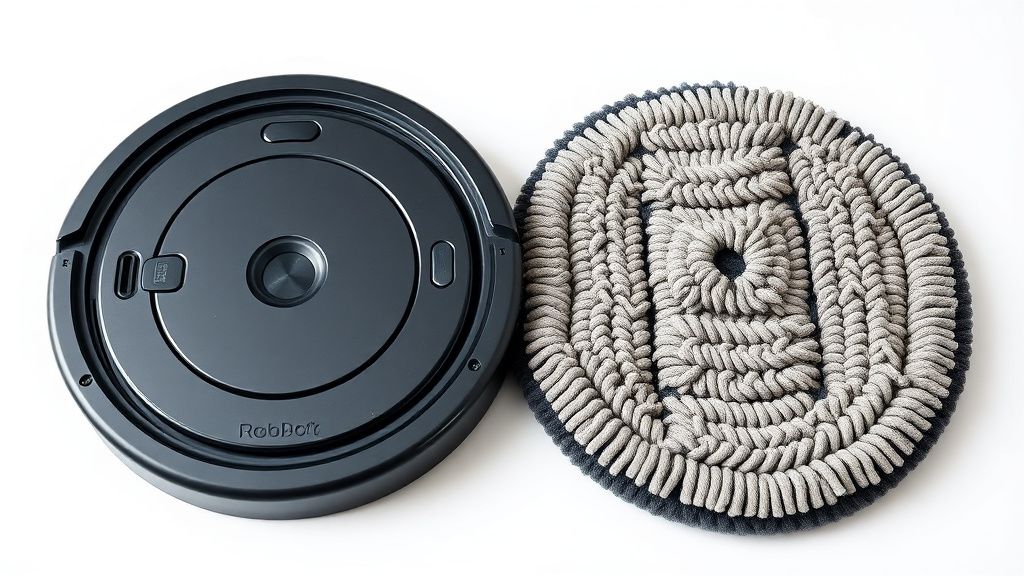
Mop pads have a finite life. The Velcro hook-and-loop attachment system degrades. When the outer ring stops gripping, pads shift position during cleaning, and dock misalignment becomes almost inevitable. Roborock's recommended replacement interval is roughly every 3 months under normal use. In reality, users in community forums report needing them as frequently as every 6-8 weeks in high-use households with large floor areas.
Replacement pads are not expensive relative to the machine cost, but they're not cheap either. Third-party alternatives exist, with mixed quality reports on Velcro durability — some work fine, some shift immediately. The genuine Roborock replacement pads are the safer option for dock alignment reliability.
Real Field Reports: What's Actually Happening Out There
Let's be clear about what the community is reporting, because Roborock's official documentation does not reflect the operational reality.
The Hard Water Tax
Users in Phoenix, Las Vegas, San Antonio, and other hard water cities consistently report monthly or even bi-weekly nozzle cleaning as necessary for the dock to function at all. One user on the Roborock subreddit described going through three service requests before a support agent finally told them to clean the nozzles — something not mentioned anywhere in the printed documentation that came with the machine.
"Three. Support. Tickets. For something that took 10 minutes with vinegar. I would have figured it out sooner if they'd just put it in the setup guide." — r/Roborock, thread: "Finally fixed my dock after 2 months of barely working"
The Scheduling Bug Cohort
A meaningful subset of Q Revo owners — disproportionately people who use automation heavily, including Home Assistant integrators — discovered through trial and error that their twice-daily cleaning schedules were systematically preventing dock washes from completing. The fix (adding schedule gaps) isn't documented. It was reverse-engineered by the community.
The Silent Failure Mode That Matters Most
Perhaps the most operationally dangerous failure mode: the dock reports a successful mop wash cycle in the app, the user trusts it, and the robot goes out the next day pushing dirty pads across the floor. In a household where someone tracks bacteria concerns — a family with an infant, someone immunocompromised — this is not a trivial failure. It's a hygiene failure dressed up as a successful automation.
This is the trust erosion problem at the core of the Q Revo dock situation. The machine's value proposition is you don't have to think about it. Every silent failure erodes that proposition. And the Q Revo dock has too many silent failure modes.
Counter-Criticism and Honest Assessment of Roborock's Position
In fairness — and this matters — the Q Revo is a genuinely capable machine. The dock self-cleaning concept works when the system is maintained. The engineering isn't bad. The nozzle clogging issue is real but is arguably a user education problem as much as a design problem. Limescale is a known condition of tap water systems globally, and appliance manufacturers across categories (dishwashers, washing machines, coffee machines — which I've pulled apart hundreds of) all deal with it.
The criticism that lands harder is the silent failure logging. A dock that aborts a mop wash cycle because of a sensor read should log that as an error, not as a successful completion. That's a software choice, not a hardware limitation. Roborock chose to report success. That's a product design decision, and it's a bad one.
The documentation gap is also real. Roborock's maintenance guides are thin. The community knowledge that exists on r/Roborock and the official forums is genuinely more useful than Roborock's own support content for diagnosing these issues. That's not a compliment.
Preventive Maintenance Schedule for Q Revo Dock Health
If you want to avoid this problem recurring:
| Frequency | Task |
|---|---|
| Weekly | Visual check of mop pad seating; check water tank levels |
| Monthly | Vinegar flush of dock nozzles; clean water tank sensor contacts |
| Every 6-8 weeks (high use) or 3 months (normal use) | Replace mop pads |
| After every firmware update | Run a manual dock clean cycle; verify cycle completes in app; check pad cleanliness post-cycle |
| Quarterly | Full dock disassembly clean; inspect pump intake filter if accessible |
Hard water households should move all intervals one step shorter. Monthly nozzle cleaning becomes bi-weekly. Pad replacement may be every 6 weeks.
When the Problem Is Actually Hardware Failure
Most Q Revo dock cleaning failures are not hardware. They're maintenance, firmware, or user setup. But hardware failure does happen.
Signs that you're looking at actual hardware failure rather than a maintenance issue:
- Nozzles cleaned, tanks full, pads properly seated — dock still doesn't run water at all. Possible pump failure. Listen for pump motor sound when triggering a manual clean cycle. No sound = pump likely failed or pump power connector loose.
- Water leaking from dock base during cycle. Internal hose connection failure. This is a service issue.
- Dock runs cycle but water exits immediately without pressure. Impeller damage in pump, or pump filter completely blocked.
In these cases, contact Ro