
Quick Answer: The DeLonghi Magnifica S grinder won't start almost always because of one of four things: the bean hopper isn't seated and locked correctly, the safety interlock isn't engaged, the grinder is jammed with an oily bean fragment or foreign object, or the burr assembly has shifted out of alignment. Fix the hopper first. If that doesn't work, you're going deeper.
Fifteen years of pulling apart coffee machines teaches you something fast; just as you might troubleshoot Sony Bravia XR screen glitches, the Magnifica S is not a complicated machine once you understand its quirks. It just behaves like one when something goes wrong. The grinder circuit is deliberately simple — DeLonghi designed it with multiple mechanical interlocks specifically to prevent the motor from spinning if any of the physical conditions aren't exactly right. That's a safety feature, and it's also the number one source of support calls and Reddit meltdowns.
The reality is, most people who contact DeLonghi support with "grinder not starting" are told to send the unit in for service. That's the official answer. The actual answer — the one that fixes probably 80% of cases — takes about twelve minutes and zero replacement parts. The other 20% are genuinely mechanical failures, and much like fixing a Dyson V15 suction issue, we'll talk about those too, honestly, without pretending they're all fixable at home.
Let me walk through this the way I would if you handed me the machine on a bench.
Step 1: Read the Error First — The Magnifica S Is Telling You Something
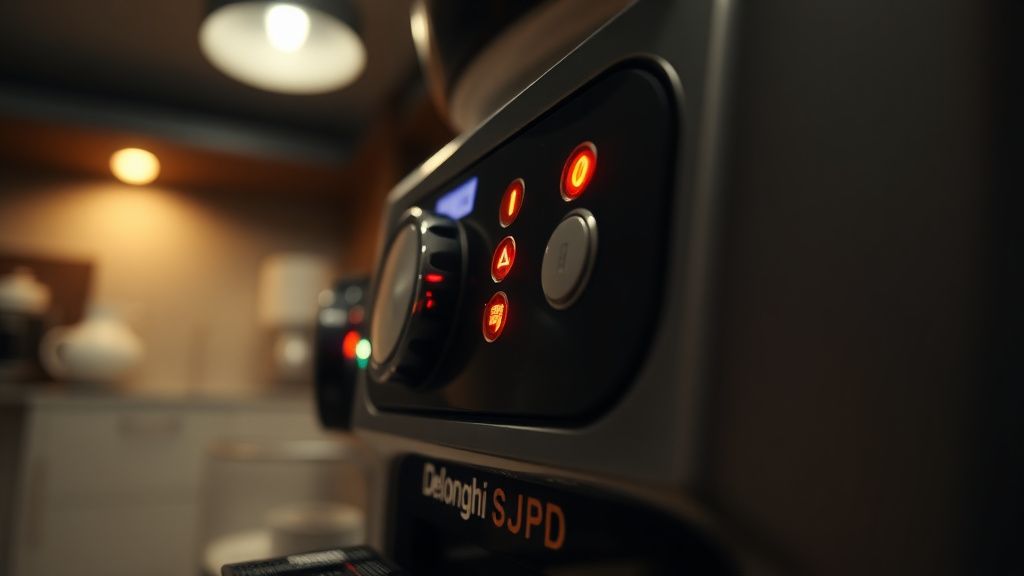
Before you touch anything, look at the display. The Magnifica S SMART variant has a small LED icon panel; the older non-SMART version has a simplified button array with indicator lights. Either way, the machine is giving you a status signal.
- All lights flashing simultaneously: General fault — could be overheat, water tray missing, or a motor fault.
- Coffee grounds light on: The grounds container is full or not seated properly. The grinder will not run with this condition active.
- Bean hopper light flashing: Hopper not detected. This is your most likely culprit.
- "General alarm" steady light: Usually means a blocked grinder or the brew group is out of position.
The machine won't tell you specifically "grinder motor fault" vs. "interlock not engaged" — the diagnostic resolution on these consumer units is extremely coarse. You get one or two icons, not a CAN bus readout. So you troubleshoot mechanically, in order of probability, similar to how you would approach troubleshooting a Sage Barista Express with no pressure.
Step 2: The Bean Hopper Interlock — Most Common Culprit
This is where you start. Every single time. I've seen technicians skip this and spend 45 minutes poking around the grinder motor only to find the hopper wasn't fully clicked in.
The Magnifica S has a plastic locking tab on the underside of the hopper, a design as precise as the sensors found in Eufy X10 Pro Omni LiDAR repair, where it interfaces with the machine's top deck. When you seat the hopper, you need to push it in and then twist clockwise until you feel and hear a click. Not a soft click. A definite mechanical engagement.
Here's the failure mode nobody documents properly: if you've been running the machine for months, that plastic locking tab gets slightly worn, much like the unexpected financial wear and tear addressed in how to protect your cash in 2026. It'll feel like it's seated — it looks like it's seated — but the microswitch inside the machine isn't fully depressed. The grinder refuses to start. The machine shows the hopper warning light. You twist the hopper, nothing happens. You panic.
What to actually do:
- Remove the hopper completely. Twist counter-clockwise, lift out.
- Look at the seating collar on the machine top. Clean any coffee oil or grinds residue from the rim and the receptor area with a dry cloth. This matters — accumulated oil changes the tactile feedback and the mechanical engagement depth.
- Reinsert the hopper. Push down firmly — more firmly than you think is reasonable — and twist clockwise.
- If the click feels mushy or incomplete, try rocking the hopper slightly while applying downward pressure before the twist. You're trying to get the alignment, which is as critical to performance as optimizing Mesh Wi-Fi 7 node placement to stop dead zones.ab into the receptor correctly before the twist locks it.
If the hopper warning light goes off after this, attempt a grind cycle. Most of the time, this is the end of the repair.
If it doesn't work, the microswitch under the hopper collar may be damaged or the plastic locking tab on the hopper itself is worn past engagement. You can test the switch continuity with a multimeter if you're comfortable — it's accessible from the top of the machine with the hopper removed — but at this point you're getting into territory that warrants a decision: repair or replace.
Step 3: Check the Grounds Container and Drip Tray
I know. You're thinking "I know the container isn't full, I emptied it yesterday." Doesn't matter. The sensor that detects the grounds container is a simple reed switch or optical interrupt on most Magnifica S units. If the container isn't pushed all the way in — and I mean all the way, bottom rail fully seated — the machine reads it as missing or full, and the grinder circuit opens.
Same logic applies to the drip tray. Pull it out, look at the bottom of the receptor area for coffee sediment buildup. Rinse the tray. Dry it. Push it back in with deliberate pressure until it stops. Not "until it feels close enough." Until it stops.
The Magnifica S drip tray has a small float that rises when the tray collects too much water. If this float is stuck in the raised position — which happens when dried coffee oils cause it to bind — the machine thinks the tray is full even after you've emptied it. Run the float under warm water, move it manually, confirm it drops freely.
Step 4: The Grinder Jam — Oily Beans, Foreign Objects, and the Burr Gap Problem
If the interlocks are all clean and confirmed engaged, the next most likely scenario is a mechanical jam in the grinder itself.
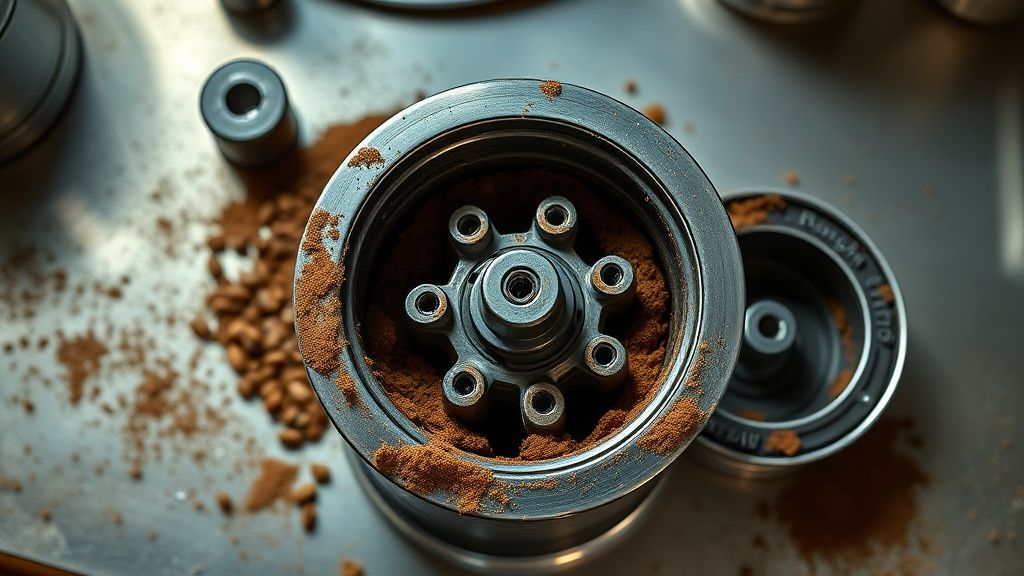
The Magnifica S uses a stainless steel flat burr set. It's not the most aggressive grinder in the world, but it will absolutely choke on:
- Dark roast, oily beans — the oils create a paste that bridges across the burr gap, effectively locking the burrs
- Bean fragments that wedge between the burr and housing — usually happens with very dry, brittle light roasts
- Actual foreign objects — small stones (yes, really — this happens more than people admit), broken ceramic fragments from cheap tampers, or even small plastic bits from damaged hopper inserts
When the burrs are jammed, the motor may attempt to start and immediately trip its thermal or current protection. You might hear a brief hum followed by silence, or nothing at all. The grinder circuit is designed to cut power before the motor overheats or strips something. That's working as intended.
How to clear a grinder jam:
- Empty the hopper completely. Don't grind out the remaining beans — remove them by hand or with a vacuum.
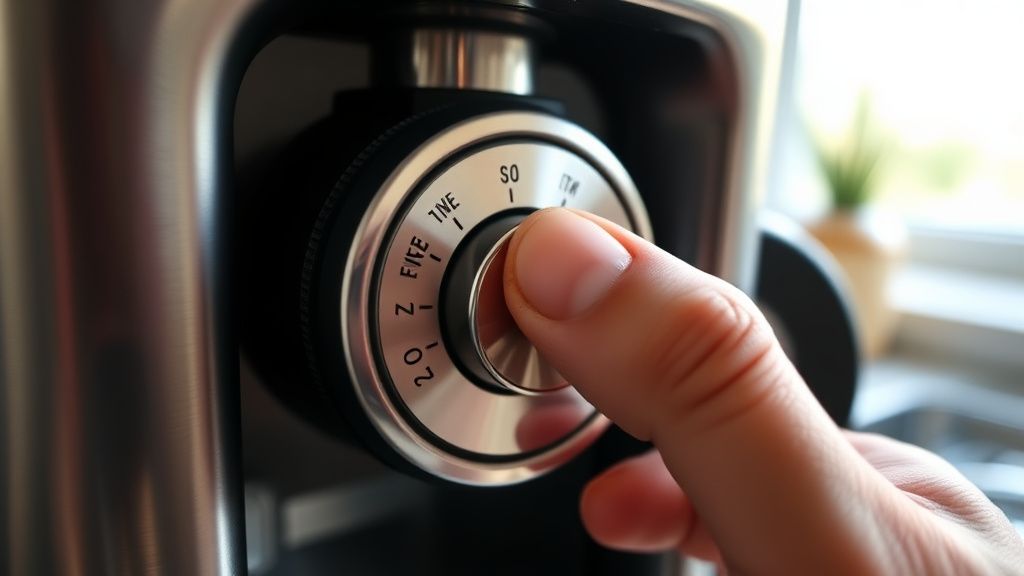
- Set the grind adjustment dial to the coarsest setting. This widens the burr gap and sometimes frees a mild jam on its own.
- Use a wooden skewer or a wooden chopstick — not metal — to gently probe down into the grinding chamber through the hopper port. Feel for resistance. If you hit something solid, work around it gently. You're trying to dislodge a bridged coffee mass or a wedged fragment, not forcibly punch through the burrs.
- If you have a can of compressed air, a short burst down into the chamber can clear light oil-bridge jams.
- After clearing what you can from the top, attempt a grind cycle with the coarsest setting. If the motor runs, progressively move back toward your preferred grind setting over a few cycles.
If the motor still doesn't engage after clearing visible blockage, the jam may be deeper — at the burr assembly level. This requires removing the top burr, which means accessing the grinder assembly.
Step 5: Accessing the Upper Burr Assembly (Where It Gets Real)
This is the part most guides skip or heavily disclaim. I'm going to tell you how it actually works.
On the Magnifica S, the upper burr is accessible without full machine disassembly. Remove the hopper. Under the hopper, you'll see the grinding chamber top plate — it's a circular component with a hex or Torx retention screw depending on your production variant. DeLonghi changed the screw type at least once during the Magnifica S production run without updating the documentation, which is exactly the kind of thing that makes a repair take 45 minutes longer than it should because you're standing there with the wrong screwdriver.
What you need:
- T20 Torx screwdriver (most common) or a 2.5mm hex driver (some variants)
- Wooden skewer or soft brush
- Compressed air
- A clean white towel to work over (so you can see everything that falls out)
Procedure:
- Remove the grind adjustment dial. It pulls off — there's no screw, it's a friction fit collar.
- Remove the retention screw at the center of the upper burr plate.
- Lift the upper burr assembly straight out. It will have accumulated coffee oils and fine powder. This is normal. What you're looking for is a fragment wedged between the upper and lower burr surfaces, or a misaligned burr that isn't sitting flat.
- Clean both burr surfaces with a dry brush. If there's significant oil caking, a small amount of isopropyl alcohol on a cloth, followed by thorough drying, helps — but don't let liquid into the lower burr area where it interfaces with the motor shaft.
- Check the lower burr: it should be seated firmly on the motor shaft. If it has any wobble or is visibly off-axis, the motor shaft coupling may be damaged. That's a component-level repair, not a field fix.
- Reassemble in reverse. The upper burr has an alignment key — make sure it seats correctly before replacing the retention screw.
After reassembly, run three or four grind cycles with the hopper nearly empty to verify the motor runs cleanly through the full cycle.
Step 6: Grind Setting Dial Is Set Too Fine — The Edge Case Nobody Mentions
Here's one that bites people regularly and never appears in official documentation: if someone has cranked the grind dial to maximum fine while the machine is not grinding, and then tries to start a grind cycle, the Magnifica S can refuse to engage the grinder because the burr gap is set below the motor's startup torque capability.
The grinder motor needs a small amount of air gap to achieve starting rotation. At maximum fine setting with no beans and a slightly worn motor, the burr-to-burr friction can exceed the motor's breakaway torque. The motor protection trips before you hear anything.
Set the dial to coarsest. Try again. If the motor starts at coarsest and won't start at fine, your motor is weakening — it's not a jam problem, it's a motor wear problem. The motor will continue to degrade. This is typically a 3-5 year lifecycle issue on machines that grind heavy volumes.
Step 7: Thermal Cutout and Motor Overload
If you've been running continuous grind cycles trying to diagnose this problem, you may have triggered the thermal protection on the grinder motor. This is a bimetal thermal cutout, and it opens the motor circuit when temperature exceeds a threshold — usually around 80-90°C in the motor housing.
The fix here is brutal in its simplicity: turn the machine off and walk away for 30 minutes.
Not 5 minutes. Thirty. The thermal cutout is auto-resetting, but the motor housing needs to cool to a temperature where the bimetal element closes again. If you keep attempting grind cycles while the motor is hot, you're extending the cool-down time because you're adding heat.
Come back, try a single grind cycle. If it works, you've confirmed the thermal cutout fired — which means you need to look at why it fired. Continuous failed start attempts aside, a thermal cutout that trips during normal operation usually indicates a jam that's creating excessive motor load or a motor that's reaching end of life.
Real Field Reports: What Actually Happens Out There
Across repair forums, iFixit discussion threads, and the r/espresso and r/coffee subreddits, the pattern of Magnifica S grinder failures tells a story that's a bit uncomfortable for DeLonghi's product positioning.
The "hopper interlock" problem has been a consistent complaint since the first generation. A search for "Magnifica S grinder not starting" on Reddit surfaces threads going back years, with the same answer surfacing in every one: check the hopper, clean the interlock, twist firmly. The fact that this hasn't been redesigned out — a slightly more robust mechanical interlock or a better seating guide — suggests either engineering priority decisions or cost constraints that nobody at DeLonghi's product team is interested in publicizing.
The oily bean problem is real and systematic. DeLonghi's marketing materials show the machine being used with dark, glossy single-origin espresso beans — the exact beans most likely to oil-cake a flat burr grinder. The machine is not designed with easy burr cleaning as a priority. The upper burr access procedure described above works, but it requires a screwdriver, confidence, and about 20 minutes. For the target consumer demographic of a machine in this price range, that's a significant friction point.
One recurring theme in iFixit discussions and Amazon reviews (searching "Magnifica S grinder" filtered by one-star, which is brutal but illuminating): users who experience the grinder jam once, clear it, experience it again within weeks, and then give up and buy a different machine — often citing that DeLonghi support told them to send the unit in rather than providing the burr access procedure. The support friction itself damages trust more than the technical failure.
There's also the grind-dial-position failure mode that has generated genuinely confused support interactions. Multiple users have reported calling DeLonghi support, being asked to describe the problem, and being told the machine needs service — when the actual fix was turning the dial away from maximum fine. The support script doesn't include that diagnostic step, at least not consistently. That's an internal documentation failure, not a user error.
Counter-Criticism and Honest Debate: Is the Magnifica S Actually Reliable?
The machines have a dedicated fanbase, and for good reason — when they work, they work well for the price point. The integrated grinder, automatic dosing, and relatively compact footprint represent genuine value. The grinder motor, when not jammed or thermally stressed, is reasonably robust for a consumer unit.
The critique worth taking seriously: DeLonghi built a machine with multiple mechanical interlocks — hopper, grounds container, drip tray, brew group — and then designed the physical form factor such that multiple of those interlocks are easy to half-engage without realizing it. The hopper doesn't have a positive visual indicator when it's correctly locked. The grounds container doesn't have a tactile stop that clearly communicates "fully inserted." These are industrial design decisions that generate support volume.
The counter-argument from the pro-DeLonghi side is that the machine is priced below the segment where you can afford more sophisticated sensor feedback, and the interlock system exists to prevent real damage. Both arguments are partially correct, which is the kind of unsatisfying answer that actual engineering reality tends to produce.
What doesn't have a good counter-argument: the fact that DeLonghi's service documentation for the Magnifica S upper burr access procedure is not publicly available in consumer-facing support materials. The official support path is "contact us or send for service." For a jam that takes 20 minutes to fix with a Torx screwdriver, that's a friction point that serves DeLonghi's service revenue model more than it serves the user.
When It's Actually a Motor Failure
Let's be honest about when home repair stops being viable. If you've confirmed all interlocks are engaged, no jam exists, the machine has cooled completely, and the grinder still produces no response — not even a brief hum — you may have a motor failure or a motor driver board failure.
Testing this properly requires a multimeter and access to the motor leads, which means partial disassembly of the machine body. If you find no continuity through the motor windings, the motor has an open winding — it's dead. Motor replacement on the Magnifica S is possible with sourced parts, but the labor-to-parts-cost ratio versus machine replacement cost makes it marginal unless you're doing the work yourself.
If continuity through the motor is fine but the motor doesn't run when power is applied through the driver circuit, the PCB motor driver section may have failed — often a burned MOSFET or a failed relay contact. Board-level repair on consumer appliances is genuinely specialist work and rarely cost-effective.
At that point, you're looking at a