
Quick Answer: The Cosori Dual Blaze Air Fryer blank screen is almost always caused by a failed power handshake between the control board and the display panel, a tripped thermal fuse, a loose ribbon cable behind the touchscreen, or a corrupted boot sequence after a power surge. For troubleshooting general Cosori Pro II air fryer sensor issues, similar diagnostic approaches often apply. Cycling power correctly and checking your outlet are steps one and two — but the real fix often lives deeper inside.
There's a particular kind of frustration that hits when you put your food in, press the power button on your Cosori Dual Blaze, and get absolutely nothing back. Not a flicker. Not a dim glow. Just a dead, black rectangle of glass staring back at you like the appliance has simply given up on life. You didn't drop it. You didn't flood it. You just used it — and now it doesn't work.
I've torn apart more consumer kitchen electronics than most people have hot dinners, and let me be direct: the Cosori Dual Blaze has a specific set of failure modes that create this exact symptom. It's not random. It's not mysterious. And in a significant percentage of cases, it's fixable without shipping the unit back or paying for a replacement.
But let's not pretend this is simple either. The blank screen symptom covers at least four distinct failure points, and misdiagnosing which one you're dealing with will either waste your time or cause actual damage. So we're going to walk through this properly — from the most common and trivial to the genuinely annoying hardware-level stuff.
Why the Cosori Dual Blaze Display Dies: Understanding the Actual Architecture
The Control Board, Ribbon Cable, and Thermal Fuse Triangle
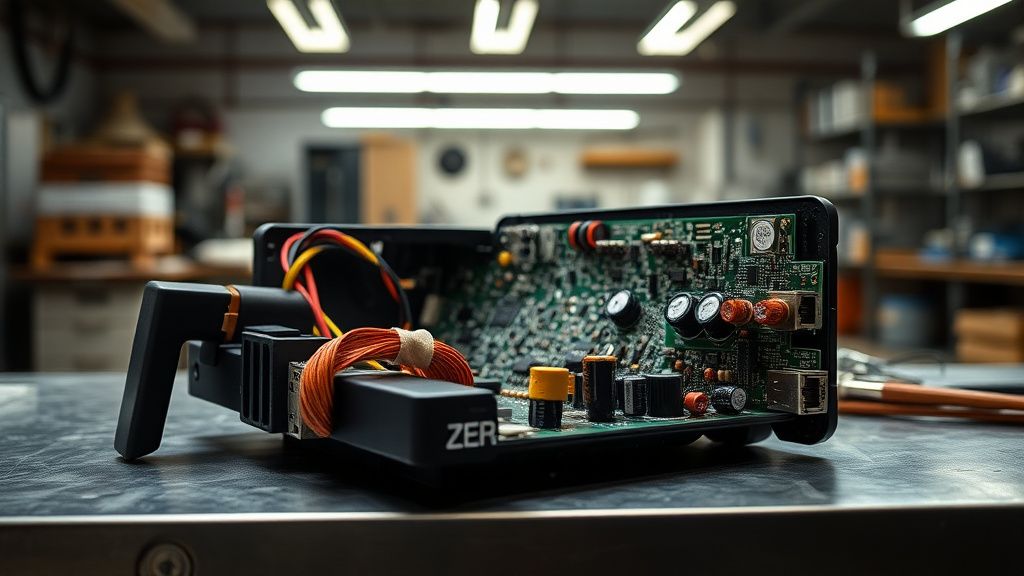
The Dual Blaze isn't a dumb appliance. It runs a microcontroller board that manages heating elements, fan speed, the dual-zone logic, and the capacitive touchscreen display. That display communicates with the main board through a ribbon cable — a flat, flexible connector that's notoriously sensitive to heat cycling. Understanding sensor and PCB faults is crucial for diagnosing such communication failures across various air fryers.
Here's the problem: the Dual Blaze, by design, runs hot. The internal temperatures during operation aren't just affecting your food. Over hundreds of cook cycles, the repeated thermal expansion and contraction of that ribbon cable creates micro-fractures, loosens the ZIF (zero insertion force) connector latch, and eventually interrupts signal continuity. The screen goes blank not because the display panel itself is dead, but because the communication path between board and display has degraded.
The thermal fuse is a separate issue entirely, but it produces the same symptom. This is a one-time-use safety component — it blows when the internal temperature exceeds a preset threshold, cutting power to protect the unit from damage. Once blown, the entire unit appears dead. For similar issues with other Cosori models, such as a Cosori Lite Air Fryer not heating due to a thermal fuse, the screen shows nothing. This is the fuse doing exactly what it was designed to do. The problem is that thermal fuses blow for two reasons: actual overheating (a real problem that needs to be addressed), and manufacturing tolerances that put a fuse rated slightly too conservatively for the unit's normal operating range. Both situations exist in the real world.
The Power Delivery Problem Nobody Wants to Talk About
Before you even think about opening this unit, understand that a meaningful percentage of Cosori Dual Blaze blank screen reports are caused by the power supply environment, not the unit itself.
The Dual Blaze draws significant current — we're talking a unit rated around 1800W. When you plug it into a circuit that's marginal, shared with other high-draw appliances, or protected by a GFCI/AFCI outlet that's getting flaky with age, the unit's internal power supply can receive voltage that's present but unstable. The microcontroller boots, doesn't see clean voltage rails, fails its initialization sequence, and the screen never lights up. The unit appears dead. It isn't.
This is particularly common in older American homes with 15-amp kitchen circuits that are already running a refrigerator, a microwave, or a countertop oven on the same loop. It's also common with cheaper surge protector power strips — some of them have MOVs (metal oxide varistors) that have already absorbed their rated energy and are now just impedance in the line rather than protection.
Step-by-Step Power Fix Protocol: What You Actually Do
Step 1: The Hard Reset Sequence (Not Just Unplugging It)
The Cosori Dual Blaze has a capacitor bank on the control board that holds charge after unplugging. Simply pulling the plug and replugging it thirty seconds later sometimes isn't enough to fully discharge the board and allow a clean reboot.
Correct hard reset procedure:
- Unplug the unit from the wall — not from a power strip, directly from the wall outlet
- Wait a full two minutes, not thirty seconds
- While waiting, press and hold the power button on the unit for ten seconds — this actively discharges the capacitor bank through the button circuit
- After two minutes, plug directly into a known-good wall outlet on a different circuit if possible
- Plug in and wait five seconds before pressing power
This sounds stupidly simple. It resolves the issue in roughly a third of blank screen cases reported in community threads. The Cosori subreddit has multiple threads on exactly this — search "Dual Blaze blank screen fix" and you'll find r/airfryer posts where users report the two-minute capacitor discharge approach working when the thirty-second method did nothing.
Step 2: Outlet and Circuit Verification
Check your outlet:
- Use a plug-in outlet tester or a lamp you know works
- Test on a circuit that isn't shared with high-draw appliances
- If you're using a surge protector, bypass it entirely — plug direct to wall
- If the outlet is GFCI-protected, press the TEST button, then RESET, before plugging the unit in again
This step costs you nothing except two minutes, and it eliminates the most embarrassing possible outcome: sending a perfectly functional unit back to Cosori because of a tripped GFCI outlet.
Step 3: Check for Thermal Lockout
The Dual Blaze has a thermal protection mode that isn't always clearly documented. If the unit was used immediately before the screen went dead — especially for a long cook at high temperature — check whether the bottom vents and the rear exhaust are clear of obstruction.
Place your hand near the vents about thirty minutes after the last cook. If they still feel warm, the internal temperature sensor may still be holding the unit in a protective lockout state. The unit won't respond until internal temps drop below the threshold.
What you're checking:
- Bottom intake vents: Are they sitting flush against a cutting board or a towel? Even two inches of clearance loss significantly impacts thermal performance
- Rear exhaust: Is it against a backsplash or cabinet? The Dual Blaze needs real clearance behind it
- Was the unit running a long high-temperature cook immediately before the blank screen?
Step 4: The Child Lock Trap (Overlooked Edge Case)
This sounds absurd, but it's a real thing. The Cosori Dual Blaze has a child lock feature that, when active, makes the control panel appear completely unresponsive. If the child lock was accidentally activated — by something pressing against the panel, by kids, or by the unit being stored with something leaning against the touchscreen — the display may be technically on but showing a locked state that reads as blank on certain lighting conditions or viewing angles.
To check: Look at the display at a sharp angle in a dark room. Some users on the Cosori Facebook support group and in Amazon review reply threads have reported seeing a very dim lock icon that was invisible in normal kitchen lighting. The unlock procedure on the Dual Blaze is holding the lock button for three seconds.
Step 5: Firmware Corruption After Power Interruption
If the unit lost power mid-operation — a breaker trip, a power flicker, someone pulling the plug during a cook — the microcontroller's firmware state can get corrupted. Not the firmware itself, but the runtime state stored in volatile memory that didn't get properly flushed.
The hard reset procedure in Step 1 addresses this in most cases. But if the unit received a firmware update via the Cosori VeSync app at some point and the update was interrupted or failed silently, you may have a partially-written firmware situation. In that specific scenario, the unit often shows a blank screen on boot because the bootloader checksum fails.
Community-reported fix for partial firmware corruption: Several users in the VeSync community forum and in a GitHub thread discussing the Cosori API (yes, this exists — the Dual Blaze communicates with the VeSync cloud platform, and developers have reverse-engineered parts of it) reported that a forced factory reset via a button combination can sometimes unstick a corrupted boot state.
The reported combination for the Dual Blaze: Hold the Time/Temp button simultaneously with the Start/Pause button for 8-10 seconds while the unit is plugged in. Note that this isn't in the official documentation — it emerged from user experimentation and repair community knowledge. Results are inconsistent. But if you're staring at a blank screen and have nothing to lose, it's worth knowing.
When It's Hardware: Opening the Unit and What You'll Find
What the Disassembly Reveals
If you've gone through all the steps above and the unit is still dead, and it's out of warranty (or you've decided you don't care), opening the Dual Blaze becomes the next logical move. I'll be honest about what you're getting into.
The Cosori Dual Blaze is not designed for user repair. The screws are Torx T10 and T15 on the bottom and rear panel. The plastic clips along the side panels are tight — you will break at least one if you're not careful. The ribbon cable between the display assembly and the main control board uses a ZIF connector that looks robust but isn't — the latch is fragile, and if you force it, you'll crack it and the display cable becomes unusable.
What to look for once inside:
Ribbon cable seating: Is the cable fully seated in the ZIF connector? Pull the latch back, remove the cable, visually inspect for creasing, discoloration, or burn marks. Reseat it, close the latch. This alone resolves a significant number of post-heat-cycling failures.
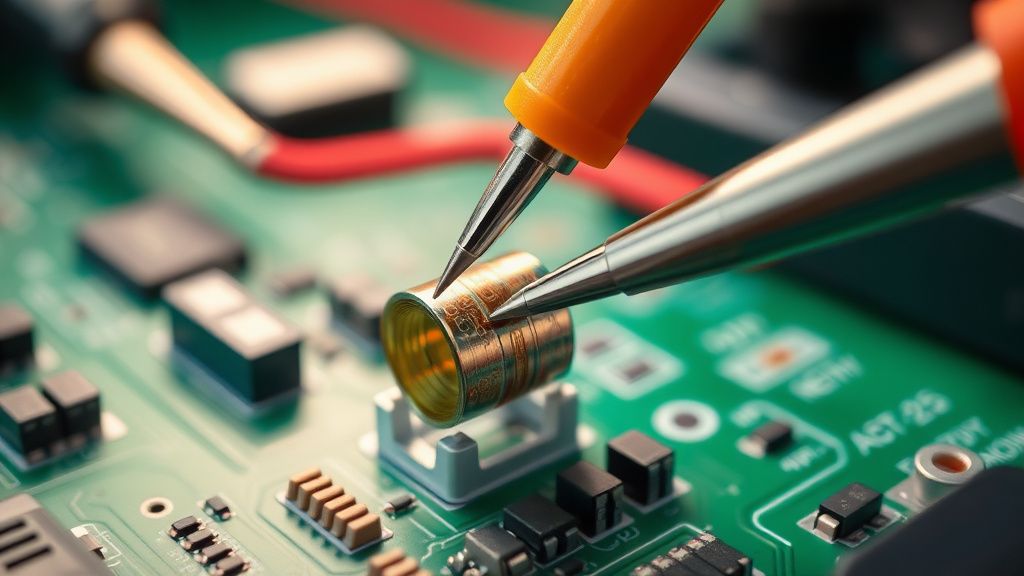
Thermal fuse continuity: The thermal fuse is usually a small cylindrical component near the heating element assembly, connected in series with the power supply. Use a multimeter set to continuity. A blown fuse shows no continuity. Replacement fuses are cheap — matching the temperature rating and current rating is critical. Cosori doesn't publish these specs publicly, which is genuinely frustrating from a right-to-repair standpoint.
Capacitor inspection: On the main control board, look for capacitors with bulged tops. Bulging is a clear sign of failure. This is less common but does occur, especially if the unit experienced voltage spikes.
Burn marks: Any scorching on the PCB or around connectors tells you there was a heat event somewhere it shouldn't have been.
Real Field Reports: What Repair Communities Are Actually Seeing
The Failure Pattern That Keeps Repeating
Across Reddit threads in r/airfryer, r/appliancerepair, and Amazon review comment chains, the Cosori Dual Blaze blank screen issue appears with a specific timing signature: it tends to surface between six and fourteen months of regular use. This is past the warranty cliff for some users (Cosori's warranty varies by region and purchase channel), and right in the range where thermal cycling damage to ribbon cables becomes statistically significant.
One Amazon reviewer with a verified purchase in late 2022 wrote: "Used it almost daily for eight months. One day it just stopped. Screen is totally black. Cosori CS asked me to do the power cycle thing three times, then told me to send it in. Three weeks for a 'refurbished replacement.' The replacement also went blank four months later." That second failure is the part that stings — it suggests the replacement units may not be addressing the root cause before reshipment.
In the Cosori subreddit, a post from a user who identified themselves as working in appliance repair noted that the thermal fuse in the Dual Blaze units they'd examined was rated at a temperature that, in their assessment, offered very little thermal margin above normal operating peaks. They stopped short of calling it a design flaw, but the implication was clear enough.
The Warranty Replacement Lottery
Cosori's support response to blank screen reports is fairly standardized: power cycle, check outlet, hold power button, contact support. If those don't work, they typically offer a warranty replacement for units within the coverage period. Users report turnaround times ranging from ten days to five weeks depending on support queue volume and shipping region.
The replacement units appear to be refurbished rather than new in a meaningful percentage of cases — users have noted that replacement units sometimes arrive with cosmetic wear. Whether refurbished units receive any hardware-level fix for the root cause or just get tested for basic function and reshipped is something Cosori doesn't discuss publicly. Based on community reports of second failures within months, the question is legitimate.
The Counter-Argument: User Error Is Real
To be fair — and this is a real tension in the community — some of the blank screen reports are genuinely user-side issues that get attributed to product defects. Running the unit on a 10-year-old power strip with a failing surge protector, placing it inside a cabinet with inadequate airflow, using it on a GFI outlet without resetting it properly, ignoring the child lock state — these aren't product failures. They're installation and usage problems.
The frustration is that Cosori's documentation doesn't adequately communicate the power environment requirements or the thermal clearance needs in a way that typical consumers engage with. The quick-start guide is minimal. The detailed manual is available as a PDF download that most users never read. When something that looks like a sleek, simple appliance has six pages of installation conditions buried in a PDF, the gap between expected and actual complexity is a design problem even if the hardware itself is fine.
The Right-to-Repair Angle: What Cosori Doesn't Give You
The Dual Blaze connects to the VeSync platform. It receives firmware updates. It communicates with Alexa and Google Home. And Cosori publishes essentially zero service documentation. No schematic diagrams. No thermal fuse specifications. No ribbon cable part numbers. No firmware rollback procedure.
This isn't unique to Cosori — it's an industry-wide posture on connected kitchen appliances. But it means that when something fails, the repair path is either "contact support" or "figure it out yourself with a multimeter and community knowledge." For a device with multiple potential failure points and a retail price that puts it in the mid-range category, the absence of any serviceable documentation is a meaningful cost externalized onto users.
A handful of developers in the Home Assistant community have documented parts of the VeSync API that the Dual Blaze uses. The integration exists on HACS (Home Assistant Community App Store). But firmware-level repair access isn't part of that documentation — those developers are interested in control and automation, not component-level repair.
Prevention: What Actually Extends the Life of This Unit
This isn't about following the manual's generic advice. This is about addressing the specific failure modes the Dual Blaze actually has.
Thermal management:
- Always use it on a hard, flat, non-insulating surface with at minimum four inches of clearance on all sides including bottom (use the feet — don't put it on a silicone mat that covers the bottom intake)
- Don't run it for back-to-back long cooks without allowing at least a ten-minute cooldown between them
- After every cook, pull it slightly forward from the wall before the cooling fan runs down
Power environment:
- Dedicated 20-amp circuit if your kitchen has one
- If using a surge protector, replace it every 2-3 years — they degrade without showing it
- Never share the circuit with a microwave during operation
Connection maintenance:
- Every six months if you're a heavy user: pull the plug, wait two minutes, do the capacitor discharge routine. This keeps the controller's runtime state clean.