If your Roborock S7 MaxV Ultra is caught in an infinite water-docking loop—constantly returning to the station to wash the mop, only to leave and immediately return—you are likely dealing with a failure of the dirty water sensor or a clogged internal pump priming routine. This persistent looping behavior can also manifest as a Dreame L20 Ultra 'Water Tank Empty' error, indicating broader robot vacuum water system challenges. Stop the cycle, kill the power, and check the sensor pins for oxidation.
The Anatomy of a Loop: When Sensors Lie to the Motherboard
After 15 years of dissecting everything from high-end espresso machines to LIDAR-equipped autonomous platforms, I’ve learned one immutable truth: smart appliances aren't actually "smart." They are deterministic machines governed by a hierarchy of primitive sensors. The "Water Loop" on an S7 MaxV Ultra is a classic example of an edge-case failure where the software’s error-handling logic defaults to the safest—and most annoying—position: returning to base.
The robot triggers this loop because its logic controller perceives a "Dirty Water Tank Full" or "Mop Wash Failed" signal, even when the tank is empty or the path is clear. Understanding the intricacies of mop washing signals is crucial, much like troubleshooting why a Roborock S8 Pro Ultra mop won't dry at its station. It’s a phantom error, often caused by the degradation of the contact points or a breach in the hermetic seal of the internal fluid pump.
Diagnostics: Why the PCB Thinks Your Floor is Still Filthy
When you dive into the GitHub issues or scan the Reddit r/Roborock threads, you see a pattern. It isn't just one component; it’s a failure of communication between the Docking Station’s Flow Meter and the Robot’s Mop Module.
1. The Oxidation Variable
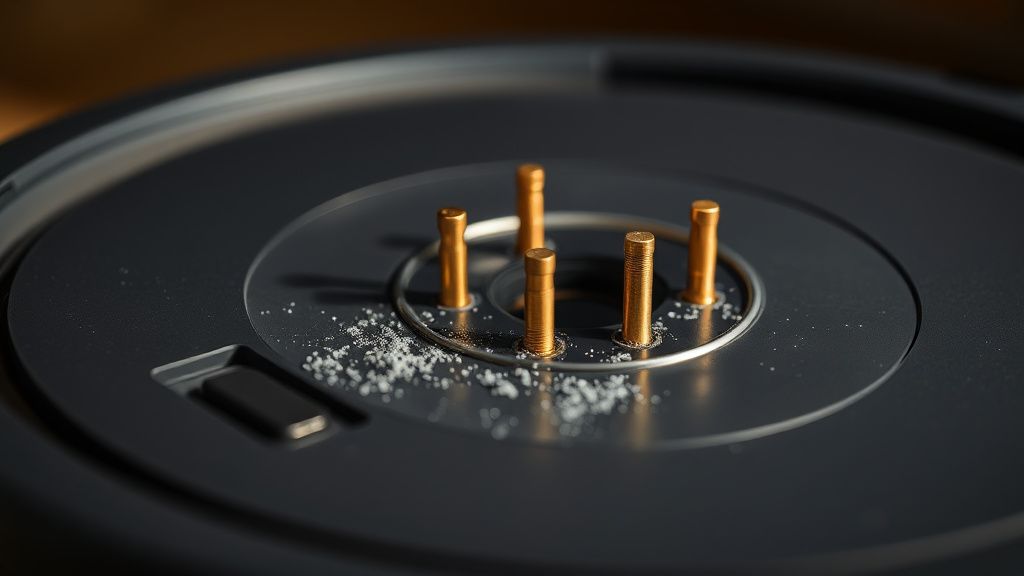
The contact pins on the base station are the most frequent offenders. I’ve seen them develop a thin, translucent layer of oxidation that inhibits the low-voltage signal required to verify that the mop is actually wet or that the dirty water tank is seated correctly.
- The Technical Reality: The system uses a simple continuity circuit to check the dirty water tank sensor. If the resistance jumps above a certain threshold due to grime or moisture-induced corrosion, the internal OS marks the tank as "Full/Missing."
- The Fix: Don’t just wipe it. Use a high-purity isopropyl alcohol (99%) and a fiberglass scratch pen. You need to strip that oxidation, not just move the dust around.
2. The Internal Pump Cavitation
Sometimes, the air-trap in the water pump prevents the system from sensing the flow. If the pump can't build pressure, the firmware assumes a blockage and commands a dock-and-rinse cycle.
- Engineering Compromise: Roborock designed these stations for domestic environments, but they rarely account for the mineral buildup common in hard-water regions. Calcium deposits inside the pump chamber are silent killers.
Real Field Reports: The "Ghost in the Machine"
In my shop, I recently had three S7 MaxV units in a single week with the same "Looping" syndrome. These cases often reveal fundamental problems in how the dock station handles maintenance tasks, a challenge also faced by users when a Roborock Q Revo is not cleaning mops.
- Case A: A user in a high-humidity coastal area. The moisture had seeped into the docking base's PCB housing, causing a tiny short on the signal bus. The robot wasn't looping because of the mop; it was looping because the station itself was sending a constant "Full Tank" status bit.
- Case B: A user who used "scented cleaning solutions" not recommended by the manufacturer. The surfactants in the floor cleaner created a biofilm inside the water hose lines. The optical sensor in the dirty water reservoir was constantly "seeing" suds, triggering an overflow alarm that doesn't exist.
"The software is too sensitive. It doesn't have the nuance to distinguish between a slightly dirty mop and a systemic hydraulic failure. It sees a variation in return-flow resistance and just gives up." — Technician comment from a private Discord server for robotics repair.
The Infrastructure Stress of Firmware Updates
We have to talk about the "Firmware Trap." Every time a major update hits the S7 MaxV line, we see a spike in "Docking Errors." Why? Because the update modifies the calibration thresholds for the suction and water-wash cycles. If your hardware is slightly aged—a tired pump or a weakening sensor—the new, stricter firmware might deem your hardware "out of spec," resulting in the infinite loop.
How to Bypass the Logic Lock
If you are stuck in this loop, try a hard factory reset of the docking station independently of the robot.
- Unplug the base station from the wall.
- Remove the dirty water tank and leave it out for 30 minutes.
- Clean the optical sensor ports inside the base with a Q-tip.
- Plug the base back in before docking the robot. This forces the base to re-initialize its own internal logic board.
Industry Controversy: Planned Obsolescence or Poor Scaling?
There is a massive debate among repair communities regarding whether the S7 MaxV’s docking sensors are designed to survive the five-year lifecycle. Critics argue that the use of plastic-encased reed switches for water levels is a design flaw that guarantees eventual failure. Supporters argue that keeping the price point under $1,500 requires these compromises.
The operational reality? Maintenance is not optional. These are not "set it and forget it" appliances. They are mobile robots with a high "service debt." You are effectively maintaining a small, poorly ventilated laboratory in your hallway.
The Role of User Psychology in Hardware Failure
Why do users freak out when this happens? Because the UI on the Roborock app is intentionally sparse. It gives you an error code (usually something like "Docking Error 10") but provides no actionable data. It hides the why. This information asymmetry leads to the "Google Search Panic," where users swap parts unnecessarily, spending hundreds of dollars on new water tanks when the issue was just a 50-cent contact pin cleaning.
Deep Dive: The Optical Sensor Failure
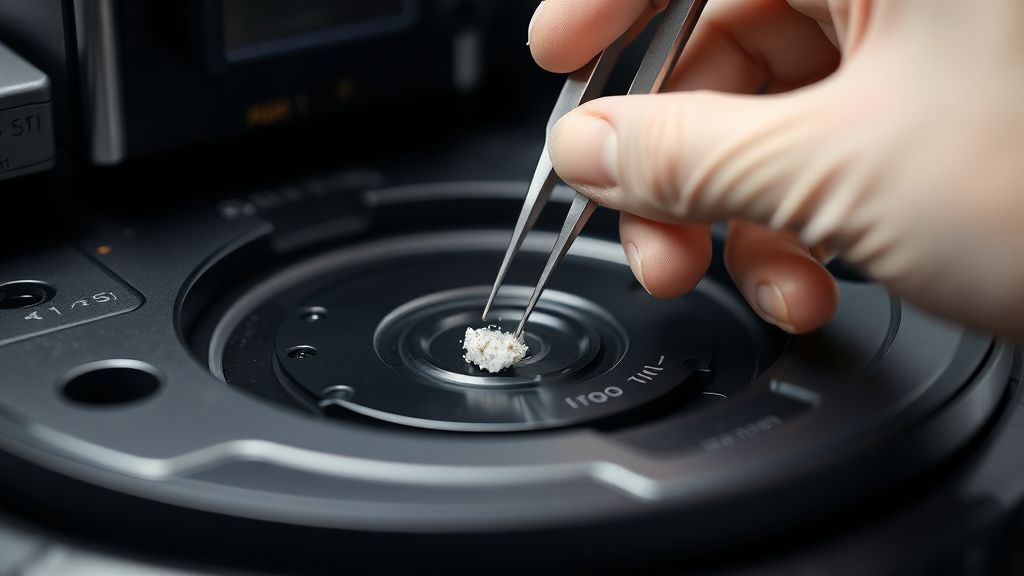
Many users ignore the optical sensor for the dirty water tank. It sits at the top of the reservoir, and if you have hard water, scale builds up on the lens. The sensor uses an infrared emitter/receiver pair to measure the refraction of the water. If the lens is opaque due to scale, it returns a "Tank Full" signal regardless of water level.
Pro-Tip: Do not use vinegar to clean these sensors. It can damage the optical plastic over time. Use a specialized descaler or a very weak citric acid solution, followed by a thorough rinse.
FAQ
Why does my robot dock, spin, and leave immediately?
Can I bypass the Dirty Water Tank sensor?
Will a factory reset fix the looping?
Is this a known defect in the S7 MaxV Ultra?
Why is the app telling me to "Check the Water Tank" even when it is empty?
The Final Verdict on Repairability
If you are handy with a screwdriver and willing to risk the warranty, the S7 MaxV is remarkably modular. The struggle is that the components are proprietary. You can’t just swap in a generic pump. You are locked into the ecosystem. The "Water Loop" is effectively a reminder that you are a participant in a closed-loop economy. If you want these machines to run for five years, you have to become the unofficial maintenance technician for your own hardware.
Stop waiting for a firmware update to "fix" a hardware sensor. Clean the pins, descale the pump, and look at the optical sensors with a critical eye. That is the only way to beat the loop.