
If your Shelly Plus 1PM has vanished from the Shelly Smart Control app, you aren’t alone; it is a recurring ritual of the smart home lifestyle. First, toggle your smartphone’s Wi-Fi to force a refresh. If the device remains offline, perform a physical hardware reset: hold the button for 10 seconds while powered, then reconnect to the device’s local access point (192.168.33.1) via your browser to reconfigure network credentials.
The allure of the Shelly ecosystem—specifically the ESP32-based Plus series—is built on the promise of local control, API accessibility, and that intoxicating "no-cloud-needed" freedom. Yet, 15 years of tearing down these relays has taught me that the bridge between that promise and the reality of a modern, cluttered 2.4GHz spectrum is often a narrow, unstable path. When a Shelly Plus 1PM drops off the grid, it’s rarely because the hardware "died." It’s usually an intersection of signal degradation, DHCP lease contention, and firmware-level handshake failures that the polished app interface masks behind a spinning loading icon.
The Anatomy of a Shelly Plus 1PM Connectivity Failure
The Shelly Plus 1PM is an engineering marvel in a tiny package. It packs power metering, temperature monitoring, and a robust relay into a form factor meant to be shoved behind a standard wall switch. But consider the operational environment: a plastic junction box, likely buried behind a brick wall or within a metal-backed deep box. You are essentially asking an antenna smaller than a fingernail to broadcast through a Faraday cage.
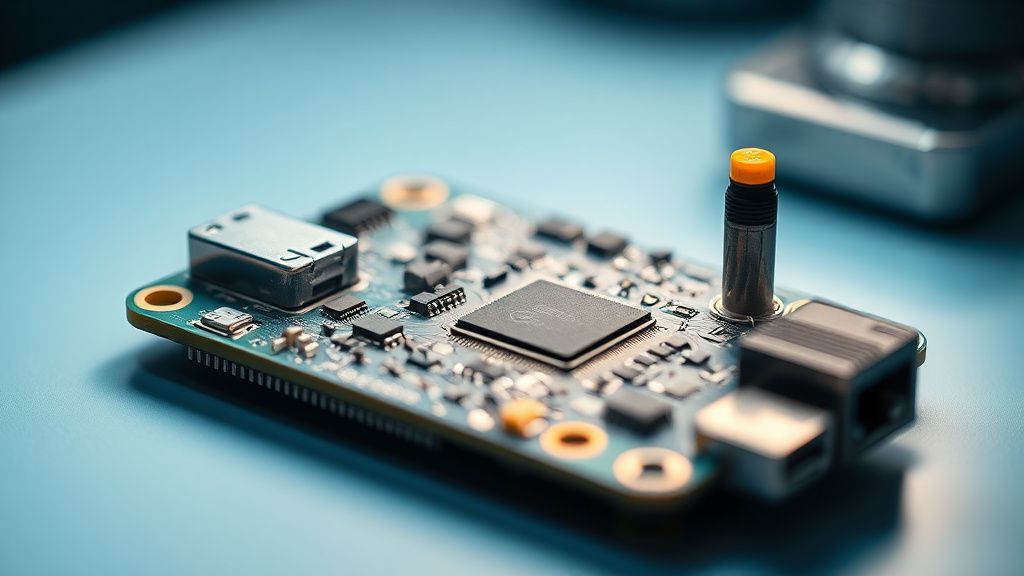
When the device stops showing up in the app, the "network reset" is your first port of call, but it’s a temporary bandage if the root cause isn't diagnosed. We see two distinct types of failures here:
- The "Soft" Drop: The device is still pingable on the local network (checked via
nmapor your router's client list), but the Shelly Cloud or the app interface marks it as "Offline." This points to a communication bottleneck between the device’s firmware and the cloud sync interval. - The "Hard" Drop: The device has completely lost its connection to the Access Point (AP). It is no longer broadcasting its MAC address to the router. This is where physical reset logic kicks in.
Diagnosing DHCP Lease Contention and Static IP Issues
One of the most persistent issues I see in the field—and on community forums like the Shelly Discord or r/ShellyCloud—is the "IP churn." Many users rely on their ISP-provided router to manage DHCP. ISPs are notorious for having garbage-tier routers that flush their lease tables aggressively.
If your Shelly Plus 1PM loses its IP assignment and cannot re-negotiate with the router upon waking from a power-save state, it essentially sits in limbo. The device thinks it’s connected, the router thinks the lease is expired, and the Shelly app sees a "ghost" device.
The Pro Fix: Always, without exception, assign a static IP to your Shelly devices at the router level (MAC binding). Do not rely on the device itself to handle the static IP assignment unless you are running a strictly managed network.
The Reality of 2.4GHz Spectrum Congestion
Your Shelly Plus 1PM runs on the 2.4GHz frequency. In an urban environment, this spectrum is essentially a crowded highway during rush hour. Between your neighbor’s aggressive mesh system, your microwave, and a dozen other smart bulbs, the packet loss rate can become significant.
When the signal-to-noise ratio (SNR) drops, the ESP32 chip struggles to maintain a stable TLS handshake with the cloud server. If the handshake fails repeatedly, the device may enter a state where it resets its radio—effectively disconnecting you from the app.
Why Firmware Updates Aren't Always the Silver Bullet
The community often screams for "Update to the latest version" whenever a bug is reported. While updates fix memory leaks, they also change the underlying TCP stack behaviors. I’ve seen versions where the device’s power-management logic became overly sensitive, causing it to drop connection the moment the voltage fluctuated slightly during a high-load event (like a heater or motor starting).
Field Report: The Case of the "Ghost" Relay
In a recent site visit to an office building, we had six Shelly Plus 1PMs that would "vanish" every Tuesday at 2:00 AM. After digging through the system logs, we discovered the building’s automated backup routine was scanning the subnet, and the resulting broadcast traffic was flooding the ESP32’s buffer, causing it to crash and reboot.
The solution wasn't a firmware update. It was moving the Shelly devices to a dedicated IoT VLAN with stricter traffic shaping. This highlights a crucial truth: Smart home stability is rarely just about the device; it’s about how the device negotiates space with your entire network infrastructure.
Step-by-Step Network Reset and Recovery Protocol
If you’ve reached the point where the device is completely invisible, follow this workflow. Do not skip the power cycle—it clears the capacitor charge that might be holding a corrupted state.
- Physical Power Cycle: Flip the breaker for the circuit controlled by the Shelly. Wait 30 seconds. This is critical; you need the volatile memory to dump.
- The 10-Second Reset: While the device is powered, locate the button. Press and hold for 10 seconds. You are looking for the LED to blink or change color (consult your specific hardware manual version for the exact pattern).
- AP Mode Re-entry: The Shelly will now create a local Wi-Fi hotspot (e.g.,
ShellyPlus1PM-XXXXXXXX). Connect your phone to this network. - Browser Configuration: Open
192.168.33.1in your browser. Do not use the app for this stage. The app is an abstraction; the browser interface is the raw reality. - Re-provisioning: Navigate to Network > Wi-Fi, input your SSID and password, and click connect.
- The "Wait" Period: Once it connects to your home network, it may take 2-3 minutes for the device to register with the cloud. Avoid tapping the "refresh" button frantically; this only creates more requests and potential lock-ups.
The Counter-Perspective: When Should You Quit?
There is a segment of the enthusiast community that argues for moving away from the proprietary app entirely, favoring MQTT or Home Assistant (HA) integration. They argue that relying on the "Shelly Cloud" is inherently unstable because it forces a dependency on an external server that is subject to regional outages.
Critics of this approach point out that for the "average Joe," setting up an MQTT broker on a Raspberry Pi is a recipe for maintenance hell. They prefer the app because it "just works"—until it doesn't. My stance? If you are having to reset your device more than once every six months, the problem isn't the device; it’s your network. Fix the infrastructure, not the relay.
FAQ
Why does my Shelly Plus 1PM show as "Offline" even when I can ping its IP address?
Can I fix this without a full factory reset?
Is it a hardware defect if my Shelly loses connection every time the light turns on?
Should I use a Static IP or DHCP Reservation?
What is the most common reason for "Scaling" failures in large Shelly deployments?
Final Thoughts: The Operational Reality
The Shelly Plus 1PM is an excellent piece of hardware, but it exists in a complex, messy, and often unpredictable home network landscape. It is not "plug and play" in the sense that you can put it in a wall and forget it for a decade. It requires maintenance, it requires a stable network, and most importantly, it requires the user to understand that they are managing a small Linux-based computer inside their wall.
When it drops off the app, don't view it as a broken appliance. View it as a diagnostic opportunity to improve your home's networking backbone. If you treat it with that level of respect, you’ll find that the "offline" error becomes an anomaly rather than a routine. If you continue to struggle, look into local control solutions like Home Assistant; it removes the cloud dependency and provides significantly more transparency when things go sideways.
Bu makale affiliate linkleri içermektedir.