If your Roomba Combo J9+ is throwing a "Wheel Stall" error, stop resetting it through the app. The error is almost never a firmware glitch; it is an electromechanical failure caused by debris ingress, carpet fiber entanglement, or gear-box friction. Immediately flip the unit, remove the wheel modules, and inspect the drive train for physical obstruction.
Understanding the Mechanics of the Drive Train and Wheel Motor Assembly
After 15 years on the bench, I can tell you that the iRobot Roomba Combo J9+ is a masterpiece of compact engineering that completely ignores the reality of living in a house with human hair and pet dander. The wheel stall error is a classic "closed-loop" feedback failure. The onboard microcontroller sends a Pulse Width Modulation (PWM) signal to the motor controller. The motor should spin; the hall-effect sensor (the encoder) should send back pulses confirming rotation. If the resistance (current draw) exceeds the threshold or the encoder pulses don’t match the commanded velocity, the system panics and triggers a stall error to prevent the MOSFETs from frying.
Most users assume this is a software bug because, in the world of modern appliances, we are conditioned to believe that every problem can be solved by a reboot. It cannot. The J9+ uses a high-torque DC motor geared down to move a massive chassis. When that gearbox gets clogged with fine dust that has worked its way past the primary seals, the friction increases exponentially.
Real Field Report: The "Hidden Carpet Fiber" Case Study
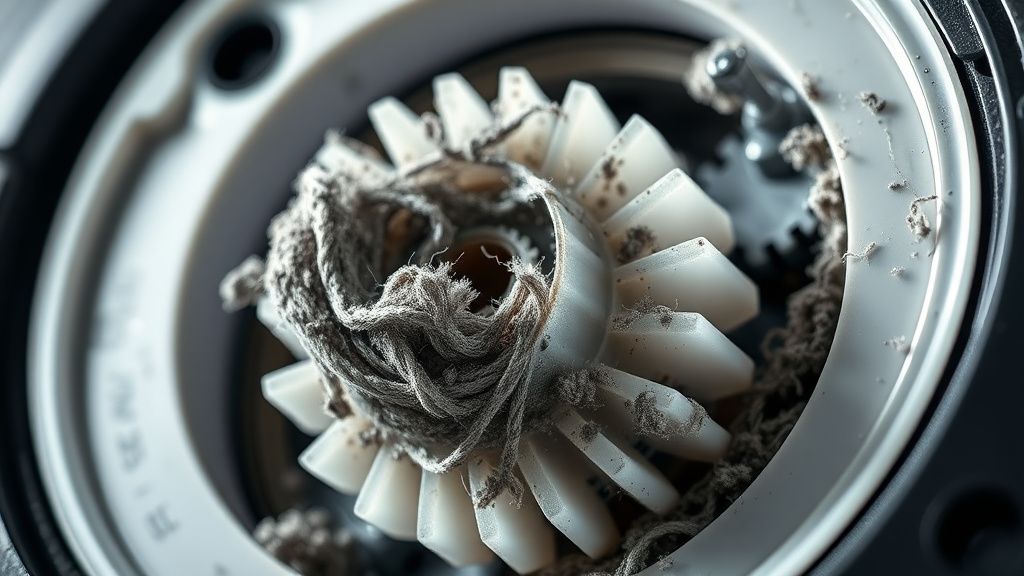
I recall a support thread on a popular robotics forum involving a user in a house with heavy-pile synthetic rugs. They were pulling their hair out because the J9+ would work on hardwood but stall immediately upon hitting a rug. The user replaced the tires twice. The issue wasn't the tire; it was the microscopic accumulation of nylon fibers that had traveled inside the wheel housing and wrapped around the drive shaft. Because the J9+ has a floating suspension, these fibers create a variable load that the sensor interprets as a permanent stall. When you’re dealing with this, you aren’t just cleaning the wheel; you are performing microsurgery on a sealed assembly.
Technical Failure Analysis: Why the Error Occurs
The "Wheel Stall" message is a generic catch-all for three distinct hardware failures:
- Mechanical Obstruction: The most common. Foreign objects—toy parts, carpet threads, or even small rocks—lodged between the tire tread and the wheel housing.
- Gearbox Fatigue: The planetary gears inside the drive module are plastic. If your robot is frequently climbing thresholds that are too high, you are putting massive mechanical stress on these teeth. Eventually, they deform.
- Sensor Blindness: The optical or magnetic encoder that tracks wheel rotation is covered in a fine layer of dust, leading to "false negatives" where the motor is moving, but the software thinks it’s stuck.
DIY Diagnostic Steps for Troubleshooting Wheel Modules
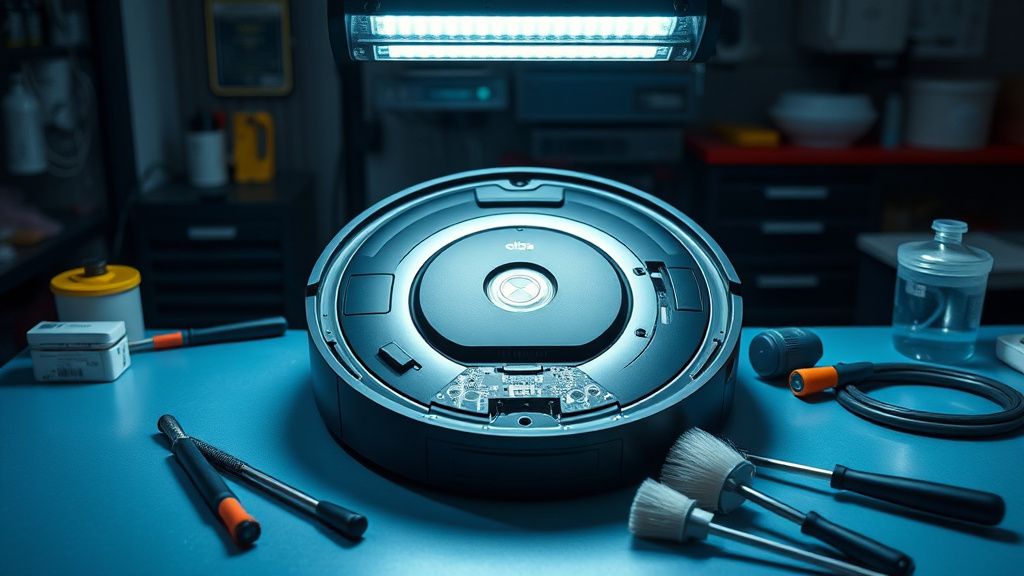
Before you call iRobot support—who will inevitably tell you to perform a factory reset, which solves nothing—follow this protocol. You will need a Torx T8 screwdriver and a can of compressed air.
- Step 1: The Resistance Test. Flip the unit over. Push the wheel down. It should have a springy, smooth travel. If one side feels "gritty" or offers more resistance than the other, you have found the culprit.
- Step 2: External Extraction. Use a pair of surgical tweezers. You would be shocked at what embeds itself into the rubber tread. A single piece of thin metal wire, common in heavy-duty carpet construction, can act as a brake for the entire drive system.
- Step 3: The "Deep" Clean. You must remove the wheel module. It’s held in by three T8 screws. Once removed, you can use isopropyl alcohol (99%) and a soft brush to clean the visible drive gear. If the gear housing is packed with debris, do not force it open. You will break the plastic clips. Use compressed air in short, controlled bursts.
Counter-Criticism: Is the Modular Design Actually Sustainable?
There is a massive debate in the Right-to-Repair community regarding iRobot’s transition to increasingly proprietary modules. The J9+ wheel assembly is designed to be "swappable," not "repairable." This is a deliberate design choice that forces the consumer into an ecosystem of purchasing expensive replacement parts rather than fixing a $0.05 gear.
The industry argues this maintains safety and water-resistance standards. I argue it’s planned obsolescence. When you get a wheel stall error, the company wants you to buy a $60+ replacement module. If you have the patience to open it, you can often fix it for free, but the housing is intentionally difficult to navigate, effectively creating an adoption friction for the average user who just wants their vacuum to work.
The Scaling Problem: Why Modern Homes Break Smart Vacuums
The Roomba Combo J9+ is optimized for "standard" living environments. But what defines a "standard" home today? We have high-pile designer rugs, complex floor-to-ceiling thresholds, and open-plan layouts that encourage the robot to run for hours. The "Wheel Stall" error is a signal that the machine has hit its duty-cycle limit. As robots become more sophisticated with AI navigation, we are asking them to do more, but the physical drive train has seen very little innovation in the last five years. We are essentially putting Ferrari engines into plastic gearboxes.
Troubleshooting the Software vs. Hardware Duality
If you have cleaned the wheels and the error persists, you are likely looking at a failure of the Motor Driver Integrated Circuit (IC) on the motherboard. This is the "nightmare scenario."
- Check the Logs: If you are tech-savvy, look at the error codes in the cloud logs if accessible. A "stuck" error is physical. An "overcurrent" error can be electrical. If it’s overcurrent, you might have a shorted motor coil.
- The "Workaround" Culture: You will find threads on GitHub or Reddit suggesting "shunting" the sensor or bypassing the error with modified firmware. Do not do this. You are effectively telling the robot to ignore physical resistance. If the wheel is truly stuck and you bypass the stall protection, you will burn out the MOSFET on the mainboard, turning your $1,000 appliance into a paperweight.
The Reality of Maintenance Cycles
Users often ask, "Why didn't this happen when I first bought it?" It’s a matter of seal degradation. When the robot is new, the gaskets keep the fine particulate matter out of the gear casing. After 6–12 months, those gaskets compress. The interior of the robot becomes a secondary vacuum bag, pulling fine dust into the electronics. This is the dirty secret of the "set it and forget it" marketing of modern smart vacuums. You cannot "forget" these machines. They are high-maintenance appliances masquerading as autonomous housekeepers.
Navigating the Support Nightmare: When to Throw in the Towel
There is a point where the cost of repair—both in parts and your own labor—exceeds the value of the unit. If you find that the wheel motor itself has developed a dead spot in its rotation, no amount of cleaning will save it.
I’ve seen "support threads" that drag on for months because the user is convinced they can fix a worn-out commutator with contact cleaner. You can’t. Once the copper brushes inside the motor are shot, you are replacing the motor. If your J9+ is still under warranty, do not mention that you opened the chassis. If you’ve tampered with the screws, iRobot will void your claim immediately. It’s a harsh policy, but it’s the reality of modern consumer electronics.
Essential Maintenance Tips to Prevent Future Stalls
- The Bi-Weekly Inversion: Turn your robot over every two weeks. Spin the wheels by hand. If you feel resistance, clean them before the software triggers an error.
- Vacuum the Wheel Wells: Use a powerful shop-vac, not your household vacuum, to pull debris out of the wheel cavity.
- Threshold Awareness: If your home has high transitions (over 20mm), put a ramp down. The constant "slamming" of the robot as it drives off a transition is what causes the gear teeth to snap.
Q: Does the "Wheel Stall" error always mean the motor is dead?
No. In 80% of my shop cases, it’s just hair or carpet fiber binding the shaft. It rarely indicates a dead motor; it almost always indicates a physical restriction in the drive train that the sensors are correctly identifying.
Q: Should I use WD-40 or lubricant to fix a squeaky or stuck wheel?
Absolutely not. WD-40 is a solvent and will degrade the plastic gears and attract more dust, creating a sludge that will cause a permanent failure within weeks. If you must lubricate, use a tiny amount of food-grade silicone grease, but honestly, it’s usually better to just keep it dry and clean.
Q: Why does the app suggest "rebooting" the robot for a hardware stall error?
It’s standard customer support triage. By the time a user gets to a human, they want to filter out the 10% of users who have a temporary software hang-up. It saves the company thousands of support hours, even if it wastes yours.
Q: Can I replace just the wheel motor instead of the whole module?
While technically possible if you have a soldering iron and the exact replacement motor part, it is a high-risk operation. The plastic housings are often ultrasonic-welded or use non-standard clips. I don't recommend this unless you are an advanced electronics tinkerer.
Q: How can I tell if my warranty is still active after opening the wheel module?
Look for the factory security stickers over the screw holes. If you’ve punctured them, your warranty is effectively gone. If you have a steady hand, you can sometimes remove screws without damaging the stickers, but that's a dangerous game.
Final Thoughts on System Reliability
The Roomba Combo J9+ is a triumph of software, but it remains at the mercy of the physical world. The "Wheel Stall" error is the robot’s way of saying, "I can no longer navigate the physics of this room." It is a reminder that we are still in the early days of domestic robotics. We have the intelligence, but we are still fighting the battle of keeping delicate, high-speed plastic gears clean in an environment designed for humans, not machines. Stay observant, keep your tools ready, and don't trust the app to tell you the whole story. The machine is always more honest than the software.