If your Breville Oracle Touch grinder is screaming in protest or simply refusing to rotate, stop forcing it. You aren’t dealing with a software glitch; you are dealing with a mechanical impasse caused by a foreign object, a pebble, or a catastrophic failure of the fine-adjustment gear assembly. Unplug the unit, purge the hopper, and prepare to get your hands dirty.
The Mechanical Reality of the Oracle Touch Conical Burr Assembly
To understand why the Oracle Touch (BES990) grinder jams, you have to stop thinking of it as a "smart" appliance and start looking at it as a high-torque, low-speed industrial meat grinder for coffee beans. The integrated grinder uses a 54mm conical burr set driven by a gear-reduction motor. When you hear that high-pitched whine or the dull "thud" of the motor stalling, you are witnessing the collision between a hardened steel burr and something that isn’t a coffee bean.
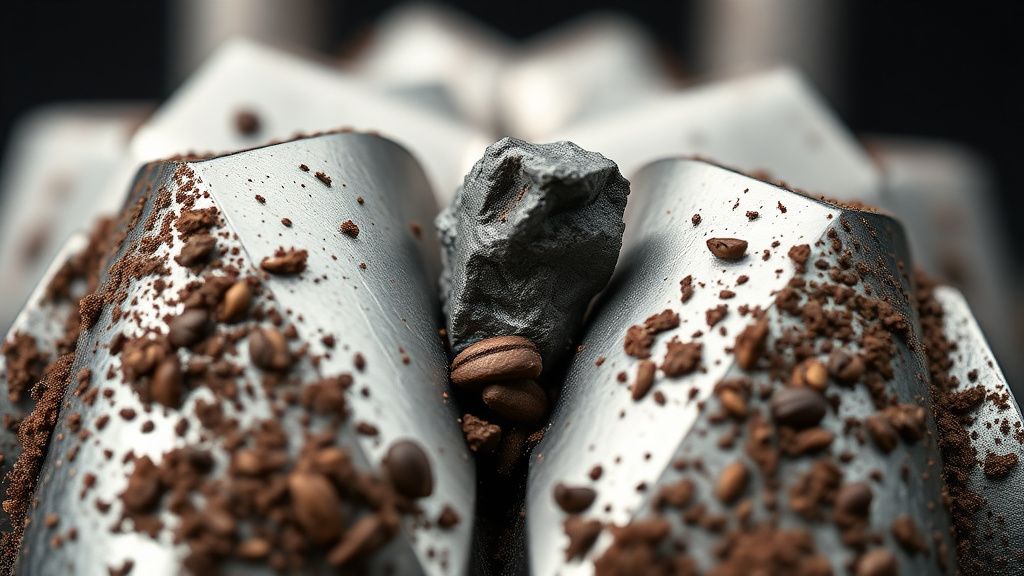
In my fifteen years of tearing these down, the culprits are almost always the same: a stray small stone hidden in "specialty" organic bean bags, a piece of a snapped-off plastic clip from a coffee bag, or, most commonly, the accumulation of oily, calcified coffee chaff that has created a "cement" layer within the threads of the upper burr carrier.
Phase One: The Diagnostic Strip-Down
Before you reach for a screwdriver, follow the operational logic of the machine. The Oracle Touch is notoriously sensitive to "burr gap" calibration. If you’ve recently changed beans to a lighter, denser roast or a darker, oilier one, you may have inadvertently pushed the grind setting too fine, causing the burrs to touch or "chirp" during operation.
- Empty the Hopper: Don't just flip the machine. Use a shop vacuum to pull out every bean. If you leave beans in, they act as ball bearings when you try to unscrew the collar, making the task ten times harder.
- The "Click" Test: Rotate the top burr carrier by hand. If it feels like it’s grinding sand or hits a hard stop at a specific point, your jam is physical. If it spins freely but the motor won’t turn, you are looking at a localized power issue or a blown thermal fuse on the grinder motor board—a much deeper, scarier rabbit hole.
The Myth of the "Self-Cleaning" Grinder
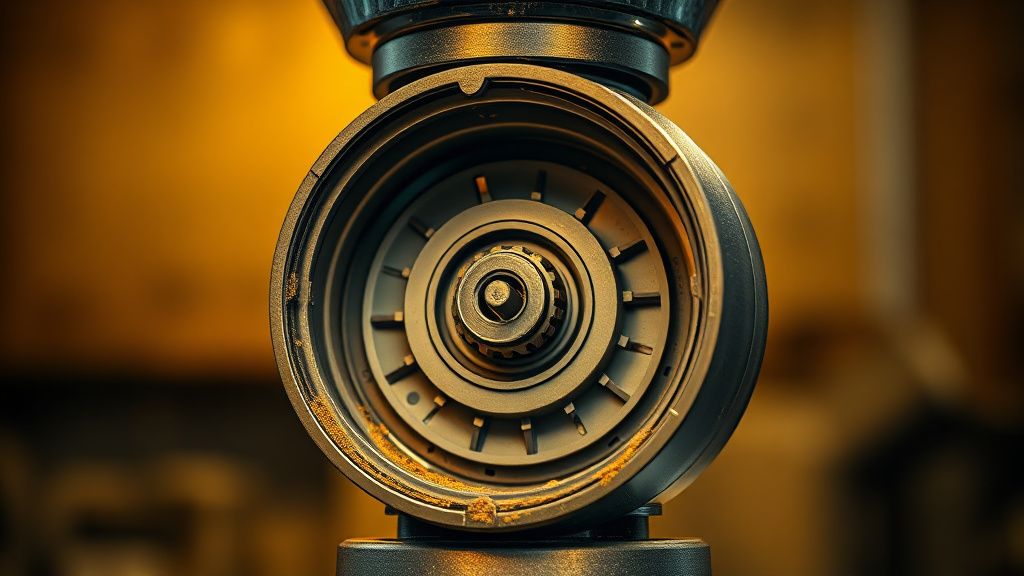
There is a pervasive marketing myth that the Oracle Touch’s automated system handles its own maintenance. It doesn't. The "self-cleaning" cycle is essentially a marketing term for a very brief, high-speed spin. It does nothing to displace the fine particulates that migrate into the threads of the upper burr collar. Over 18-24 months, these particles compress into a solid mass. When you try to adjust your grind finer, you aren't moving metal on metal; you are trying to crush years of petrified coffee oils.
Field Report: The "Stone in the Roast" Incident
Date: October 2023 | Location: Seattle, WA A client brought in an Oracle Touch that had literally sheared the plastic drive gear. The user swore they hadn't changed anything, but upon disassembling the burr housing, I found a granite pebble from a bag of Ethiopian Yirgacheffe. The force of the stone forced the motor to stall, and because the machine’s internal logic didn't detect an instantaneous stall, it kept trying to provide torque, eventually stripping the teeth off the nylon reduction gear.
The Lesson: If your grinder jams, the machine’s safety protocol is supposed to kill the motor immediately. If you hear a grinding noise for more than half a second before the machine quits, you’ve already caused mechanical wear.
Removing the Upper Burr: A Study in Patience
To clear the jam, you need to remove the upper burr carrier.
- The Handle: Fold down the metal handle.
- The Twist: Turn the collar counter-clockwise past the "Coarse" setting.
- The Resistance: If it stops, do not force it. This is where most people break the locking tab. Use a small amount of heat (a hair dryer, not a heat gun) to soften the coffee oils that have turned into "glue" in the threads.
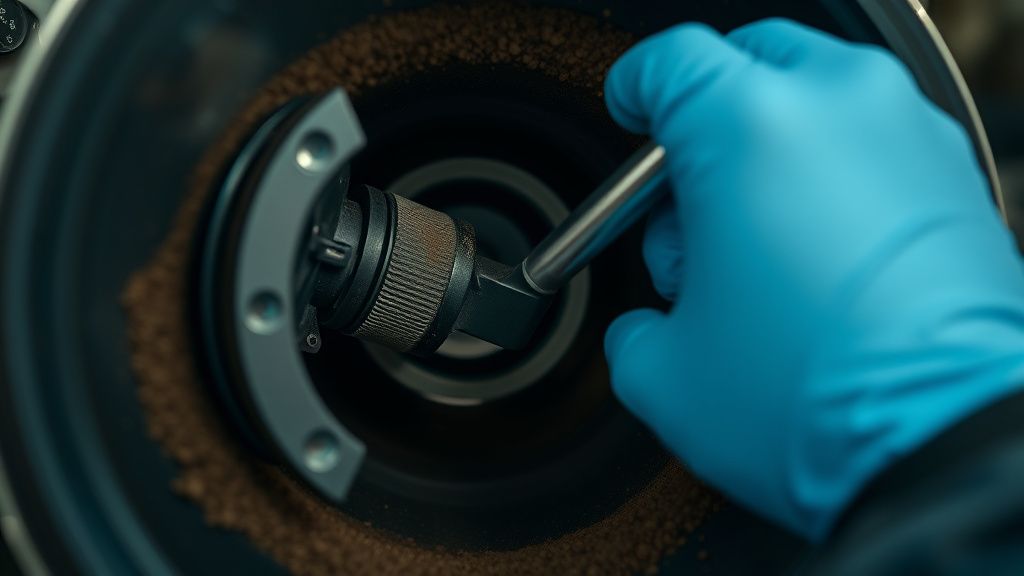
- The Extraction: Once it turns, lift it straight up. Use a stiff nylon brush (do not use a wire brush, you will score the metal and ruin the grind consistency) to clear the threads.
When the Grinder Logic Fails: Electronic Stalls
There is a dark, less-discussed side to the Oracle Touch: the Grinder Control Board. Sometimes, the machine is not jammed by a bean, but by a failure in the Hall effect sensor that tells the motherboard how fast the burrs are turning. If the sensor fails, the board thinks the grinder is stalled and triggers a "Grinder Jam" error message on the touch screen, even if the burrs are spinning perfectly fine.
If you’ve cleaned everything, removed all debris, and the machine still tells you it's jammed, you aren't looking at a cleaning task. You are looking at a circuit board replacement. This is the "planned obsolescence" of the modern appliance age; the parts are rarely sold to consumers, and authorized service centers will charge you a premium that makes you question why you didn't just buy a new machine.
Counter-Criticism: Why Users Hate the "Calibration" Loop
Community forums like r/espresso and various enthusiast Discords are filled with threads like "Breville Error: Grinder Stalled Again." The sentiment is consistent: users feel that for a $2,000+ machine, the reliance on a plastic-housed gear assembly is an insult.
- Pro-Breville Argument: The plastic gears are designed as a "fuse." It is cheaper to replace a $15 gear than it is to replace a $200 high-torque motor if a rock enters the burrs.
- The Reality: The labor cost to reach that gear is five times the cost of the part. The design isn't for the consumer's wallet; it’s for the manufacturer’s assembly line speed.
Maintenance Protocol: Keeping the System Alive
To prevent the dreaded jam, you need to integrate a "grinder strip" into your monthly workflow.
- Purge: Don’t leave beans in the hopper overnight. The oils oxidize, become sticky, and promote the "clumping" that leads to motor strain.
- Vacuuming: Vacuum the chute every time you change bean types.
- The Taboo: Never, under any circumstances, use "grinder cleaning pellets" in the Oracle Touch. They are designed for flat-burr, high-speed commercial grinders. In an Oracle Touch, they turn into a paste that gets stuck in the steep-angled crevices of the conical burr, and you will end up having to do a full teardown.
Addressing the Scaling Issue
As machines scale in usage—say, in a small office setting—the Oracle Touch begins to show its limitations. The duty cycle of the grinder is not built for 20+ double shots a day. The thermal mass of the grinder motor increases, the internal grease thins out, and the "jamming" becomes more of a thermal shutdown. If you are using this in a commercial or semi-commercial setting, you are playing a losing game. The system simply isn't designed to dissipate heat from the motor efficiently over repeated, high-frequency cycles.
Why does my Oracle Touch say "Grinder Jam" when I just cleaned it?
This is usually a sensor-ghosting issue. After cleaning, the Hall effect sensor might be dirty or the magnet on the gear assembly might be misaligned. Try a full system power cycle (unplug for 30 minutes). If the error persists, the control board may be failing to read the RPM correctly.
Can I replace the burrs myself?
Yes, the burrs are user-replaceable, but you need the specific part number for the 54mm set. Do not buy generic 54mm burrs from Amazon; the tolerance levels for the Oracle Touch are specific, and off-brand burrs will cause an immediate "jam" because they won't seat correctly in the collar.
What do I do if I stripped the screw on the burr housing?
Use a high-quality left-handed drill bit or an extractor set. The metal in these housings is soft aluminum. If you strip it, you'll likely need to replace the entire carrier housing, not just the screw. Always use a manual screwdriver, never a power drill, to reassemble the burrs.
Is it normal for the grinder to make a "chirping" sound?
That "chirp" is the sound of your burrs touching. This is the "Zero Point." If you are chirping at a setting of 5 or 6, your grinder is drifting out of calibration. You need to adjust the "top burr" settings to move the range back to a safer zone where the burrs aren't making contact.
Why won't the top burr come out even after I turn it?
You have a build-up of "coffee cement" in the threads. This happens when oily beans sit for too long. Use a small amount of food-safe lubricant on the threads once you eventually get it open, but for now, you need to gently rock the carrier back and forth while pulling upward. Do not use a pry bar.
Final Thoughts on Systemic Design
The Breville Oracle Touch is a masterclass in compromise. It achieves the holy grail of "café-quality" espresso at home, but it does so by pushing entry-level internal components to their absolute thermal and mechanical limit. The "grinder jam" is the system's way of telling you that you’ve reached the edge of its envelope. Treat it with the respect of a precision tool, keep the debris out of the threads, and don't expect it to treat your dark roast oily beans with the same grace it treats a light-roast single origin. Maintenance isn't an option; it's the cost of entry.