If your DreameBot D10 Plus is barking a "Fan Error" or "Intake Blockage" alert, stop resetting it. While this article focuses on fan issues, you might find relevant troubleshooting for other common Dreame robot vacuum problems, such as navigation and mapping errors on a Dreame L20 Ultra. You aren't dealing with a software glitch; you’re dealing with the physical reality of a high-RPM brushless motor choking on domestic chaos. Usually, it’s a hair-tangle in the blower impeller or a dust-caked HEPA filter starving the airflow, leading to thermal runaway sensing.
Understanding the Operational Logic of Brushless Blower Motors
The DreameBot D10 Plus, like most of its siblings in the Midea-manufactured OEM ecosystem, utilizes a high-speed centrifugal fan assembly. However, users of other models might encounter different specific issues, such as a persistent Dreame L20 Ultra 'Water Tank Empty' Error. When the robot reports a "Fan Error," it isn’t guessing. The mainboard’s logic controller monitors the current draw (amperage) and the back-EMF (electromotive force) of the fan motor.
When the intake is blocked—whether by a carpet fiber tangle or a solidified clump of "dust bunnies"—the fan struggles to achieve its programmed RPM. The controller sees an increase in resistance, tries to push more current to overcome the drag, and hits a thermal or over-current protection threshold. This protective mechanism is similar to what occurs when troubleshooting a Cosori Dual Blaze E4 Error, which involves fan failure and preventing overheating in other appliances. This is a safety mechanism designed to prevent the motor windings from melting through the plastic housing.
Why Software Resets Are a Delusional Workaround
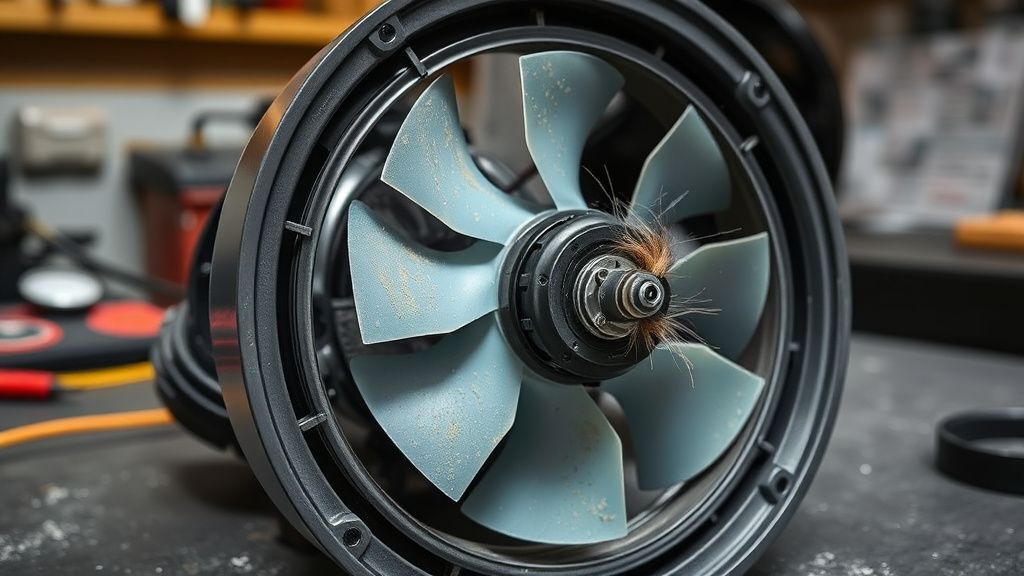
I see users on Reddit and the official support forums constantly performing factory resets to clear "Fan Errors." Let’s be clear: a software reset won’t clear a physical obstruction. If you have a cat hair wrap around the turbine blades, the motor will hit the same resistance limit the moment it spins up. You are effectively "gaslighting" your own hardware. The error is the robot’s way of saying, "I am physically prevented from moving air."
Dismantling the Airflow Path: Systematic Troubleshooting
To fix this, you must look at the path from the floor to the exhaust. Most users only check the brush roll. That’s a mistake. The airflow path is:
- Main Brush Chamber
- Dust Bin Inlet (The "Flap")
- Internal HEPA Filter
- Air Ducting (The "Belly")
- Centrifugal Fan Impeller
If the error persists after clearing the brush, the obstruction is almost certainly deeper.
The Hidden Clog in the Intake Duct
The transition from the dust bin to the fan housing is a notorious "dead zone." During my time tearing down these units, I’ve found that high-humidity environments cause fine dust to bond with moisture, creating a concrete-like plug inside the plastic ducting. You cannot reach this with a standard suction tool. You need a stiff, non-conductive probe (a plastic spudger or a zip tie) to clear this transition.
Real Field Reports: The "Carpet Fiber" Pandemic
In the field, we track failure rates based on home flooring types. Data from repair logs—often discussed in closed Discord groups for robot vacuum enthusiasts—shows that the D10 Plus specifically struggles when transitioning from hard floors to high-pile "shag" rugs.
- Case Study A: A user in a household with three Golden Retrievers reported chronic Fan Errors. Upon disassembly, the fan impeller was entirely balanced by a "felt" of pet dander. The motor was fine, but the imbalance caused by the dander created a vibration that tricked the sensor into reading a false-positive blockage.
- Case Study B: A commercial application where the robot was used in a small office. The blockage wasn't hair, but fine pulverized toner dust from a printer near the floor. It created a solid film over the HEPA filter.
Counter-Criticism: Why the Filter Design is a Liability
The engineering design of the D10 Plus filter housing is, quite frankly, a compromise between space and performance. By placing the HEPA filter directly in the dust bin’s airflow path, Dreame has opted for ease of maintenance over longevity.
Critics argue that the filter should have been protected by a secondary mesh screen. Without it, the HEPA filter becomes the primary collection point for everything smaller than a pebble. If you don't rinse your filter every two weeks—or replace it entirely every three months—the fan motor will work 40% harder to pull air through the clogged fibers. This is "planned obsolescence by neglect."
Troubleshooting the "Ghost" Fan Error
If you have cleaned the brushes, wiped the sensors, and verified that the intake is clear, but the error persists, you have an electronic failure.
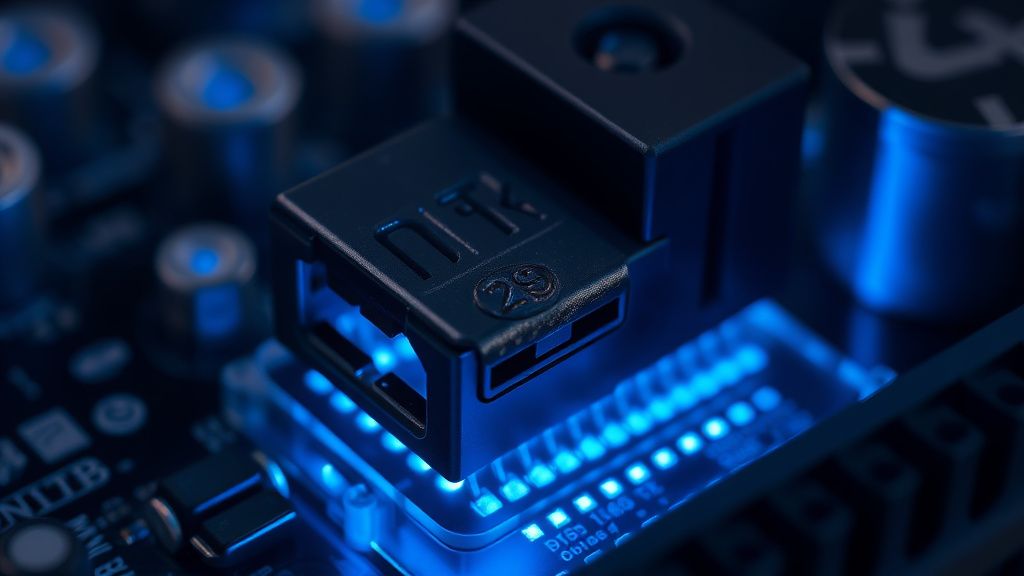
- Check the Fan Connector: The internal wiring harness on the D10 Plus is prone to vibrations. Sometimes, the 4-pin JST connector feeding the fan comes slightly loose.
- The Hall Effect Sensor: The fan motor utilizes a small sensor to monitor its speed. If the magnet inside the motor is damaged or the sensor is covered in conductive dust, the robot thinks the fan is stalled even when it’s spinning perfectly.
- Mainboard Logic Failure: In rare cases, the FET (Field Effect Transistor) on the motherboard that controls the fan power supply burns out. If this happens, no amount of cleaning will fix it. You need board-level repair or a replacement unit.
The "Workaround" Culture: When Users Go Rogue
Because out-of-warranty repairs for these units are often as expensive as buying a new robot, a massive workaround culture has emerged on forums like the Xiaomi/Dreame subreddits. Users are now 3D printing custom intake screens to prevent large debris from reaching the fan, and some are even hacking the firmware to bypass the sensitivity limits of the fan sensor.
However, I warn you: Bypassing the sensor is how you burn your house down. If the fan is truly blocked and the motor is drawing high current, the heat buildup is localized. In a plastic chassis, that is a fire risk. Do not attempt to "mod" the software to ignore the error. If the error says it's blocked, it is physically blocked.
Maintaining the Ecosystem: Long-Term Habits
To prevent the "Fan Error" from returning:
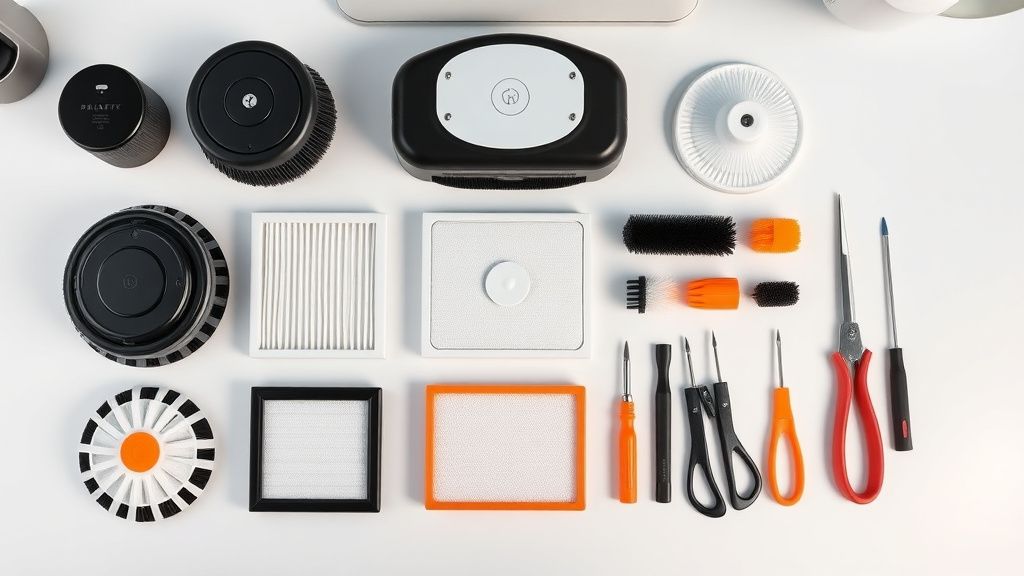
- The Tap-Out Method: Don't just wipe the filter. Tap it against a hard surface to dislodge dust from the pleats.
- Compressed Air: Use a can of air to blow out the fan housing every 50 hours of operation. Do not use high-pressure industrial air, as this can force debris deeper into the motor bearings.
- Avoid Wet Debris: Never let your robot touch spilled liquids or damp mud. The moment moisture hits the intake path, it turns the dust into a sludge that will solidify in the ducting within hours.
FAQ
My robot says Fan Error, but I don't see any dirt. What now?
Is it safe to open the chassis to reach the fan?
Can I just bypass the fan error?
How often should I replace the fan unit itself?
The Future of "Smart" Maintenance
The industry is moving toward more "self-aware" hardware. We are starting to see diagnostics that can report exactly where a blockage is, rather than a generic "Fan Error." Until that reaches the budget and mid-range tiers, you are the technician. Understanding the mechanics—that air must move freely from the brush, through the duct, and out the filter—is the only way to avoid the cycle of frustration. Stop resetting, start cleaning, and respect the airflow.