
If your Roborock Q Revo is failing to empty its dustbin into the dock, the culprit is rarely a single hardware failure. It is almost always a chain reaction of neglected maintenance, software handshake timeouts, or the physical limitation of the "dual-brush" architecture meeting modern pet hair density. Most users solve this by clearing the intake airway, checking the dust bag seal, or manually resetting the suction cycle.
The Anatomy of Failure: Why Auto-Empty Systems Fail
In the fifteen years I’ve spent tearing down robot vacuums, I’ve seen the industry transition from "glorified roomba" toys to complex, cloud-connected autonomous systems. The Roborock Q Revo, while elegant in its dual-rotary mop implementation, relies on a relatively traditional auto-empty dock design. The "failure to empty" issue is fundamentally an aerodynamic problem—a blockage of airflow—masked by layers of firmware logic.
When you trigger the "Empty Dustbin" command, the dock’s powerful motor creates a negative pressure differential. If there is a breach in that vacuum seal, or if the physical path is obstructed, the system doesn't know it's "broken"—it just knows it didn't register a drop in pressure, or it timed out waiting for the debris to clear.
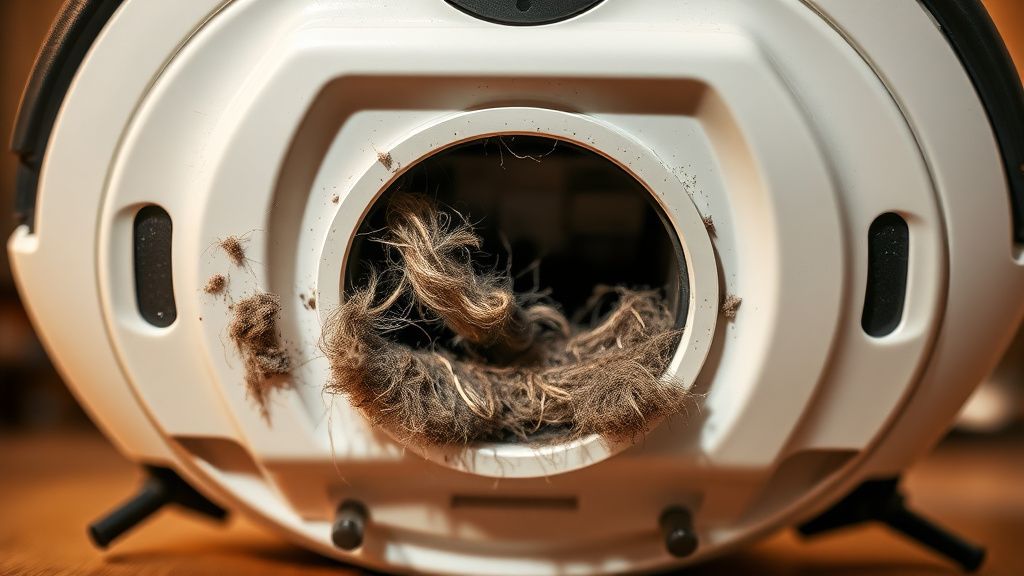
The Airway Bottleneck: Clearing the Physical Path
The most common point of failure is the intake airway. The Q Revo utilizes a relatively narrow intake port to maintain high static pressure. This is a double-edged sword: great for suction, terrible for large debris.
- The Dock Intake: Inspect the rubber flaps on the bottom of the docking station. Over time, these become sticky or warped. If they don't swing open freely, the dock cannot generate the vacuum needed to pull the dirt from the robot’s internal bin.
- The Robot Dustbin Interface: Pop the dustbin out of the robot. Look for the spring-loaded trapdoor. If you see dust bunny "felt" jammed between the door and the rubber gasket, the vacuum seal is gone.
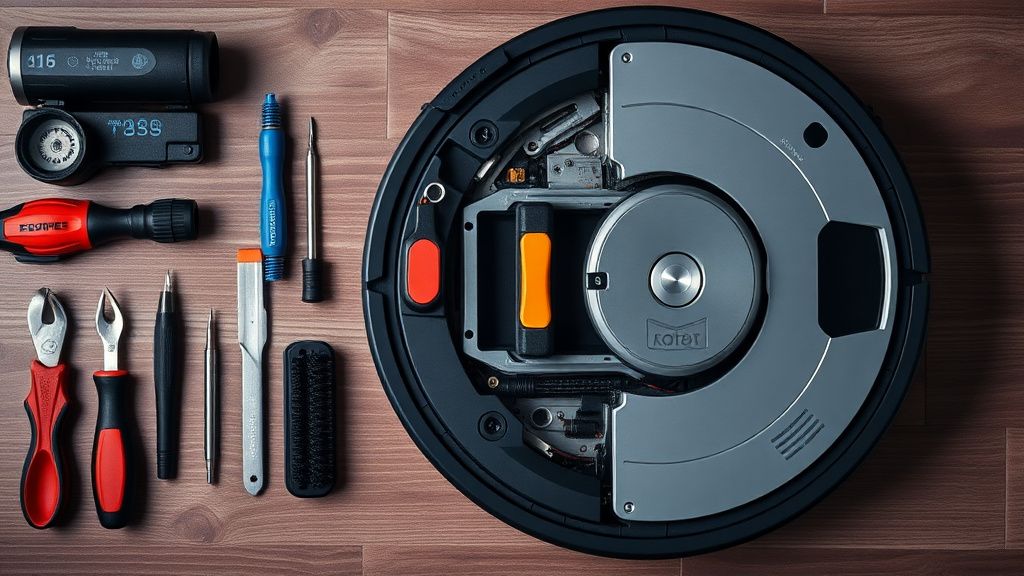
- The Connector Path: There is a tiny, often overlooked interface between the robot's bin and the dock’s port. Check for debris buildup here. I often use a pair of long-nosed pliers or a stiff plastic pick to clear this. Never use metal screwdrivers—you’ll scratch the plastic, creating friction points that future dust will cling to.
Real Field Report: The "Dog Hair" Paradox
I recently consulted for a user in a multi-pet household who was losing their mind over "Docking Failure" notifications. They swore the bin was clean. When I performed a forensic teardown of their unit, I found that the issue wasn't the bin—it was the HEPA filter.
The user had been vacuuming up fine, dander-rich pet hair. The filter, while technically "washable," had reached its saturation point where the pores were effectively sealed by a microscopic layer of fine silt. The robot’s internal fan couldn't move air out of the bin, and the dock couldn't pull air through the bin. The system was effectively gasping for breath. The fix? A new, dry-cleaned filter and a thorough inspection of the cyclone separator.
Digital Handshakes and Firmware Timeouts
We live in a world where your cleaning robot has to "handshake" with the cloud to tell the dock to pull the trigger. If the Wi-Fi signal at the dock is weak, the command may be dropped or delayed.
- The Power-Cycle Fix: If the hardware looks clean, unplug the dock for sixty seconds. This clears the dock’s local microcontroller cache. Often, a corrupted firmware state prevents the dock from acknowledging the "empty" request.
- The App-Dock Mismatch: Check your Mi Home or Roborock app. If the firmware is out of date, the timing parameters for the "Emptying" sequence might be too short for your specific environmental debris density.
The "Disposable Bag" Design Contradiction
The Q Revo is engineered for convenience, utilizing an auto-empty dust bag. This is where the physics of suction meets the reality of consumer neglect.
- The "Full" Sensor Illusion: The dock doesn't actually weigh the dirt. It senses pressure differentials. If the bag is installed crooked, or if the cardboard collar isn't seated perfectly in the dock’s spring-loaded intake, the system will fail.
- The Bag Material: Use original Roborock bags. I have seen countless "aftermarket compatible" bags that use lower-quality non-woven fabric. These bags lack the necessary porosity; the air cannot pass through the bag fast enough, and the dock thinks it’s blocked. This is a classic example of "penny-wise, pound-foolish" engineering trade-offs.
Counter-Criticism: Is the Q Revo Over-Engineered?
There is a growing debate on subreddits like r/Roborock regarding the longevity of these auto-empty stations. Purists argue that these units are becoming "service-hostile." By integrating the emptying path into the chassis, Roborock has made it nearly impossible for a layperson to clear a major clog without specialized tools.
The counter-argument? The user experience is vastly superior to the older, manual-dump models. We are trading the simplicity of a dustpan for the convenience of an autonomous workflow. But when that workflow breaks, the "friction of recovery" is significantly higher. You aren't just a vacuum cleaner owner; you are now an amateur HVAC engineer.
Maintenance Rituals for Sustainability
If you want your Q Revo to last more than two years, you must adopt a proactive maintenance cadence that goes beyond what the app tells you:
- Monthly Airway Flushing: Don't wait for the "Bin Full" error. Physically check the clear plastic path under the dock at least once a month.
- Filter Integrity Checks: If you tap the filter against a hard surface and no dust comes out, it’s not clean—it’s clogged. Replace it.
- Sensor Cleaning: The IR sensors on the dock that detect the robot's position must be kept clear of dust. If the robot isn't perfectly aligned with the suction intake hole, the vacuum seal will leak.
Scaling Issues and Infrastructure Stress
As these robots scale into larger homes with varying floor compositions, the stress on the dock's blower motor becomes a major factor. If your home has high-pile carpet, the robot gathers more debris than it would on hardwood. The "Empty" cycle is designed for a specific volume. If you have three dogs and a shedding cat, you are pushing the mechanical limits of the suction ducting.
In these "high-stress" environments, I recommend setting the "Auto-Empty" frequency to "Frequent" or even "After Every Run" if the app allows it. Smaller, more frequent emptying cycles prevent the "clogging wall" that occurs when the bin is packed so tightly that air cannot find a way through.
Dealing with "Ghost" Errors
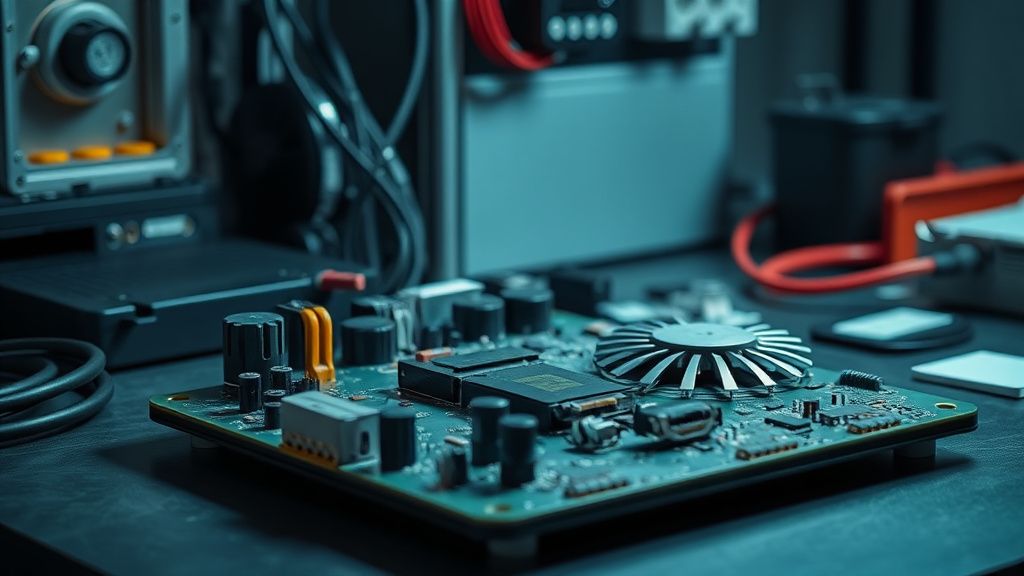
Sometimes, the robot will report an error despite a clear path. This usually points to a failing Pressure Sensor within the dock. If the pressure sensor is degraded, it provides faulty data to the mainboard, causing the system to abort the empty cycle to prevent the motor from over-revving.
If you have tried the manual cleans, updated the firmware, and checked the bag alignment, and you still get "Emptying Failed" errors, you are likely looking at a component-level failure on the dock’s logic board. At this point, if you are out of warranty, you are in the realm of board-level repair—replacing capacitors or checking for voltage drops on the blower motor supply line.
Conclusion: The Operational Reality
The Roborock Q Revo is a remarkable piece of consumer robotics, but it is not a "set it and forget it" appliance. It is a complex machine operating in a dirty, unpredictable environment. When it stops emptying, do not panic and do not immediately reach for the "Replacement" button. Use the physical path as your guide. The air must move from the floor, through the robot, into the dock, and into the bag. If that chain is broken, look for the restriction.
Why does my Roborock keep telling me the bin is full even after I empty it?
This usually happens because the optical sensor inside the dustbin is covered in dust. Wipe down the sensor window with a dry, lint-free cloth. If the sensor is obscured by fine particles, the software assumes the bin is still at capacity regardless of the physical state.
Can I use third-party vacuum bags to save money?
Technically, yes, but I strongly advise against it. Many off-brand bags use thicker or less porous material, which puts excessive load on the dock's blower motor. This can lead to premature motor failure, which is far more expensive than the price difference between original and generic bags.
My dock makes a loud, straining noise but nothing gets emptied. What does this mean?
That "straining" sound is the blower motor fighting against a vacuum seal. It is a sign of a blockage located between the robot's bin and the dock. It’s actually a good sign—it means the motor works! You just need to find the obstruction in the intake duct.
How often should I replace the HEPA filter inside the robot?
Despite what the app says, visual inspection is king. If the filter looks gray or brown and tapping it doesn't return it to white, replace it. In a home with pets, you should realistically be changing these every 3-4 months, regardless of the software "life remaining" percentage.
If I perform all these steps and it still fails, is it a hardware death sentence?
Not necessarily. It could be a failed blower motor, a faulty pressure switch, or a corrupted mainboard. If you are comfortable with electronics, check for continuity on the motor. If not, it might be time to contact support, but document that you have cleared all physical obstructions first to speed up the RMA process.