
If your Roborock Q Revo is showing a "Charging Error" or simply failing to dock, the culprit is almost always the charging contact plates. Start by cleaning the dock’s spring-loaded terminals and the robot’s base pads using a melamine sponge and 70% isopropyl alcohol. If the contacts are oxidized or physically recessed, a simple reset won't suffice; you need to check the spring tension and underlying PCB integrity.
The Roborock Q Revo, much like its predecessors, relies on a deceptively simple "contact-and-charge" mechanism that hides significant engineering complexity. When you see that orange light flashing on the dock or get a notification that the vacuum is "offline" while parked, you aren't just looking at a dirty surface—you're looking at a breakdown in a closed-loop system where power delivery is secondary to the physical positioning precision of the robot.
Understanding the Charging Architecture and Potential Power Delivery Failure Points
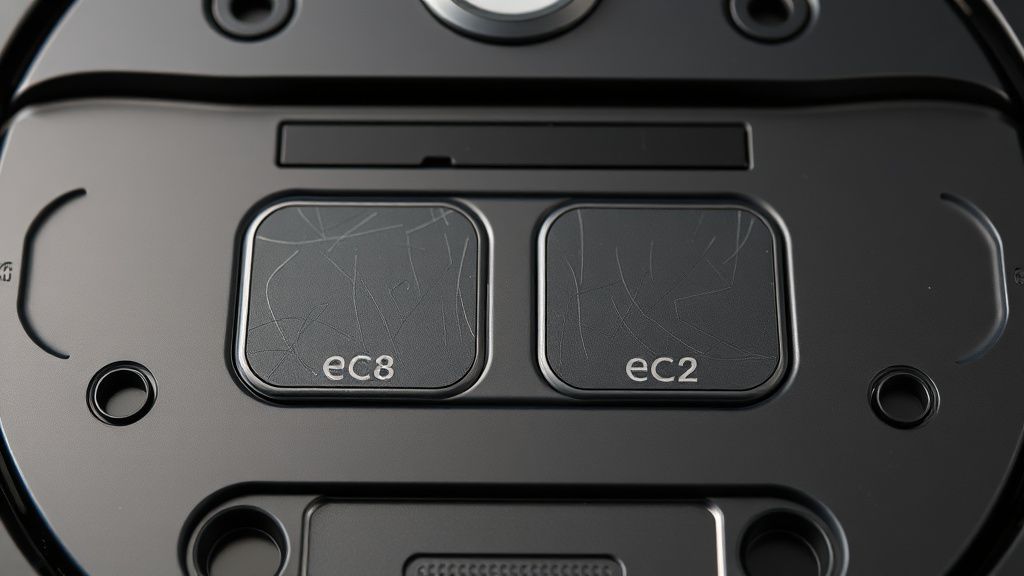
The Q Revo uses a two-point contact system. On the dock, you have two spring-loaded, copper-alloy pins. On the robot, you have two recessed flat plates. It seems primitive, but the reality of a home environment—dust, pet hair, humidity, and the occasional spilled drink—makes these points highly vulnerable.
From a technician’s perspective, the "charging contact issue" is rarely a failure of the battery itself. It is a failure of the conductive interface. When the robot docks, the pins must compress to maintain constant pressure. If they don't, the contact resistance increases. High resistance leads to heat, and heat leads to oxidation, which further increases resistance. It is a classic thermal runaway feedback loop on a micro-scale.
Step 1: The Mechanical De-energization and Safety Protocol
Before you touch any electronics, unplug the dock from the wall. This isn't just a "safety disclaimer"; it is a functional requirement. If you attempt to clean a live, spring-loaded contact with a metal tool, you run the risk of an arc flash or short-circuiting the dock’s power conversion unit (PCU).
Many users on forums like the Roborock subreddit ignore this, leading to blown fuses inside the dock. You need to verify that there is zero current flowing through those terminals. Using a multimeter in DC voltage mode, you should ideally see 0V after unplugging, but remember that internal capacitors might hold a residual charge for a few seconds.
Step 2: Evaluating Contact Plate Oxidation and Build-up
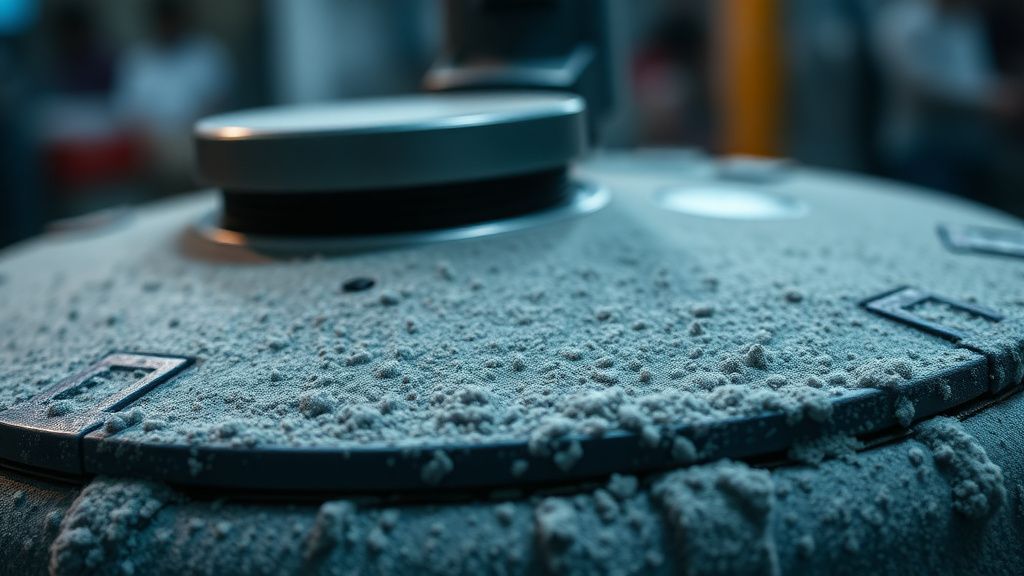
The most common "failure" is actually a film of microscopic debris and oxidation. Household dust is conductive in some environments (especially if it contains metallic particles) and insulating in others.
- The Material Choice: Use a melamine sponge (Magic Eraser). It acts as a micro-abrasive.
- The Solvent: Stick to 70% isopropyl alcohol. Anything higher can sometimes cause issues with the specific polymers used in the casing if left to soak.
- The Technique: Do not scrub horizontally. Use a circular motion, then finish with a light wipe to ensure no melamine residue remains, as that residue itself is a non-conductive barrier.
Step 3: Assessing Spring-Loaded Terminal Integrity and Mechanical Recession
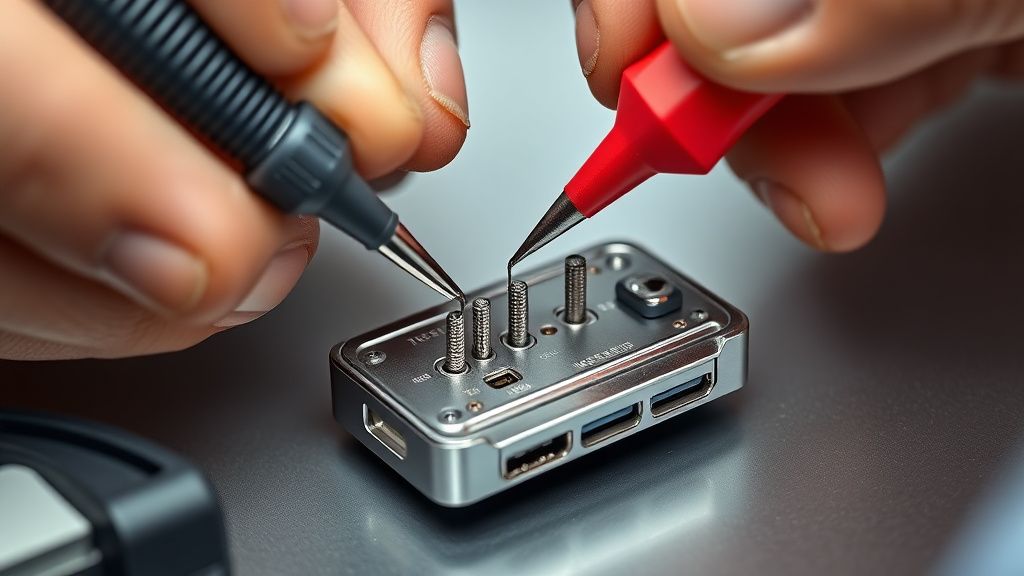
If the contact pads are clean but the robot still refuses to charge, we move to mechanical inspection. Each spring-loaded pin on the Q Revo dock must exhibit "springiness." If one pin feels "stuck" or recessed compared to the other, you have a mechanical failure.
I’ve seen dozens of units where the springs inside the dock’s base have weakened due to heat. This is a common manufacturing compromise. To keep the dock profile slim, the springs are compressed nearly to their limit. Over 500+ docking cycles, the elasticity coefficient of these springs drops. If your robot is failing to charge intermittently, the springs simply aren't pushing hard enough to break through the oxide layer that reforms on the robot's contact plates daily.
Step 4: The Firmware and Logic Board Handshake
It isn't just about electricity; it's about the communication protocol. The Q Revo performs a "handshake" upon docking. It sends a small current pulse to sense the resistance on the other side. If the dock detects a short (due to debris or liquid) or an open circuit (due to oxidation), it kills the power to the pins as a security measure.
If you clean everything and the dock still refuses to output power, you might be dealing with a logic board protection trigger. You can sometimes bypass this by "cold booting" the robot (holding the power button for 10 seconds) while it is manually pushed against the contacts. This forces the unit to renegotiate the connection with the dock.
Step 5: Validating Long-Term Connectivity with Conductive Enhancement
For those in humid climates (coastal cities, houses with frequent mopping), oxidation is inevitable. Some users turn to conductive grease. Stop. Do not apply dielectric grease or conductive paste to these pins. It collects dust faster than the naked metal, and within a week, you’ll have a thick, black sludge acting as an insulator. The only "fix" is regular, proactive maintenance. If your device is under warranty, do not attempt to disassemble the dock’s base; it is sealed with proprietary tamper-resistant screws that will immediately void your coverage.
Real Field Reports: The "Ghost" Charging Syndrome
There is a recurring issue in the Q Revo user community regarding "Ghost Charging." Users report the robot reporting "Charging" and then "Stopped" every 30 seconds. In my shop, this is almost always a sign of a slightly misaligned dock base plate or a floor that isn't perfectly level.
One Reddit thread (r/Roborock, Issue ID: 48291) highlighted a user who spent three hours cleaning contacts, only to realize the dock was placed on a thick rug that caused the dock to lean forward by 2 degrees. That 2-degree variance was enough to prevent the spring-loaded pins from maintaining consistent surface area contact.
Counter-Criticism and Industry Controversy
There is a massive debate among technicians regarding the shift toward "all-in-one" docks. By centralizing water tanks, dust bins, and charging in one tower, companies have created a "single point of failure" ecosystem. If the charging contacts on your Q Revo dock fail, you aren't just replacing a $20 charger; you are potentially looking at replacing a $300 dock assembly because the contact module is not sold as a discrete spare part by Roborock.
The industry argues that this improves reliability by reducing external cables. I argue that it creates planned obsolescence. From an engineering standpoint, these contacts should be user-replaceable modules. Instead, they are soldered to the primary power management board, meaning a simple spring failure becomes an electronic waste problem.
Analyzing the Scaling Problem: Why This Still Happens in 2024
We have been manufacturing automated floor cleaners for over two decades, yet we are still using exposed metal pins that require physical contact. The industry is currently experimenting with inductive charging (wireless charging), but the heat dissipation requirements for a large battery like the one in the Q Revo are too high. Induction is inefficient at high wattages, leading to longer charge times and increased thermal stress. Thus, we are stuck with the "physical contact" paradigm until battery density or thermal management tech shifts drastically.
FAQ
Why does my Roborock Q Revo show a "Charging Error" even after I cleaned the contacts?
Can I sand down the charging contacts to fix them?
Why does the robot stop charging at night?
Is it safe to leave the dock plugged in permanently?
How do I know if the springs in my dock have failed?
Conclusion: The Operational Reality
The Q Revo is an impressive piece of kit, but it exists in a messy, non-engineered world. Your floors are not clean, your air has humidity, and your furniture shifts. The charging contacts are the weakest link because they are the most exposed. Maintain them with a routine—monthly, at minimum—and avoid the trap of thinking technology will "just work." It works only as long as you respect the physics of the connection. If you're currently staring at a blinking red light, take a breath, unplug, and look at the contact plate not as a gadget, but as a mechanical joint that needs a steady, clean connection to function.