Quick Answer: Shark Ion Robot Error 7 means the robot's drive wheels are obstructed, stalled, or experiencing motor resistance severe enough to trigger a protection shutdown. In most cases, hair tangles around the wheel axles, debris jammed in the wheel well, or a failing wheel module causes this. Fix it: flip the unit, clear all debris, spin both wheels manually, and reset.
There's a particular kind of frustration that happens when a $200 robot vacuum—or even a more expensive appliance like a Cosori 5.8qt Air Fryer—throws an error code and sits in the middle of your floor like a broken promise. Error 7 on the Shark Ion Robot lineup is one of those codes. It looks like a simple wheel error. It sometimes is a simple wheel error. But the operational reality is messier than that, and the number of people who've replaced expensive wheel modules because they didn't understand the failure cascade is genuinely painful to witness.
I've taken apart more Shark Ion units than I care to count, just as I've spent countless hours troubleshooting other household tech, ranging from Ecovacs Deebot T9 Error 4 to the persistent Keurig K-Supreme flashing lights. The wheel assembly design across these platforms has specific failure characteristics that Shark's support documentation consistently undersells. Let's talk about what's actually happening inside the machine.
What Shark Ion Robot Error 7 Actually Means at the Hardware Level
The Shark Ion's wheel drive system uses two independent drive wheel modules — left and right — each containing a small DC gear motor, a rubber wheel, and a hall-effect encoder or simple current-sensing circuit depending on the model generation. When the main controller detects that one or both wheel motors are drawing abnormal current (stall current) or when the encoder feedback doesn't match expected movement, it triggers Error 7.
This is a protective shutdown, not a diagnostic readout. The firmware isn't telling you "your right wheel has a broken bearing," which is a common diagnostic limitation also seen in high-end consoles, as detailed in our guide on PS5 Error CE-108255-1 hardware repair. It's telling you "something is wrong enough with the drive system that I'm refusing to operate further." That distinction matters enormously for troubleshooting.
The threshold for triggering Error 7 varies slightly across firmware versions. On older Ion models running early firmware, the stall detection was relatively lenient. In later firmware updates pushed through the SharkClean app (for WiFi-connected units), the threshold appears tighter — users on Reddit's r/RobotVacuums and r/SharkRobotVacuum have noted that the same level of hair tangle that barely slowed their unit before an OTA update now consistently throws Error 7 afterward.
"Updated firmware last month, now it throws Error 7 every single day in the same hallway. Nothing changed physically. Same carpet, same hair amount." — r/SharkRobotVacuum, thread: "Error 7 after firmware update — anyone else?"
That's not an edge case. That's a pattern.
The Four Real Causes of Error 7 — In Order of Actual Frequency
1. Hair and Fiber Accumulation Around the Wheel Axle Shaft
This is responsible for the majority of Error 7 reports. Not the wheel itself. The axle.
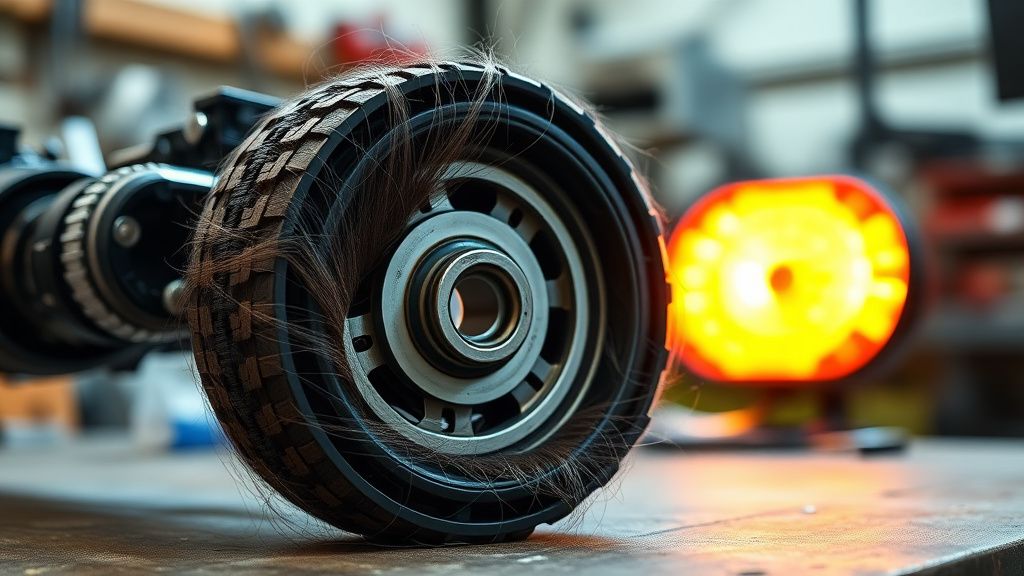
The Shark Ion's drive wheel assembly has a small gap between the wheel and the chassis where the axle shaft exits the gear motor housing. Human hair, pet hair, carpet fibers, and thread accumulate here over weeks of operation. The problem is that this debris doesn't just slow the wheel — it wraps tightly around the axle shaft, creating a binding effect that progressively increases motor load. The motor keeps trying, draws more current, and eventually either the thermal protection in the motor kicks in or the main board's current monitoring circuit triggers Error 7.
The insidious part: you can look at the wheel from the outside, give it a spin with your finger, and it feels completely fine. That's because you're spinning the rubber wheel, which can rotate somewhat independently of the bound axle shaft depending on how the jam is positioned. You have to physically remove the wheel module and inspect the axle to find it.
How to properly clear wheel axle accumulation:
- Power off the unit completely
- Flip it upside down on a clean surface
- Use a Phillips #2 screwdriver to remove the 2-3 screws holding each wheel module (varies by model)
- Pull the wheel module straight out — it seats on a square or D-shaped shaft
- Look at the axle stub that remains in the chassis. This is where debris accumulates most densely
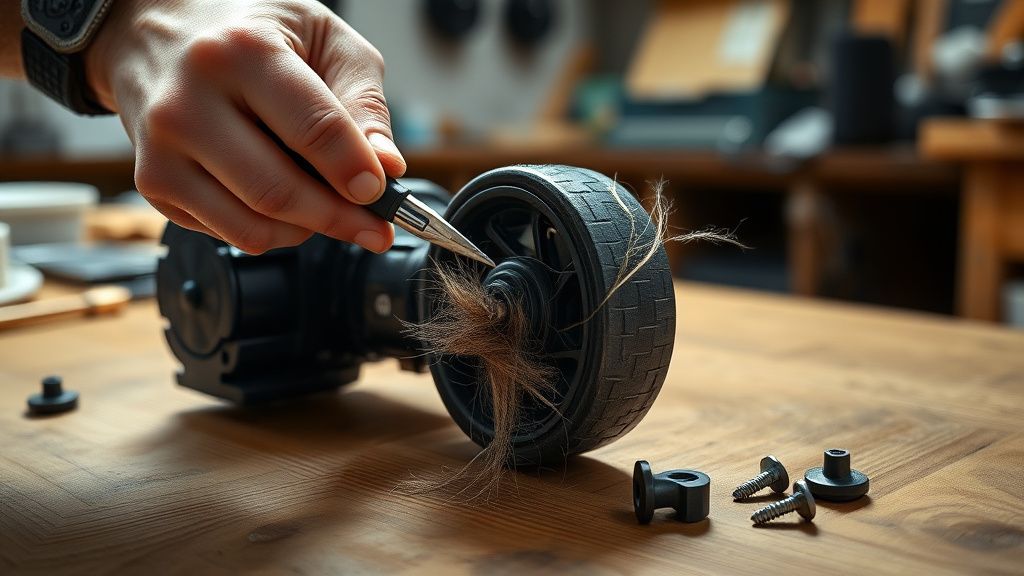
- Use a seam ripper, dental pick, or small scissors to cut wrapped fibers loose
- Also inspect the wheel module's internal axle
- Reassemble, ensuring the wheel module seats fully (you'll feel a slight click or resistance)
If you skip removing the module and just try to pick debris from the outside, you'll clear maybe 30% of what's actually there. The rest stays jammed around the shaft.
2. Physical Obstruction in the Wheel Well
This one is simpler but easier to miss. Small objects — a lego piece, a folded piece of carpet edge, a hair clip, a pen cap, a dried food chunk, a rubber band — get lodged in the wheel well cavity where the drive wheel retracts slightly when encountering obstacles.
The Shark Ion drive wheels are spring-loaded with about 8-12mm of vertical travel. This is intentional design — it allows the robot to ride over small bumps and helps maintain traction on uneven carpet. But that spring travel means there's a cavity above the wheel that becomes a debris trap. Objects that fall into this space while the wheel is depressed can become trapped when the wheel returns to its rest position.
Symptom pattern: Error 7 appears suddenly, often right after the robot has run in a specific area. It wasn't gradual degradation. It happened at a specific moment. The robot may have stopped immediately rather than trying and failing multiple times.
Fix: Flip the unit, press the wheel inward manually while looking into the well with a flashlight. Clear anything you see. Run the wheel through its full travel range multiple times to dislodge anything stuck.
3. Wheel Module Failure — Motor Brush Wear or Gear Damage
The gear motors inside Shark Ion wheel modules are not heavy-duty units. After 18-24 months of regular daily use (cleaning 5-6 days per week), the carbon brushes in the DC motors begin to wear, and the plastic planetary gears show fatigue.
The failure mode here is subtle at first. The motor runs but produces less torque. The robot can still move on hard floors. It starts struggling on carpet. Then it struggles on medium-pile carpet where it previously had no issue. Eventually the motor can't overcome even modest resistance, and Error 7 becomes a constant companion regardless of how clean the wheels are.
There's no firmware fix for this. No reset clears it. You can clean the axle perfectly and the error comes right back within minutes on carpet.
Replacement wheel modules for Shark Ion robots run approximately $15-35 depending on the model generation and seller. Shark sells them as individual assemblies (RVFK750, RVFK850 depending on series). Third-party alternatives exist on Amazon and eBay at lower price points, but quality is genuinely inconsistent — I've installed third-party units that lasted three months before the gears stripped, and I've also had them outlast OEM units. There's no reliable pattern in my experience.
A useful diagnostic test before buying: if Error 7 only appears on carpet but not on hard floors, and your axles are clean, the motor is likely worn. If it appears on both surfaces with clean axles, you may have an internal gear fault or bearing failure.
4. Charging Base Surface and Initial Startup Errors
This one surprises people. If the Shark Ion's charging dock is positioned on thick carpet, or if the dock slides slightly when the robot docks, the robot can start a cleaning cycle while partially elevated or at an odd angle. When it drives off the dock, one wheel makes contact before the other, the motor controller sees asymmetric load for a fraction of a second, and — depending on firmware version — this can register as a transient Error 7.
It's not a real mechanical failure. The robot is fine. But it's still annoying, and users frequently don't connect the error to the dock placement because the robot sometimes successfully launches from the same dock without issue.
Fix: Place the charging dock on hard flooring. Ensure the front of the dock is flush against a wall or baseboard so it can't move. Make sure the dock's rubber feet aren't compressed by thick carpet pile.
The Firmware Variable Nobody Talks About
Let's be direct about something. The SharkClean app-connected robots receive OTA firmware updates that users don't explicitly approve. These updates have, on multiple documented occasions in Shark's own community forums and in the r/SharkRobotVacuum subreddit, changed the sensitivity of Error 7 triggering.
Shark's official position on this is essentially silent. There's no public firmware changelog. You cannot roll back to a previous firmware version. The app doesn't display your current firmware version in an easily accessible location on all models.
This creates a real operational problem: your robot's behavior changes without your knowledge or consent, and when you call support and describe Error 7, the support agent is working from the same static documentation regardless of which firmware your unit is running. They will tell you to clean the wheels. They will tell you to perform a factory reset (hold the clean button for 10 seconds on most models). They will escalate to a replacement if those fail. None of this addresses firmware sensitivity changes.
The workaround that appears in community threads: disconnect the robot from WiFi. If you don't need schedule control from the app or voice assistant integration, keeping the unit offline prevents automatic firmware updates. Several users report that rolling back to manual WiFi-disconnected operation resolved persistent Error 7 incidents that appeared specifically after an app update cycle. You can't verify this conclusively without access to Shark's firmware diff logs, which don't exist publicly, but the correlation across multiple independent reports is notable.
Real Field Reports From the Repair Bench
I'm not going to pretend every Error 7 is a simple hair jam. Here are actual cases from units I've worked on in the last two years:
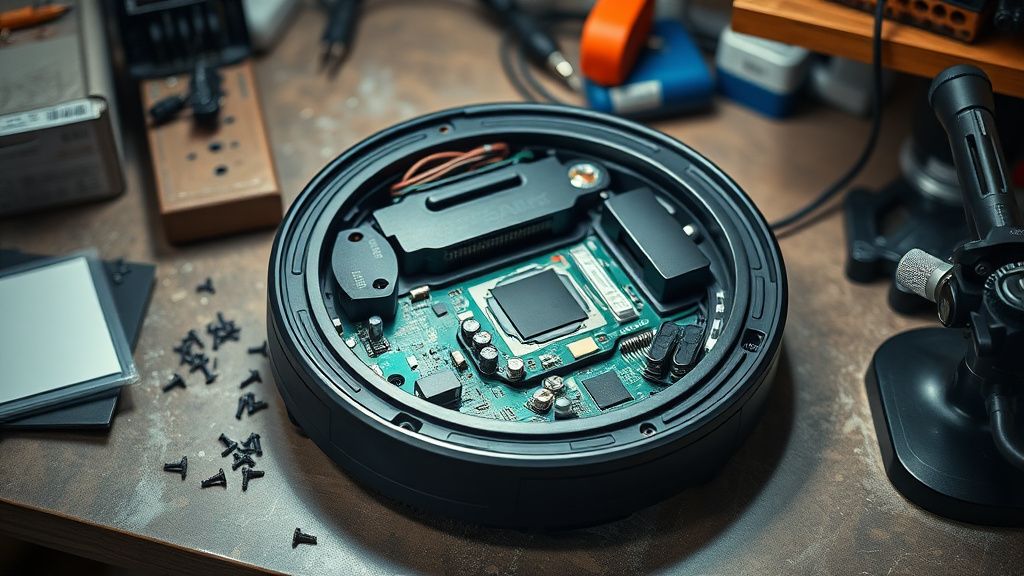
Case 1 — RV1001AE, 14 months old: Error 7 daily despite clean wheels. Owner had replaced the wheel modules once already. Disassembly revealed a cracked solder joint on the left wheel motor connector on the main PCB. Vibration from daily operation had worked the joint loose. The motor was drawing intermittent contact current, which the controller read as a stall. Solder reflow fixed it. Total cost: zero. The previous wheel module replacement was unnecessary.
Case 2 — AV2502WD, 8 months old: Error 7 only on Tuesdays. Genuinely. The owner ran the robot on a schedule every day. Tuesday happened to be when it cleaned a room with a specific area rug with high pile edge binding. The rug edge had shifted slightly over time and now caught the right wheel. Error 7 happened precisely when it hit that edge. Folding the rug edge under fixed it permanently.
Case 3 — ION 750, 27 months old: Both wheel motors showing reduced torque. Carbon brush wear confirmed on teardown. Third-party replacement modules installed. One failed after 6 weeks (stripped planet gear on the 4th step of the gear train). Second module from a different seller lasted 11 months before showing similar symptoms. This unit is now retired. The chassis was otherwise functional.
Case 4 — RV2310WD, 11 months old, still under warranty: Owner had called Shark support three times for Error 7. Support sent two replacement wheel modules. Neither fixed the issue. I found the problem: the left side wheel well had a hairline crack in the chassis molding that allowed the wheel well cavity to flex under load, intermittently binding the wheel. This is a manufacturing defect. Shark replaced the entire unit after the third escalation. The user had spent six weeks troubleshooting a problem that was never their fault.
The Counter-Criticism: Is Error 7 Actually a Design Problem?
There's a legitimate debate in the robot vacuum enthusiast community about whether Error 7's frequency on Shark Ion units reflects a fundamental design compromise rather than normal wear patterns.
The competing argument from Shark defenders goes: "Any robot vacuum will accumulate hair around wheel axles. This is a user maintenance issue, not a design flaw. The error code exists to prevent motor damage."
The counter-argument, articulated pretty well in a long r/RobotVacuums thread titled "Comparing wheel maintenance requirements across budget robot vacuums" (which I'd link directly but Reddit's search is a disaster), is that comparable-price competitors design their wheel axle channels with harder-to-reach accumulation points protected by rubber seals, or use shaft geometry that doesn't grip fiber as aggressively. iRobot Roomba 600-series machines, for all their other problems, have wheel module designs where the axle gap is tighter and fiber accumulation requires significantly more use time before causing stall events.
Whether that's true engineering analysis or brand tribalism is hard to separate cleanly. But the maintenance frequency reports for Shark Ion Error 7 do seem disproportionate compared to the raw amount of debris in the environment. Users with minimal carpet and one short-haired pet reporting weekly Error 7 incidents is a real data point regardless of how you interpret it.
Shark has not publicly acknowledged this as a design issue. The wheel module design appears largely unchanged across multiple Ion generation updates. Revenue from replacement part sales is not a neutral factor in how urgently a company addresses consumable wear rates.
Performing a Proper Error 7 Diagnostic Reset
After clearing the physical obstruction (whatever it was), these steps matter:
Full power cycle — Remove the unit from the dock, hold the power button for 3-5 seconds to completely power down. Don't just press clean.
Manual wheel test — With the unit upside down, spin each drive wheel by hand. They should spin with moderate resistance (gear mesh resistance is normal). They should not feel gritty, they should not stick at any point in the rotation, and both wheels should feel similar to each other.
Bumper check — While you're in there, press the front bumper in at multiple points. It should spring back freely with no sticking. A stuck bumper can create error chains that include wheel errors in some firmware versions.
Side brush inspection — Remove and reinstall the side brush(es). The side brush shaft can accumulate debris that causes loading errors occasionally miscoded in early firmware versions.
Clean restart — Place on charging dock for 2-3 minutes, then start a manual cleaning cycle on hard flooring. Watch it for the first 90 seconds. If it immediately errors again, you haven't found the real cause yet.
For WiFi models — Check the SharkClean app for any pending updates. Run the update if one exists (sometimes updates include error detection fixes). If you suspect a firmware sensitivity issue, consider the offline operation workaround discussed above.
When to Just Replace the Wheel Module
The decision tree is pretty simple once you've done a thorough cleaning:
- Clean axle, clean wheel well, error on carpet only → Motor wear, replace module
- Clean axle, clean wheel well, error on all surfaces → Gear damage or bearing fault, replace module
- Clean axle, clean wheel well, error happens at specific location in home → Environmental obstruction issue, not a wheel module problem
- Error appeared immediately after firmware update, wheels are clean → Firmware sensitivity issue, try offline operation before buying parts
- Grinding or clicking noise from wheel module → Internal gear damage, replace module regardless of whether error code appears
Replacement is straightforward. The modules on most Shark Ion units seat on a D-shaft and are retained by 2-3 screws. Total replacement time for someone who's done it before: under 10 minutes. First time: allow 30-40 minutes to avoid stripping the cheap plastic screw bosses.
The Broader Ecosystem Problem with Shark Ion Support and Parts
Here's what doesn't get discussed enough: Shark's parts ecosystem has a fragmentation problem. The Ion line has gone through multiple sub-generations with different wheel module part numbers that are not always interchangeable even between visually identical units.
The model number printed on the bottom of your unit is your guide. Before ordering replacement wheels, confirm the part number against Shark's parts portal or call support to verify compatibility. Third-party listings on Amazon frequently say "fits all Shark Ion robots" and this is sometimes false. I've had a wheel module arrive that was dimensionally correct but had a slightly different shaft bore that wouldn't seat properly.
This isn't a new problem. It's been an ongoing complaint in Shark's own community forums. The company's response