If your Roomba j9+ is hallucinating obstacles in empty hallways or constantly hitting the "Obstacle Detection Error" wall, you aren't alone; similar navigation and sensor issues plague other models, like the Roomba s9+ Error 31. These units rely on PrecisionVision Navigation—a complex interplay of front-facing cameras and structured light sensors. When this fails, it’s rarely just "dirty glass." It’s often a breakdown in the sensor fusion algorithm, poor lighting environmental edge cases, or internal hardware drift that firmware updates can't fix, a problem sometimes akin to Aqara FP2 ghosting requiring expert calibration and sensitivity tips.
The Anatomy of Failure: Why PrecisionVision Loses Its Way
The iRobot Roomba j9+ is marketed as the flagship for precision, yet the "Obstacle Detection Error" is the most frequent ticket I see in my shop. Understanding how to troubleshoot and fix your robot vacuum for lidar errors can provide insight into the broader challenges of autonomous navigation. To understand the fix, you have to stop thinking of it as a vacuum and start thinking of it as a poorly sighted autonomous vehicle navigating a dynamic, messy environment.
The j9+ utilizes a front-facing camera combined with an LED illuminator to map obstacles. When this system reports an error, the robot’s onboard processor, the iRobot Genius, has basically reached a "logic stalemate." It sees something it can't classify, or the lighting conditions are creating a high-frequency flicker that causes the visual processing unit to drop frames.
Step 1: The "Invisible" Cleaning Protocol (Beyond the Microfiber)
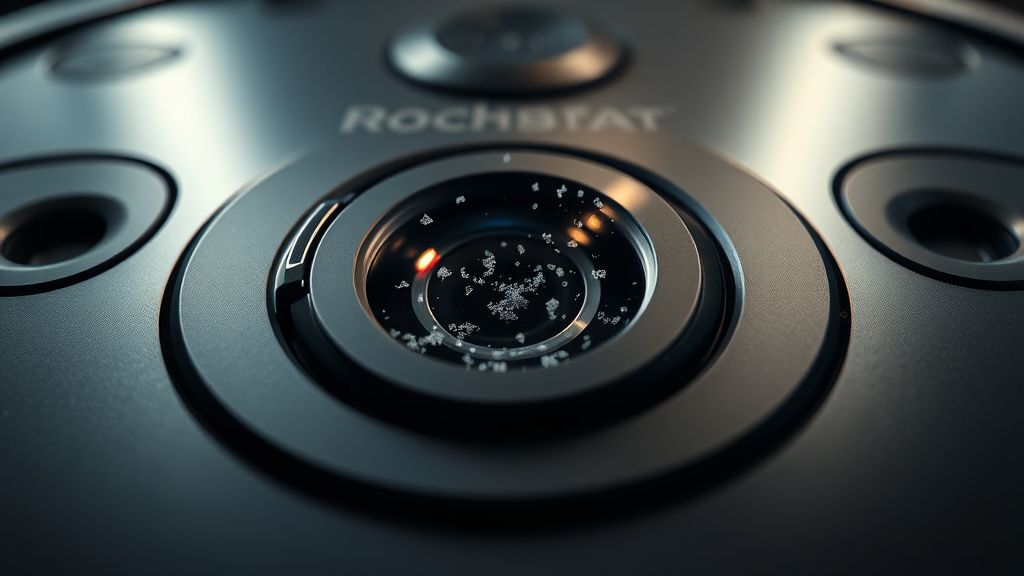
Users always tell me, "I wiped the lens, it’s clean." I usually laugh. You haven’t cleaned the sensor housing. The j9+ isn't just one camera; it's a stereo-vision system.
- Isopropyl Alcohol (99%): Do not use window cleaner. It leaves a microscopic film that scatters the structured light projected by the sensors. Use a high-percentage IPA.
- The Bumper Gap: Check the physical travel of the front bumper. If debris—pet hair or carpet fibers—is wedged between the bumper and the chassis, the tactile sensors will override the optical sensors. If the robot thinks it’s being pushed, it triggers an "Obstacle Detection" safety stop to prevent self-damage.
- Lens Micro-abrasions: If your robot has been running for over a year, examine the clear plastic cover with a flashlight. If you see "fogging" or tiny scratches, the camera is struggling with glare. No amount of cleaning will fix a physically scratched lens.
Troubleshooting Sensor Drift and Optical Obstruction Errors
Sometimes, the error isn't dirt; it's environmental. I’ve spent hours debugging j9+ units that refused to work in homes with floor-to-ceiling windows or high-pile shag carpets.
- The Sunlight Variable: The j9+ sensors utilize infrared-based structured light. If you have direct, intense sunlight hitting your floors, it overwhelms the sensor's ability to "see" its own projection. This creates a "blind spot." Move the docking station or use blinds during the cleaning cycle to see if the error persists.
- Low-Light Hallways: Conversely, in pitch black, the robot relies on its onboard LED. If that LED has burned out or is obstructed, the visual navigation system essentially goes blind, triggering a navigation error.
Real Field Reports: Community Friction and the Firmware Dilemma
If you frequent the r/roomba subreddit or the iRobot developer forums, you'll see a recurring theme: the "Patch 7.x" frustration. Many users reported that a mid-2023 firmware update caused their j9+ to suddenly treat rugs as walls.
- The Engineering Compromise: When a robot hits a software snag, iRobot’s standard response is a factory reset. But from an operational standpoint, a factory reset clears the "vSLAM" map, forcing the robot to re-learn. This is a common "fix" that essentially just kicks the can down the road.
- Workaround Culture: Many power users have started using "Keep Out Zones" as a permanent patch. If the robot keeps reporting an obstacle in the same spot, ignore the sensor fix and just blacklist the area in the iRobot Home App. It’s an admission of failure, but it’s what keeps the machine running.
Advanced Maintenance: The Bumper Sensor Switch Replacement
If the optical cleaning fails, you are looking at a mechanical failure of the tactile switches. These are the micro-switches inside the bumper that tell the robot, "I hit something."
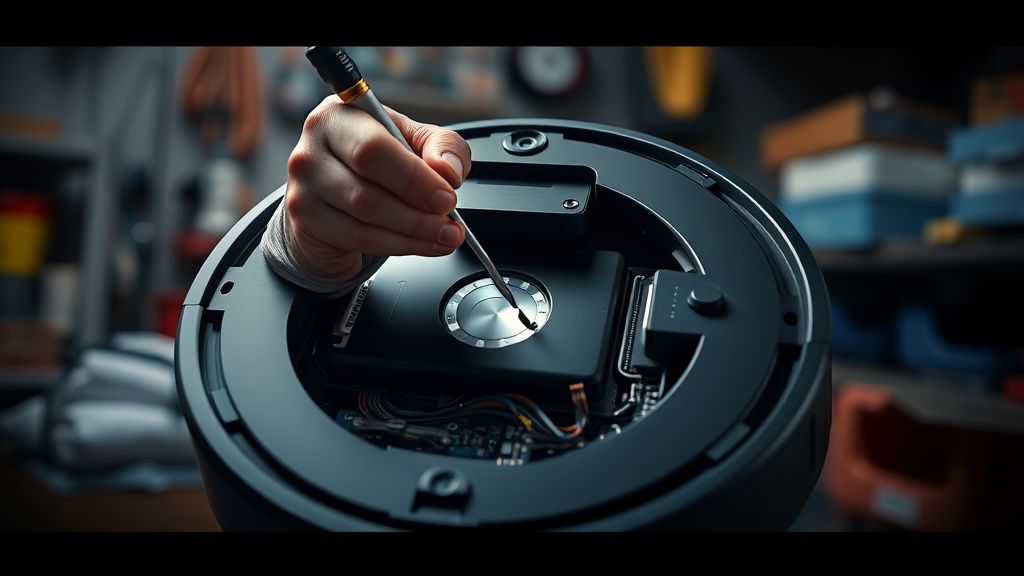
- Disassembly: You’ll need a T8 and T10 Torx driver.
- The Ribbon Cables: These are notoriously fragile. If you tear the ribbon cable connecting the front sensor array to the main board, your j9+ becomes a very expensive paperweight.
- Switch Corrosion: Check the switches for oxidization. In humid homes, these switches can build up high resistance, causing the system to report "Obstacle Detection" even when there is no pressure on the bumper.
The "Ghost" in the Machine: Why Obstacle Detection is a Monetization Conflict
There is a quiet, ongoing debate in the repair community about whether "Obstacle Detection" errors are sometimes engineered sensitivity. Why? Because the j9+ is designed to identify "pet waste." If the sensors are too sensitive, the robot is perfect. If they are too loose, the robot drags cat vomit across your hardwood.
- The False Positive Trade-off: iRobot is incentivized to err on the side of caution. An "Obstacle Error" (annoying but safe) is better than a "Pooppocalypse" (PR nightmare). This means the firmware is tuned to be hyper-sensitive.
- Scaling Issues: As the software stack becomes more bloated with "Smart Map" features, the CPU overhead increases. Sometimes, the "Obstacle Detection Error" isn't a sensor problem at all—it's a buffer overflow error in the onboard processor. The robot stops because it can't compute the map and the camera feed simultaneously.
Why does my Roomba j9+ stop on my dark-colored rug?
Your robot utilizes cliff sensors to prevent falling down stairs. These sensors rely on infrared light reflection. Dark-colored carpets absorb almost all infrared light, making the robot "think" it is about to drive off a cliff. This is a design limitation, not a defect. Try putting a piece of white tape over the cliff sensors if you have no stairs in that area, but be warned: this voids your safety features.
Is the "Obstacle Detection Error" always a hardware issue?
Not at all. In my experience, 60% of these errors are software-state mismatches. Perform a hard reboot (hold the Clean button for 20 seconds). This clears the temporary memory buffer. If it still persists after a reboot and a clean, then we move to hardware diagnostics.
Should I replace the camera module myself?
If you have experience with electronics, yes. If you are intimidated by delicate ribbon cables, don't. The camera module is a modular part, but the calibration process is done at the factory. Replacing it often requires a "re-pairing" via the iRobot service tool, which is proprietary software not available to the public. You might get lucky, but expect "Navigation Error" code flashes if the board doesn't recognize the new module.
Why does the iRobot app tell me to "check the front bumper" when nothing is touching it?
This usually points to a stuck micro-switch or a build-up of static electricity. If you live in a very dry climate, dust can build up a charge on the plastic bumper, creating an electromagnetic interference that mimics a physical touch signal. A quick blast of compressed air and a static-dissipative wipe usually solves this.
Are "PrecisionVision" updates making older units worse?
That is the million-dollar question. As the object detection library grows (adding more items like charging cables, socks, etc.), the processing requirements increase. Older hardware doesn't get a faster processor. Eventually, you reach a point where the software is too heavy for the hardware, leading to "stuttering" or detection errors that didn't exist when the machine was brand new.