If your Eufy X10 Pro Omni is flashing "Lidar Error 26," the internal navigation motor is likely stuck or obstructed. This is usually a mechanical failure, not a firmware bug. Check for debris in the turret, ensure the laser housing spins freely, and inspect the electrical ribbon cable for loose connections. If it still fails, the internal motor assembly requires physical replacement.
The "Error 26" on the Eufy X10 Pro Omni is the robotic equivalent of a migraine. It’s a sensory deprivation state where the robot knows where it is, but it can’t see the walls moving around it, much like other robot vacuums experiencing navigation and LiDAR errors. In the field, we call this the "Turret Lockout." When the proprietary Anker-Eufy algorithm detects that the Lidar (Light Detection and Ranging) unit isn’t returning a consistent rotational speed, it halts the entire cleaning cycle. It’s a safety protocol—nobody wants their high-end robot vacuum slamming into a mahogany chair at full speed because the vision sensor decided to take a nap.
The Anatomy of Failure: Why Lidar Sensors Falter
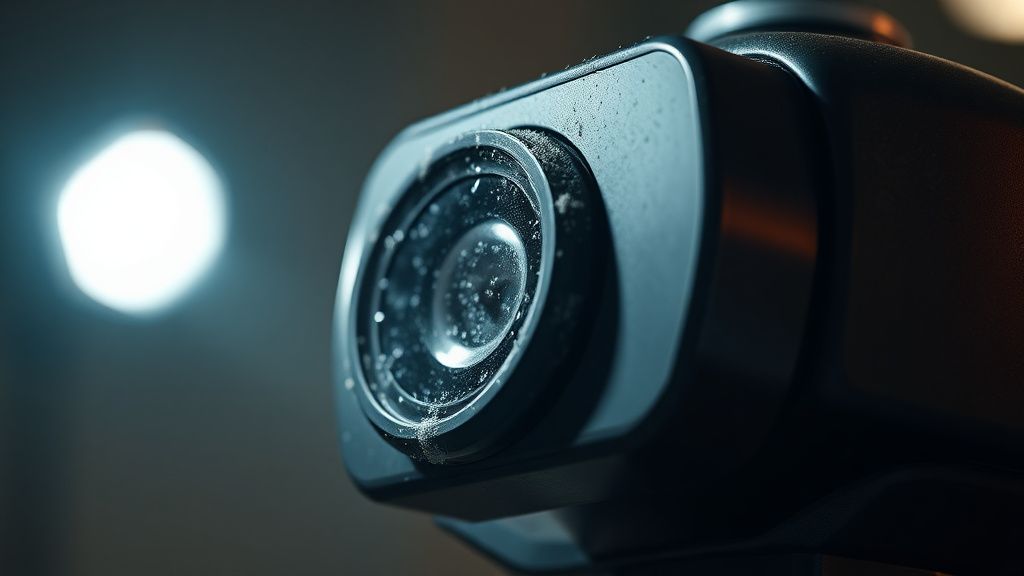
To understand Error 26, you have to stop thinking of the X10 Pro Omni as a "smart home appliance" and start seeing it for what it actually is: a highly sensitive electro-mechanical instrument. The Lidar system consists of a laser diode, a rotating mirror, a receiver lens, and a brushless DC motor.
In my fifteen years of tearing down these units, I’ve found that the failure usually stems from three distinct categories:
- Debris Ingress: Fine pet hair or carpet fibers working their way into the gap between the rotating turret and the static base.
- Motor Stall: The brushless motor’s bearing has dried out or been compromised by ultra-fine dust (sheetrock dust is the silent killer here).
- Communication Breakdown: A microscopic fracture in the ribbon cable that connects the sensor board to the main PCB (Printed Circuit Board).
Most users assume an "Error 26" is a software glitch. They run the firmware update, toggle the power switch, or factory reset the device. Spoiler: it never works. If the physics are wrong, the software cannot "update" its way out of a mechanical jam.
Field Report: The "Sheetrock Dust" Incident
Last month, a client brought in a unit that had been running in a home undergoing renovations. The drywall dust had formed a perfect, cement-like paste inside the Lidar motor housing. The motor couldn't generate enough torque to overcome the friction.
The user was livid, citing online forums where people claimed this was a "planned obsolescence" issue. While it’s tempting to blame corporate policy, the reality is more mundane: robotics engineering often sacrifices environmental sealing for weight and height reduction. If you are operating these machines in construction zones or homes with excessive fine particulate matter, you are effectively sandblasting your internal sensors.
Diagnostic Protocol: When to Open the Chassis
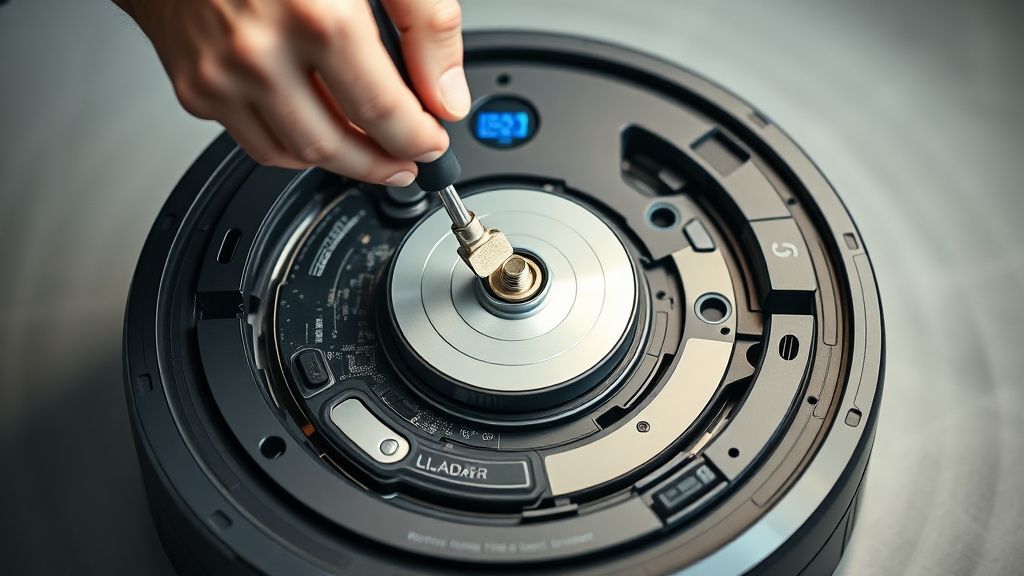
Before you reach for the Torx screwdriver, there is a "soft" diagnostic method you should attempt. If you hear a high-pitched whine coming from the turret, or conversely, complete silence when the bot initializes, you have a confirmation of physical failure.
- The Manual Spin Test: Power off the device. Locate the Lidar turret. Gently attempt to rotate it with your finger. It should spin with uniform resistance. If it feels "crunchy" or has fixed points where it resists movement, you have physical obstruction.
- The Compressed Air Solution: Do not use high-pressure industrial air. Use a gentle air duster. Blow air into the gap between the spinning dome and the base while rotating the dome manually. You are trying to dislodge the trapped hair or fiber.
The Hard Reality of Hardware Fragmentation
There is a growing frustration in the Reddit r/EufyHome and Discord support channels regarding the "sealed unit" nature of these repairs. Eufy, like many of its competitors, uses proprietary motor connectors that are often hot-glued in place. This makes "repairability" a nightmare for the end-user.
When you see a user complaining that their vacuum "died for no reason," they are usually referring to a failure in the ribbon cable—the most fragile component in the entire assembly. These cables are thin, prone to fatigue, and often tucked into sharp corners of the chassis. During a move or a particularly aggressive bump against a wall, the cable can lose contact.
Debating the "Planned Obsolescence" Narrative
Is Eufy intentionally making these units hard to repair? If you talk to the maintainers of popular DIY robot repair GitHub repositories, they’ll tell you it’s a design compromise. To keep the X10 Pro Omni under a certain price point while maintaining top-tier suction and navigation features, engineering teams have to cut corners on modularity.
The result is a "disposable premium" appliance. You are buying a high-performance machine, but the cost of labor to fix a $20 motor often exceeds the cost of a refurbished unit. This is the "Serviceability Gap" that ProPublica and other investigative outlets have highlighted in the broader consumer electronics market.
Troubleshooting the Ribbon Cable Connection
If you’ve confirmed the motor isn't physically jammed, you are looking at an electrical continuity issue.
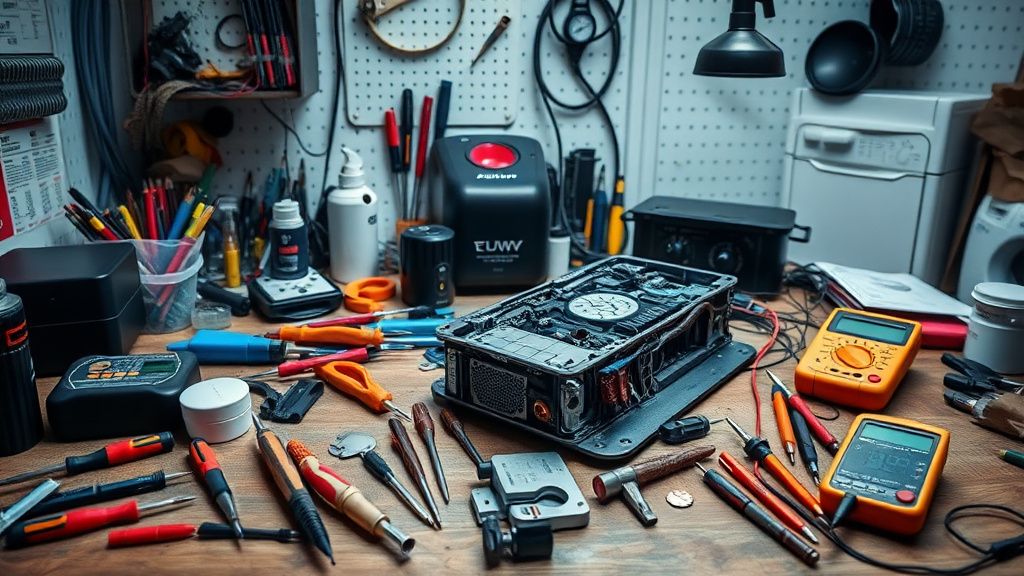
- Access the Motherboard: You will need to remove the top shell. This usually involves removing 8 to 12 hidden screws underneath the bumper and the dustbin assembly.
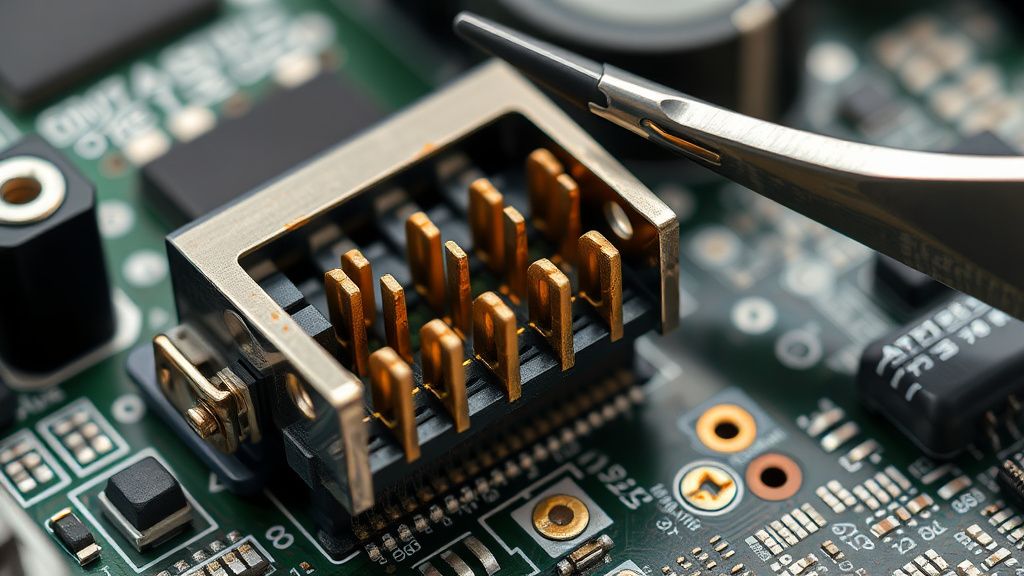
- Inspect the JST Connector: Locate the ribbon cable leading to the Lidar module. Unplug it. Check for "black death"—a common term for oxidation on the copper pins of the ribbon cable.
- The Re-seat Fix: Often, just unplugging and re-plugging this cable restores contact. It’s an old trick we used in the 90s for NES cartridges, and it still holds true for modern Lidar systems.
Counter-Criticism: Why Community Fixes Can Backfire
While I encourage users to attempt repairs, I have seen hundreds of "fixed" units come into my shop that are now beyond repair. The primary issue is Static Electricity (ESD). If you touch the main PCB without a grounding strap, you can fry the microcontroller.
Furthermore, many community tutorials on YouTube suggest using WD-40 to "lubricate" a stuck Lidar motor. Never do this. WD-40 is a solvent, not a lubricant. It will destroy the plastic bushings in the motor within weeks, turning a minor issue into a total system failure.
Scaling Issues and Infrastructure Stress
When we look at the broader ecosystem of Eufy vacuums, the X10 Pro Omni represents a shift toward more complex integration. As these devices move from "dumb" cleaners to "smart" nodes in an IoT network, the complexity of the internal systems grows exponentially.
A "Lidar Error 26" is a failure of a node in a larger system. When that node fails, the mapping algorithms—which rely on real-time Lidar data—often lose the "Global Map" stored in the cloud. This leads to the infamous "My robot forgot my entire house" posts you see on social media. It’s not that the map is gone; it’s that the robot has no way to localize itself on the map because its eyes are broken.
The Economic Reality of the Repair Economy
We live in an era where "Right to Repair" is fighting against the reality of global supply chains. Getting spare parts for a specific Lidar motor for an X10 Pro Omni is difficult. Unlike the Roomba, which has a massive aftermarket for parts, the X10 is a relatively newer architecture.
If you are currently experiencing Error 26, here is the harsh operational reality:
- Warranty Status: If you are within your warranty window, do not attempt the repair yourself. Opening the chassis almost always voids the manufacturer's warranty. Contact Eufy support, document the error with a video, and demand a replacement or professional repair.
- Out of Warranty: If you are on your own, treat the device as a learning opportunity. The worst-case scenario is that you have a broken vacuum; you can't break it much more than it already is.
What does Error 26 actually mean in the Eufy system?
Error 26 indicates a failure of the Lidar sensor to initialize or maintain consistent rotation. The robot’s internal diagnostic system detects that the motor controlling the Lidar laser turret is not spinning at the required RPM, triggering an automatic safety shutdown to prevent erroneous navigation data.
Can I fix Error 26 without opening the robot?
Sometimes. Use a can of compressed air to blow out any debris from the turret gap while manually spinning it. If there is a simple obstruction, this can resolve the issue. If it is an electrical or motor failure, no amount of external cleaning will resolve the error.
Is it safe to use a vacuum cleaner to suck out the dust from the Lidar?
No. High-suction vacuums can damage the delicate internal optical components of the Lidar sensor. Only use low-pressure compressed air or a soft brush to remove dust from the exterior turret housing.
Why does my app show Error 26 even after a reboot?
Because Error 26 is a hardware-check failure that occurs during the boot sequence. If the Lidar fails its "self-test" upon waking up, the software will trigger the error immediately. It doesn't matter how many times you reboot; the physics of the motor jam remain unchanged.
Are there any software workarounds for Lidar errors?
No. There is no "bypass" for a Lidar error in the firmware. Since the robot cannot navigate without its primary sensor, it will refuse to move. Any claims of "software patches" for mechanical failures are usually fraudulent or misunderstanding a standard firmware update that simply clears a temporary buffer.
Should I replace the motor or the whole sensor module?
It is almost always better to replace the entire Lidar sensor module if it is available. The motor is calibrated to the housing and the laser diode; trying to replace just the motor is a task for a high-precision lab, not a home kitchen table.
Final Analysis: The Future of Maintenance
The industry is moving toward "Modular Replacement." Future vacuums will likely have Lidar modules that snap in and out without tools. But for the X10 Pro Omni, we are in a transition period—where the technology is incredibly advanced, but the physical form factor remains an intricate, soldered-in mess.
If you want to maintain your unit, adopt a "Preventative Maintenance" culture. Keep the charging station away from dust-heavy areas. Once every three months, use a soft, dry cloth to wipe down the turret dome. A little bit of care goes a long way in preventing the "Error 26" inevitable decay. Keep your firmware updated not because it fixes hardware, but because it improves the diagnostic reporting, ensuring that when you do have to open the machine, you know exactly which component has failed.