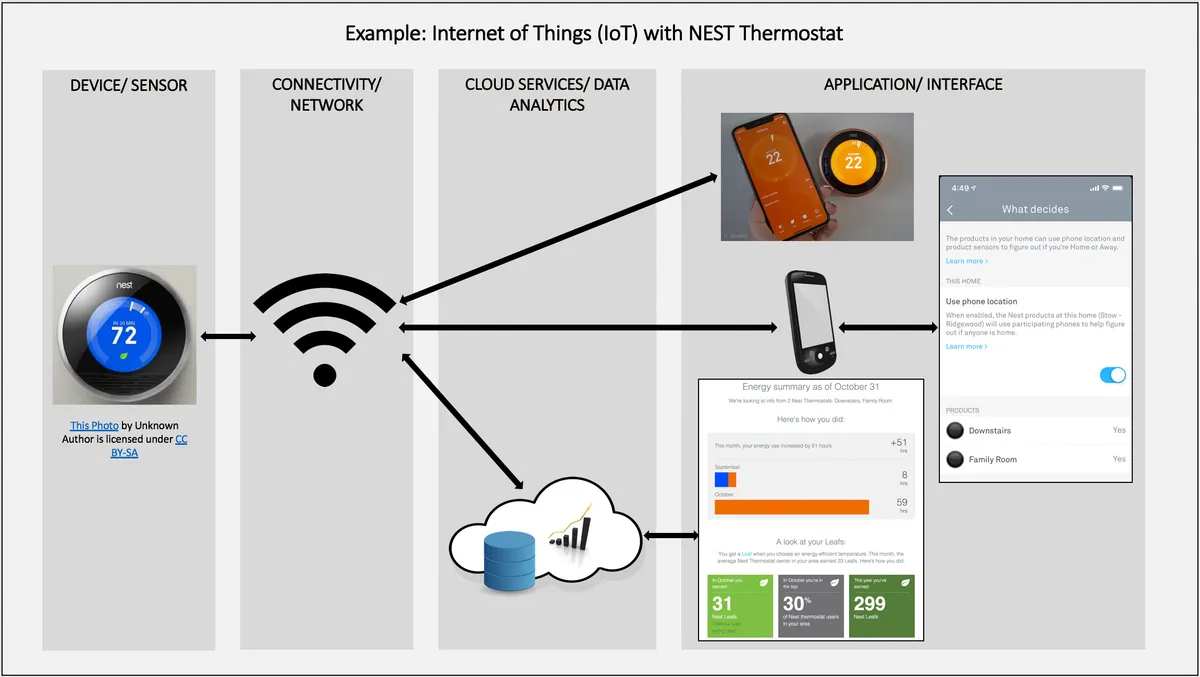
Quick Answer: Zigbee smart plug pairing failures almost always trace back to three root causes: channel interference from your 2.4 GHz Wi-Fi network, a coordinator that's either underpowered or running stale firmware, and physical distance killing the mesh before it even forms. Fix those three things first. Everything else is noise.
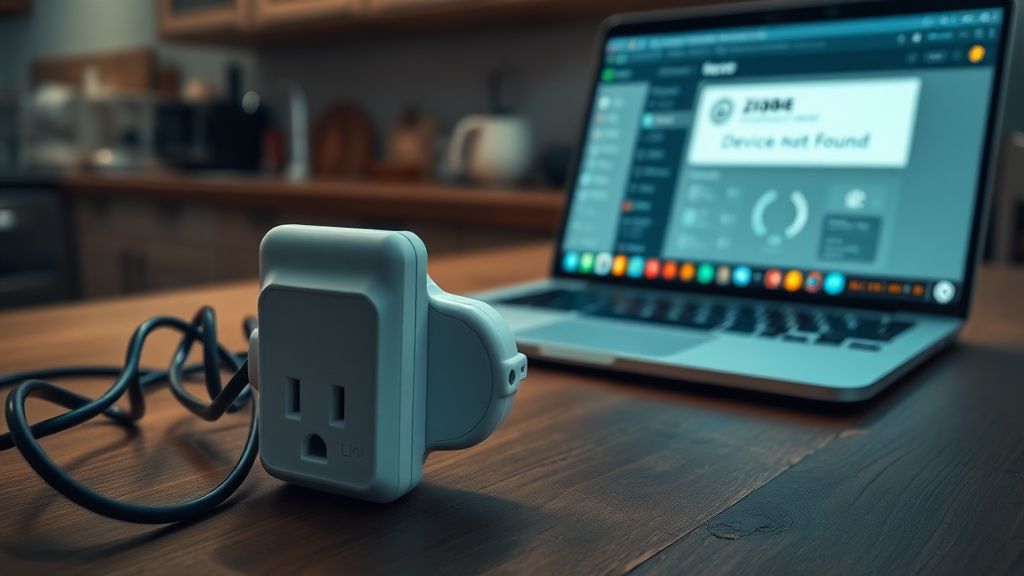
There's a specific kind of frustration that hits when you're standing in your kitchen at 10 PM, phone in hand, plug factory-reset for the fourth time, and the Zigbee coordinator still won't see it. The app says "searching," the plug's LED is doing whatever cryptic blink pattern the manufacturer decided was meaningful, and nothing. Just nothing.
I've been inside enough smart home setups — professionally and personally — to tell you that Zigbee pairing failures are almost never caused by a defective device; similarly, understanding Why Your SmartThings Zigbee Devices Keep Disconnecting often reveals environmental or configuration problems, not hardware faults. Maybe five percent of the time, sure. The other ninety-five percent? It's an environmental, configuration, or mesh architecture problem that was always going to fail. You just didn't know it yet.
This isn't going to be a "reset the device and try again" guide. You've already tried that. This is about understanding why Zigbee pairing actually breaks, what's happening at the radio layer, what coordinators and routers and end devices actually do in the real world versus what the marketing says, and how to systematically fix it.
What Zigbee Actually Is Under the Hood — and Why That Matters for Pairing
Most people treat Zigbee like it's just "the thing that makes smart plugs work." That's not wrong, but it's incomplete enough to cause real problems.
Zigbee is an IEEE 802.15.4-based mesh networking protocol operating in the 2.4 GHz ISM band — the same congested radio space occupied by 2.4 GHz Wi-Fi, Bluetooth, baby monitors, microwave ovens, and cordless phones. It uses direct sequence spread spectrum and divides the band into 16 channels (11 through 26). This is non-negotiable hardware reality. You cannot move Zigbee out of 2.4 GHz. What you can do is manage which specific channels you're operating on.
The architecture has three device roles:
- Coordinator: The single device that forms and manages the network. One per Zigbee network. This is usually your USB dongle, your hub, or your smart home controller.
- Router: Mains-powered devices that extend the mesh by forwarding traffic. Your smart plugs, smart bulbs, hardwired switches.
- End device: Battery-powered or sleep-capable devices that join the network but don't route. Door sensors, motion sensors, temperature sensors.
Here's where it gets operationally important: a smart plug is a router. It's mains-powered. When you successfully pair a smart plug, it doesn't just join the network — it becomes part of the network's backbone. This means pairing a plug isn't just "adding a device," it's expanding infrastructure. And that expansion can fail in ways that joining an end device wouldn't.
The pairing process (called "joining" in Zigbee spec) requires:
- The coordinator opens a network "permit join" window — typically 60 to 254 seconds.
- The new device sends an association request on the channel it discovers through beacon scanning.
- A router or coordinator on the network responds with an association response.
- An address is assigned. Network key is transmitted (encrypted with a link key — more on this later).
- The device announces itself. The coordinator registers it.
Every single one of those steps can fail silently. That's the real problem. The failure modes are quiet.
The Channel Conflict Problem: Why Your Wi-Fi Router Is Killing Your Zigbee Pairing
This is the most underdiagnosed issue I see, and it's completely fixable once you understand the geometry, especially considering common problems like when an Aqara Hub M2 Won't Connect to Wi-Fi due to 2.4GHz interference.
Wi-Fi 2.4 GHz channels and Zigbee channels share physical spectrum but use different numbering systems. The overlap looks like this in practice:
- Wi-Fi Channel 1 (2401–2423 MHz) overlaps with Zigbee channels 11, 12
- Wi-Fi Channel 6 (2426–2448 MHz) overlaps with Zigbee channels 14, 15, 16
- Wi-Fi Channel 11 (2451–2473 MHz) overlaps with Zigbee channels 19, 20, 21
This means if your router is sitting on Wi-Fi channel 6 — which is statistically very likely given router defaults — and your Zigbee coordinator is also defaulted to channel 15, you have a coexistence problem. Every time your router transmits a packet (which is constantly), it's potentially stepping on your Zigbee pairing handshake.
The cleanest Zigbee channels in a typical home Wi-Fi environment are 15, 20, 25, and 26. Channel 25 and 26 are above Wi-Fi channel 11's practical range, which makes them theoretically cleaner — but some devices don't support channel 26 properly, and you may find certain older Tuya-based or Sonoff plugs refuse to join on channel 26. That's not theoretical. It's a known pain point in the zigbee2mqtt GitHub issue tracker — search "channel 26 join failure" and you'll find threads going back years.
Practical fix: Set your coordinator to channel 15 or 20. If your Wi-Fi router is on channel 6, channel 15 gives you clean separation. If it's on channel 11, channel 20 does the same. Check your router admin panel. Don't guess.
Critical note: Changing the Zigbee channel after your network is established requires re-pairing every device. Do this before you've built out your network, not after. This is the kind of decision that costs people entire weekends if they get the order wrong.
Coordinator Hardware: The Part Nobody Talks About Until It's Too Late
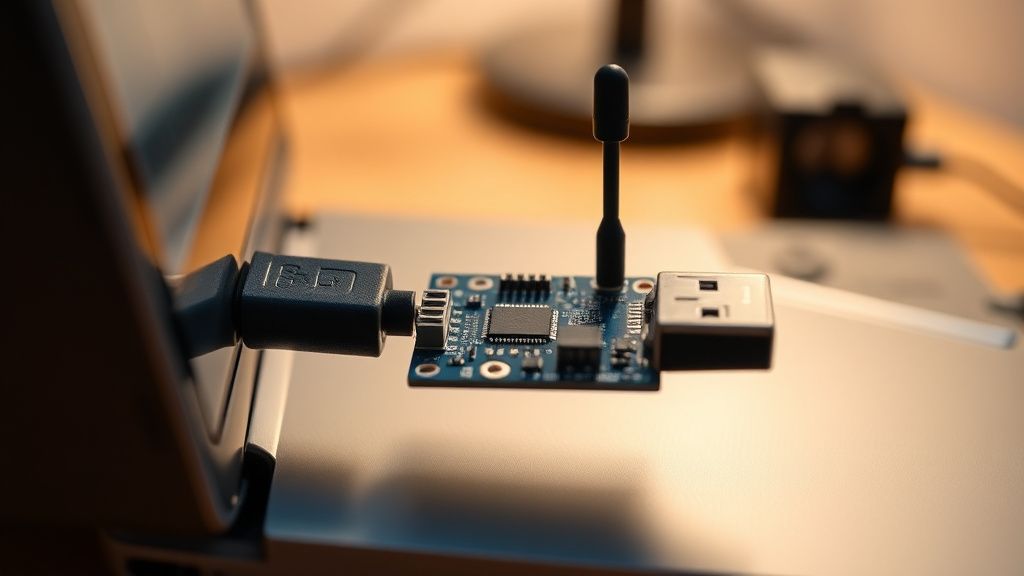
If you're running Home Assistant or Zigbee2MQTT with a generic CC2531 USB dongle you bought for eight dollars, that is your problem. Full stop.
The CC2531 was a reasonable coordinator in 2018. In 2024, it's a liability. It has limited memory, limited radio range, and the stock Texas Instruments firmware it ships with is often ancient. The USB RF shielding is basically nothing — plugging it directly into a USB 3.0 port will inject noise directly into the 2.4 GHz band because USB 3.0 generates harmonics that sit right in Zigbee's operating range. This is documented. Intel published a white paper on this exact issue years ago.
The coordinators that actually work reliably in 2024:
- Sonoff Zigbee 3.0 USB Dongle Plus (ZBDongle-P) — based on Silicon Labs EFR32MG21. Solid range, actively maintained firmware, works with Zigbee2MQTT out of the box.
- SMLIGHT SLZB-06 — network-based coordinator, useful if your coordinator placement is constrained by where your server lives.
- Tube's Zigbee Coordinator (CC2652P2-based) — community favorite, good power output, proper antenna.
The firmware version matters enormously. If you're running Zigbee2MQTT and your coordinator firmware is more than six months old, check for updates. The Z-Stack firmware on CC2652-based devices has had meaningful improvements in join handling, network key transmission robustness, and scan response timing. These aren't cosmetic updates.
To check your coordinator firmware in Zigbee2MQTT: navigate to Settings → About → Coordinator. Compare the firmware version against the latest available for your hardware on the respective GitHub repository. If you're running firmware from 2021 on a 2024 network, that's not a hypothesis anymore — that's a known variable.
Distance, Mesh Topology, and the "Works in My Pocket" Problem
Here's a failure mode that makes people crazy: the plug pairs fine when you hold it directly next to the coordinator, but won't pair at its actual installation location fifteen feet away and through one wall.
What's happening is straightforward. The permit join signal has to reach the device. In a sparse network — or when you're trying to pair the first plug into an empty network — that signal has to come directly from the coordinator. Your coordinator's radio range in a typical home environment is not unlimited. Concrete walls, metal studs, large appliances — all of these attenuate 2.4 GHz signals.
The architectural irony here: smart plugs are routers, but they can't route during pairing because they're not on the network yet. You have a chicken-and-egg situation. You need routers to extend the network so you can pair devices further away, but you need to pair devices to have routers.
The proper build sequence for a Zigbee mesh:
- Place your coordinator centrally, or as close to centrally as your server location allows.
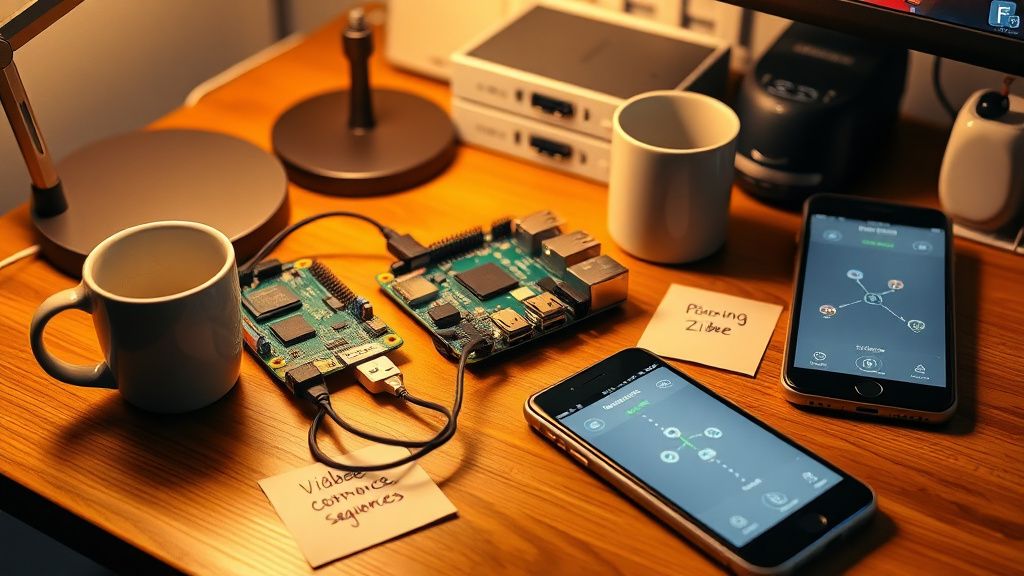
- Pair all plugs and hardwired devices (routers) within close range of the coordinator first.
- Let the mesh stabilize — give it 15 to 30 minutes. Devices negotiate their routing tables.
- Then move plugs to their final locations if they're portable, or begin pairing devices further out.
- Battery-powered end devices should be paired last, nearest to an already-established router.
This sequence is not in the box. It's not in the quick start guide. It's buried in Zigbee2MQTT documentation and the Home Assistant community forums (specifically the "Zigbee mesh best practices" thread that gets linked obsessively in r/homeassistant).
Skipping this sequence — which most people do because it's not documented — results in end devices that pair marginally and then drop off the network when conditions change slightly. A neighbor fires up their microwave. You move furniture. A refrigerator compressor cycles on. And suddenly your "paired" sensor is reporting nothing.
The Network Key Problem Nobody Wants to Admit
Zigbee 3.0 has mandatory security — the network is encrypted, and when a new device joins, it receives the network key from the coordinator. This transmission happens using a "well-known" link key (default ZigBee key is publicly known: ZigBeeAlliance09).
This means for a brief window during joining, the network key is transmitted in a way that's not truly secret if someone's sniffing your radio traffic. For home automation, this is a theoretical concern. But what it creates practically is a timing sensitivity — the device has to receive that key transmission cleanly, without interference, within a narrow window. If the transmission gets corrupted or dropped:
- The device thinks it joined.
- The coordinator doesn't have a confirmed encryption handshake.
- The device shows as "paired" in some interfaces, then fails to respond to commands.
- You reset and try again, confused about why it sometimes works and sometimes doesn't.
This is the ghost-pairing problem. Forums call it "phantom devices." You'll see it referenced in GitHub issues for Zigbee2MQTT — there's been ongoing discussion about improving join confirmation handling, particularly for devices that have aggressive sleep timers that kick in before the key exchange completes.
The practical fix: pair in a lower-interference environment when possible. During initial setup, temporarily turn off Wi-Fi on nearby devices, move the coordinator away from the router if they're co-located, and pair during a time of day when network traffic in your area is lower. Yes, that sounds like voodoo. It's not. It's RF physics.
Real Field Reports: What Actually Breaks in Production
The IKEA Tradfri Plug and Coordinator Compatibility Drama
IKEA Tradfri plugs are cheap, widely available, and genuinely useful as Zigbee routers. They're also notorious for being picky about which coordinator they'll actually pair with. On older CC2531 hardware with stale firmware, there's a documented failure mode where the plug responds to the beacon, starts the association, and then silently drops the connection before address assignment completes.
In zigbee2mqtt GitHub issues — specifically issue threads around "IKEA plug not joining" — users have reported that the same plug that refuses to pair on a CC2531 coordinator will pair immediately on a CC2652-based dongle running current firmware. The root cause appears to be timing differences in the association response — the newer Z-Stack firmware handles the back-and-forth faster, within the plug's internal timeout window.
This is an interoperability problem that exists despite "Zigbee 3.0 certified" labels on both devices. Certification doesn't guarantee compatibility. It guarantees protocol compliance under ideal test conditions.
Tuya Smart Plugs and the Weird Channel 26 Thing
Multiple community reports across the Zigbee2MQTT Discord, the Home Assistant forums, and a particularly detailed thread on r/homeassistant confirm that a large number of Tuya-manufactured Zigbee smart plugs (sold under dozens of brand names) exhibit silent join failures specifically on Zigbee channel 26. The plugs enter pairing mode, scan channels, and simply don't respond to the coordinator on channel 26 even though both devices theoretically support it.
Nobody has a clean explanation for why. The hypothesis floating around the community is that the Tuya firmware's channel scanning sequence has a bug where it scans 26 but doesn't properly process beacon responses from that channel. There's no official acknowledgment from Tuya. There's no firmware fix. The workaround is: don't use channel 26 if you have Tuya plugs.
This is how smart home interoperability actually works. You discover the edge cases by hitting them at 10 PM and then googling the symptom in increasingly frustrated language until you find the three-year-old forum post from someone who figured it out.
The USB 3.0 Interference Mess
A user in the Zigbee2MQTT GitHub discussions documented a setup where their coordinator was producing intermittent pairing failures and dropped devices despite a physically small network. After extensive debugging — including a spectrum analyzer run — the culprit was USB 3.0 interference. Their coordinator was plugged directly into a USB 3.0 port on a NUC, and the RF noise floor around their coordinator was elevated enough to cause reliable communication problems.
Fix: USB 2.0 extension cable, 50cm minimum, moving the dongle away from the NUC chassis. Pairing success rate went from unreliable to consistent. This fix is now literally in the Zigbee2MQTT documentation under hardware recommendations.
Counter-Criticism: Where the "Just Use Matter" Crowd Gets It Wrong
There's a legitimate debate happening in the home automation community about whether Zigbee is worth the operational complexity at this point — given Thread/Matter's promise of IP-native smart home devices that don't require a coordinator dongle and don't have the channel management headaches.
The argument isn't wrong in principle. Thread-based devices operating over a proper IPv6 mesh with Matter application layer do sidestep a lot of the coordinator firmware and channel conflict issues that plague Zigbee setups.
But the operational reality in 2024 is messier:
- Matter is immature. Device support is still expanding. The plug ecosystem in Zigbee is enormous — thousands of devices with years of production data, community firmware, and community knowledge. The Matter plug ecosystem is a fraction of that.
- Thread border routers are their own complexity. Apple HomePod Mini, Google Nest Hub, Amazon Echo — these can serve as Thread border routers, but their interoperability at the Thread layer has had documented issues. The stack isn't clean yet.
- Zigbee devices are cheaper. Often significantly so. For a setup with twenty or thirty plugs, the cost difference is real.
- Existing investments. Telling someone with a working Zigbee network of thirty devices to migrate to Matter because "it's cleaner" is technically true and practically useless.
The honest answer is that Zigbee is worth understanding and maintaining for existing deployments and cost-conscious new builds. Matter is worth watching for greenfield installations. They're not in direct competition right now; they coexist in most serious smart home setups.
The Proper Diagnostic Sequence: A Systematic Fix Protocol
Stop randomly resetting devices. Here's the actual sequence.
Step 1: Verify Coordinator Health
- Check firmware version. Update if outdated
Bu makale affiliate linkleri içermektedir.