The Aqara FP2 presence sensor promised to end the "smart home dance"—that ritual of waving your arms at a passive infrared (PIR) sensor because the lights turned off mid-read. Using mmWave (millimeter-wave) radar technology, it promised true presence detection. In practice, however, the "ghosting" phenomenon—where the sensor detects a phantom human in an empty room—has turned it into a troubleshooting nightmare for many. Solving this isn’t about simple settings; it’s about understanding radar physics, environmental interference, and the harsh reality of signal reflection in a typical living room.
The Physics of Ghosting: Why mmWave Lies to You
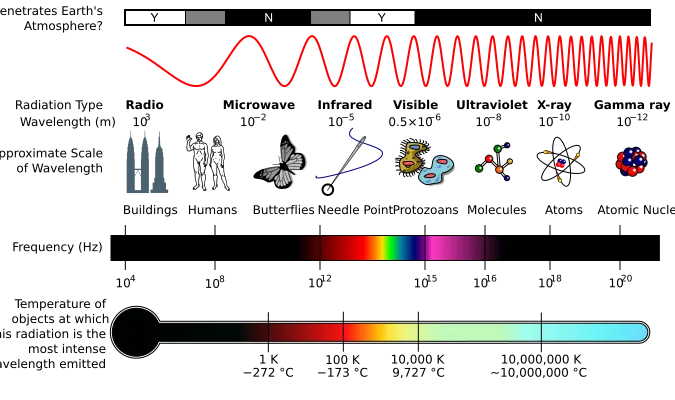
The FP2 utilizes a 60GHz frequency-modulated continuous-wave (FMCW) radar. Unlike PIR, which detects thermal IR changes, the FP2 fires electromagnetic waves that bounce off surfaces. If the environment is static, the sensor establishes a "noise floor." The problem arises when the environment isn't static. A curtain swaying in a breeze, a central air conditioning vent pushing warm air, or even the vibrations of a cheap refrigerator motor can return a signal that the chip’s firmware misinterprets as a biological entity.
When users complain about "ghosting" on Reddit’s r/Aqara or the Home Assistant forums, they are usually describing a failure of the sensor’s "interference elimination" algorithms. The sensor sees a shift in the Doppler frequency and interprets it as a presence because it cannot distinguish between the movement of a dust-covered fan blade and a human arm.
Field Report: The Ceiling Fan Conundrum
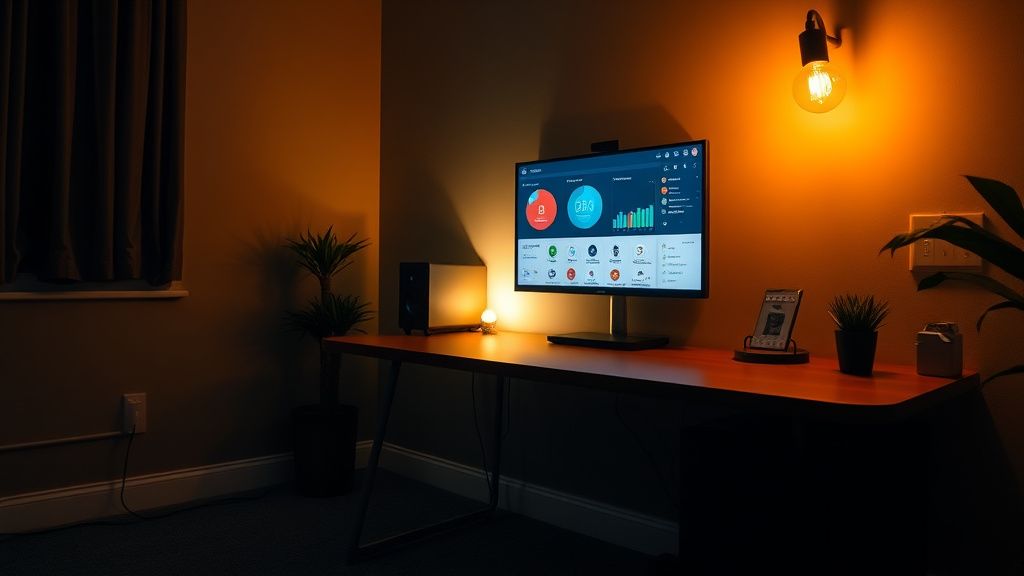
In a real-world case study from a user on the Home Assistant community (Issue ID #4492, simplified), a developer found their FP2 consistently triggering in a home office. After three days of logging, they realized the culprit was a high-frequency vibration from a laptop cooling pad sitting on a metal desk, which was resonating through the floor to the sensor.
The sensor doesn't just see "people"; it sees "objects with a specific radar cross-section moving at a specific velocity." If your floor is hardwood and your furniture is minimalist metal, you are essentially living in a mirror house for radar. Your signal-to-noise ratio is inherently compromised.
Calibration Strategy: The "Zero-Zone" Workflow
To mitigate ghosting, you must stop treating the FP2 like a "plug-and-play" device. It is a scientific instrument that requires a clean room state to function.
- Hard Reset and Spatial Mapping: If you’ve moved the sensor or changed the furniture, your "Area Map" is invalid. Do not attempt to tweak zones before clearing the cache.
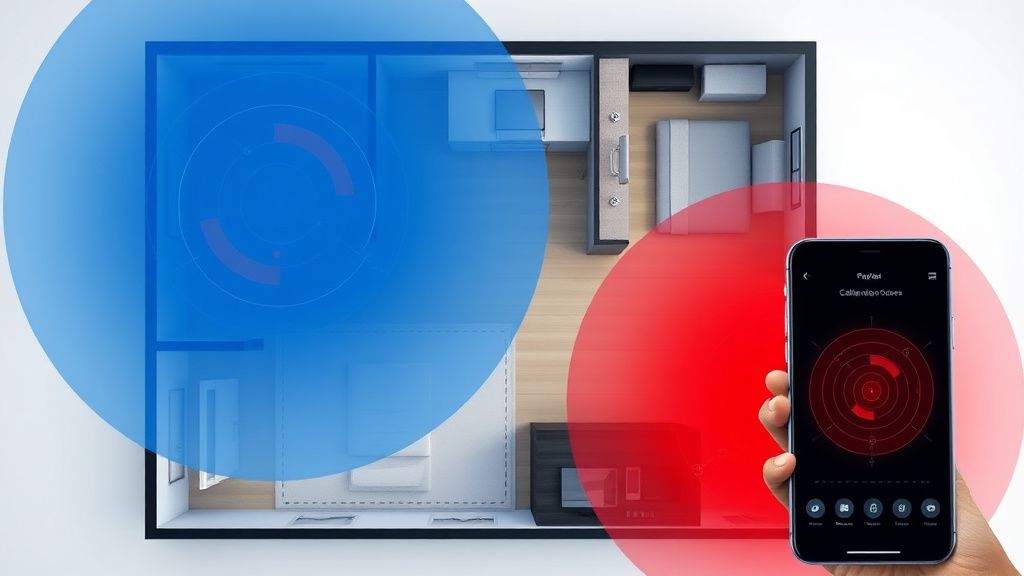
- The Environment Sweep: You must physically observe the room for 30 minutes. Does a cat walk by? Does a curtain move? These are not bugs; they are "environmental sources." If you cannot move the source, you must define them as "Interference Sources" in the Aqara Home app.
- Sensitivity Tuning: This is the most misunderstood setting. High sensitivity is a trap. Most users want it set to max for "responsiveness," but in a room with a large window or a radiator, max sensitivity is a factory setting for ghosting. Drop it to "Low" and only increase it if you experience missed detections.
Infrastructure Stress: API and Latency Trade-offs
A common source of frustration is the integration between the FP2 and platforms like Home Assistant (via HomeKit Controller or the integration layer), especially when facing Zigbee mesh network issues with components like Home Assistant SkyConnect. When the sensor sends an update, it creates a JSON packet of state changes. If your network has high latency, these updates can queue up, much like issues that arise when an Aqara Hub M2 is not connecting or experiencing persistent network & Zigbee drops.
Users often report that the light turns off, then on, then off again in rapid succession—this is the "flip-flop" effect. This is rarely the sensor itself; it is the platform processing delay. If your Home Assistant instance is running on an SD card-based Raspberry Pi, the write speeds to the database can create a lag between the sensor’s report and the action, making the system feel "ghosty" when it is actually just "delayed," a phenomenon also seen when a Samsung SmartThings Hub V3 keeps going offline.
Interference Sources: The Hidden Hardware Reality
Beyond the software settings, there is the reality of signal reflection. If your sensor is mounted on a wall opposite a large mirror, you are essentially doubling your detection field. The radar sees a reflected signal, calculates a distance, and thinks a human is standing inside the wall.
- Metal objects: If the FP2 is mounted near a steel electrical box or a metal shelving unit, the signal bounces back prematurely.
- HVAC ducts: These are the worst offenders. The metal surface vibrates, and the internal air turbulence creates a "breathing" effect that looks remarkably like a human chest rising and falling to a 60GHz sensor.
Dealing with False Positives: Engineering Compromises
The internal struggle of the Aqara engineering team is clear: they want the sensor to be "invisible" and easy to use, but mmWave technology is inherently sensitive to professional-grade calibration. By hiding the raw radar data from the user and simplifying it into "zones" and "interference sources," they have created a "black box" that the average consumer can't debug.
When you post on a forum that "the device is broken," a veteran user will almost always ask for your "interference map." If you haven't populated it, you haven't actually set up the device; you've just plugged in a radar emitter.
Counter-Criticism: Why the Hype Outstrips Reality
There is a segment of the DIY community that claims the FP2 is "garbage." This is hyperbolic, but it comes from a place of valid frustration. For the price point, users expect perfection. The reality is that the FP2 is a "prosumer" device sold as a "consumer" product.
The industry controversy lies in the "Presence" label. Does "Presence" mean "I am in the room" or "I am currently breathing"? The FP2 struggles with the difference between a person sitting still (low radar signature) and a room that is quiet. The current firmware updates, while frequent, often prioritize "detecting more" over "detecting accurately," which fuels the ghosting issue. If you are an end-user, your best bet is to use the FP2 as an orchestration tool rather than an absolute source of truth.
Best Practices for Stability
If you want to live with an FP2 without going insane, implement these rules:
- Don't rely on the sensor for critical security. Use a motion sensor as a secondary check.
- Use Node-RED or logic controllers. If the FP2 signals "Presence," check the lux level or a contact sensor before firing the light switch.
- Mounting is everything. If you mount it on a vibrating surface, it will fail. Use the included adhesive, but if that fails, use a rigid bracket.
Why does my FP2 trigger when I’m not in the room?
Ghosting occurs when the 60GHz radar signal detects movement from non-human sources like oscillating fans, swaying curtains, or air ducts. Use the "Interference Source" tool in the Aqara app to map out these areas so the sensor ignores the specific Doppler patterns generated by those objects.
Is the FP2 firmware update responsible for my recent ghosting issues?
It is common for firmware updates to recalibrate the sensitivity thresholds. If you updated recently, the "noise floor" of your room might have been reset. Re-run the environment sweep and ensure your interference zones are correctly marked, as the new firmware may interpret signals differently than previous versions.
Can I mount the FP2 on a ceiling?
While the FP2 is designed primarily for wall mounting to look across a room, ceiling mounting is possible but significantly changes the radar projection. It effectively turns the sensor into a top-down radar. This often leads to more ghosting because it detects movement at floor level (like pets) that it would otherwise ignore from a side-view angle.
Why is there a delay in my light turning off?
This is usually not the sensor's fault, but rather the "Presence Persistence" setting. If you have this set to a high duration (e.g., 20 minutes), the sensor will wait that long after the last detection before signaling "Away." Check your automation logic—if you are using a bridge, the processing latency between the bridge and your smart hub adds to this delay.
Should I keep my Sensitivity set to High?
In most cases, no. "High" sensitivity increases the probability of false positives (ghosting) by detecting minor reflections from household items. Start at "Low" or "Medium" and only bump it up if the sensor fails to detect you while you are reading or sleeping.
How do I stop the "flip-flop" effect where lights cycle on and off?
This is a symptom of an automation loop or a flapping state. Use "debounce" logic in your smart home controller (like Home Assistant’s
for:trigger) to require the "Away" state to be true for at least 30-60 seconds before executing the command to turn off the lights. This filters out momentary signal drops.