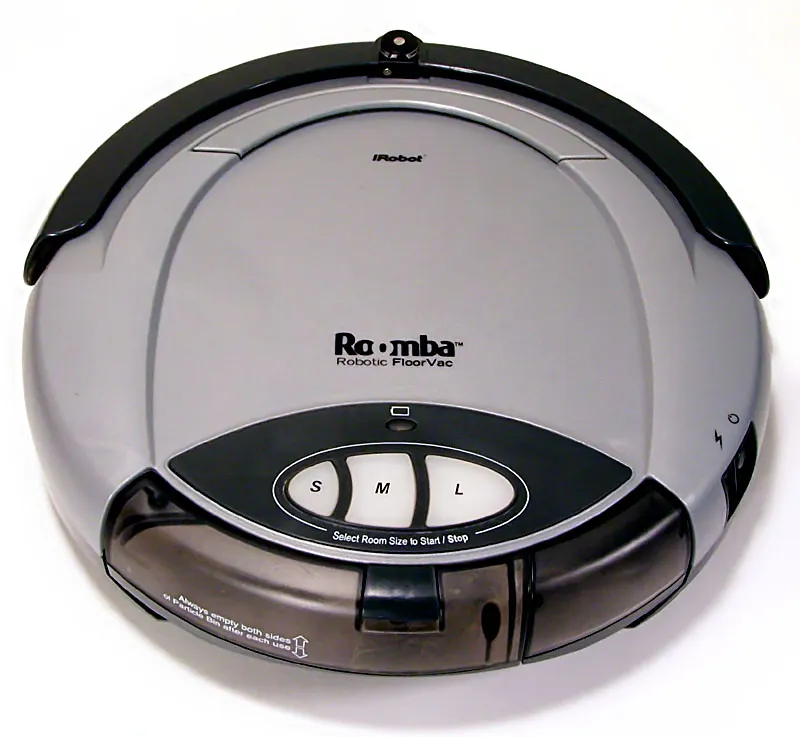
Error 31 is the Roomba s9+’s way of saying it has lost its grip on reality. Specifically, the onboard navigation firmware has determined that the cliff sensors—those infrared emitters and receivers tucked under the bumper—are either physically obscured, faulty, or reporting data that contradicts the vacuum’s internal mapping of the world. For similar issues with other models, you might find our guide on how to Fix Persistent Cliff Sensor Errors on the Roomba j7+ helpful. In the field, this usually manifests as the robot stopping dead in its tracks, pulsating a red light, and effectively turning into a plastic paperweight until you intervene.
The Physics of Cliff Sensor Failure and Infrared Obstruction
The Roomba s9+ utilizes a series of downward-facing infrared (IR) sensors. These sensors emit a pulse of light and measure the reflection; if the signal doesn't bounce back within the expected timeframe, the robot assumes it is staring into an abyss (a staircase). The "Error 31" code triggers when these sensors detect a "blind spot" or a persistent "cliff" state that the robot cannot clear by moving.
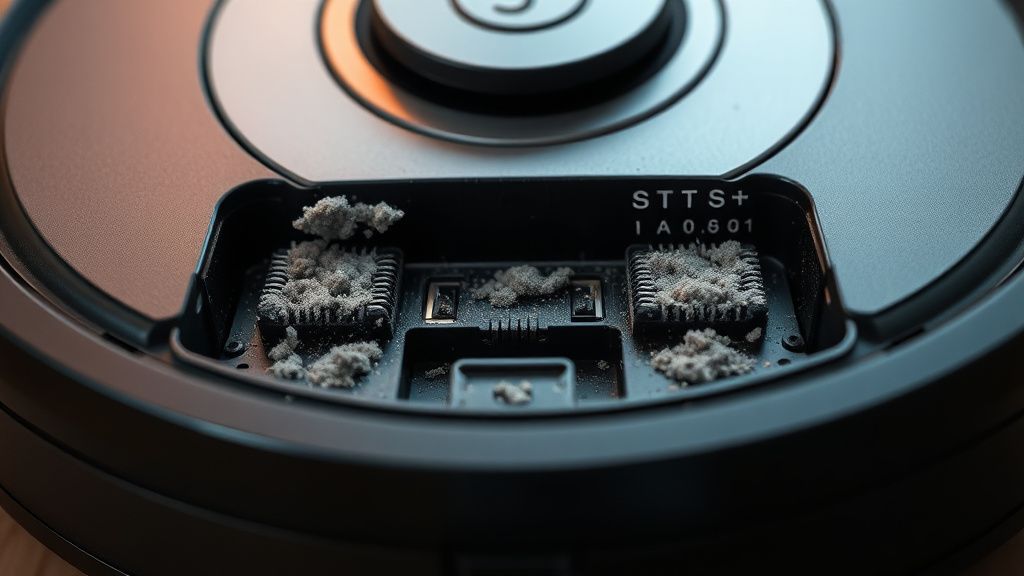
It’s not just dirt. While the average user assumes a quick wipe with a microfiber cloth solves the problem—and it often does—the reality in my workshop tells a different story. Sometimes, the issue is internal. If you’ve ever had a cat or a dog, you know that pet hair, dust bunnies, and, more insidiously, high-humidity environments, create a conductive film of "gunk" over the sensor lenses. This film scatters the IR pulse, creating a "ghost" signal that the processor interprets as a drop-off. Such debris can also lead to other operational problems, like brush motor issues in a Roomba j7+.
Dissecting the "Blind Spot": Operational Reality vs. Marketing
When iRobot launched the s9+ as their "smartest" vacuum, they leaned heavily into the PerfectEdge Technology. Yet, the tighter you make the sensor tolerances, the more prone the system is to "false-positive" edge detection. This is the inherent conflict of modern consumer robotics: high-precision sensors demand high-precision maintenance.
If you are seeing Error 31, your robot has essentially "blinded" itself. From a technical standpoint, the robot is stuck in a logic loop:
- Sensor Check: Firmware polls the array.
- Anomaly Detected: One or more sensors return a value indicating no floor surface.
- Safety Protocol: The motor controller locks the drive wheels to prevent a fall down stairs.
- Error State: The mainboard halts all processes and throws Error 31 to the cloud API.
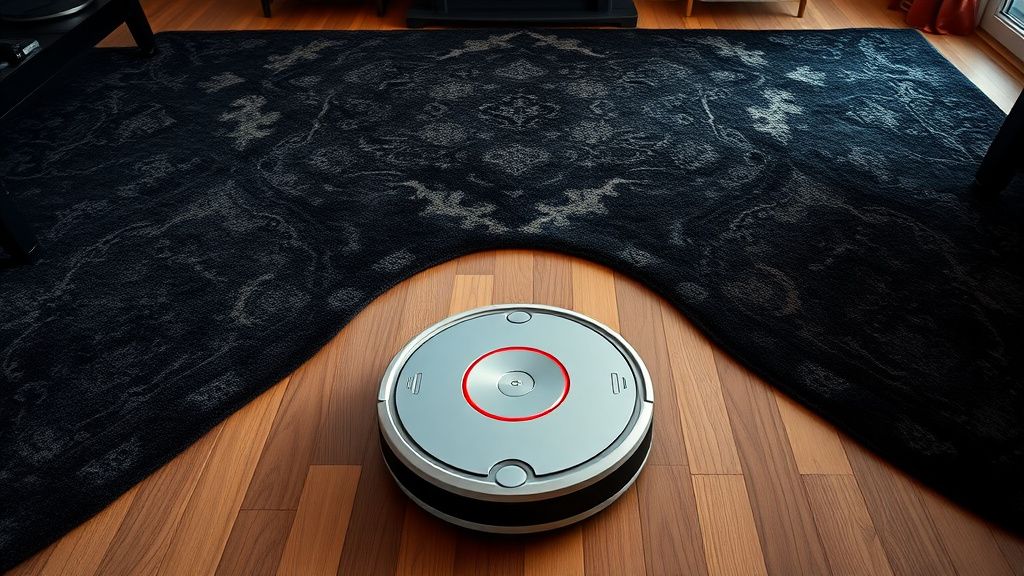
This creates a massive friction point for users living in homes with dark rugs, transitions to hardwood, or even certain types of dark flooring that absorb IR light—a known "edge case" that iRobot’s documentation often glazes over.
Troubleshooting Workflow: Beyond the Manual
Don't just wipe it and hope. When you’re dealing with a persistent Error 31, you need to be systematic.
- The "Deep Clean" Protocol: Use a dry melamine sponge (Magic Eraser) very gently on the sensor lenses. If you use liquid cleaner, you risk streaks that act as miniature prisms for the IR pulse, potentially worsening the blind spot.
- The Light Leak Check: Use your smartphone camera. Digital sensors can "see" IR light. Turn on your phone's camera, point it at the robot’s sensors while it’s powered on, and look for a purple/white glow. If one is dark while the others are glowing, your IR emitter has likely failed or the connection ribbon cable has oxidized.
- The Vacuuming Chamber Check: Sometimes the error isn't the sensor itself, but the air pressure inside the bumper. If the dust bin is clogged or the filter is caked with fine particulates (like drywall dust), the suction pressure can affect the seal around the internal housing, causing sensor interference.
Field Report: The "Rug Pattern" Dilemma
In my time at the workbench, I’ve seen dozens of "broken" s9+ units arrive where the sensors were perfectly functional, but the home environment was the culprit. Specifically, dark-colored rugs with high-contrast patterns. The IR sensor sees the black part of the rug as a "void" because it isn't reflecting enough light back.
One user on a Reddit r/roomba thread mentioned: "My S9 treated my dark patterned rug like a death trap for three years, then an update changed how it handles transitions and it stopped working entirely."
This touches on a broader truth: your hardware is only as good as the latest firmware push. Sometimes, the "fix" for Error 31 isn't cleaning the sensor, but resetting the robot's map. If you're encountering navigation or mapping issues with a Dreame L20 Ultra, similar troubleshooting steps apply. The internal "slam" (Simultaneous Localization and Mapping) gets confused when the physical environment changes or the robot misinterprets a floor pattern, leading it to panic and trigger a safety shutdown.
The Counter-Criticism: Why Modern Robotics Fail at Scaling
The industry loves to talk about "autonomous cleaning," but the reality is that the s9+ is a highly sensitive instrument operating in the most chaotic environment possible: a human home.
Critics argue that iRobot relies too heavily on software filters to ignore sensor data that looks "weird" (like a dark rug). If the software filtering is too aggressive, the robot enters an Error 31 state. If it’s too lenient, the robot falls down the stairs. The "failure" here isn't necessarily a broken part; it’s an engineering compromise that doesn't account for the diversity of flooring materials.
Advanced Maintenance: When to Open the Hood
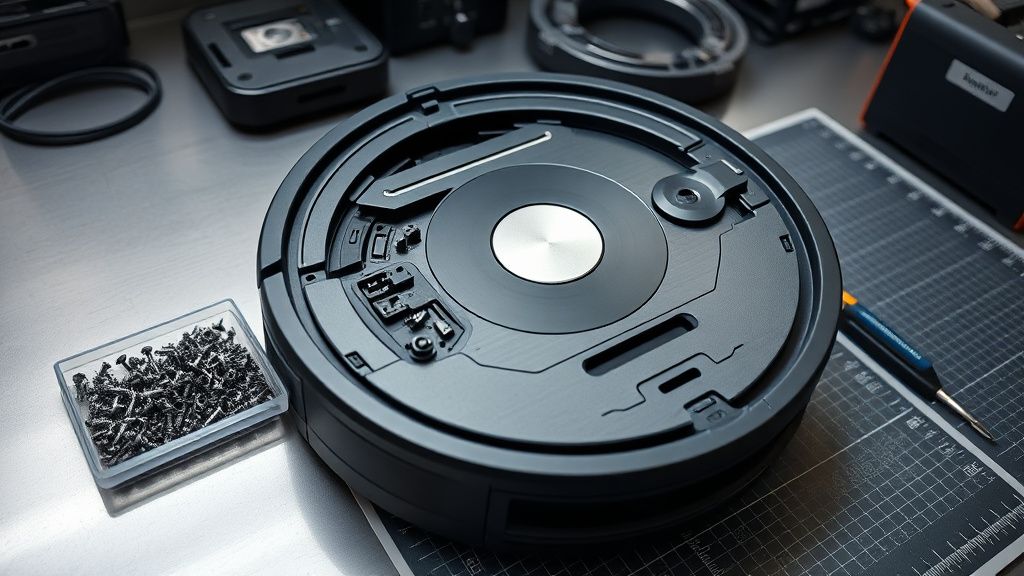
If you have tried the basic cleaning and the error persists, you are looking at hardware degradation. Opening the s9+ is not for the faint of heart. It requires a set of Torx T6 and T8 screwdrivers.
- Remove the Battery: Always the first step. If you short the mainboard, the cost of the repair exceeds the resale value of the unit.
- Accessing the Bumper: The cliff sensors are mounted on a flexible PCB behind the front bumper. Over time, the constant vibration of hitting walls (even gently) can cause micro-cracks in the solder joints of the IR emitters.
- Ribbon Cable Seating: I’ve lost count of how many units came in with "Error 31" that were caused by nothing more than a ribbon cable that had slightly wiggled loose from the main logic board due to thermal expansion and contraction.
Community Wisdom and "Workaround" Culture
The forums (GitHub issues, iRobot community pages, and unofficial subreddits) are where the real testing happens. When the factory-authorized troubleshooting fails, users get creative.
One common workaround that circulates in the tech circles involves using a piece of clear, high-quality adhesive tape over the sensors if the plastic is scratched. The goal is to create a new, smooth surface that restores the internal reflection angle of the IR pulse. Is it recommended by the manufacturer? Absolutely not. Does it save a $1,000 vacuum from being e-waste? Often, yes.
However, this brings up the dark side of "smart" appliances: the loss of control. When the API or the firmware decides a sensor is "broken," it locks you out. There is no manual override. You are beholden to the manufacturer’s definition of "functional."
Addressing the Trust Erosion
The recurring nature of Error 31 has caused a significant rift in the user community. Many owners feel that their units were "bricked" by software updates that made the cliff sensors hypersensitive. Whether this is true or just a symptom of aging sensors is irrelevant; the perception of quality has shifted.
When you purchase a high-end robot vacuum, you aren't just buying hardware; you are buying into an ecosystem. When that ecosystem stops functioning because of a software-driven safety threshold, trust erodes. If you’re currently fighting an Error 31 battle, consider these three pillars of success before giving up:
- Environmental Cleanup: Ensure no high-contrast transitions are tricking the system.
- Physical Maintenance: Absolute, surgical cleanliness of the sensor windows.
- The "Cold Boot": If you haven't performed a hard reset and re-mapped, you are missing a critical step in clearing the robot's "mental" errors.
FAQ
Is it possible to disable the cliff sensors on a Roomba s9+?
My Roomba reports Error 31 only on one specific rug. What gives?
I cleaned the sensors and the error persists. Does this mean the board is fried?
How often should I perform a deep clean of the sensor ports?
Can a firmware update fix a persistent Error 31?
What is the most common reason for Error 31 that isn't dirt?