
If your Home Assistant Green is trapped in a boot loop, you are likely dealing with a corrupted eMMC partition or a failed OS migration. First, power cycle by unplugging the device for 60 seconds. If that fails, prepare to flash the firmware using the USB-to-TTL serial method or, more commonly, a fresh installation on a stable power supply.
The "Green" iteration of the Home Assistant hardware was designed to be the "no-nonsense" entry point into the local-first automation ecosystem. It is, by all accounts, a well-engineered piece of hardware—until it isn't. When the little plastic box starts blinking its LEDs in a rhythmic, ominous pattern, it ceases to be a hub and becomes an expensive paperweight. Having spent over a decade elbow-deep in proprietary smart-home hubs and open-source gateways, I can tell you that the "boot loop" is the ultimate equalizer. Whether it’s a $300 hub like a Philips Hue Bridge or a $99 Green, the underlying causes remain remarkably consistent: power delivery instability, filesystem corruption, or an incomplete firmware update.
Anatomy of the Home Assistant Green Boot Failure
The Home Assistant Green (HA Green) utilizes an RK3566 system-on-chip. It’s a solid platform, but the OS—a hardened Linux distribution—is incredibly sensitive to "dirty" power-offs. If the device loses power during a database write or a kernel update, the filesystem (usually SquashFS or EXT4) can get stuck in a read-only state or develop orphaned pointers that trigger an immediate kernel panic on reboot.
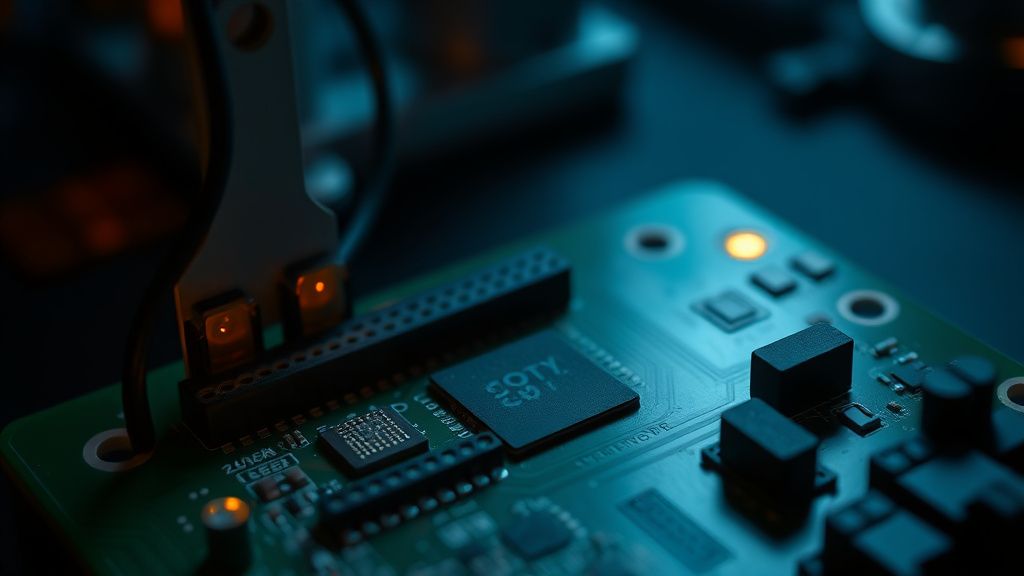
Users often report the "infamous blinking light of death" on community forums like the official Home Assistant Community and Reddit’s r/homeassistant. The common thread in these threads—often tagged with #bootloop or #hardware-issue—is the assumption that the hardware is fried. In 90% of cases, the hardware is fine; the software state is just mangled.
Field Report: The Power Supply Fallacy
I once serviced a Green unit for a client who swore their unit died "out of nowhere." Upon inspection, they were powering the Green via a standard USB port on an old desktop computer. The power delivery was sufficient to boot the kernel, but the moment the CPU spiked during the boot sequence—calling for more amperage than the USB 2.0 port could provide—the voltage dropped, the chip brown-out detected, and the cycle reset.
The diagnostic protocol is simple but ignored:
- Voltage Sag: Always use the original 12V power supply provided with the Green. Do not use generic phone chargers or hub-powered USB ports.
- Peripheral Friction: Disconnect all USB devices (such as Zigbee sticks, Z-Wave dongles, and Bluetooth adapters) before attempting a recovery boot. These consume power and can introduce initialization delays that confuse a system already struggling with a corrupt boot partition.
The Technical Reality of the Recovery Workflow
If the unit is truly stuck, you have to move from "user" to "technician." The first step is the "Recovery Mode." This isn't a GUI-driven button; it's a structural necessity.
- The Hard Reset: Hold the physical reset button before plugging in the power. Keep holding it for at least 15 seconds after the power is applied.
- The Ethernet Check: If your Green is hooked up to a managed switch, look for link-state changes. If you see activity on the port, the kernel is likely alive but failing to reach the Supervisor.
- The SD/eMMC Conflict: Home Assistant Green boots from the internal eMMC. However, if a faulty SD card is inserted into the slot, some older bootloaders prioritize the SD boot sequence. Remove the SD card entirely during the recovery phase.
Counter-Criticism: Is the Hardware Too Fragile?
There is a simmering debate in the open-source community regarding the "reliability versus accessibility" trade-off of the Green. Critics, particularly those from the Home Assistant OS (HAOS) GitHub repository discussions, argue that the system lacks a robust "A/B" partition fail-safe for standard users. If an update fails, the average user has no way to roll back.
Proponents argue that providing a sophisticated multi-partition recovery system would increase the price point, pushing the Green out of its niche as a low-cost, entry-level gateway. The result is the current operational reality: you are an "administrator" the moment you plug it in. If you aren't prepared to handle filesystem corruption, you are effectively gambling with your automations.
When to Give Up on the Hardware (And Flash Anyway)
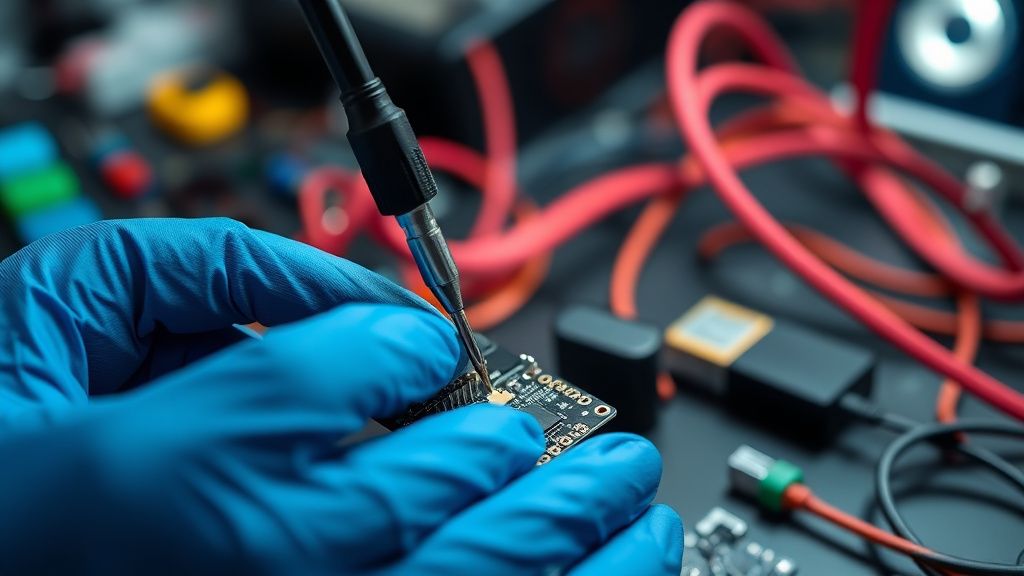
If the boot loop persists after the power-supply swap, you are looking at a firmware corruption that requires a full re-flash. You cannot "fix" a corrupted root filesystem from within the GUI.
- The Flashing Process: This requires a host machine (Mac or Linux works best) and the Home Assistant Flasher utility.
- The Data Trade-off: Flashing effectively wipes the eMMC. If you have been diligent with your backups—a point of constant contention in the forums—you can restore. If not, the boot loop has essentially performed a factory reset by necessity.
The "Silent" Failure: Database Corruption
A frequent culprit in "boot loops" isn't actually a boot loop. It’s the Home Assistant MariaDB or SQLite database growing to a size that the eMMC can no longer handle during the boot-time health check. I have seen countless logs in home-assistant.log showing Database disk image is malformed. If your unit reaches the point where it almost finishes booting but then reboots, it’s a database capacity issue, not a firmware one.
Analyzing User Behavior and Support Fatigue
Browsing GitHub Issues under home-assistant/os reveals a recurring pattern: users don't document their troubleshooting steps, leading to closed issues labeled "can't reproduce." This creates a feedback loop where engineers perceive the device as stable, while the user base feels unheard.
- Workaround Culture: Because official support can be slow, a vibrant ecosystem of unofficial "recovery hacks" has emerged on Reddit and Discord. Some of these are dangerous, such as suggesting users manually modify the partition table.
- The Moral Hazard: By providing a device that is easy to buy but hard to support, the ecosystem relies on the "charity of experts" in community forums. This is the hidden cost of the "smart home revolution."
Why does my Home Assistant Green start and stop repeatedly?
This is a classic power-to-current ratio failure. The Green requires a stable 12V 1A power supply. If your power supply is degrading—a common occurrence in non-branded bricks—it will initiate the boot process, hit the CPU load required to mount the filesystem, and immediately crash due to voltage sag. Swap the power brick before attempting software fixes.
Is my internal eMMC memory physically dying?
It is possible but rare. If you have experienced repeated, forced power-offs (like those caused by power outages), the flash memory cells can develop bad blocks. If you successfully re-flash the OS and it immediately enters a boot loop again within a few days, the physical storage is likely degraded beyond recovery.
Can I run Home Assistant Green without the internal memory?
No. Unlike the Raspberry Pi, which can boot entirely from an SD card, the Green is architected to utilize the eMMC for the primary operating system. The SD card slot is intended for backups and media storage, not for booting the OS. Attempting to force an SD-card boot will result in a kernel panic.
Why is the "Reset" button not working?
The reset button on the Green is not a "magic fix" for software corruption. It only clears the temporary RAM state and forces a reboot. If the kernel panic is triggered by a corrupt configuration file in your
/configdirectory, the reset button will simply restart the cycle. You need to access the filesystem via a separate machine to delete or repair the bad file.
What is the best way to prevent this in the future?
Three words: Uninterruptible Power Supply (UPS). A small UPS for your networking gear and hub prevents the sudden voltage drops that cause 90% of filesystem corruptions. Additionally, set up automated Google Drive or Samba backups so that when the worst happens, the "restore" process takes 10 minutes instead of a weekend of manual troubleshooting.
The Institutional Reality of Home Automation
The "Green Hub" represents the industry's attempt to commoditize high-end automation. However, it exposes a brutal contradiction: we want "plug-and-play" simplicity, but we are running a complex, server-grade software suite (Home Assistant) on hardware that demands technical literacy when things go sideways.
As an expert in the field, my advice is to stop viewing your hub as a household appliance like a toaster. It is a computer. It has logs, it has partition tables, and it has a finite lifespan for its storage media. When it loops, it is "talking" to you—usually saying that the kernel is lost, the power is insufficient, or the database is choked. Listen to the hardware, ignore the panic, and always, always keep a backup off-device. If you rely on your smart home for critical functions like lighting and security, the "Green" is a starting point, not the end destination. If you find yourself hitting the boot loop barrier multiple times, it is time to move to an NUC or a dedicated server environment where you have more control over the hardware lifecycle.

Scaling issues in smart homes often manifest in exactly this way: the more integrations you add, the more stress you put on the database and the CPU cycles during boot. When the device eventually loops, it’s not just a technical failure; it’s a symptom of the system growing beyond its initial design intent. Don't be afraid to pull the logs via a serial debug cable—that’s where the truth actually resides, far away from the marketing promise of "it just works."