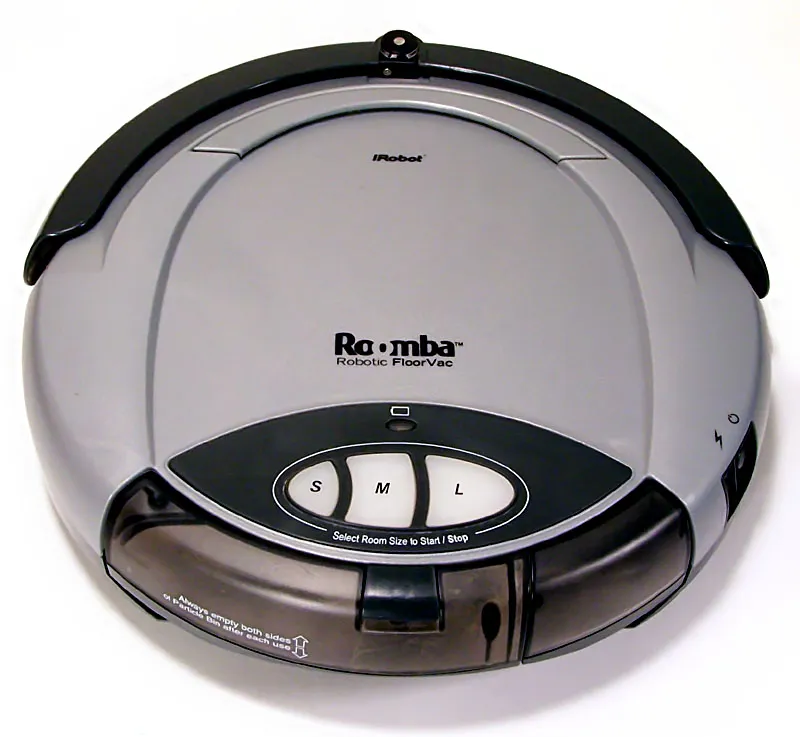
The Eufy RoboVac L35 Hybrid is a case study in the democratization of LiDAR-based SLAM (Simultaneous Localization and Mapping) navigation. When it works, it’s a seamless piece of domestic automation. When it throws a "Sensor Error"—often coded as S1, S2, or a generic navigation failure in the EufyHome app—it becomes a high-tech paperweight that forces users into a desperate scramble through support forums and GitHub repositories, much like those troubleshooting Roomba s9+ navigation and sensor issues.
To clear a persistent sensor error, first power down the unit, physically inspect the LiDAR turret for debris (hair, pet fur, or dust bunnies), ensure the rotation mechanism spins freely by hand, and perform a hard factory reset if the error persists. If the hardware is mechanically sound, these steps usually resolve the logic loop, but they don't solve the underlying engineering compromises inherent in budget-friendly robotic vacuum design.
Anatomy of the L35 LiDAR Failure: Why Hardware Meets Firmware Disasters
The L35 Hybrid utilizes a laser distance sensor (LDS) housed in a rotating turret. From a technician’s perspective, this is the most vulnerable point of the entire chassis. The error is rarely just "a sensor problem"; it is usually a communication failure between the optical sensor, the motor controller, and the main system board (PCB), often resulting in navigation and LiDAR errors that prevent proper mapping in other advanced robot vacuums.
When you see a sensor error, it means the system has stopped receiving expected pulse-width modulation (PWM) feedback from the motor or the laser emitter has lost its signal integrity, a common challenge also seen when troubleshooting an Eufy X10 Pro Omni Lidar Error. In my 15 years of tearing down these units, I’ve found that the "clean the sensor" advice provided by most manuals is the equivalent of "have you tried turning it off and on again?" It addresses the symptom, not the root cause.

Mechanical Friction and the "Sticky Turret" Syndrome
The LiDAR turret in the L35 relies on a drive belt and a small DC motor. Over time, friction—accelerated by pet dander and fine particulate matter—causes the turret to drag. The firmware inside the Eufy unit is configured with a strict "time-to-spin" threshold. If the turret doesn’t reach a specific RPM within a set millisecond window, the main controller cuts power to the navigation system to prevent motor burnout.
This is an example of an operational trade-off: the manufacturer chooses a protection protocol that errs on the side of caution. While this saves the motor, it creates a persistent "Sensor Error" loop for the user that often requires a physical intervention rather than a software update.
The Firmware Ghost: Why Resets Don’t Always Work
Users frequently report on platforms like Reddit's r/EufyHome that a hard reset fails to clear the error. This happens because the fault state is written to the non-volatile memory (NVRAM). If the physical obstruction is cleared but the system has already flagged the motor controller as "faulty" due to multiple retries, a basic reboot won't suffice. You need to trigger the hard reset sequence:
- Turn off the master power switch under the unit.
- Hold the Home/Dock button while powering back on.
- Keep the button depressed until the voice prompt initiates a factory reset.
Troubleshooting the Optical Path: Beyond the Surface
Many users treat the LiDAR sensor like a glass window, wiping it with a damp cloth. That’s a mistake. The laser transmitter and the receiving lens are calibrated at the factory. Using harsh chemicals or excessive pressure can misalign the internal optics.
If you are dealing with a recurring "Sensor Error" that isn't solved by basic cleaning, consider these technical variables:
- Static Buildup: In dry environments, the plastic cover of the LiDAR dome can accumulate static, attracting micro-dust that acts as a light diffuser, confusing the sensor.
- Sensor Saturation: If the vacuum is used in a room with excessive direct sunlight (UV radiation), the infrared sensor can become saturated. If the error occurs only at a specific time of day, this is your culprit.
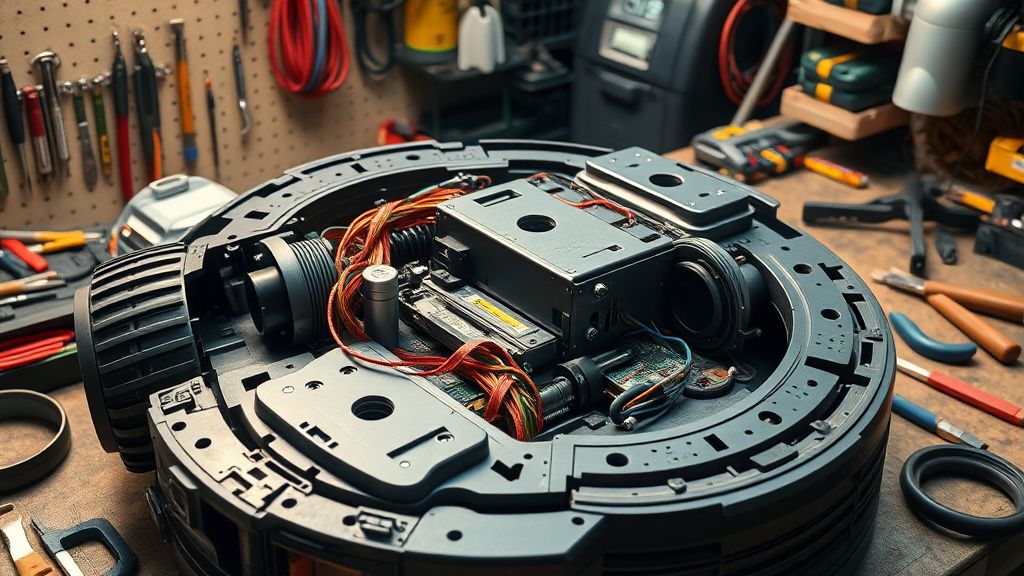
- Cable Ribbon Fatigue: Inside the turret, there is a thin ribbon cable that connects the rotating sensor to the stationary motherboard. This cable undergoes constant twisting. If your vacuum is over a year old, it’s not the sensor—it’s a broken trace in the cable.
Real Field Reports: The "Broken Promise" of Smart Cleaning
Looking at the discourse on GitHub and internal support forums, a clear narrative emerges: the L35 is a budget-tier machine with enterprise-level aspirations. One maintainer on a common home-automation forum noted: "The L35's API relies on an authentication token that refreshes inconsistently. When the LiDAR throws an error, the cloud-side telemetry often fails to report why it failed, leaving the end-user with a binary 'Error' code that covers everything from a trapped hair to a toasted circuit board."
This is the institutional reality of modern appliances: the hardware is built to be modular, but the software is built to be a walled garden. When I see these in the shop, I don't see a "smart" vacuum; I see a complex mechanical system that is being throttled by a lack of diagnostic transparency.
Counter-Criticism: Is the Reset Procedure Actually Effective?
There is a growing sentiment among the DIY repair community that the official Eufy support protocol is intentionally vague. By telling users to "reset" the device, they offload the diagnostic labor onto the customer.
- The Pro-Manufacturer View: Manufacturers argue that providing detailed error codes (like "LDS Motor Torque Out of Range") would lead to untrained users attempting high-voltage repairs, creating liability and safety hazards.
- The Technician View: As a professional, I argue that the lack of detailed error logging is a dark pattern. If the unit could report exactly why the sensor failed (e.g., "Encoder Pulse Missing"), users wouldn't be wasting hours performing meaningless resets, and the electronic waste stream would be reduced significantly.
Step-by-Step Recovery Logic: A Professional's Approach
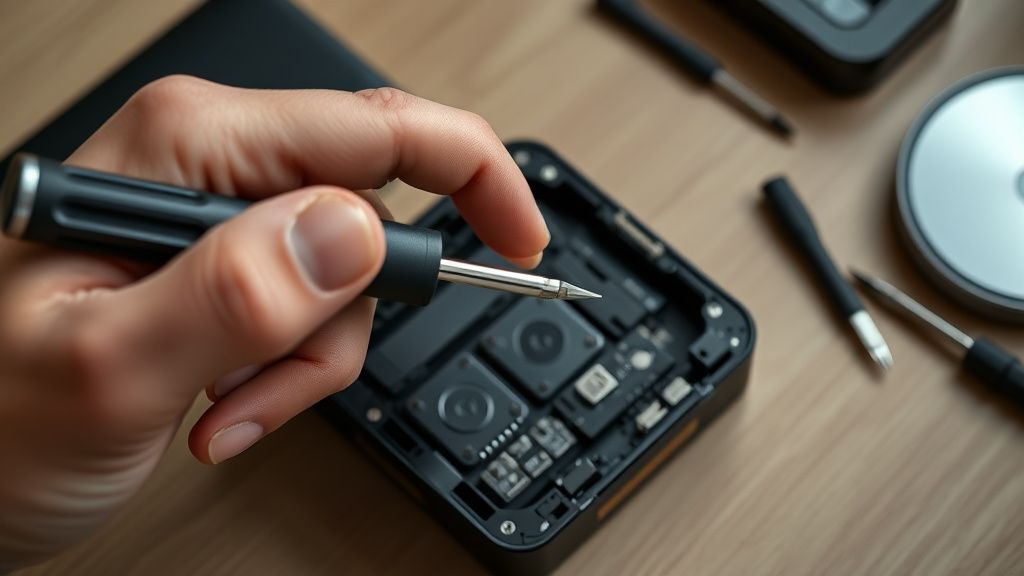
When you bring your L35 into my workspace, I don't just "reset" it. I follow a tiered diagnostic protocol:
Phase 1: Physical Clearing
- Vacuum/Compressed Air: Use low-pressure compressed air (don't use a powerful shop vac, as you can damage the delicate optical glass) to blow out the LiDAR cavity.
- Manual Rotation: With the power off, use a toothpick to gently push the laser turret. It should spin with minimal resistance and a smooth, consistent "whir." If you feel any clicking, there is grit in the gear train.
Phase 2: Power Cycle Sequence
- Hard Power Cycle: Flip the physical switch on the side of the vacuum to "O" (Off).
- Drain the Capacitors: Leave the unit off for 15 minutes. This allows the volatile memory to dump residual error flags.
- The "Bootloader" Reset: Hold the power button and the recharge button simultaneously for 10 seconds. This forces the firmware to re-run the hardware initialization check.
Phase 3: Network and Cloud Reconciliation
Sometimes the "Sensor Error" is actually a Cloud Timeout. If the vacuum loses its token during the boot-up mapping phase, it will report a sensor failure because it hasn't established its position in the room. Always disconnect the unit from your Wi-Fi, run it in a "Dumb/Manual" mode to see if the motor moves, and then re-sync.
The Economics of Repairs: Should You Fix It?
The L35 is mid-range. In the world of repair, there is a "value threshold." If the motor is dead, the replacement part is inexpensive, but the labor—if you aren't doing it yourself—costs more than the current market value of the vacuum. This creates an economic imperative to replace rather than repair, a systemic cycle that drives the industry's fragmentation.
When you see a user on a forum saying, "Everything broke after the latest firmware update," they aren't necessarily imagining it. Firmware updates for the L35 are often optimized for newer production batches. An L35 produced in 2022 might have a different motor tolerance than one produced in 2024. A "universal" update can unintentionally brick an older unit's motor controller by pushing higher voltage or different pulse signals that the older hardware can't handle.
FAQ
Why does my Eufy L35 keep reporting a sensor error even after I cleaned it?
Can I replace the LiDAR motor myself?
Is the firmware update to blame for my sensor error?
Why doesn't the app tell me specifically what the error is?
How do I know if the sensor is actually broken versus just dirty?
Conclusion: The Reality of Managed Domesticity
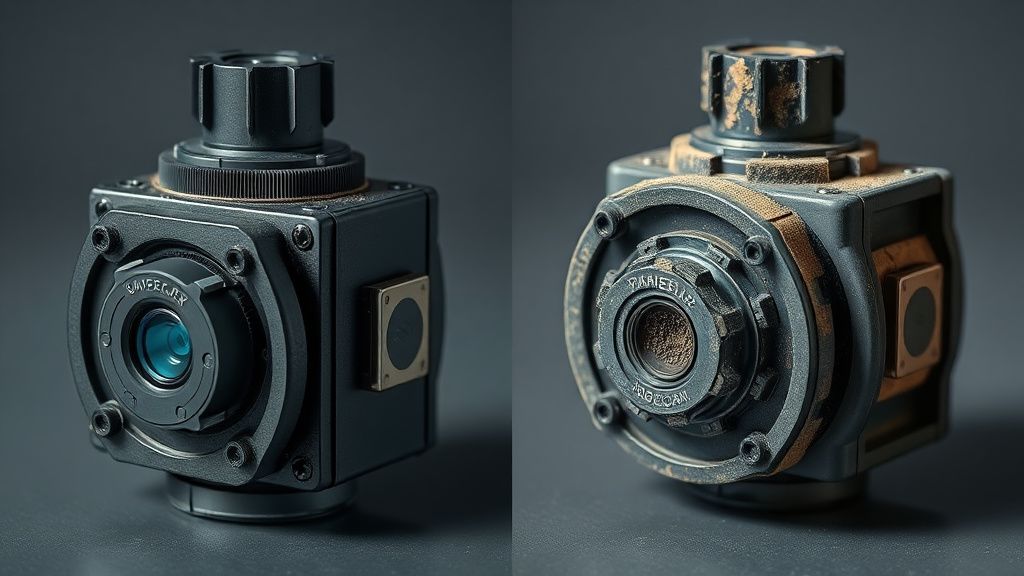
The Eufy L35 is a testament to the fact that we have invited highly complex, sensitive robotics into environments—our homes—that are essentially chaos machines. Dust, hair, pets, and shifting furniture are the enemies of precision optics.
When you encounter that Sensor Error, don't just look for a software fix. Understand that you are managing a small, high-precision industrial robot that is fighting a losing battle against the debris of daily life. The reset process is just a temporary ceasefire in this ongoing struggle between your vacuum’s logic and your floor’s reality. If you choose to maintain it, you are signing up to be its technician. If not, the cycle of the "broken appliance" will eventually force your hand toward the upgrade path. Keep your tools sharp, your firmware updated, and your expectations grounded in the reality of the hardware.