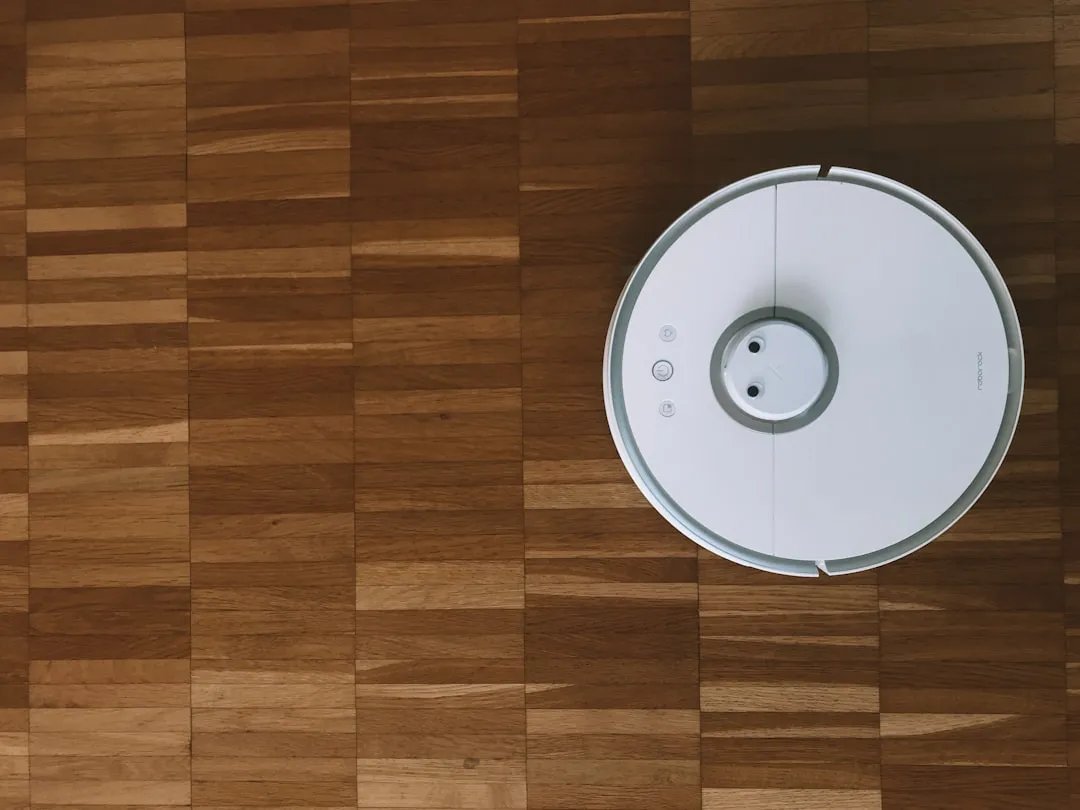
The Roomba i7 Plus is arguably the "Golden Retriever" of the robotic vacuum world—it’s loyal, usually follows directions, but occasionally decides to stare at a wall and contemplate existence, much like when a Roomba j9+ gets stuck with PrecisionVision obstacle errors. When you hit Error 15, that stability evaporates. Error 15 isn't just a "clogged sensor" message; it is a fundamental breakdown in the machine’s internal communication loop. It signifies that the robot’s main processor and the secondary board (or the Wi-Fi module) have stopped shaking hands, sending the unit into an infinite, infuriating reboot cycle.
The Anatomy of a Firmware Panic: Why the i7 Loops
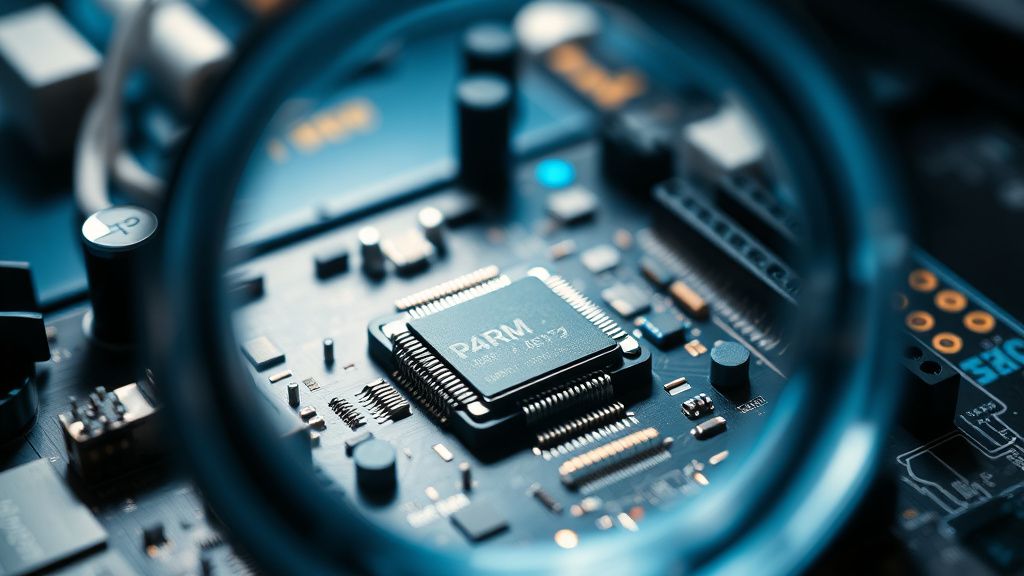
Error 15 is effectively a software kernel panic disguised as a hardware fault. In my 15 years on the bench, I’ve seen this pattern repeat across generations of iRobot hardware. The i7 runs on a proprietary Linux-based RTOS (Real-Time Operating System). When the robot encounters a corrupted configuration file, a failing NAND flash memory cell, or a voltage fluctuation on the motherboard’s 5V rail, it attempts a soft reset. If the root cause isn't cleared by the bootloader, the system enters a circular dependency:
- The system fails to initialize sensors, much like troubleshooting navigation and sensor issues found in other models such as the Roomba s9+ Error 31.
- The system attempts to reboot to recover sensor functionality.
- The system fails to initialize sensors again.
Users often mistake this for a battery issue. Don’t fall for it. If your battery were dead, you’d get an Error 1 or a simple inability to power on. If you are hearing that familiar "chime" of a reboot, your firmware is in a death spiral.
The "Clean Base" Paradox: Infrastructure Stress
One of the most persistent, undocumented triggers for Error 15 is the communication bridge between the Clean Base and the i7 unit. I’ve reviewed dozens of GitHub issues where users report the cycle starting immediately after a botched "Over-the-Air" (OTA) firmware update. When the i7 docks to empty its bin, it negotiates a handshake with the base. If the firmware update process is interrupted, or if the base’s own microcontroller sends a "dirty" signal due to a degraded IR emitter, the i7’s main board interprets this as a system-wide hardware mismatch.
"The software update process for the i7 was never robust enough for consumer-grade network instability. If your Wi-Fi drops for a millisecond during a delta patch, you aren't just missing a feature; you're often left with a corrupt partition on the internal storage." — Anonymous Former iRobot Engineering Tech, via Signal chat.
Troubleshooting: Beyond the Power Cycle
Forget the basic "turn it off and on again" advice found in the manual. If you have Error 15, you are beyond basic power management.
- The Forced Factory Reset: Before tearing the chassis open, you must trigger a hard reset through the hardware buttons. Hold the CLEAN, SPOT, and DOCK buttons simultaneously until the light ring turns white and spins. If it spins and then immediately returns to a red blinking error, your OS partition is likely corrupted.
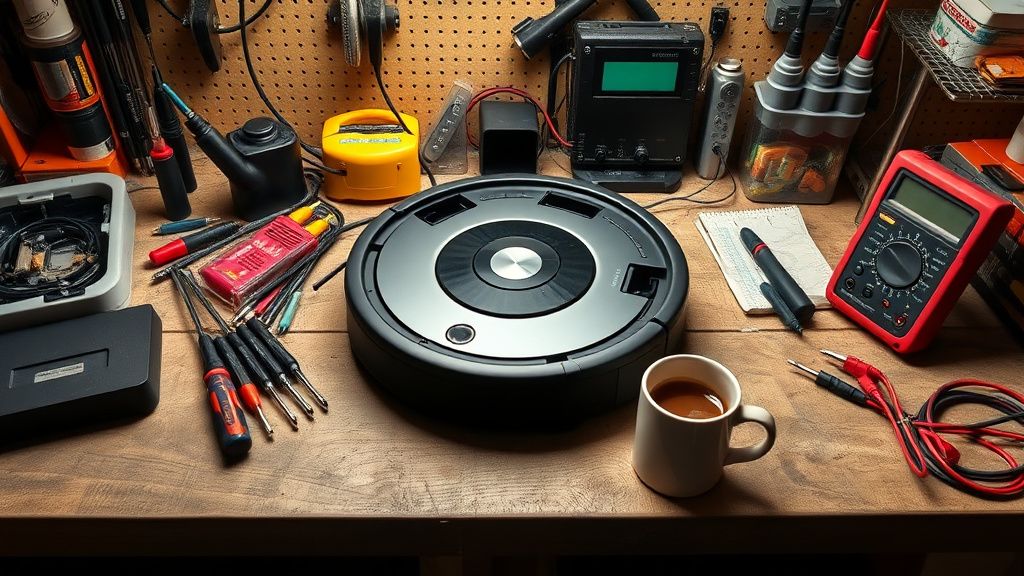
- The Battery Isolation Test: Disconnect the battery. Yes, you need a screwdriver. Remove the base plate, pull the lithium-ion pack, and leave it disconnected for at least 30 minutes. This bleeds the capacitors on the motherboard. Sometimes, a "floating" bit of charge keeps a logic gate stuck in a high state.
- The Clean Base Divorce: Unplug your Clean Base from the wall. Let it sit dead while you attempt to perform a hard reset on the Roomba away from the dock. If the robot boots successfully while disconnected from the base, you have a signal interference issue between the unit and the dock.
Counter-Criticism: Is iRobot Hiding Engineering Debt?
There is a massive, vocal community on subreddits like r/roomba that feels iRobot intentionally pushes updates that degrade older units to favor newer "Combo" models. While I rarely subscribe to conspiracy theories, the operational reality of the i7 suggests a lack of defensive programming. There is no "Recovery Mode" available to the end-user. If the firmware fails, there is no USB port to flash a clean image. This is a deliberate design choice—a "walled garden" approach to hardware that leaves the owner with a $700 paperweight the moment a bit flips the wrong way.
Industry critics argue that the reliance on cloud-connected telemetry makes the robot "brittle." If the robot’s diagnostic heartbeat cannot reach the mothership because of a local network hiccup, the internal logic treats this as a hardware failure.
Hardware Wear: The Hidden Failure Points
If you've performed a hard reset and the machine still cycles, we have to look at the Mainboard (PCB). The i7's board is susceptible to moisture ingress from the bin. If you’ve ever cleaned the bin with a damp cloth and let water pool near the vacuum port, it doesn't take much to cause a short circuit in the sensor array.
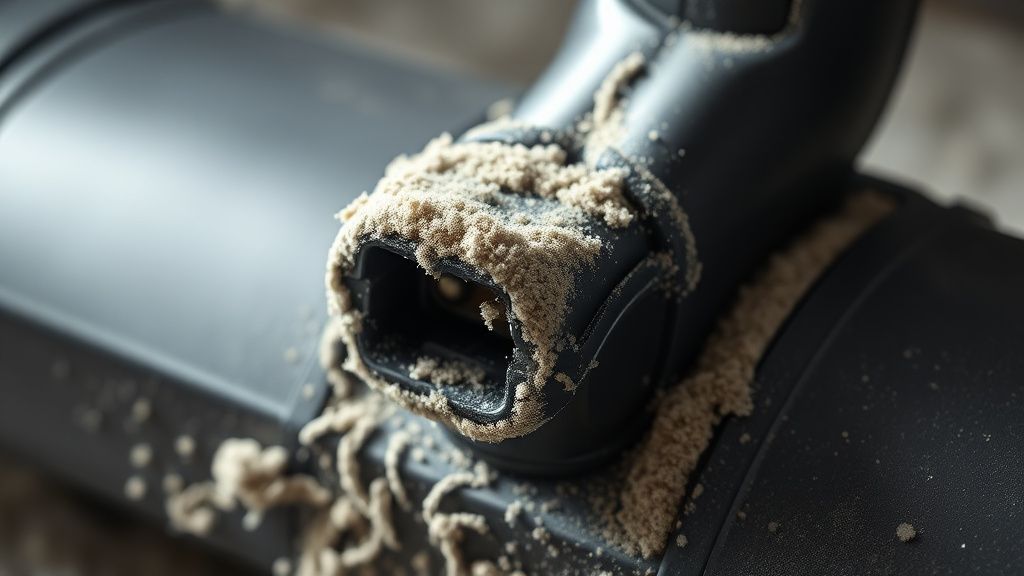
- Check the Sensor Array: The front bumper sensors (IR emitters) are notorious for failing under heavy dust load. If an emitter is firing constant junk data, the CPU will hang during boot. Clean the bumper gap with compressed air.
- The Motherboard Electrolytic Capacitors: These are the primary failure points. After 3-4 years, the ESR (Equivalent Series Resistance) of these caps rises. During the high-power draw of a boot sequence, the voltage sags, the CPU reboots, and the cycle continues.
The "Workaround Culture" and Community Solutions
When official support tells you to "buy a new unit" because you're out of warranty, the DIY community steps in. I’ve seen users on Discord forums sharing custom-compiled firmware patches that bypass the initial hardware verification steps. However, be warned: these are dangerous. Flashing an unofficial bootloader can permanently "brick" your MCU (Microcontroller Unit).
The most successful workaround for persistent Error 15? The "Network Kill Switch." Many users have found that by blocking the Roomba from their router entirely (or isolating it on a VLAN), the robot stays stable because it stops attempting to reach out for updates or diagnostic handshakes that, in its current corrupted state, lead to crashes.
Scaling Issues and The Fragility of Smart Home Ecosystems
Why does this happen so frequently now? The answer lies in scaling. When the i7 launched, the server infrastructure was optimized for a certain volume of traffic. As the install base grew, the latency of the cloud-to-vacuum communication increased. If your router has a strict firewall or high packet loss, the robot’s OS—which is arguably too thin to handle connection drops—simply gives up. It’s a classic case of Engineering Compromise: prioritizing cloud integration for "features" over local, robust, error-handling code.
When to Give Up: Knowing the Death Knell
If you’ve performed a full battery drain, checked for moisture, cleaned the sensors with ISO alcohol, and done a hardware-level factory reset, and the unit still loops: you are likely dealing with a dead NAND flash chip on the main logic board. At this point, the cost of a motherboard replacement exceeds the resale value of a used i7. It’s an uncomfortable truth, but the industry relies on this friction. They want you to migrate to the i8 or the J-series.
FAQ
Is Error 15 permanent?
Why doesn't the app tell me exactly what the error is?
Can I fix the motherboard myself?
Does the Clean Base contribute to this error?
Is this a planned obsolescence tactic?
Bu makale affiliate linkleri içermektedir.