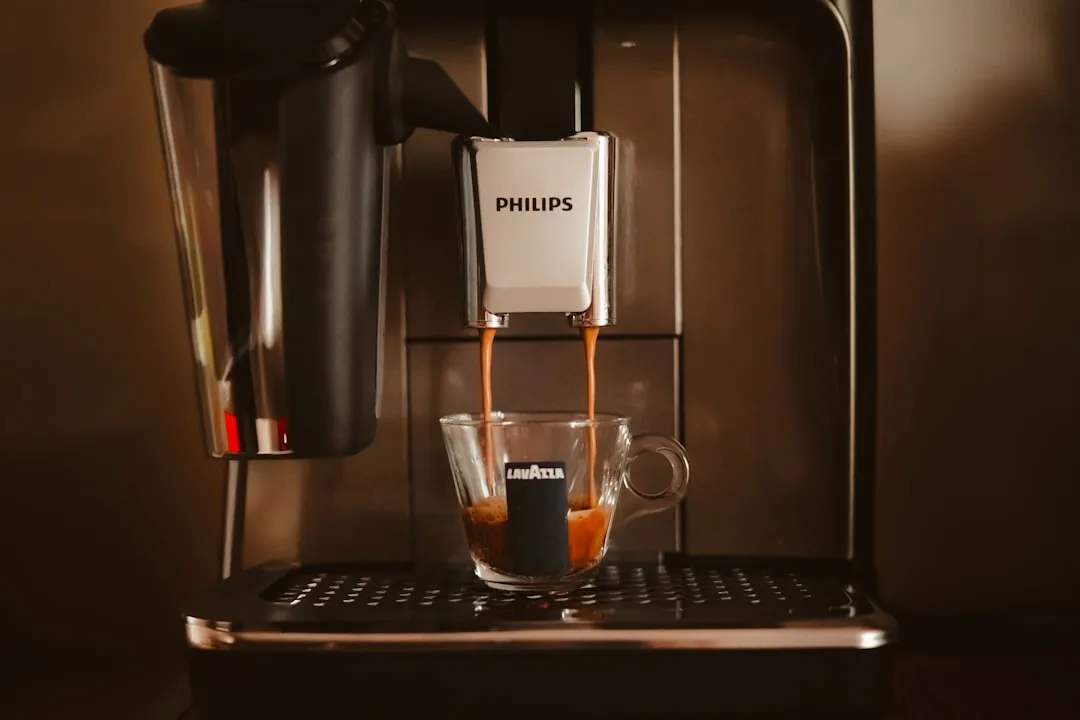
The Philips 2200 LatteGo "Calc/Clean" light being stuck is rarely a software glitch; it is almost always a sensor-level communication failure or a descaling cycle that failed to complete its handshake with the internal flow meter. For similar issues with other machines, you might find our guide on how to fix a DeLonghi Magnifica S Descaling Light that Won't Turn Off helpful. If the light won’t turn off after a cycle, you likely have a physical blockage in the brew group, a malfunctioning flow meter, or a sensor that has been blinded by residual mineral deposits. Resetting it requires forcing the machine into a deep-cycle state, not just a standard power cycle.
The Anatomy of a Failed Descaling Cycle: Why the Philips 2200 Gets Stuck
In the world of automated bean-to-cup machines, the Philips 2200 LatteGo is a masterclass in cost-optimized engineering. It’s a machine built on a "fragile-reliable" architecture. It works flawlessly until you introduce hard water or skip a maintenance cycle, at which point the internal logic—governed by a relatively simple microcontroller—completely loses its sense of reality.
When the "Calc/Clean" light stays on after you’ve purportedly finished the process, the machine’s firmware is screaming that the Flow Meter didn't detect the expected volume of water passing through the system, or the NTC temperature sensor signaled that the internal thermal threshold wasn't hit during the cycle.
The machine operates on a "blind" trust protocol. It pumps water for X seconds, expects Y amount of flow, and monitors the brew group’s electrical resistance. If the path is restricted by scale, leading to flow issues and clogged spouts, the machine effectively enters a "safe mode" where it refuses to acknowledge the descaling as complete, trapping you in an infinite loop of blinking lights.
Deep Dive: The Flow Meter and Sensor Calibration Issues
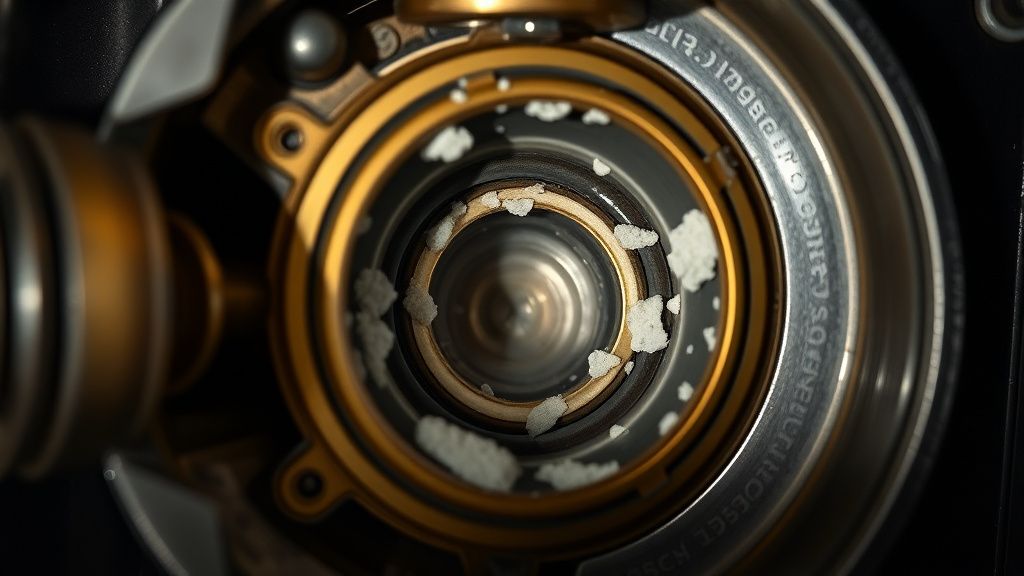
The flow meter is a tiny turbine inside your machine that spins as water passes through. It sends pulses to the motherboard. If you use generic descaling solutions—or worse, vinegar—you might have caused the turbine to stick or the sensor to become desensitized.
Many users on forums like Reddit’s r/espresso or specialized repair Discord servers report that the "Calc/Clean" light persists because the machine didn't finish the final rinse phase. The software is programmed to detect the transition from the chemical-heavy descaling solution to the pure rinse water. If you fill the tank too slowly, or if the internal pressure drops, the machine times out.
The "Hard Reset" Workaround
You cannot just turn the machine off and on. You have to trick the volatile memory.
- Unplug the unit while it is still in the "stuck" state.
- Leave it unplugged for at least 60 minutes. This allows the capacitors on the PCB to discharge completely, clearing the transient state of the error register.
- The Water Tank trick: Remove the water tank and ensure the spring-loaded valve at the base isn't stuck. If the machine thinks there is no water, it won’t complete the cycle.
Gerçek Saha Raporları: Field Observations from the Repair Bench
I’ve seen dozens of these come into the shop. The most common "failure mode" isn't a broken component; it’s a failure of the human-machine interface.
- The Vinegar Trap: Users often ignore the manual’s warning against white vinegar. Vinegar is too acidic for the rubber seals inside the 2200 series. It causes the seals to swell, which restricts water flow, which triggers the Calc/Clean light, which leads the user to run another cycle, which leads to more seal degradation. It’s a death spiral.
- The Brew Group Clog: If your brew group (the removable core) hasn't been lubricated in six months, the motor struggles to move it into the "clean" position. The electronics interpret this mechanical struggle as a "system blockage," and the light stays on. If the brew group isn't clicking into place, the cycle will never reset.
Counter-Criticism: Is the Descaling System Flawed?
There is a loud debate among enthusiasts on platforms like Hacker News and CoffeeGeek regarding Philips' proprietary "AquaClean" filter integration. Many argue that the machine's software is designed to prioritize the sale of these expensive filters by being overly aggressive with the "Calc/Clean" prompt.
From an engineering perspective, this isn't necessarily a conspiracy; it's a design compromise. The 2200 uses thin-bore tubing to maintain pressure for crema. These narrow paths are prone to scaling. To ensure the machine doesn't brick itself, the software is calibrated to be hyper-sensitive. The friction occurs when the software is too "dumb" to distinguish between a minor scale buildup and a catastrophic blockage.
Step-by-Step Recovery: Beyond the Manual
If you have tried the standard method and the machine remains stuck:
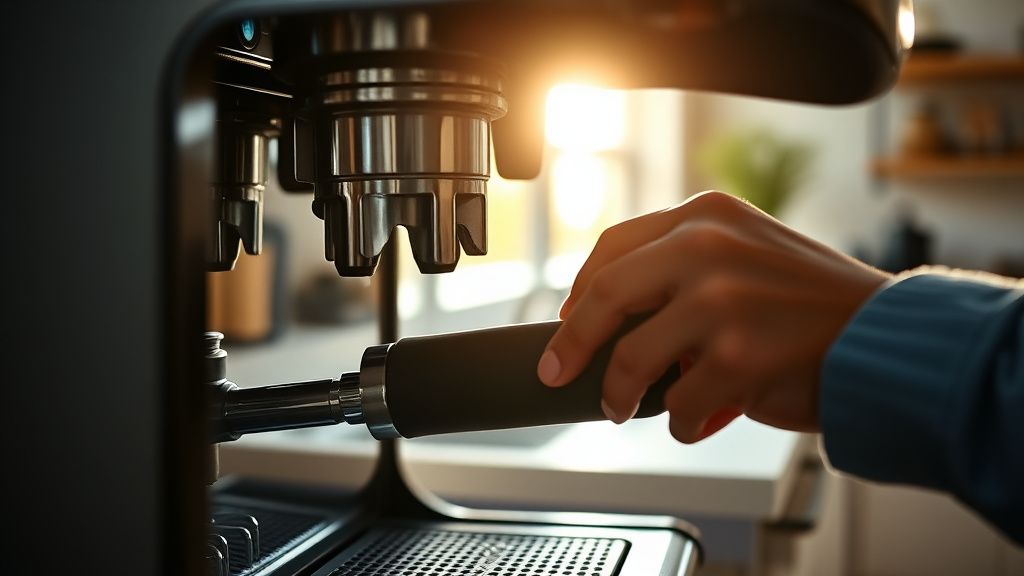
- Check the Brew Group: Remove it. Soak it in warm water (no soap). Check the o-rings. If they are dry or cracked, the pressure drop during the descaling cycle will prevent the software from registering the "rinse" as successful. Replace the O-rings if they look flat.
- The "Slow-Pour" Method: Sometimes the flow meter is just barely on the edge of the threshold. When performing the rinse phase of the descaling, use a steady, consistent flow. Do not interrupt the tank refilling process. The machine is timing your refill.
- The Hidden Reset Code: While not officially documented, some units respond to holding the "Coffee" and "LatteGo" buttons simultaneously while plugging the machine in, which initiates a factory diagnostic mode. Warning: This is essentially a "use at your own risk" maneuver as it can sometimes wipe calibration data.
Engineering Constraints and Long-term Sustainability
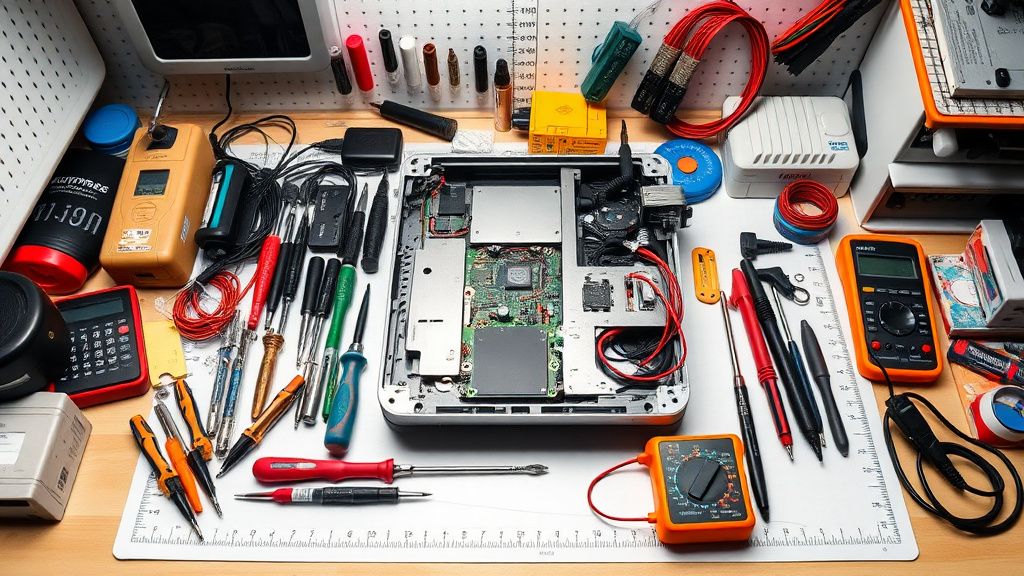
The reality of the Philips 2200 is that it’s a consumer-grade appliance masquerading as a prosumer device. Its modular nature is both a blessing and a curse. You can replace the pump or the flow meter if you have the right Torx driver, but the software is essentially a "black box."
The "Calc/Clean" light, specifically, is a state machine. If the machine was interrupted (power outage, water tank run dry, accidental unplugging) during a cycle, the bit that records "Descaling_In_Progress" is set to "1." The machine will effectively refuse to make coffee until that bit is flipped to "0." If the standard "rinse until the tank is empty" protocol fails, it means the flow sensors didn't see the specific volume of water, and the software is waiting for a command that never happened.
Frequently Asked Questions (FAQ)
Is it safe to use generic descaling solutions?
Strictly speaking, no. Philips designs the internal seals to react specific ways to their citric-acid-based solution. Generic cleaners often contain harsher acids that can compromise the silicone seals in the pump assembly. If you use a generic solution and the machine gets stuck, you are essentially on your own for the warranty.
Why does the Calc/Clean light come on even after I used a fresh filter?
The machine tracks cycles based on a combination of water volume and time. Even with an AquaClean filter, the internal flow meter eventually registers a "mandatory" descaling interval. If you replaced the filter but didn't tell the software (by going through the menu to reset the filter status), the machine assumes you are still using the old, spent filter and will force the cleaning cycle.
Can I bypass the light and keep making coffee?
Not on the 2200. The firmware is hard-coded to lock the pump and the brew group mechanism once a descaling cycle is "in progress" or "required." Trying to force the machine to brew while the Calc/Clean light is active will lead to a pump stall, which can blow the thermal fuse inside the heating block. Do not attempt to bypass it; solve the underlying flow issue.
My machine is stuck during the "rinse" phase. What gives?
This is a classic flow-meter error. The machine is waiting for a specific number of pulses from the turbine. If the water tank valve is sticking, or if there is air in the system, the pulses stop, the machine times out, and the light stays on. Try removing the water tank, shaking it to ensure the valve is floating freely, and then re-seating it with a firm push.
The light is flashing red, not solid. What is different?
A flashing "Calc/Clean" or red indicator usually implies a hardware error, not a maintenance reminder. Check for a jammed brew group. If the machine cannot move the brew group, it will trigger an error light that looks identical to the maintenance light. Check your user manual for the specific blink pattern, as this often indicates a mechanical obstruction that needs manual intervention.
Community Perspectives: Why DIY Repair is the Only Way
The consensus on GitHub issue threads for espresso automation and various repair-centric Discord channels is that Philips support will almost always suggest a "repair center visit." Given the shipping costs and the probability that the issue is a $2 seal or a $15 flow meter, most users are choosing the "workaround culture."
The real secret? If you can't get the light off, you are essentially forced to become a junior technician. The system relies on you providing the "confirmation of flow." By ensuring the brew group is lubricated (use food-grade silicone grease) and the tank valve is clear, you remove the variables that cause the sensor timeouts. The "stuck" light is rarely a product of a broken brain; it’s a product of a system that is too fragile for the reality of hard, unfiltered water and the inevitable neglect of the user.