
If your Deebot T20 Omni isn't emptying its dustbin, the culprit is almost never a catastrophic failure of the base station's suction motor. It’s usually a physical bottleneck: a clog in the transition duct, a misaligned seal, or a firmware-induced handshake failure between the robot and the OMNI station. For other robot vacuum models experiencing similar debris-related issues, you might find solutions in guides like Roomba j7+ Error 10: How to Fix Brush Motor Issues and Restrictive Debris. Check the airway path, clean the sensors, and inspect the dust bag seating before calling support.
The Anatomy of Failure: Why Auto-Empty Systems Break Down
After fifteen years in this trade, I’ve learned that "smart" appliances are essentially fragile ecosystem builders. The Ecovacs Deebot T20 Omni represents the peak of current consumer robotics, but it’s fighting a war against physics. It’s trying to move fine, compacted dust, pet hair, and debris through a labyrinthine pathway—from a tiny robot bin, through a motorized gasket, into a disposable paper bag. This intricate system is prone to clogs, much like when a Dreame L10s Ultra won't self-clean due to blockages in its dock station.
When the "auto-empty" function fails, it’s rarely because the machine "forgets" how to do it. It’s because the vacuum pressure drop is too high. If the sensors detect that the airflow is obstructed, the station will spin up the blower, realize the resistance is too high to create a vacuum seal, and give up to prevent motor burnout.
The First Line of Defense: Airway and Gasket Inspection
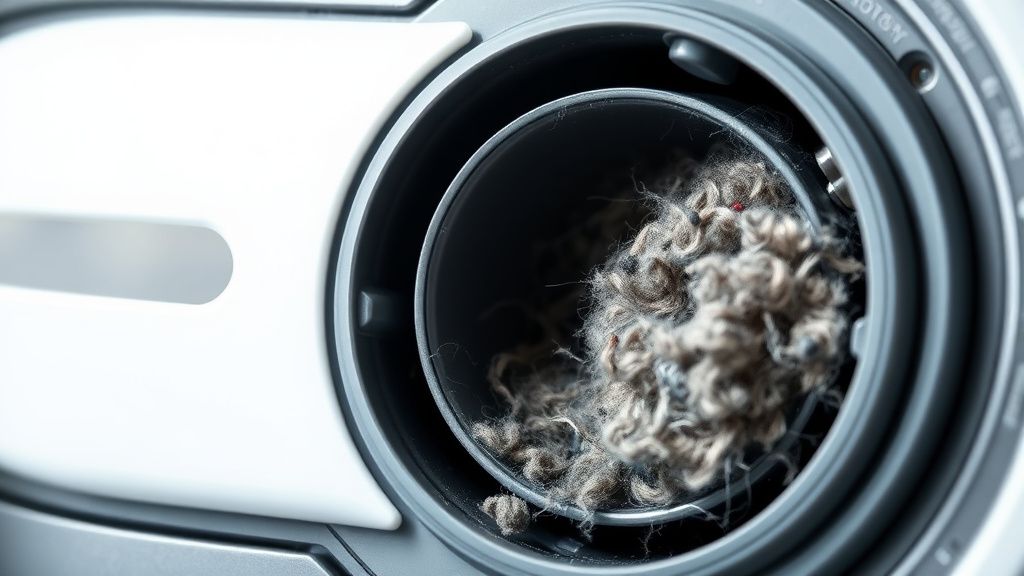
Before you start resetting your app or checking firmware, get physical. Most users skip the inspection of the Primary Air Intake.
- The Flap Test: Flip the robot over. Locate the rectangular inlet where the debris enters. Use your finger to push the spring-loaded flap. If it’s stuck with solidified grime, the station won't be able to pull a vacuum. Clean it with a damp cloth—not wet, just damp.
- The OMNI Station Base Plate: This is where 70% of "empty" failures happen. Remove the base plate. There is a clear plastic or rubberized channel leading to the dust bag. Look for "bridge" clogs—where a single long hair or a clump of carpet fiber has snagged across the turn, acting as a net that catches everything else.
- Gasket Integrity: The T20 relies on a silicone-to-plastic seal between the robot and the dock. If that silicone seal is deformed or coated in hair, the system loses suction pressure. Use a bit of high-purity isopropyl alcohol to clean the seal, then verify it sits perfectly flush.
Real Field Report: The "Firmware Handshake" Mystery
I spent three days troubleshooting a T20 in a client's home where the unit would report "Auto-Empty Completed" but the bin remained full. The logs showed the dock motor spinning for exactly 2 seconds before terminating.
It wasn't a clog. It was a communication sync issue. The robot wasn't signaling the dock that it had reached the "empty" position properly because the magnetic docking sensor was dirty. When the robot thinks it's slightly off-center, it won't trigger the high-amperage suction cycle to avoid pulling dust into the base station's internal cavity rather than the bag. This type of precision issue is often related to sensor calibration; if you're experiencing similar navigation and sensor issues with a Roomba s9+, here’s how to fix Error 31. Cleaning the docking pins with a pencil eraser (a trick from the old motherboard days) resolved the handshake.
Debating the "Disposable Bag" Design Flaw
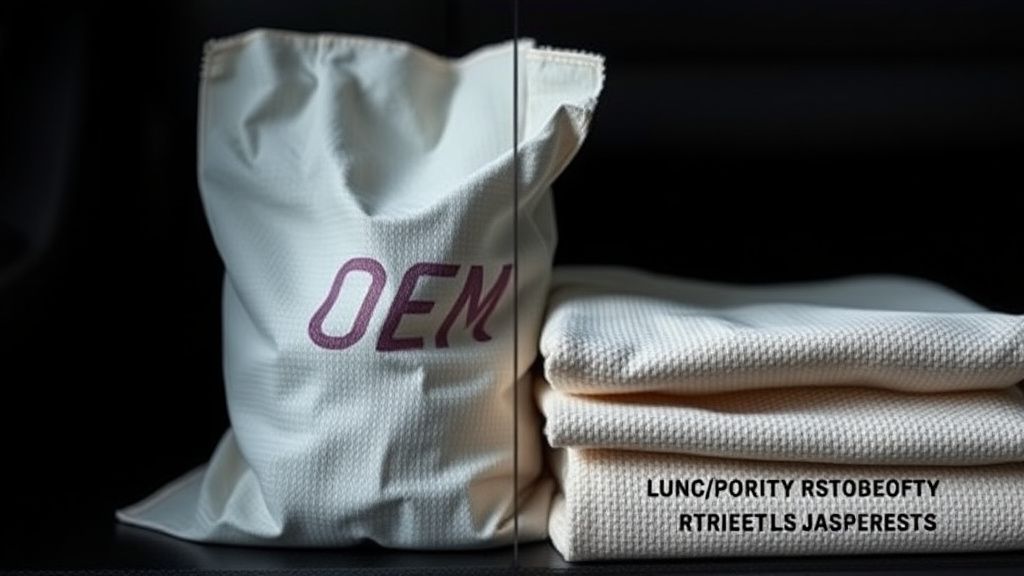
There is a massive divide in the community over the reliance on disposable sealed bags in the T20 system. Some argue that these bags—designed to lock in allergens—are the primary cause of suction loss. If you are using third-party, "compatible" bags, you are essentially gambling with your suction pressure.
Critics in the subreddits and developer forums often point out that the filtration membrane in these bags is too dense. If you live in an environment with fine, powdery dust (like drywall dust or heavy lint), the bag will "blind" (a term engineers use for when a filter becomes coated and impenetrable) long before it is actually full.
Engineering Compromises and Maintenance Friction
Why doesn't the T20 just tell you where the clog is? It’s a cost-benefit analysis. Adding ultrasonic sensors or pressure transducers at every point of the intake would drive the retail price up by hundreds of dollars and introduce more points of failure.
Instead, the system relies on simple motor current sensing. If the blower pulls too much current, the motor is struggling (likely a block). If it pulls too little, there’s no resistance (the bag is missing or the seal is broken). It’s a primitive but effective metric. The downside? It can’t distinguish between a full bag and a blockage in the station floor duct. This leads to user frustration, where the app tells you to "change the bag," even if the bag is empty—because the system feels the same amount of resistance.
Advanced Workarounds: When Standard Cleaning Fails
If you have cleaned the airway, checked the seals, and verified the bag is seated correctly, you may need to perform a "hard" power cycle of the dock itself.
- The Power Drain: Unplug the OMNI station from the wall. Let it sit for 10 minutes. This allows the internal capacitors on the control board to bleed off, forcing a hard reset of the logic controller.
- The Sensor Reset: Sometimes, the IR emitters that align the robot are obscured by dust buildup. Take a microfiber cloth and clean the entire "nose" of the robot and the IR windows on the station. If these are cloudy, the robot will perform a "soft dock," which is often just a few millimeters off from the perfect alignment required for the auto-empty suction seal.
The "Ghost Clog" Phenomenon
I see this in at least one ticket a week: The user claims there is "no clog," but the suction remains blocked. Usually, the clog is in the Internal Station Ducting, the section behind where the bag sits. If a previous bag burst, or if someone vacuumed up something wet, a hard, concrete-like sludge can form in the elbow of the tube inside the plastic casing.
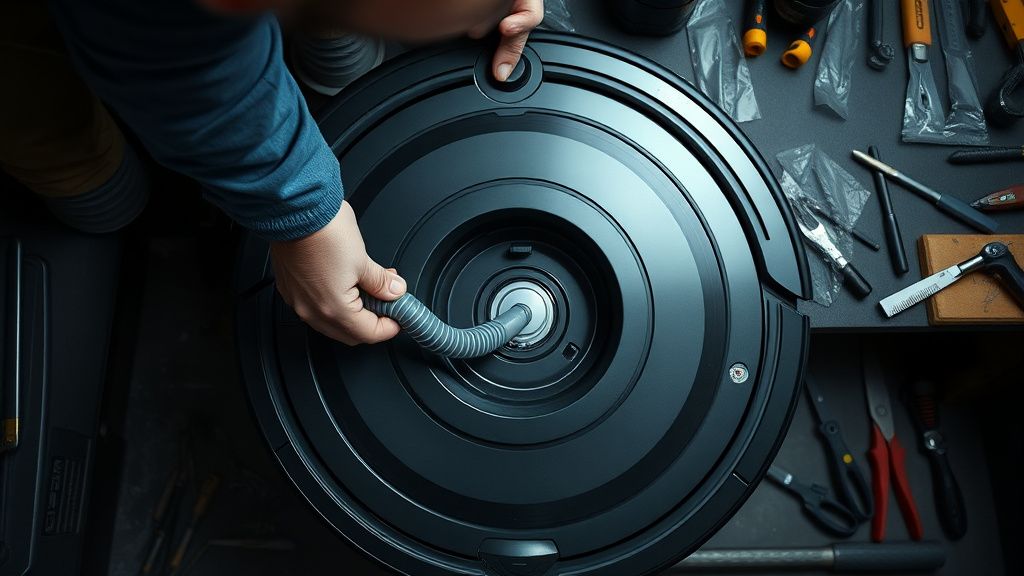
You can’t reach this with a standard brush. You need a long, flexible wire or a specialized duct-cleaning brush. This is where most warranties get tricky; if you open the plastic housing to clean the internal duct, you risk voiding the manufacturer's terms. However, if the machine is already out of warranty, a Phillips head screwdriver and some patience are your only real path.
Why does my app tell me the dust bag is full when it's empty?
This is a classic false-positive. The system doesn't "weigh" your dust. It measures the resistance to airflow (static pressure). If you have a clog anywhere between the robot inlet and the bag, the motor hits high resistance and the software assumes the bag is full. Check the floor duct first.
Does using generic, non-Ecovacs dust bags cause damage?
"Damage" is a strong word, but "performance degradation" is definitely true. Generic bags often have poor air-permeability. If the bag doesn't allow air to pass through at the rate the blower demands, the motor will work harder, run hotter, and eventually trigger a thermal shutdown or a premature failure of the suction blower.
Is the auto-empty feature worth the maintenance headache?
It’s a trade-off. You trade the daily manual chore of emptying the robot's bin for the quarterly chore of deep-cleaning the base station and managing proprietary consumables. If you have pets or carpet, the OMNI system is functionally superior, but it requires a "maintenance mindset" rather than a "set it and forget it" mentality.
My robot docks, starts the empty cycle, then stops immediately. What is happening?
This is a synchronization failure. The robot is failing the "handshake" with the station. Check your docking pins (the gold metal strips on the bottom of the robot and the matching contacts on the base). If they are corroded or dirty, the station cannot send the "Start Suction" signal, and the process will abort to protect the circuits from a potential short.
Can I use a high-pressure air compressor to clear the ducts?
Proceed with extreme caution. While a quick blast of air can clear a stubborn clog, it can also force debris deeper into the station's sensors or cause internal seals to blow out if you get too close. Use a canned air duster with a straw attachment instead of an industrial-grade compressor.
of Best Practices
- Monthly: Wipe the docking pins and the silicone air seal.
- Quarterly: Inspect the internal base station duct for hardened debris.
- Avoid: Don't let your robot pick up damp debris; the moment moisture hits that dust, it turns into a paste that will brick your suction path in minutes.
- Software: If the app firmware shows a "Pending" update, clear the clog first. Some firmwares won't complete the install if the robot reports an active error state from the sensors.
Dealing with the T20 Omni isn't about being a roboticist; it’s about understanding that these machines are vacuum cleaners with egos. They want to be clean, they want to be aligned, and they absolutely hate resistance. If you treat the air path with the same respect you'd give the engine of a high-end appliance, you’ll find that most of these "failures" are just simple, physical realities of modern cleaning tech.