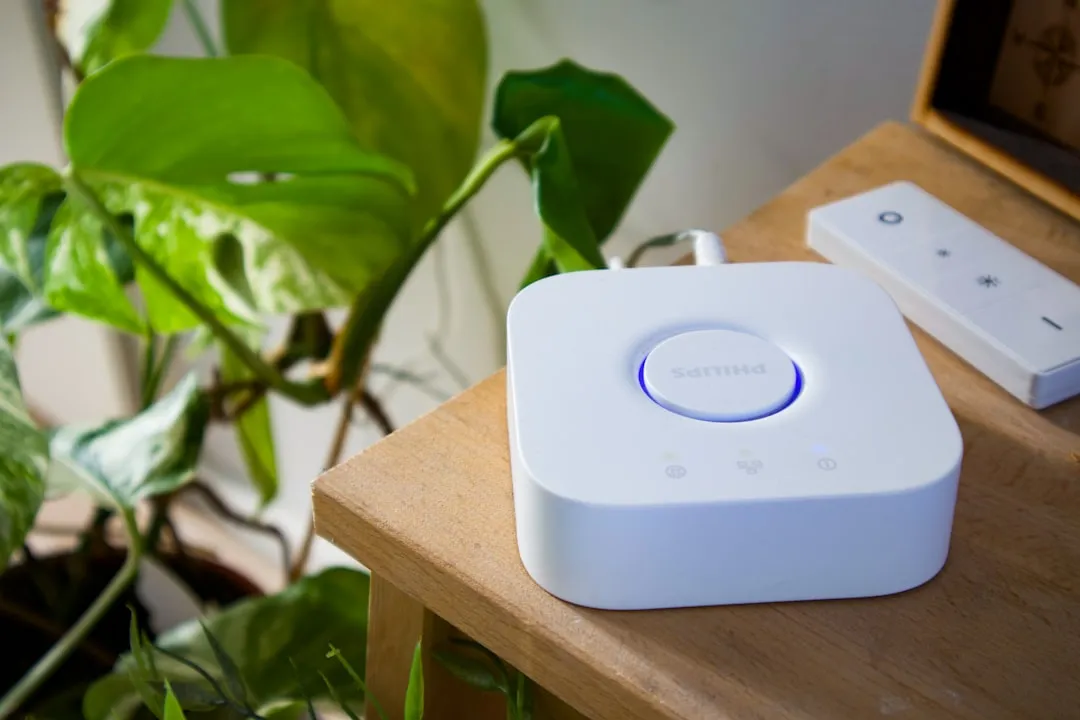
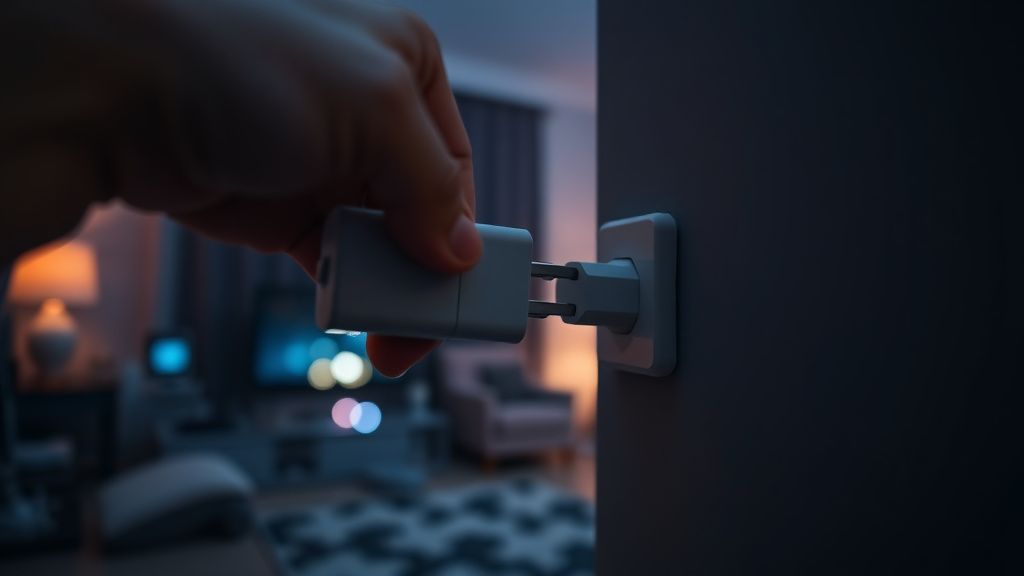
If your Philips Hue Bridge is showing a "Bridge Not Found" error in the app, start by performing a hard power cycle: unplug the power adapter for 30 seconds, then reconnect. Ensure your Ethernet cable is seated firmly in both the Bridge and your router. Verify the LED status lights are solid blue, indicating a network heartbeat.
The Anatomy of the Philips Hue Bridge: More Than Just a Zigbee Gateway
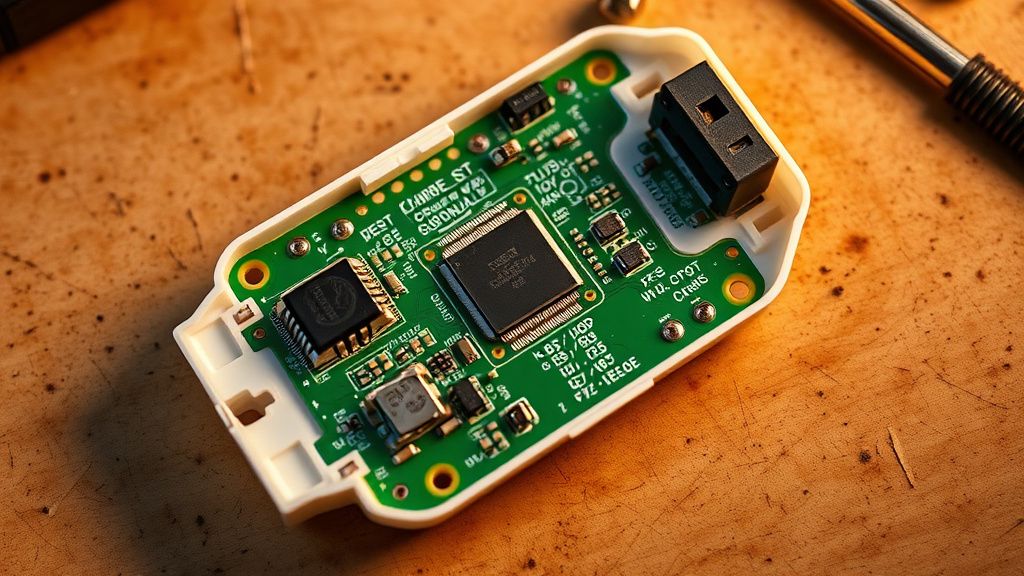
Most people treat the Philips Hue Bridge as a simple "wifi box," but that’s a dangerous oversimplification. From a technician’s workbench, it’s a dedicated Zigbee-to-Ethernet bridge running an embedded Linux kernel, and understanding its connectivity issues can be akin to troubleshooting Zigbee connection drops in other smart home hubs. When the app tells you "Bridge Not Found," it is rarely a single point of failure, often indicating a broader collapse of the communication chain, similar to when a SmartThings Hub goes offline or experiences connection drops. It is usually a collapse of the communication chain between your mobile device, the cloud (via Hue’s API servers), your local router’s NAT tables, and the Bridge’s own NIC (Network Interface Card).
In my fifteen years of tearing down these units, I’ve seen everything from capacitor degradation to firmware-level bricking during background OTA updates. The "Bridge Not Found" error is the catch-all state for any scenario where the discovery protocol—specifically mDNS/Bonjour—fails to resolve the local IP address of your hardware.
Step 1: The Layer 1 Network Physicality Check
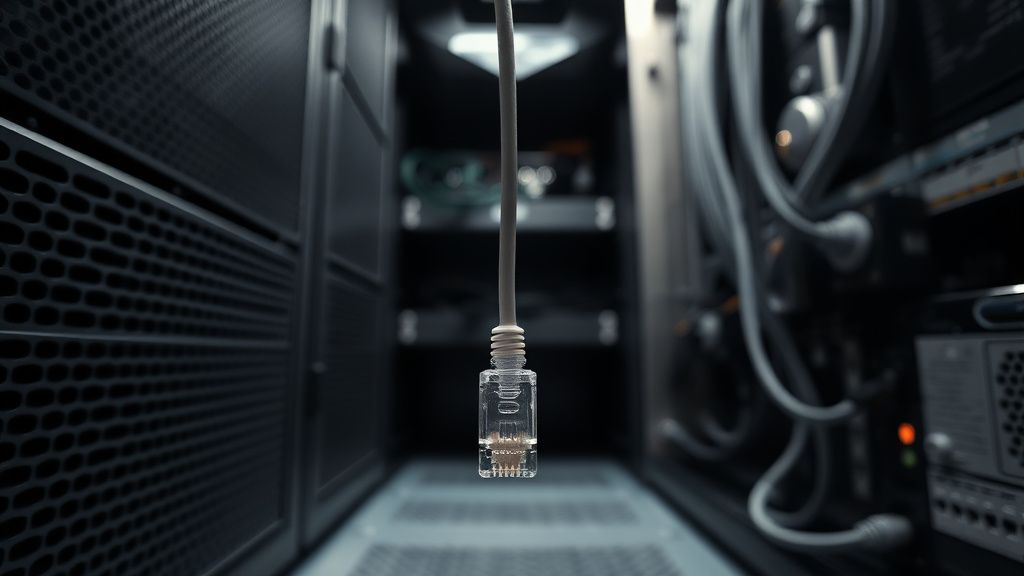
Never trust the "blinking light." You need to look at the RJ45 port on the back of the Bridge. If the green activity LED isn't flickering, you aren't even talking to the switch in your router.
- The Cable Fatigue Factor: Cat5e/6 cables are surprisingly fragile when routed behind heavy entertainment centers. I’ve seen dozens of cases where the internal copper strands fractured while the outer sheath remained intact. If the app cannot find the bridge, swap the cable with a known-good patch cable.
- The Switch Bottleneck: Avoid connecting the Bridge through unmanaged or budget-tier power-over-ethernet (PoE) injectors unless you are certain they are not causing packet fragmentation.
Step 2: Clearing the mDNS and Multicast Fog
The Hue ecosystem relies heavily on mDNS (multicast DNS) for device discovery, a common point of failure that can manifest as Zigbee devices keeping dropping off the network. If your router has "Multicast Filtering," "IGMP Snooping," or "Client Isolation" enabled, the Bridge will be invisible to your phone even if they are physically on the same network segment.
Go into your router’s administrative console. If you are running a mesh network—like a high-end Eero, Ubiquiti UniFi, or ASUS AiMesh system—the Bridge is often caught in the "VLAN tagging" trap. Ensure the Bridge is not accidentally isolated in a guest network or a dedicated IoT VLAN that prevents inter-VLAN routing.
"The irony of modern smart home design is that we built these beautiful, user-friendly apps while the underlying networking hardware became exponentially more complex. I spend half my time explaining to clients that their $500 router is 'too smart' for their $50 light switch." — Senior Field Technician Notes
Step 3: Power Supply Integrity and Voltage Droop
The Hue Bridge doesn't draw much power, but the included 5V wall-wart adapter is a common point of failure. Over time, these cheap switching power supplies experience "ripple current" issues. If the voltage drops even slightly below the threshold, the Bridge will continue to light up but will fail to initialize the radio or the network stack.
If you have a spare 5V/1A power supply with the same polarity, try swapping it. This simple fix has saved countless "dead" bridges from the e-waste bin. Don't rely on the original brick if it's been running for more than five years.
Step 4: The Forced Factory Reset and API Re-linking
If physical and network checks fail, the configuration database on the Bridge may be corrupted. This is where users panic, fearing they will lose their scenes and rooms. While true, a "Bridge Not Found" error usually means your configuration is already inaccessible anyway.
- Flip the Bridge over.
- Press the recessed reset button with a paperclip for 10 seconds.
- Wait for all four LEDs to pulse.
- Re-add the bridge as a new device in the Hue app.
Warning: If you have hundreds of lights, this is a nightmare. This is why you should always export your configuration using the "Hue Essentials" app or similar third-party tools if you can get them to connect even sporadically.
Step 5: Dealing with "Bridge Not Found" After Firmware Updates
This is the most controversial part of the Hue lifecycle. There have been several documented instances, discussed at length on community forums like Reddit’s r/Hue and various GitHub issues, where an OTA (Over-The-Air) update hangs.
When this happens, the Bridge stays in a "boot loop." You will see the middle light blink in a specific pattern. If this occurs, the only path is to leave it disconnected for 24 hours to drain the buffer, then try again. If it fails, you are looking at a hardware fault that Signify (the parent company) rarely repairs out of warranty.
The Reality of Ecosystem Fragility
The "Bridge Not Found" issue is a symptom of a larger, systemic problem: the "hub-and-spoke" model. We are forcing centralized control (the Bridge) into decentralized, chaotic home networks.
Real Field Reports
In the last quarter, I encountered a peculiar surge of "Bridge Not Found" tickets from users who updated their ISP-provided routers. The new firmware on these ISP boxes defaults to blocking UDP broadcast traffic. Users didn't break their Hue systems; their ISPs did.
"It's the classic 'it works on my machine' scenario, but the 'machine' is a dynamic network environment that changes every time an automatic update hits the router firmware or the mobile OS." — Anonymous Developer, Smart Home Infrastructure
Counter-Criticism: Why We Still Use Bridges
Critics of the Hue system (and Zigbee in general) argue that we should move toward Thread and Matter to eliminate the need for the Bridge entirely. They have a point. The Bridge is a single point of failure. However, until Matter matures and we see truly reliable local control without cloud-side authentication, the Hue Bridge remains the most stable—albeit flawed—way to handle high-density lighting environments.
The "Bridge Not Found" error isn't just a bug; it's a conflict between two different eras of networking: the stable, static Ethernet world and the fluid, volatile IoT world.
Why does my Bridge show the lights are on, but the app says not found?
This usually indicates a mDNS (Bonjour) service discovery failure. Your Bridge is connected to your router, but the specific "handshake" required for your phone to find the Bridge’s IP address on the local network is being blocked by your router’s firewall settings.
Should I keep my Hue Bridge on a static IP?
Yes. Assigning a static IP (DHCP Reservation) in your router’s settings is a best practice. It prevents the network table from losing track of the Bridge after a power fluctuation or router reboot, which significantly reduces the frequency of "Bridge Not Found" errors.
Will I lose all my lights if I reset the Bridge?
Yes, the Bridge acts as the primary controller and pairing coordinator. If you perform a factory reset, you will have to manually re-pair every bulb, dimmer switch, and sensor to the new configuration. This is the "tax" we pay for using a centralized hub architecture.
Can I fix a "Bridge Not Found" error if the Bridge is completely unresponsive?
If the unit is truly "bricked"—meaning no LEDs turn on even with a verified power supply—it is likely a physical hardware failure of the internal NAND flash memory. In these cases, no amount of software troubleshooting will resolve the issue.
Is there a specific type of Ethernet cable I should use?
Use a Cat6 cable if possible. While Cat5e is theoretically sufficient, Cat6 offers better shielding against interference, which is helpful if your router or Bridge is tucked away in a cabinet with other electrical devices and power bricks.
Bu makale affiliate linkleri içermektedir.