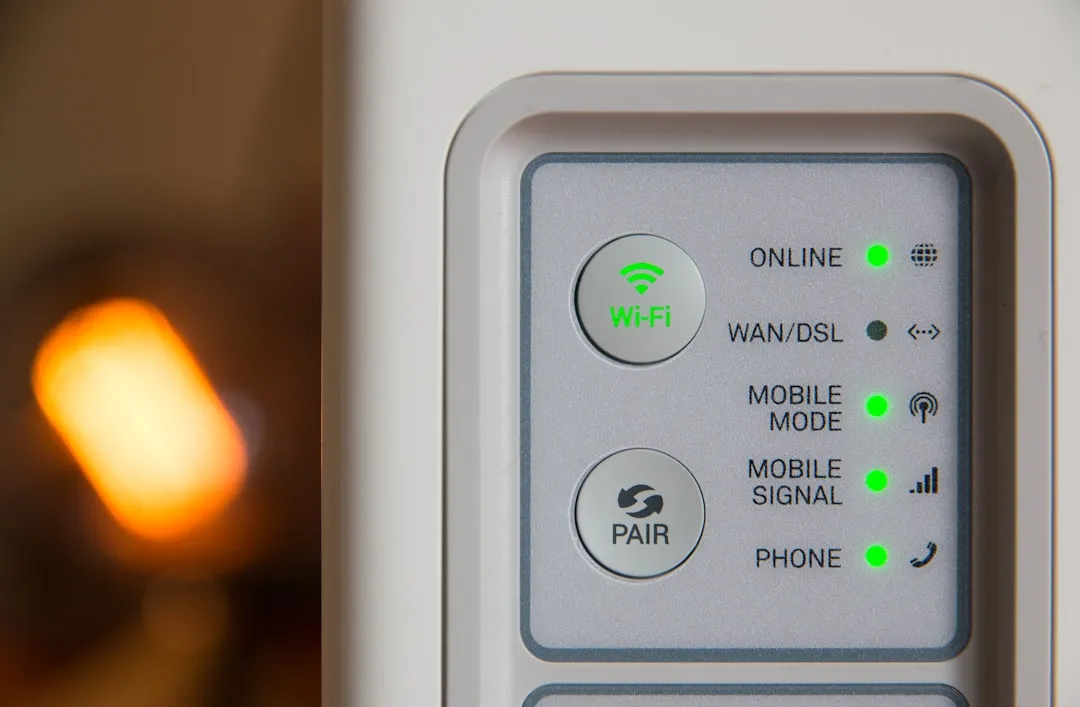
If your Govee Home Bridge is failing to link, the culprit is almost certainly an mDNS broadcast storm, a 2.4GHz/5GHz band steering conflict, or a stubborn cache state in the Govee Home app. First, force-close the app, toggle your phone’s Bluetooth, and ensure your router isn’t using "AP Isolation" or "WPA3-only" modes, which frequently break initial handshakes.
The Anatomy of a Failed Handshake: Why Smart Home Bridges Struggle
After 15 years of tearing down PCBs and analyzing packet sniffers in smart home environments, I’ve learned one immutable truth: the "Smart Home" is a marketing term for a chaotic distributed network built on top of aging radio protocols. When you see a Govee Home Bridge hanging on "Connecting to Network," you aren’t looking at a broken product; you are looking at a fundamental conflict between a cost-optimized IoT microcontroller (usually an ESP32-derivative) and a modern, high-security enterprise router.
Most users assume that "pairing" is a simple handshake. In reality, the device must broadcast an mDNS signal, wait for your phone to intercept it, exchange a local token, and then hand over the encrypted Wi-Fi credentials. If your router has "Airtime Fairness" or "Band Steering" enabled, the 2.4GHz signal often gets throttled or hidden. The bridge thinks the network is invisible, while your phone, sitting on the 5GHz band, thinks the bridge is simply offline. It’s a classic operational mismatch.
Network Topology and the "Invisible" Firewall
The biggest failure point in Govee setups—and indeed, in almost all home bridge systems—is SSID fragmentation. If your home network uses a mesh system (like Eero, Orbi, or Ubiquiti) that broadcasts a single SSID for both 2.4GHz and 5GHz, you are asking for trouble. IoT devices are notoriously bad at negotiating these "smart" bands.
When a bridge fails to link, look at your router's security logs. If you see "DHCP Lease Failure," the bridge is getting blocked by your router’s security policy. I’ve seen this time and time again in Reddit threads like r/Govee, where users scream about the hardware being "junk." It’s not junk; it’s just sensitive to the modern obsession with network security that wasn't designed for cheap, low-power IoT radio chips.
Troubleshooting the 2.4GHz vs 5GHz Conflict
You need to force your phone onto the 2.4GHz band during the setup process. I tell my clients this every day: turn off your 5GHz radio temporarily if you have to.
- The "Airplane Mode" Trick: Turn on Airplane mode, then toggle only Bluetooth back on. This kills the Wi-Fi scan and forces the Govee app to rely strictly on the local Bluetooth discovery protocol for the initial pairing.
- AP Isolation/Guest Networks: Ensure your bridge isn’t on a "Guest" network. Guest networks are specifically engineered to prevent devices from talking to each other. Your phone needs to "see" the bridge on the local subnet to finish the provisioning.
Real Field Reports: When Software Updates Kill Connectivity
I recall an incident involving a firmware push about 18 months ago. Users were reporting that their Govee bridges became "bricked" after a mandatory OTA update. The reality? The update changed the internal MQTT broker URL for some regions. The app thought it was communicating with the device, but the bridge was trying to reach a legacy endpoint that had been decommissioned.
The community response was a textbook case of "user-led debugging." While official support was still sending out generic "Have you tried restarting your router?" scripts, GitHub and Discord users were already sniffing the traffic and manually assigning static IPs to their bridges to bypass the botched DNS lookup. This is the "Workaround Culture"—a necessary evil in a world where hardware manufacturers have no incentive to support devices past their initial 12-month shelf life.
The Economics of Planned Obsolescence vs. Software-Defined Stability
Why does Govee—and companies like them—rely on these bridges in the first place? It’s a cost-saving measure. By offloading the Wi-Fi management to a bridge, they can use cheaper Bluetooth-only light strips. The downside is that you have created a single point of failure. If the bridge's local API hangs, you lose control of the whole ecosystem.
I see a lot of criticism about "proprietary ecosystems." It’s valid. When the Govee cloud goes down, or the bridge loses its link, you are effectively staring at a "dumb" home. From an engineering perspective, this is "institutional friction." The company wants to keep you inside their app, but they don't want to pay for the server-side stability that would make the experience truly seamless.
Analyzing the "Broken API" Myth
Often, users report that their bridge is "unstable" when the real issue is mDNS propagation latency. If you have a large house with multiple Wi-Fi access points, the mDNS packet that tells your phone "I am a Govee Bridge" might not be reaching across the subnet. This isn't a "bug" in the code; it’s a limitation of home networking hardware that isn't designed to support high-traffic, real-time IoT traffic.
Best Practices for Hardened Setups
If you want to stop the "pairing error" cycle, do this:
- Static DHCP Reservations: Log into your router, find the MAC address of your Govee Bridge, and assign it a permanent IP. This prevents the bridge from losing its way during a router reboot or an IP lease renewal.
- DNS Settings: Avoid using custom DNS (like AdGuard or Pi-hole) during the initial pairing phase. These tools often flag the Govee heartbeat pings as "telemetry" and block them, causing the pairing to hang at 99%.
The Human Element: Why We Keep Buying Them
Despite the technical nightmares, the forums are full of people buying more Govee gear. Why? Because the cost-to-coolness ratio is unbeatable. Users accept the "messy operational reality" because the alternative (professional-grade, reliable systems like Lutron) is prohibitively expensive for the average hobbyist. We are trading stability for accessibility. And frankly, for most, that’s a fair trade—until the night the bridge decides it’s no longer on the Wi-Fi.
Why does my Govee bridge get stuck at 99% during setup?
This almost always indicates that the bridge has successfully connected to your Wi-Fi, but your phone cannot "see" it on the local network. It is usually caused by a VPN being active on your phone, or your router's "Client Isolation" feature being enabled. Disable your VPN and check your router's security settings.
Does changing my router settings really help with "Pairing Failed" errors?
Yes. If your router uses WPA3 security, some older Govee hardware cannot negotiate the handshake. Try setting your 2.4GHz network to WPA2-AES only. This is a common "secret" fix that support teams rarely admit to because it sounds like a security downgrade.
Can I run Govee without the bridge if I only have a few lights?
Only if your specific light strips support direct Wi-Fi/Bluetooth dual-mode. If they require a bridge, you are stuck with it. The bridge acts as a translator between the app's cloud requests and the local Bluetooth mesh that the lights use. If you remove the bridge, the lights lose their internet connectivity.
Why do my devices show as "Offline" even when the bridge is plugged in?
This is often a heartbeat failure. The bridge is losing its connection to the Govee cloud servers. If your router has aggressive "Quality of Service" (QoS) rules, it might be prioritizing your PC or console traffic over the low-priority IoT packets, essentially starving the bridge of the data throughput it needs to maintain its connection.
Is the Govee Home app known for "ghost" pairing issues?
Yes. The app often caches state data. If you have tried to pair the bridge multiple times, the app might be trying to send the wrong credentials. Always uninstall the app, clear the cache, and reboot your phone before the final attempt. This clears the local handshake token storage that often gets corrupted during failed pairing attempts.
Bu makale affiliate linkleri içermektedir.