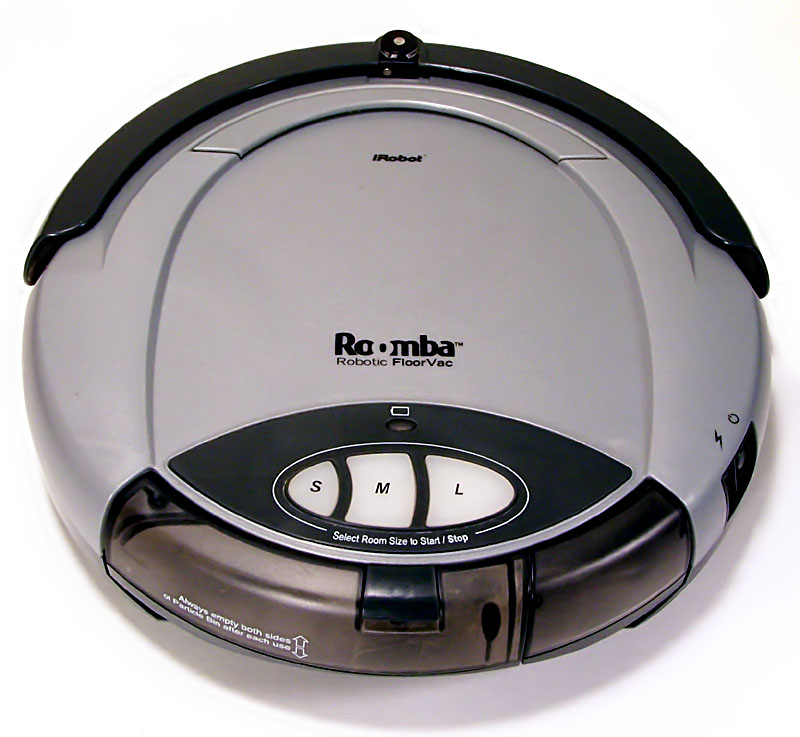
Quick Answer: Roomba i7 Error 31 means your robot vacuum has lost communication with the Home Base docking station — specifically, the infrared signal handshake between the robot and the dock has broken down. Fix it by cleaning the IR sensors on both units, repositioning the dock, checking for IR interference, and inspecting the charging contacts. In most cases, this is hardware-solvable without replacement.
Let me be blunt: Error 31 is one of those errors that looks simple on the surface and turns into a three-hour rabbit hole once you actually dig into it. I've pulled apart more Roomba i7 and i7+ units than I care to count, and the docking station communication failure is consistently one of the most misdiagnosed problems in the iRobot ecosystem. People blame the battery. They blame the dock. They buy a new dock. Then the error comes back two weeks later because the actual problem — an IR sensor coated in three months of kitchen grease — never got addressed.
This is the guide that doesn't assume you're stupid, doesn't waste your time with "have you tried turning it off and on again," and doesn't end with "contact iRobot support" as the final answer.
What Error 31 Actually Is: The IR Signal Architecture
The Roomba i7 doesn't navigate back to its dock by magic. It uses a combination of its onboard camera-based visual navigation (iAdapt 3.0) and, critically, infrared beacon signals emitted by the Home Base. The dock broadcasts two distinct IR beams — a "virtual wall" style omnidirectional halo signal and a narrower directional docking beam that guides the robot into the final approach.
Error 31 specifically refers to the failure of this IR-based docking signal handshake. The robot is telling you: "I can see or sense the dock is supposed to be there, but I cannot read its signal clearly enough to commit to a docking sequence."
This is distinct from Error 26 (dock not found at all) or charging contact errors. Error 31 is a signal quality problem, not a total absence problem.
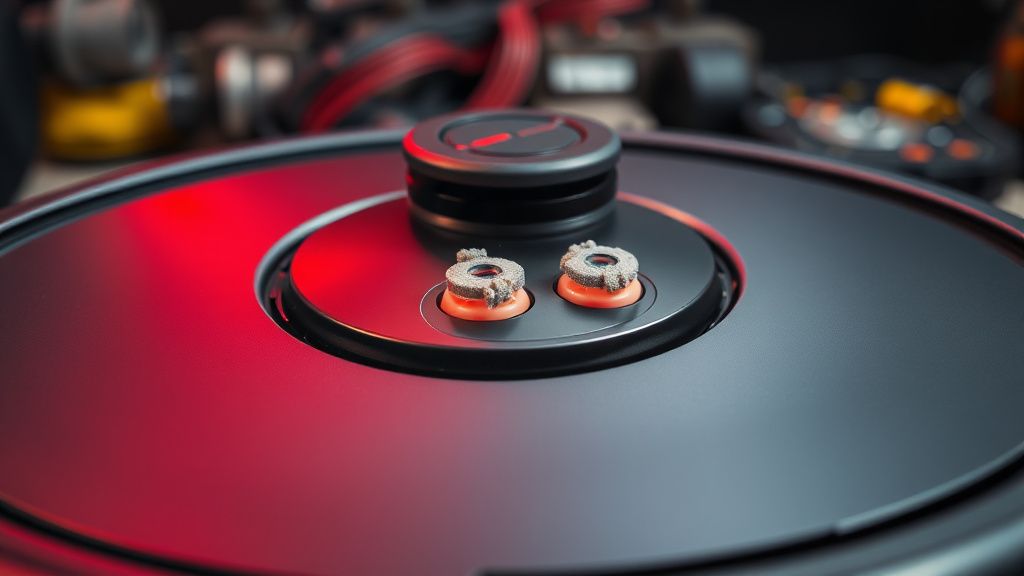
The Home Base unit contains:
- Two front-facing IR emitters (the docking beam emitters, visible as small dark lenses on the front face)
- One omnidirectional IR emitter (the halo signal, typically on top or wrapped around the unit)
- Charging contact pads (spring-loaded, brass-plated)
The Roomba i7 itself contains:
- IR receivers on the front bumper (multiple, usually 3-5 depending on production run)
- A cliff-sensor array that also participates in dock detection
- The camera module which cross-references IR signal data with visual landmarks
When any of these elements fail to communicate correctly — dirty sensors, physical obstruction, IR interference from other sources, weak signal due to dock power issues, or failed IR LED — you get Error 31.
The Operational Reality Nobody Tells You
Here's what the iRobot documentation doesn't say explicitly: the IR emitters on the Home Base are powered by the same circuit that handles charging. If your dock has a marginal power supply — because you're using a non-OEM power adapter, because the outlet has a slightly low voltage, or because the internal dock circuitry is aging — the IR emitters can operate below their minimum output threshold. The robot's receiver picks up a signal, but it's too weak or too noisy to decode properly. Error 31.
This is why some users report Error 31 occurring only occasionally — during periods of high ambient light (sunlight pouring in through a window), during summer months when temperature affects LED output, or specifically in late-cycle charging when dock power draw shifts. The error is intermittent, which makes it infuriating to diagnose.
Reddit's r/roomba community has documented this extensively, much like how others troubleshoot common household gadget failures, such as when your Roborock S7 MaxV Error 10, Shark Ion Robot Error 7, or Instant Pot Vortex Plus E5 error occur. Thread after thread of users report "it worked for months and suddenly can't dock"—a frustration familiar to those dealing with Ring Doorbell 4 firmware loops or a Ninja Foodi not preheating. In most confirmed cases, the issue traces back to the IR sensors on the Home Base or the robot itself. robot being obscured, IR interference, or dock power/LED degradation.
Diagnosis Before You Touch Anything
Before you start cleaning and repositioning, you need to narrow down where the failure actually lives. This takes maybe 10 minutes and saves you from the classic mistake of cleaning the wrong component.
Step 1: Smartphone Camera IR Test
Your phone camera can see infrared light. Point your phone camera at the front face of the dock and look at the live preview. You should see the IR emitters glowing with a visible purple-white light if they're active.
- If you see glow: The dock's IR emitters are physically functional. Problem is likely on the robot's receiver side or an interference/obstruction issue.
- If you see no glow: The dock's IR emitters are either powered off, failed, or the dock itself isn't getting adequate power. Start there.
- If the glow is dim or flickering: Borderline LED degradation. The emitters are dying. You might be on borrowed time with this dock.
Note: Some phone cameras, particularly newer iPhones with IR cut filters, filter out IR more aggressively. If you have an older Android or a cheap webcam, use that instead. This isn't a perfect test, but it's a fast triage tool.
Step 2: Isolation Test
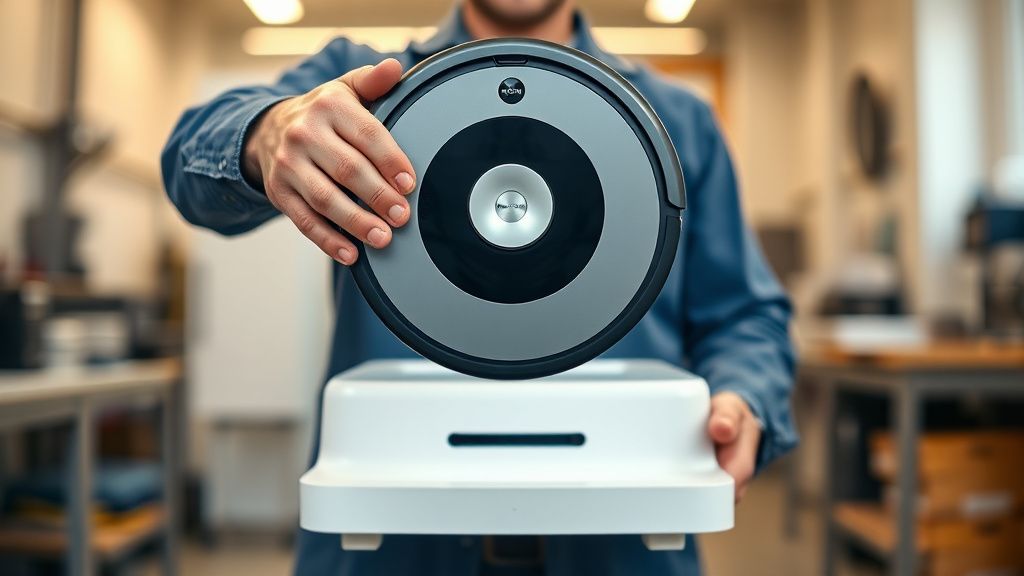
Pick up the Roomba i7 manually and hold it approximately 3 feet directly in front of the dock, centered. Press the Dock button on the robot. Watch what happens:
- If the robot immediately tries to dock and succeeds: Your problem is navigation-based — the robot can't find the dock from normal operating positions due to environmental factors.
- If the robot tries and fails even at 3 feet directly in front: The signal path is broken. You're dealing with a sensor or emitter hardware issue.
- If the robot doesn't attempt docking at all: Firmware or severe signal failure.
The Fix Hierarchy: Work Through This in Order
Fix 1: Clean the IR Sensors on the Robot
This is the most common actual solution and the one most people skip because it sounds too simple. The IR receivers on the Roomba i7's front bumper are small, recessed lenses. In a kitchen environment, they accumulate grease film. In carpeted homes, they collect lint. In dusty environments, obvious.
What you need: 99% isopropyl alcohol, cotton swabs, a bright flashlight.
The process:
- With the robot powered off, locate the IR receiver windows on the front bumper. On the i7, these are typically four small dark or translucent spots arranged around the bumper's front arc.
- Dampen (not soaking wet) a cotton swab with IPA.
- Wipe each lens with light circular pressure. You'll often see visible contamination on the swab after the first pass.
- Follow with a dry swab pass.
- Allow 30 seconds for IPA to evaporate before powering on.
Do not use glass cleaner, water, or anything that leaves residue. I've seen units come in where someone used WD-40 on the sensors. Don't be that person.
Fix 2: Clean the Dock's IR Emitters
Same principle, same process, same IPA. The dock's front face emitters are the small dark lenses visible on the front panel. Wipe them carefully. Also clean the charging contact pads while you're at it — oxidized contacts can cause the dock to register the robot incorrectly even if IR signal is fine.
For the contacts specifically: use a pencil eraser on the robot's charging terminals and the dock's contact pads. The graphite particulate from a standard pencil eraser is a mild abrasive that cleans oxidation without scratching brass-plated contacts. This is a legitimate field technique that iRobot's own service documentation used to recommend (they've quietly removed this from newer documentation, probably for liability reasons).
Fix 3: Address IR Interference
This is the sneaky one. Infrared interference is a genuine operational problem that the marketing materials for these robots never acknowledge.
Common IR interference sources:
- Direct sunlight through windows hitting the dock or robot during a docking attempt. Sunlight is full-spectrum and saturates IR receivers.
- Certain smart home devices — some IR blasters, IR repeaters for AV equipment, and even some older LED lighting systems emit in the IR band.
- Other robot vacuums or virtual wall barriers from other Roomba units. If you have multiple robots, their IR signals can interfere with each other.
- Glass surfaces — a glass table or mirror near the dock can reflect and scatter the dock's IR beam, creating a confusing signal environment for the robot.
How to test for interference: Cover the dock completely with a cardboard box (obviously disconnected from power first, then reconnect while covered). This blocks external IR. If the error goes away or reduces in frequency with the dock shielded from ambient light, you've found your culprit.
Fix: Relocate the dock, add window blinds, remove IR-emitting devices near the dock's operational zone, or reposition to a lower-ambient-light area.
Fix 4: Dock Placement and Wall Clearance
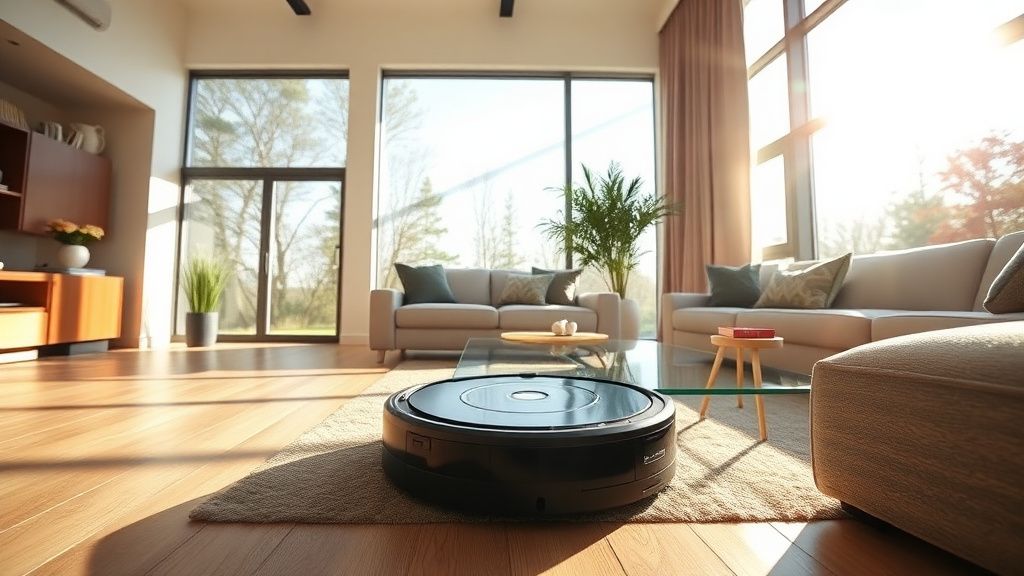
The iRobot documentation says "place the dock against a flat wall with 1.5 feet of clearance on each side and 4 feet in front." This is technically correct but doesn't explain why, and the "why" matters for troubleshooting.
The dock's IR halo signal wraps around it. If the dock is in a corner, the signal reflecting off walls creates confusing multipath interference — the robot receives the direct signal and reflected copies at slightly different phases. This isn't a death sentence for docking, but it's a marginal situation that gets worse as sensors age and degrade.
Ideal placement: Flat unobstructed wall. Not in a closet. Not between furniture legs. Not on a raised platform. Not near a glass surface. The dock should have line-of-sight clearance across the room's main floor space, because the robot needs to acquire the signal from 15-20 feet out during return navigation.
Fix 5: Check Dock Power Supply
Get a multimeter. Check the dock's input voltage at the power adapter. The iRobot Home Base for the i7 series expects a specific DC input (check the adapter label — typically 20V DC). If you're seeing significant voltage drop under load, the power adapter is failing.
If you're using an aftermarket adapter: stop. The IR emitter brightness scales with supply voltage stability. A cheap adapter with high ripple voltage creates flickering IR output that the robot interprets as a corrupted signal — which is essentially what Error 31 is.
When It's Actually Hardware Failure
If you've worked through all of the above and Error 31 persists, you're in real hardware failure territory. The decision tree here gets uncomfortable.
Failed IR Emitter in the Dock
The IR LEDs in the Home Base are not serviceable by most users. They're surface-mounted components on the dock's main PCB. If the emitters have failed, you're looking at dock replacement. A new OEM dock is available directly from iRobot (when they have stock) or through Amazon. As of this writing, iRobot's parts situation has been complicated by their acquisition by Amazon and subsequent layoffs and restructuring — parts availability has become less predictable than it was in 2021-2022.
Community thread (r/roomba, multiple posts from 2023): "I've had three docks fail within warranty period, all Error 31. iRobot support is now routing all replacement requests through Amazon customer service. Wait times are inconsistent and sometimes you get store credit instead of the part."
This is a real operational friction point. The iRobot support ecosystem has degraded noticeably post-acquisition.
Failed IR Receiver on the Robot
This is worse because the IR receiver is inside the robot's bumper assembly, which requires partial disassembly to access. If you're technically inclined, iFixit has a partial teardown guide for the i7 series, though the specific IR receiver replacement isn't fully documented in publicly available guides. You're essentially on your own at this point.
The receiver array sits behind the bumper's translucent windows on a small daughter board. It's connected to the main PCB via a flex cable. The flex cable connectors on iRobot products are notoriously fragile — I've seen units come in where a previous repair attempt snapped a connector, turning a $50 problem into a $150 problem.
If you're going to attempt this: do not force anything. The flex cable connectors have a locking tab that slides, not flips. Forcing it destroys the ZIF socket.
Real Field Reports: What Actually Happens in Practice
Case 1: The Recurring Kitchen Dock Problem
A user in a high-cooking household reported Error 31 occurring every 6-8 weeks like clockwork. Cleaning the sensors resolved it each time. The pattern made sense once examined — their cooking produced enough airborne grease to coat the IR sensors over that timeframe. The fix wasn't a permanent repair; it was establishing a maintenance schedule. Clean the IR sensors monthly. This is operational reality, not a product defect.
Case 2: The Sunlight Interference Discovery
A user in a south-facing apartment reported Error 31 occurring exclusively between 2 PM and 4 PM in summer months. The dock was positioned near a sliding glass door. The diagnosis was solar IR interference saturating the robot's receivers during afternoon peak sunlight hours. Moving the dock 8 feet away from the glass door eliminated the error entirely. iRobot's documentation doesn't mention this scenario. It should.
Case 3: The Multi-Robot IR Conflict
A user running two Roomba i7 units simultaneously (different rooms, different schedules) started experiencing Error 31 on both units. Investigation revealed the two docks were positioned in adjacent rooms with an open doorway — the dock signals were crossing and creating mutual interference. Rotating one dock 180 degrees (facing away from the doorway) resolved the issue. This is an undocumented edge case.
Counter-Criticism: Is Error 31 Actually a Design Problem?
This is where I have to be honest about the bigger picture.
The IR-based docking system used in the Roomba i7 is genuinely dated technology. The i7 launched in 2018. The underlying IR docking architecture is essentially the same system iRobot has used since the original Roomba 500 series, with incremental improvements. For a robot that uses a sophisticated camera-based visual navigation system for room mapping, relying on a narrow-beam IR signal for final docking approach is an architectural inconsistency.
Why not use the camera for final docking approach? The camera's field of view is upward-facing and forward-facing at angle, not optimized for the sub-meter precision approach needed for charging contact alignment. The IR system handles that precision. The problem is that this creates a dual-mode navigation handoff point — camera to IR — that is the system's most common failure location.
Some premium competitors have moved to ultrasonic docking, camera-only docking with visual markers, or magnetic guidance systems that are inherently less susceptible to optical interference. iRobot has not significantly updated the docking architecture across their product line, which explains why Error 31 (or its equivalent in other Roomba models) appears consistently across years and model generations.
From a Hacker News discussion on robot vacuum architecture: "The docking IR system in Roomba units is genuinely the weakest link in the whole stack. Every other subsystem has gotten meaningful upgrades. The dock is basically unchanged since the 600 series. It's a weird engineering blind spot."
That's not wrong. And the Amazon acquisition hasn't signaled any particular architectural rethinking — the current product lineup still uses the same dock design philosophy.
Maintenance Protocol to Prevent Error 31 Recurrence
If you've resolved your Error 31, here's the actual maintenance cadence that prevents recurrence:
Monthly:
- Wipe IR sensor windows on robot bumper with dry microfiber cloth
- Inspect dock emitter lenses visually
Every 3 Months:
- Full IPA clean of robot IR sensors
- IPA clean of dock emitter lenses
- Light clean of charging contacts with eraser
- Check dock power adapter for cable damage
As Needed:
- Reassess dock placement if furniture moves in the room
- Check for new IR interference sources (new TV, new smart home device, etc.)
This sounds like a lot of maintenance for a "autonomous" robot. Welcome to the reality of autonomous household devices — they're more maintenance-dependent than the marketing suggests, and the maintenance is just different from a conventional vacuum, not absent.
For users dealing with persistent docking