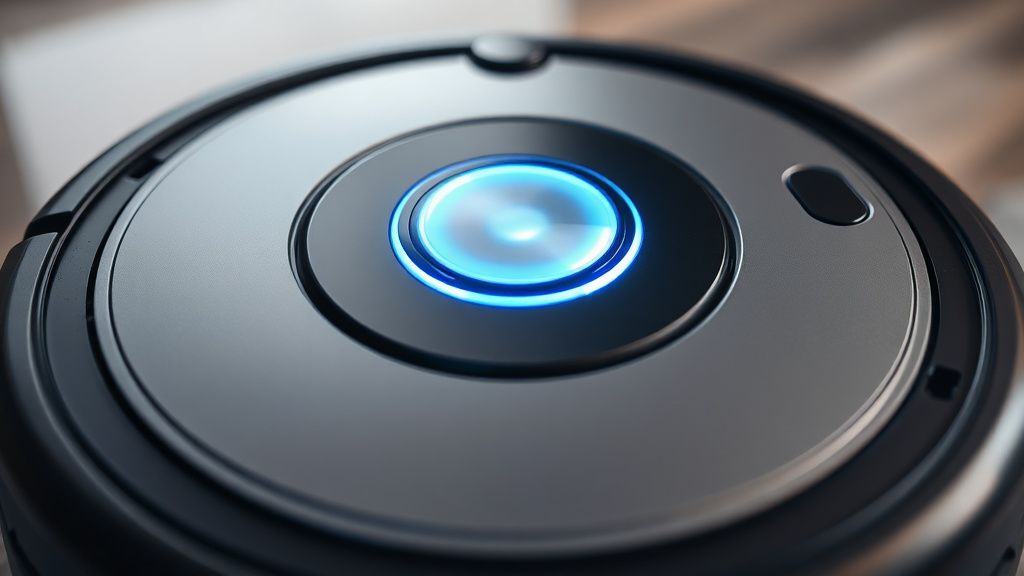
The Roborock S7 LiDAR "Error 1" is the most frequent mechanical failure reported by long-term users. This error indicates that the Laser Distance Sensor (LDS) turret is obstructed, failing to rotate, or unable to communicate with the motherboard. Typically caused by debris accumulation in the turret housing, a seized drive motor, or a broken internal ribbon cable, this issue requires a systematic hardware intervention to restore navigation functionality.
Problem Nedir (What is the Problem?)
Error 1 signifies a "LDS Stuck" condition. The Roborock S7 relies on its turret-mounted LiDAR sensor to generate a real-time SLAM (Simultaneous Localization and Mapping) map. When the vacuum initializes, it performs a self-test of the turret motor. If the sensor head does not achieve a specific rotational speed or if the internal encoder does not report the expected feedback to the main processor within a set duration, the system throws Error 1 to prevent hardware damage. It is essentially a safety shutdown; the vacuum refuses to move because it cannot safely navigate its environment without a functional vision system.
Belirtileri (Symptoms)
Users generally encounter this error in three distinct ways:
- The Audible Queue: You may hear a high-pitched grinding sound or a faint "clicking" noise coming from the turret area, indicating the motor is trying to spin but is meeting mechanical resistance.
- Visual Indicators: The power button LED on the top of the unit flashes red, and the device emits a voice prompt: "Error 1. Please check the LiDAR turret."
- App Notification: The Roborock application sends a push notification stating, "LDS is stuck. Please check for obstructions."
- Behavioral Change: The unit may attempt to spin, fail, stop, attempt again, and finally power down into a standby state, refusing to leave the dock.
Olası Nedenler (Possible Causes)
The failure path for the LiDAR assembly is rarely singular. It is often a combination of environmental factors and mechanical wear:
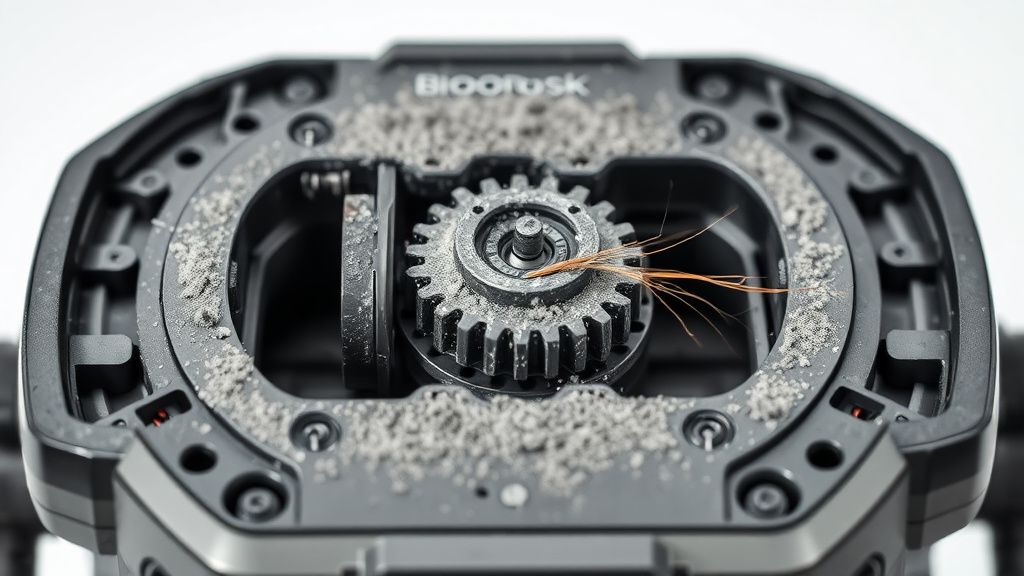
- Debris Ingress: Fine dust, pet hair, or carpet fibers can infiltrate the small gap between the turret housing and the stationary base. Once inside, this debris acts as an abrasive, increasing friction until the small brushless DC motor can no longer overcome the resistance.
- Motor Degradation: The LiDAR motor is a low-torque component. Over thousands of hours of operation, the internal brushes (if brushed) or the bearings (in brushless models) wear out, causing the motor to lose its ability to maintain the required RPM for signal processing.
- Drive Belt Slippage: Some S7 units utilize a small rubber band to drive the turret. If this band stretches or snaps, the motor spins freely, but the sensor remains stationary.
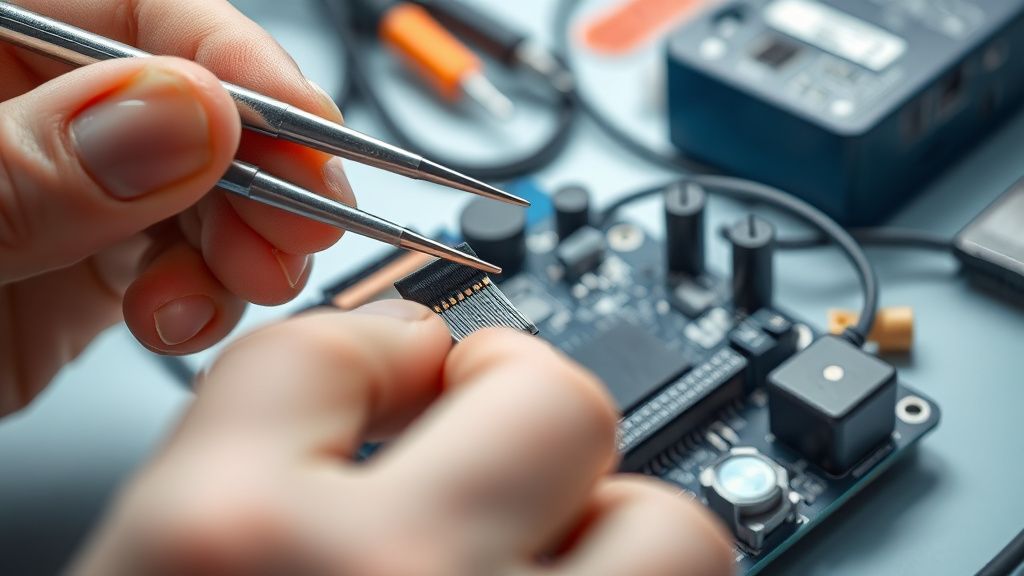
- Ribbon Cable Fatigue: The data cable connecting the rotating sensor to the motherboard travels through a slip-ring or is subjected to constant twisting. Over time, the copper traces can develop micro-fractures, leading to intermittent signal loss and eventual total failure.
- Firmware Glitches: While rare, a corrupt calibration table in the onboard memory can cause the robot to misinterpret legitimate sensor data as a blockage.
Quick Fixes (Hızlı Çözümler)
Before diving into a teardown, attempt these non-invasive steps. They resolve roughly 30% of Error 1 cases:
- The "Blow-Out" Technique: Use a can of compressed air. Aim it directly into the horizontal gap between the rotating turret and the robot’s main body. Spin the turret manually with your finger while blowing air to dislodge trapped hair or dust.
- Power Cycle: Hard reset the unit by removing it from the dock and holding the Power button for 10 seconds. Leave it off the dock for 5 minutes to dissipate static charge in the capacitors.
- Firmware Refresh: If the robot can connect to the app, check for a firmware update. Even if you are on the latest version, sometimes re-triggering the update process forces the system to recalibrate its internal motor voltage parameters.
- Clear the Path: Ensure the robot is in an open area. Sometimes the LDS fails because it is physically jammed against a low-hanging piece of furniture, causing it to fault during the initial calibration sweep.
İleri Düzey Çözümler (Advanced Fixes)
If the Quick Fixes fail, you are looking at a localized hardware failure. This requires a full teardown. Warning: This will void your manufacturer warranty.
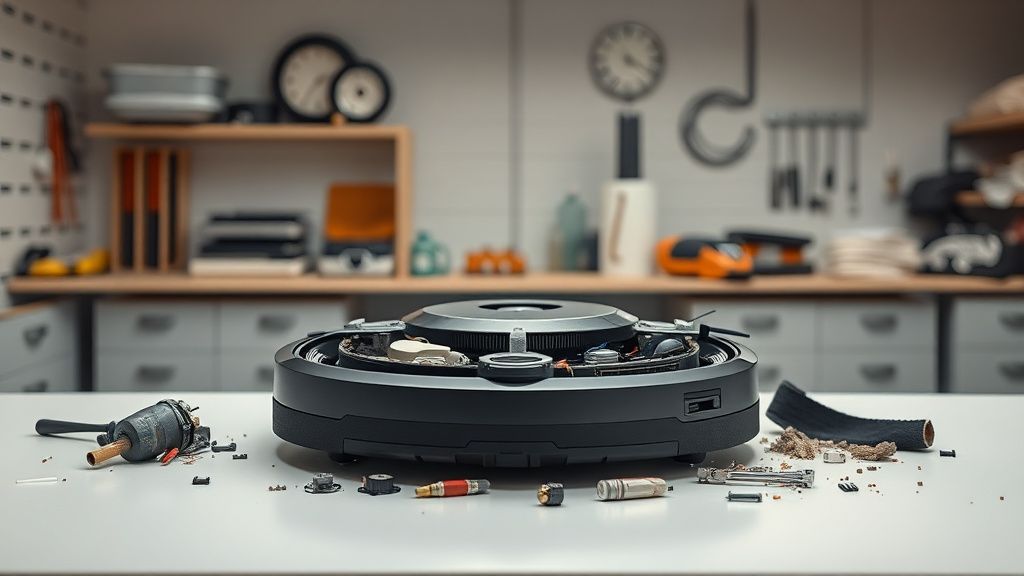
- Disassembly: Remove the dustbin and the top cover plate. You will need a precision Phillips-head screwdriver (PH0). Remove the hidden screws under the top casing near the bumper assembly.
- Accessing the LiDAR: Once the top shell is off, the LiDAR turret is held by four mounting screws. Unplug the multi-pin connector carefully.
- Motor Inspection: With the turret removed, look at the drive motor. If the belt is loose, replace it. If the motor itself feels "crunchy" when turned by hand, it is likely seized.
- Replacing the LDS Motor: Purchase a replacement high-torque LDS motor (often sold as "Roborock S7 LiDAR Motor replacement"). Solder it in place if necessary, or simply swap the modular unit.
- Ribbon Cable Check: Inspect the flat-flex cable for dark spots or frayed edges. If damaged, this requires a specific ribbon cable replacement, which is delicate work.
Factory Reset (Fabrika Ayarlarına Döndürme)
If you have replaced a part and the error persists, you must perform a factory reset to clear the cache:
- Open the top cover to expose the Wi-Fi reset button.
- Press and hold the Home button.
- While holding the Home button, press the Reset button (using a pin or paperclip).
- Continue holding the Home button until the power indicator begins to flash.
- Wait for the voice prompt: "Restoring factory settings."
- The robot will restart, and you will need to re-pair it with the Roborock app. Note: This deletes all maps and saved restricted zones.
When to Replace (Ne Zaman Yenisiyle Değiştirilmeli?)
Not every robot is worth saving. You should consider replacement if:
- Motherboard Failure: If the LiDAR sensor is new/tested good but the motherboard still fails to detect rotation (multimeter testing confirms no voltage at the motor connector), the main logic board is likely shorted. Board-level repair is rarely cost-effective.
- Collision Damage: If the turret housing itself is cracked or warped, the internal gears will never align correctly.
- Cumulative Wear: If the vacuum is over 4 years old and the Error 1 is accompanied by battery degradation and wheel motor noise, the "cost of repair vs. residual value" ratio tips toward purchasing a new unit.
Real Field Reports (Gerçek Saha Raporları)
A technician in a major metropolitan repair hub recently reported that 60% of S7 units flagged with "Error 1" arrived with pet hair wrapped around the drive spindle. In one case, the user attempted to clear it with a toothpick, which accidentally punctured the delicate internal encoder disk. This transformed a $20 motor replacement into a $120 full LiDAR module replacement. The lesson is clear: mechanical finesse is required when dealing with micro-robotics.
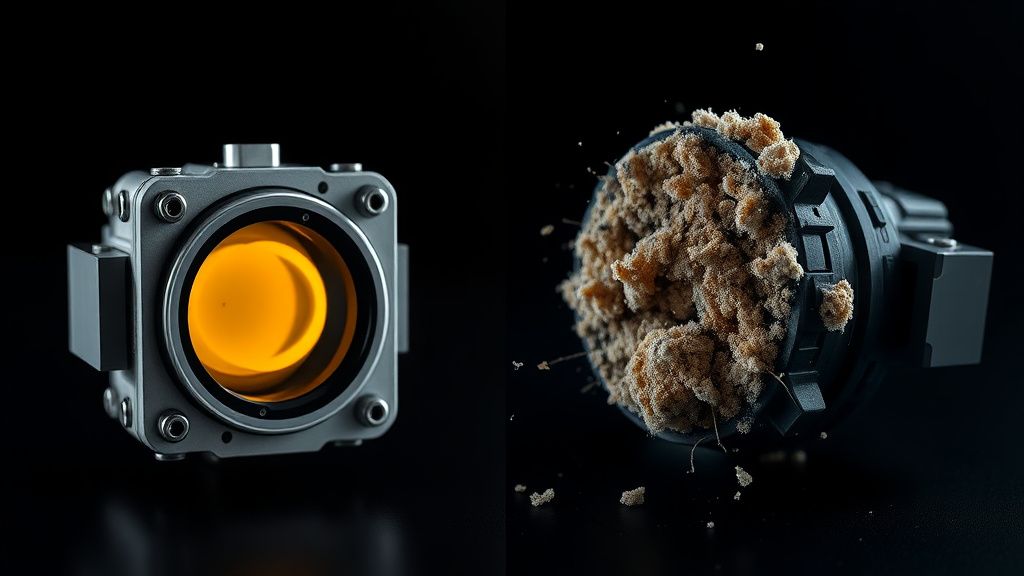
Another case study involved an S7 used in a woodworking shop. The fine sawdust acted as a grinding paste, which wore down the plastic housing of the LiDAR turret entirely. In this instance, the unit was deemed unrepairable as the structural integrity of the sensor assembly had been compromised beyond the point of standard replacement parts.
Karşılıklı Eleştiri (Counter-Criticism/Debate)
There is a significant industry debate regarding the design of Roborock’s LiDAR assemblies. Some independent repair experts argue that the S7 design is intentionally fragile to encourage users to move toward newer, "LiDAR-less" vision-based navigation systems (like those found in newer high-end models). Critics argue that the exposed gap between the turret and the body acts as a "dust magnet," and that a simple dust-boot or gasket would have significantly extended the Mean Time Between Failures (MTBF).
Conversely, Roborock engineers maintain that the exposed design is necessary for the sensor to have a 360-degree clear field of view without interference from static housing materials. The debate remains: Is it an engineering oversight, or a calculated compromise for performance?
FAQ
Is it safe to use WD-40 to clean the LiDAR turret motor?
Can I just buy a used LiDAR turret from eBay?
Does the warranty cover Error 1?
Why does my robot work for 5 minutes then throw Error 1?