The "Pot" error on the Ninja Foodi DZ401 DualZone Air Fryer is a diagnostic notification indicating that the unit’s internal microswitch sensors cannot detect the physical presence of the baskets, similar to other appliance malfunctions like the Ninja Foodi 'Add Food' Error. When this occurs, the unit halts all heating elements as a safety precaution. Resolving this typically involves clearing debris from the contact points, recalibrating the basket alignment, or, in persistent cases, performing a hard reset of the control board firmware to clear false positive signals.
Problem Nedir (What is the Problem?)
The "Pot" error is a safety interlock malfunction. The Ninja Foodi DZ401 utilizes a sophisticated dual-basket architecture, each independently monitored by a reed switch or mechanical microswitch located deep within the chassis. When you slide a basket into the cavity, a physical protrusion or magnet on the basket depresses this switch, completing the circuit and signaling to the main control board (PCB) that it is safe to initiate the high-voltage heating cycle.
If the controller does not receive this "closed" signal, it assumes the basket is missing or improperly seated, effectively "bricking" the unit to prevent high-temperature air from escaping the cooking chamber. This is a critical safety feature designed to prevent thermal damage to the surrounding kitchen environment. However, due to the high-heat, high-vibration environment of an air fryer, these sensors often suffer from oxidation, thermal expansion misalignment, or physical obstructions.
Belirtileri (Symptoms)
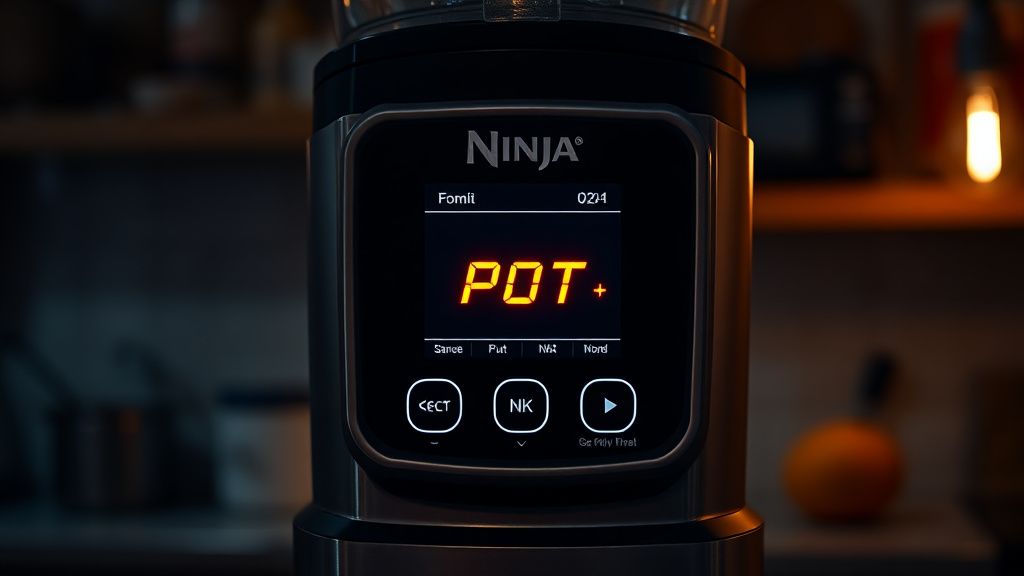
- The "Pot" Notification: The primary digital interface displays the word "Pot" or "Add Pot" on the LED screen, usually accompanied by an audible beep.
- Total Functional Lockout: The Start/Pause button becomes unresponsive. Even if you press it firmly, the unit will refuse to engage the fan or the heating elements.
- Selective Basket Failure: Often, the error occurs only on one side (e.g., Zone 1 or Zone 2), while the other side functions perfectly, signaling that the issue is localized to a specific sensor rather than a global power supply failure.
- Intermittent Operation: The unit may work for a few minutes, then throw the error mid-cycle. This is a classic symptom of thermal expansion—the components heat up, expand, and move just enough to break the contact with the microswitch.
Olası Nedenler (Possible Causes)
- Thermal Expansion: The most common cause. As the unit reaches temperatures above 400°F (200°C), metal components expand. If the sensor is factory-calibrated with extremely tight tolerances, this expansion can cause the basket to push slightly away from the microswitch, breaking the circuit.
- Carbonized Residue: Food particles, grease, and microscopic carbon buildup accumulate on the basket rails. Even a millimeter of buildup can prevent the basket from sliding all the way to the "locked" position required to trigger the switch.
- Sensor Mechanical Fatigue: The microswitch itself contains a small spring-loaded pin. Over hundreds of cycles, this spring can lose its tension or become stuck in the "open" position due to grease ingress.
- PCB Firmware Glitch: Rarely, the control board can experience a logic hang where it "forgets" the state of the sensor, requiring a hard reset to clear the cache.
- Chassis Warp: Improper cleaning (using a dishwasher on high-heat cycles or aggressive scrubbing) can cause the basket's plastic frame or the outer housing to warp, resulting in a permanent misalignment.
Quick Fixes (Hızlı Çözümler)
- The "Force-Seat" Technique: Remove the basket and clean the inner cavity rails with a damp, lint-free cloth. Reinsert the basket and apply firm, steady pressure inward while simultaneously hitting the Start button. If it engages, you have a physical misalignment issue.
- The Cooling Reset: If the error appears mid-cycle, unplug the unit for 15 minutes. This allows the internal components to cool and return to their baseline dimensions. Often, the sensor will re-engage once the metal contracts.
- Basket Swap Test: Take the "working" basket and swap it into the "error" side. If the error moves to the other side, the problem is your basket. If the error stays on the same side, the internal microswitch is likely damaged.
Advanced Fixes (İleri Düzey Çözümler)
If the quick fixes fail, you must perform a deeper inspection. Warning: Always disconnect from the power supply before removing the outer casing.
- Deep Cleaning the Rail Channels: Use a high-percentage isopropyl alcohol (90%+) and a Q-tip to clean the recessed area where the basket meets the back of the unit. Focus on the small, spring-loaded sensor pin at the rear of the chamber.
- Mechanical Shim Modification: If the basket is loose, the sensor might not be depressed fully. A common industry hack is to apply a very thin piece of heat-resistant, food-grade silicone or high-temperature tape (Kapton tape) to the exterior contact point of the basket to create a "thicker" surface that engages the switch more reliably.
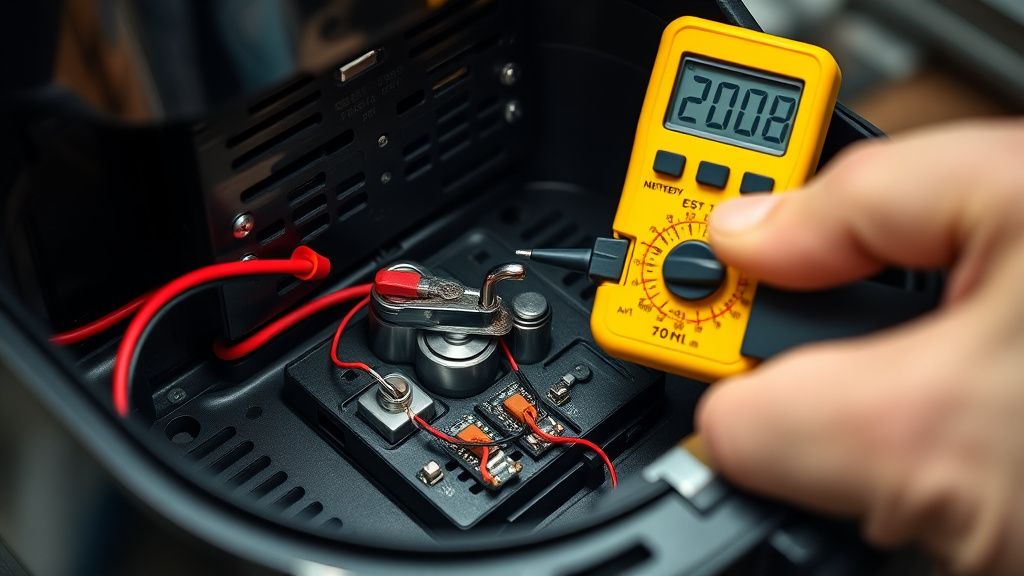
- Internal Switch Inspection: If you are technically proficient, removing the side panels allows you to access the microswitch leads. Use a multimeter to test for continuity across the switch when the basket is inserted. If there is no continuity, the microswitch has failed and must be replaced (typically a generic sub-miniature microswitch).
Factory Reset (Fabrika Ayarlarına Döndürme)
While the Ninja Foodi DZ401 does not have a "secret" reset button, you can effectively force a clear of the logic controller:
- Unplug the device from the wall outlet.
- Wait for a full 30 minutes to allow the capacitors on the PCB to discharge completely.
- While unplugged, hold down the Start/Pause button for 60 seconds to drain any residual voltage stored in the board circuitry.
- Plug the unit back into a direct wall outlet (avoid power strips or GFCI extensions, which can occasionally cause voltage fluctuations that trigger sensor errors).
- If the error persists, check for any visible debris near the rear sensors once more.
When to Replace (Ne Zaman Yenisiyle Değiştirilmeli?)
Repairing a Ninja Foodi DZ401 becomes economically unfeasible if the failure involves the main PCB logic board. If you have replaced the microswitch and cleaned the rails, but the error persists, the control board is likely failing to register the signal due to a fried component or logic chip failure.
Additionally, if the outer housing is warped, the cost of parts and professional labor (should you choose to hire one) often approaches 70-80% of the replacement cost of a new unit. At this point, the internal components have likely suffered from cumulative heat stress, and total unit failure is imminent. Replacing the unit is safer and more cost-effective than attempting board-level soldering.
Real Field Reports (Gerçek Saha Raporları)
Technicians in the field have reported a recurring issue with "Batch 2022" models where the internal wiring harness connecting the reed switch to the mainboard is prone to crimping. A common field report suggests that vibrating the unit while applying pressure to the back panel can temporarily "re-seat" a loose internal connector. However, this is widely criticized by senior engineers as a "Band-Aid" solution that increases the risk of an electrical short.
Counter-Criticism/Debate (Karşılıklı Eleştiri)
There is significant debate regarding the "Advanced Fixes" involving shimming the basket. While users argue it restores functionality, safety advocates note that by modifying the basket's geometry, you may be compromising the air-tight seal required for the device's "Cyclone" heating effect. Does it solve the "Pot" error? Yes. Does it lower the cooking efficiency and increase the risk of air leaks? Likely. We recommend strictly cleaning over mechanical modification wherever possible.
FAQ (Sıkça Sorulan Sorular)
Is it safe to bypass the "Pot" sensor entirely?
Absolutely not. Bypassing a safety switch in a device that generates 400°F heat is a severe fire hazard. The sensor ensures the fan is running and the heating element is contained. Bypassing it could lead to the unit overheating, melting plastic components, or causing a kitchen fire.
My unit is under warranty; should I try to fix it?
If your Ninja Foodi DZ401 is within the manufacturer’s warranty period, do not attempt to open the chassis. Any disassembly will void your warranty. Contact SharkNinja customer support immediately to initiate a replacement or repair under their official coverage.
Why does the "Pot" error happen more on one side than the other?
Because the dual-zone system treats each basket as an independent circuit, they have separate microswitches. It is statistically common for one side to see more heavy-duty use (e.g., using the larger basket for main proteins), leading to more rapid wear and tear on that specific sensor compared to the secondary zone.
Does the "Pot" error indicate a faulty heating element?
No. The "Pot" error is exclusively a communication error between the sensor and the PCB. A heating element failure usually displays a different code or results in the unit power-cycling without a specific error message.