
If your Shelly Plus 1PM is frequently dropping off your Wi-Fi, a problem often mirrored by other smart home components like an Aqara Hub Going Offline, the culprit is rarely a "broken" device. It is almost always a combination of signal congestion, inadequate power supply stability, or a router handling too many DHCP leases poorly. To fix this, prioritize a static IP reservation in your router settings, move to a 2.4GHz IoT-only VLAN, and ensure your neutral wire connection is physically solid.
The Anatomy of an ESP32-Driven Dropout
Working on the bench, I’ve torn down enough Shelly Plus 1PM units to know that they are essentially miniaturized computers running an ESP32 chipset. When a user complains about "random disconnects," they aren't describing a failure of the relay or the power measurement circuit; they are describing a kernel panic or a network stack timeout on the ESP32.
The Shelly Plus 1PM is an incredible feat of engineering—fitting a web server, an MQTT client, and a power monitoring ASIC into a matchbox-sized plastic shell is impressive. However, this miniaturization comes with a heavy price: thermal management and antenna gain. When you bury these devices inside deep wall boxes, behind metal-backed switches, or in damp-rated enclosures, you are essentially asking the device to transmit radio signals from inside a Faraday cage.
Why Your Router is Probably the Bottleneck
Most home users blame the Shelly for "disconnecting," a frustration also experienced when a Philips Hue Bridge is Dropping Connection, but if you dig into your router’s system logs, you’ll likely see the truth. The ESP32 chipset used in these devices is notoriously picky about how it handles DHCP requests. If your router has a short lease time—say, 24 hours—the Shelly might fail to renew its lease during a high-traffic window on your network, leading to a "ghost" device status in your home automation dashboard, a common issue when Matter Smart Home Devices Keep Disconnecting from SmartThings.
The Operational Reality: Most ISP-provided routers are garbage. They have limited NAT tables and struggle when you add twenty, thirty, or fifty IoT devices to a single broadcast domain. Every time a device performs a "check-in" to the Shelly Cloud, it initiates a handshake. If your router’s processor is bogged down by your kids streaming 4K video, the IoT devices get dropped from the active client list.
- Actionable Step: Stop using DHCP for your home automation infrastructure. Assign a static IP address to every Shelly module via your router's MAC address reservation list.
- The "Unseen" Cost: You are creating a management nightmare. Every time you replace a unit, you have to remember to purge the old MAC/IP mapping. This is the "hidden" human labor cost of a smart home.
Signal Attenuation and Environmental Interference
If you have a Shelly Plus 1PM controlling an outdoor light, and that device is behind a brick wall or a metal siding panel, don't be surprised when it goes "offline" during heavy rain or wind. Radio frequency (RF) propagation is a physical reality that marketing brochures for "Mesh Wi-Fi" love to ignore.
I’ve seen dozens of cases on the Shelly support forums (and Reddit’s r/homeautomation) where users have "perfect" signal strength at the switch location, yet the device disconnects hourly. Why? Interference. Microwave ovens, baby monitors, and neighbors’ aggressive Wi-Fi channels all stomp on the 2.4GHz band.
The Power Supply Stability Factor (The "Dirty Power" Problem)
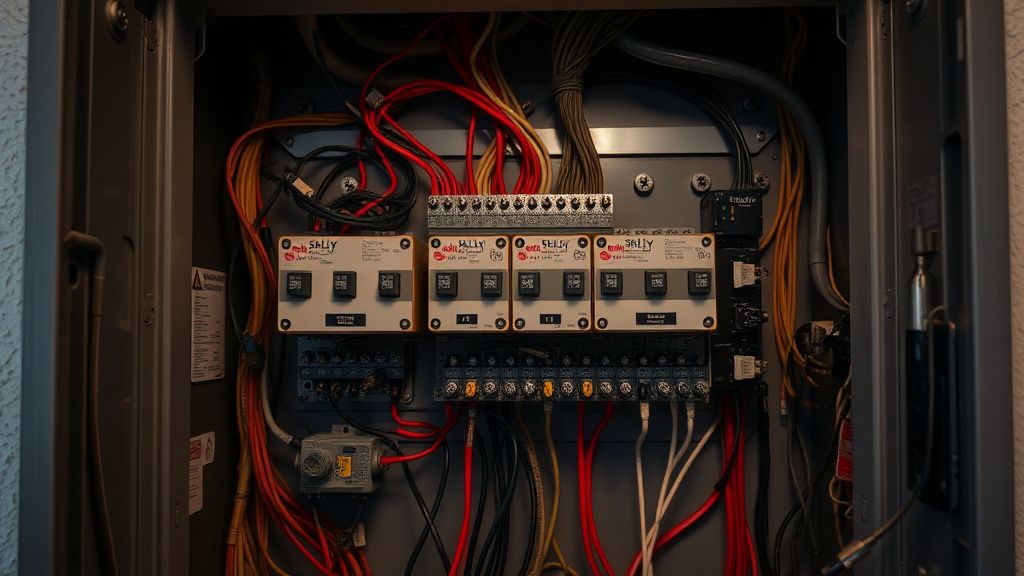
The Shelly Plus 1PM is designed to run on the power it draws from the lines it monitors. If you have a particularly noisy electrical environment—perhaps an old house with a failing neutral connection or appliances that create massive inductive spikes—that noise can bleed into the Shelly’s sensitive power-management integrated circuit (PMIC).
When the voltage dips momentarily due to a compressor kicking on in a refrigerator or an A/C unit, the Shelly’s logic board might brown out for a fraction of a second. It doesn't lose power, but it does crash the Wi-Fi stack. This is a classic "edge-case" failure. You aren't losing 230V, but you are losing the stability required for a 3.3V logic circuit.
Real Field Reports: The "Ghost" Device Phenomenon
A common complaint found in GitHub issues and community Discord servers involves the "re-adding loop." A user notices the Shelly is offline, resets the circuit breaker, and then it works for three days before dropping again.
The Human Element: Users often force a factory reset on the device, hoping for a "fresh start." In reality, they are usually just triggering a new DHCP request that happens to succeed because the network happened to be quiet at that exact moment. The underlying issue—a weak signal or a saturated router table—is ignored.
Counter-Criticism: I often hear developers argue that Shelly should implement better fallback logic in their firmware. While true, the reality is that the ESP32 firmware is a balancing act between power consumption, responsiveness, and memory constraints. You cannot put a supercomputer’s network stack into a device that needs to run in a wall without catching fire.
Troubleshooting Strategy: A Technical Workflow
If you are serious about fixing these, follow this workflow:
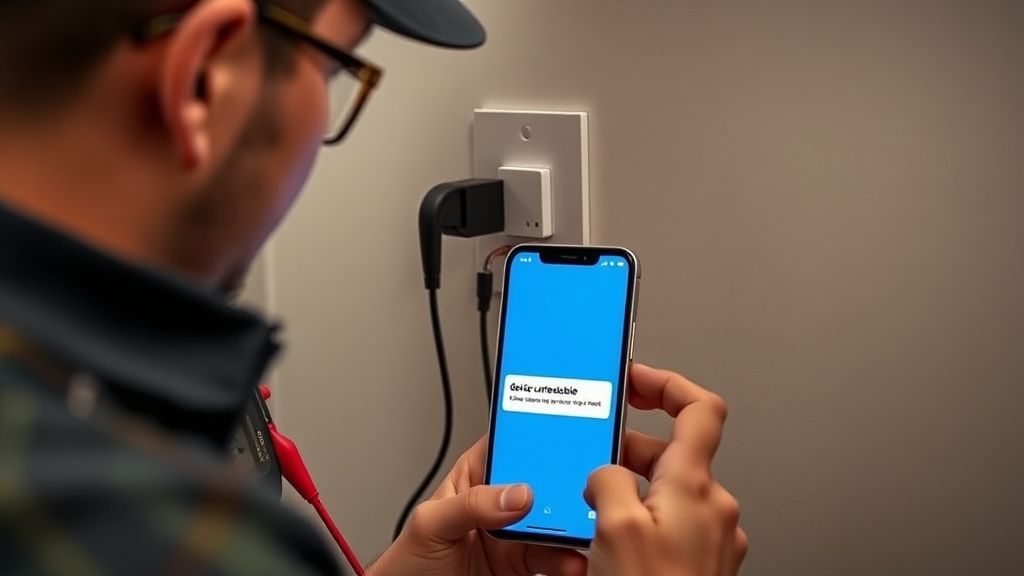
- RSSI Validation: Do not rely on your phone's Wi-Fi bars. Go into the Shelly web interface (local IP address) and check the actual RSSI value in dBm. If it’s worse than -75 dBm, no amount of software patching will save you. You need an Access Point (AP) closer to the switch.
- Multicast and mDNS Issues: If you use Home Assistant, make sure your mDNS is not being filtered across subnets. Home Assistant often struggles to "see" Shelly devices if they are on a different VLAN without proper mDNS reflection enabled.
- The "Fixed IP" Directive: As mentioned earlier, bypass the handshake negotiation delay.
- Firmware Hygiene: Only update when you have a reason. I see people auto-updating to experimental firmware builds on production systems and then acting shocked when their lights don't turn on. If it works, leave it alone.
The Economic and Political Reality of Ecosystems
Why does Shelly keep their API open? Because it builds community trust. But there is a tension between the "Prosumer" who wants MQTT/local control and the "General User" who just wants the device to work via the Shelly Cloud app.
When you read through the complaints on forums, you’ll notice a divide. The "Prosumer" crowd is generally happier because they know how to tweak network settings. The "General User" is frustrated because the out-of-the-box experience for the Shelly Plus 1PM assumes an ideal network environment—a scenario that practically doesn't exist in the real world.
Infrastructure Stress: The Scaling Problem
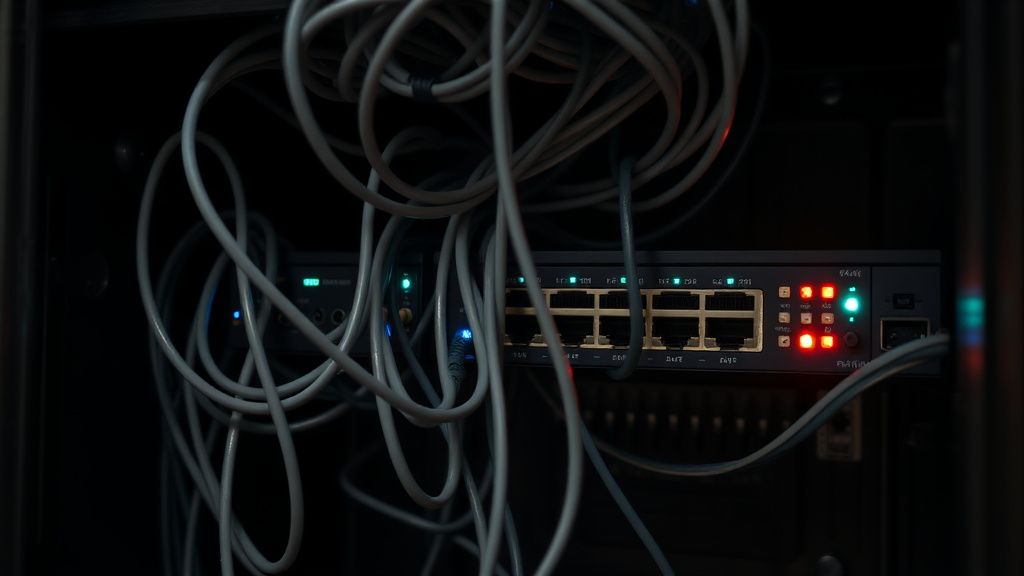
When you go from one Shelly device to fifteen, you are increasing the "chatter" on your Wi-Fi network. Each device sends periodic heartbeats. If you have a weak router, the overhead of these heartbeats can saturate the router’s CPU. This is why scaling a smart home usually requires moving away from the ISP’s "all-in-one" router to a dedicated Access Point system (like UniFi or Omada) that can handle hundreds of concurrent low-bandwidth clients.
Why does my Shelly Plus 1PM work perfectly for a few days and then stop?
This is usually a sign of a DHCP lease expiration issue or a memory leak in the network stack handling of your router. When the Shelly tries to renew its IP address and your router is too busy or incorrectly configured, the device stops communicating. Assigning a static IP reservation in your router's settings is the most effective fix.
Is it possible to use a Shelly Plus 1PM with high-inductive loads?
Not without additional protection. If you are controlling a large motor or a massive LED array with inrush currents, you are likely putting stress on the relay. Even if the Wi-Fi stays connected, the physical relay might stick. Use a contactor if your load exceeds 70-80% of the rated capacity to ensure the hardware doesn't weld shut.
Should I move my Shelly devices to a 5GHz network?
No. The Shelly Plus 1PM only supports 2.4GHz. Attempting to force your AP to push 2.4GHz traffic through a crowded 5GHz-focused setting can actually cause more stability issues. Keep your IoT devices on a dedicated 2.4GHz SSID with a fixed channel (1, 6, or 11) to minimize interference.
Does the "Shelly Cloud" cause these disconnects?
Not directly. The device communicates locally via HTTP/CoAP/MQTT. However, if your internet connection is unstable, the app will report the device as offline, even if the device is still functioning locally. If you find the cloud is unreliable, transition your setup to local-only control via Home Assistant or OpenHAB to eliminate the internet-dependency variable.
Why is the Shelly support forum filled with complaints about the latest firmware?
Firmware updates for IoT devices are incredibly difficult to roll out. Developers have to test against thousands of different router configurations, wiring variations, and electrical noise levels. Some users experience issues simply because their specific network topology conflicts with a change made to the network handshake timing. If you find a stable version, sticking with it is often the best "pro-level" move.
What is the absolute "last resort" if all else fails?
If the device is properly powered, has a strong RSSI, is on a static IP, and still drops off, the internal Wi-Fi chip may be damaged or defective. Perform one last factory reset. If it continues to drop, replace the unit. Sometimes, the thermal cycling in a wall box kills the internal oscillator over time—a reality of long-term hardware usage that no software fix can solve.
Bu makale affiliate linkleri içermektedir.