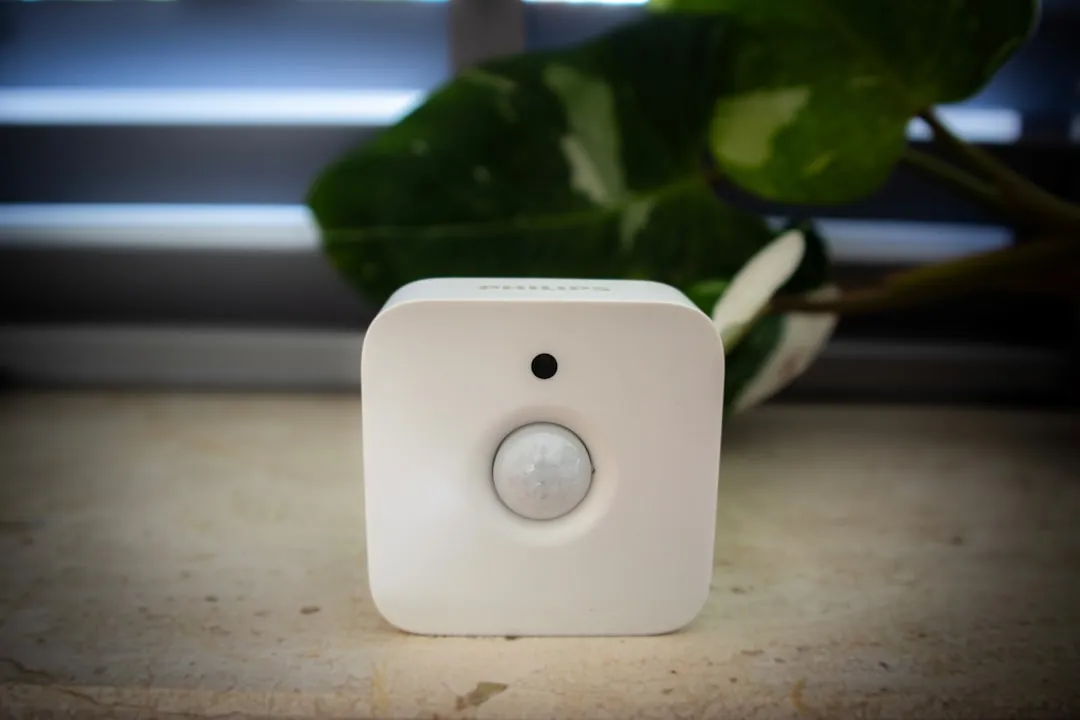
The Philips Hue Bridge, despite its status as the "gold standard" for consumer Zigbee implementation, is essentially a high-end gateway running on a shoestring of legacy protocols. When your lights start ghosting—flickering, failing to respond to scenes, or simply dropping off the network—you aren't just dealing with a "glitch." You are hitting the physical and logical limitations of the 2.4GHz spectrum, the mesh networking overhead, and the fragile state of bridge-to-router communication.
The reality of these connectivity dropouts is almost never about a defective piece of hardware. It is about a clash between your home’s wireless density and the rigid, often outdated networking habits of the Zigbee protocol.
Decoding the Zigbee 2.4GHz Interference and Wi-Fi Channel Overlap
Zigbee, the protocol powering your Hue ecosystem, shares the same 2.4GHz frequency band as your Wi-Fi, microwave ovens, and Bluetooth devices. This is the primary point of failure in 90% of support tickets. Most residential routers are set to "Auto" channel selection, which usually results in them hopping onto channels 1, 6, or 11.
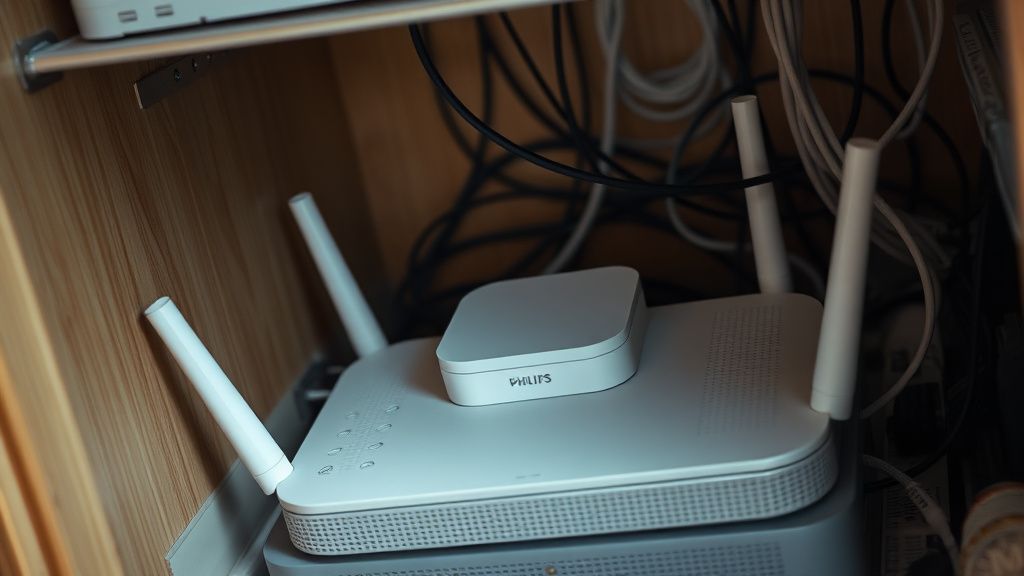
If your Hue Bridge is sitting next to your router (or worse, on top of it), it is being drowned out by the noise floor of your high-traffic Wi-Fi network. You can solve this by:
- Staggering Channels: Force your 2.4GHz Wi-Fi to a static channel (usually 1 or 6) and use the Philips Hue app to change the Zigbee channel of the Bridge to 20, 25, or 26.
- The "Three-Foot" Rule: Never place a Hue Bridge within three feet of a Wi-Fi router. The radio interference creates packet loss that manifests as "Unreachable" devices in the app.
Understanding Mesh Networking Limitations and Hop Limits
The Hue ecosystem relies on a mesh network where every mains-powered bulb acts as a "repeater." However, there is a hard limit to how many "hops" a signal can take before it times out. If you have a large property and your Bridge is located at one end, the devices at the far end of the mesh are struggling with latency that the Bridge interprets as a connection dropout.
The "Ghost" Device Phenomenon: Many users report a device appearing as "Available" in the app but failing to trigger. This is a classic symptom of a "stale" mesh routing table. The Bridge believes the device is reachable through a specific path, but that path has been compromised (likely by a light being turned off at the wall switch, breaking the mesh chain).
Real Field Report: The "Wall Switch" Contradiction
In a commercial installation in a 3,000-square-foot loft, we encountered constant dropouts. The client insisted on having "smart control" but utilized physical wall switches to cut power to half the lights. Every time a switch was flipped, the mesh topology had to re-calculate. This created a "Network Storm" where the Bridge was overwhelmed by re-announcement packets from nodes trying to rejoin.
- The Fix: We had to mandate the use of Lutron Aurora dimmers or Hue-compatible wireless switches, ensuring power to the bulbs was never actually cut. The dropouts stopped within 48 hours.
The Myth of "Bridge Reset" and Firmware Stagnation
Forums like r/Hue or the Home Assistant community are littered with users screaming for a "Factory Reset" every time a bulb drops off. This is a destructive habit. Resetting the Bridge wipes your custom scenes, schedules, and third-party integrations (HomeKit, Alexa, Google Home).
Instead, look at the Bridge API Debugger. If you have technical proficiency, go to the Clip API debugger on your local network (usually http://[BRIDGE_IP]/debug/clip.html). Check the /sensors and /lights nodes. Often, you will find a "zigbee_channel" status that reveals the network hasn't updated its topology in weeks.
Evaluating Ecosystem Fragmentation and Third-Party Hubs
A major source of instability is the inclusion of "non-native" hardware. If you are using Home Assistant, Hubitat, or SmartThings to pull data from your Hue Bridge, you are introducing an abstraction layer that can time out.
The Double-Bridge Problem: If you have a large setup and are using two Hue Bridges, they do not talk to each other. They exist as two separate Zigbee networks. If these two networks are physically overlapping in space, they can actually interfere with each other.
Counter-Criticism: Why Hue Isn't "Pro" Enough
Critics in the open-source community often argue that the Hue Bridge is a "walled garden" that is intentionally opaque. By refusing to open the Zigbee stack further, Philips forces users into a support loop where they can't diagnose their own mesh. If you move to a Zigbee2MQTT setup with a Sonoff or ConBee II coordinator, you get visibility into the link quality (LQI) of every single bulb. If you are a power user, the stock Bridge might actually be the primary reason for your headaches.
Troubleshooting Workflow for Persistent Dropouts
If you are currently staring at a flashing red light or an "Unreachable" notification, follow this triage path before burning your configuration:
- Verify Power Stability: Many dropouts are actually caused by voltage dips. If you have older bulbs on a circuit with a heavy appliance (like a refrigerator or vacuum), the flickering isn't a digital dropout; it's a physical power loss causing the bulb to reboot and lose its Zigbee handshake.
- Refresh the Mesh: Power down all Hue devices (including the Bridge) for 15 minutes. This forces the entire network to clear its ARP cache and re-establish routes upon boot.
- Analyze Channel Congestion: Use a tool like Wi-Fi Analyzer on Android to see if your neighbor's router is crushing your channel.
- Update the Bridge: Do not ignore firmware updates. Unlike a toaster, a smart bridge needs periodic security and stability patches for the Zigbee radio controller.
The Economic Reality of Smart Home Support
The reason support documentation remains "surface level" is economic. Companies like Signify (the parent company of Hue) prefer you to "start over" rather than spend two hours on the phone with a technician explaining how to analyze an API routing table. They profit from the assumption that the hardware is disposable.
When a user complains that "it just doesn't work," the institutional response is to minimize the technical debt by suggesting a factory reset. This is a dark pattern that sacrifices your time for their support efficiency.
Maintaining long-term Stability
To keep a Hue system running for years without maintenance:
- Hardwire the Bridge: Never use Wi-Fi to connect your Bridge to the router. The latency jitter on Wi-Fi is enough to trigger a heartbeat timeout in the Zigbee bridge firmware.
- Keep the Mesh Dense: If you have a long hallway, add a Hue smart plug midway. It acts as an expensive but highly effective Zigbee signal repeater.
- Audit the Power: If you have lights on old dimmer switches, remove the dimmers and replace them with standard toggle switches. A smart bulb on a trailing-edge dimmer is a recipe for internal component failure.
Why does my Bridge show all lights as "Unreachable" after a power outage?
When power returns, your Wi-Fi router often takes longer to boot than the Hue Bridge. If the Bridge boots up and cannot find a DHCP server or an internet handshake, it may enter a "limited" mode. Power cycle the Bridge after your internet router is fully online.
Does the Hue Bridge support Thread/Matter, and will that fix my dropouts?
Matter over Thread is a different protocol. While newer Hue Bridges are Matter-compatible, they still use Zigbee internally for the lights. Moving to a Matter-over-Thread setup with different hardware won't fix existing Zigbee interference.
Should I move my Hue Bridge to the center of the house?
Yes. Zigbee is a low-power, short-range protocol. While it is a mesh, the "root node" (the Bridge) benefits from being centrally located to reduce the total number of hops required to reach the furthest peripheral.
Can I fix connectivity by adding more bulbs?
Generally, yes, as long as they are mains-powered. Each additional bulb acts as a router node, strengthening the mesh. However, ensure you are not exceeding the theoretical limit of 50 bulbs per bridge, as the latency increases significantly once you push past that number.
Is my Hue Bridge failing because it's hot to the touch?
The Bridge is designed to run warm. However, if it is placed in an enclosed space without airflow, the internal radio processor can throttle performance, leading to dropped packets. Ensure it has at least 2 inches of clearance on all sides.
The fragility of the Philips Hue Bridge is a constant reminder that we are living in the "Early Adopter" era of smart homes. Connectivity is not a given; it is an active, ongoing negotiation between your hardware, the radio environment of your home, and the limitations of 2010s-era networking protocols. Stop treating it like a plug-and-play light bulb and start treating it like the server it actually is.
Bu makale affiliate linkleri içermektedir.