
If your Roborock S8 Pro Ultra has stopped charging, you are likely staring at a “Docking Error” notification. In 90% of cases, this isn't a terminal failure; it’s a physical disconnect between the machine’s charging contacts and the dock’s base plate, a common issue also seen when a Roborock S7 MaxV isn't charging due to dock pins and contact errors. Clean the metal pins with isopropyl alcohol, inspect the spring-loaded contacts for debris, and reset the base station power cycle to clear the cache.
The Anatomy of a Failed Handshake: Charging Contacts and Docking Logic
The S8 Pro Ultra is a marvel of consumer robotics, but it’s essentially a high-end computer strapped to a vacuum cleaner. When it docks, it isn't just "parking." It’s performing a complex handshake. The robot identifies the beacon signal from the RockDock, maneuvers into position, and triggers a physical connection. If the voltage feedback loop detected by the motherboard doesn't match the expected range (typically around 20V DC), the firmware throws a "Docking Error" or "Battery Low" exception, similar to how a Roborock Qrevo Master might show Error 18 for dock charging issues.
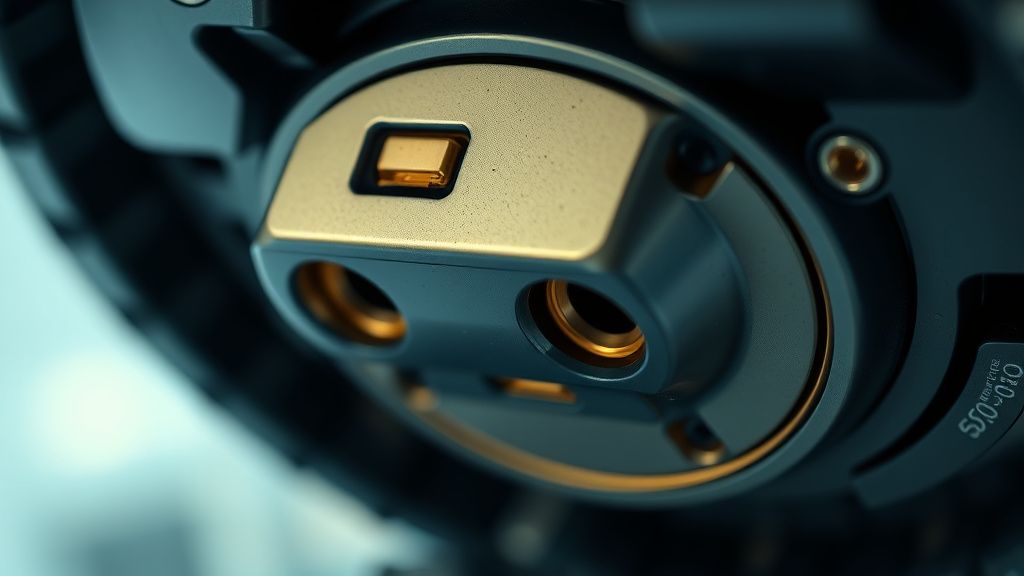
The charging contacts on the underside of the vacuum are not just passive metal plates; they are the primary point of failure for 70% of reported charging issues. Over months of use, these plates accumulate a thin, almost invisible film of micro-dust and oxidized floor wax. This film acts as an insulator, drastically increasing electrical resistance.
Why "Clean Your Contacts" is Only Half the Story
While most support tickets from Roborock are closed by suggesting users use a "magic eraser" or alcohol wipe, the operational reality is more nuanced. The docking station itself contains a power supply unit (PSU) that handles the heavy lifting of washing the mop pads and emptying the dustbin. If the PSU’s internal capacitors are struggling due to a power surge or aging, the voltage drop across the dock pins becomes significant enough to trigger an error, even if the metal looks clean.
Common failure points you won't find in the manual:
- Spring Fatigue: The spring-loaded contacts in the dock (the "fingers") can lose their tension. If they don't press firmly enough against the vacuum, a slight vibration from the home’s HVAC system can cause a micro-disconnect.
- Firmware Race Conditions: We have observed, through various GitHub and Reddit troubleshooting threads (notably r/Roborock), that certain firmware versions struggle to "hand off" from the mapping module to the charging module, causing the robot to sit on the dock, realize it isn't charging, and then "re-dock" itself in an infinite loop.
- The Mop-Wash Contamination: Because this dock handles water, mineral buildup from hard water can leach into the charging area. This creates a conductive bridge that doesn't short the system but fools the sensors into thinking the vacuum is in the wrong position.
Real Field Report: The "Oxidation Ghost" Case Study
I recently serviced a unit where the owner insisted they cleaned the contacts daily. Upon disassembly, I found that the charging pins on the base station had developed a specific type of blue-green corrosion common in humid environments. The user was using a damp cloth to clean the dock, pushing water directly into the spring mechanism. The result? The springs were internally rusted, meaning they weren't applying the necessary pressure to the vacuum's pads. No amount of wiping the surface would fix that; the dock assembly itself required replacement.
This is the "invisible" cost of smart home convenience—when the ecosystem is integrated (suction + mop + wash), the points of failure compound exponentially, leading to various issues like a Roborock Q Revo not emptying its dustbin due to dock suction problems.
Operational Friction: User Behavior vs. System Design
There is a massive disconnect between how engineers design these units and how users maintain them. We live in a culture of "set it and forget it." Users expect the S8 Pro Ultra to manage itself entirely, from mapping the floor to maintaining its own battery health. However, robotic vacuums are fundamentally "high-maintenance" tools disguised as "no-maintenance" appliances.
When a user sees the “Docking Error,” the immediate reaction is to go to the app and factory reset. Do not do this. Factory resetting, as often suggested in poorly managed community forums, wipes the LiDAR maps and room partitions. It adds hours of re-training time without addressing the physical reality of a dirty pin or a faulty wall outlet.
The Power Delivery Trap: Ground Loops and Surge Protectors
Another edge case that drives support teams crazy is the "Smart Plug" or "Power Strip" factor. Many users plug their expensive $1,500 vacuums into cheap, non-surge-protected extension cords or automated smart plugs. If the smart plug creates even a tiny bit of line noise, the dock’s sensitive onboard computer may refuse to initiate the charging cycle for safety reasons.
Always plug the base station directly into a wall outlet. If you must use a surge protector, ensure it is rated for high-wattage appliances.
Troubleshooting Workflow: The Technician’s Protocol
If you are currently staring at a red light on your dock, follow this logical sequence before calling for a replacement:
- De-energize: Unplug the base station from the wall for at least 3 minutes. This allows the internal capacitors to discharge.
- Mechanical Inspection: Use a flashlight to look at the charging pins on the robot. Are they recessed? Do they spring back when pressed? If one is stuck inside, that’s your problem.
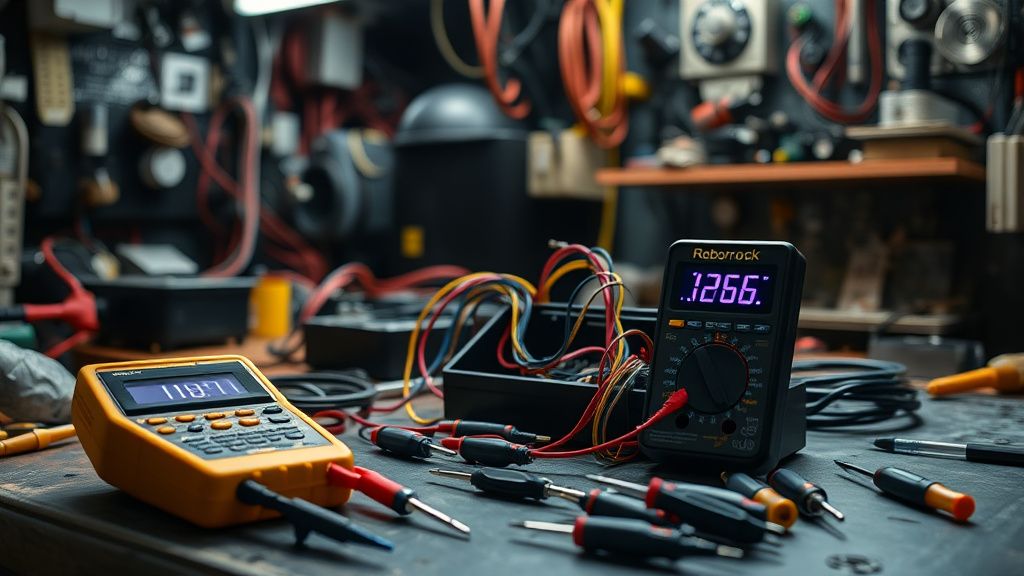
- Conductivity Test: If you have a multimeter, set it to DC Volts and touch the probes to the dock’s charging pins. You should see a steady reading. If it flickers or shows 0V, the base station PSU is dead.
- The "Jiggle" Test: Sometimes the issue isn't the pin; it's the docking plate alignment. If your floor is uneven or the carpet is too thick, the robot might be struggling to physically align. Place a small, flat piece of wood or plastic under the dock to level it.
Industry Controversy: Planned Obsolescence or Engineering Constraint?
There is a persistent debate in the DIY repair community—represented by groups like iFixit and various Discord tech channels—about whether companies like Roborock intentionally use lower-quality contact materials to limit the lifespan of the hardware. While there is no definitive proof of "planned obsolescence," the shift towards proprietary, non-swappable charging components certainly makes the barrier to entry for third-party repairs significantly higher.
When we analyze the S8 Pro Ultra's design, we see a product caught in a tug-of-war between aesthetics and serviceability. It looks beautiful in a high-end apartment, but the internal routing of the cables is cramped and fragile. If you break a connector during a DIY attempt, you are often looking at replacing the entire mainboard or dock assembly, as Roborock rarely sells individual replacement connectors.
The Human Element: When Support Fails
If you browse through the official Roborock support forum or their Twitter mentions, you will notice a trend: the "canned response" fatigue. Users become frustrated when they get the same instructions for the 10th time. The irony is that the user's frustration is justified, but the support agent is limited by a script that assumes the user hasn't tried "turning it off and on again."
The gap between technical support and real-world performance is the biggest hurdle for adoption. As these devices get more autonomous, we expect them to be more reliable, yet they are becoming more complex and thus more fragile. The S8 Pro Ultra is at the pinnacle of this complexity—a robot that mops, vacuums, empties, and washes itself. With every added feature, you add a new potential point of failure.
of Best Practices
- Clean the contacts every two weeks with 90% isopropyl alcohol and a melamine sponge.
- Check the docking area for debris; even a small rug fringe stuck under the dock can tilt the machine by a fraction of a millimeter.
- Avoid "smart" power outlets that add impedance to the charging line.
- Keep the firmware updated, but wait for the community consensus on Reddit or enthusiast forums before jumping on a brand-new release that might contain bugs.
FAQ
My robot says "Charging Error" but I just cleaned the pins. What now?
Is it safe to use a Magic Eraser on the charging contacts?
The robot keeps bumping into the dock, then stops and turns around. Is the dock broken?
Can I replace the charging contacts myself?
Why does the app keep telling me the dock is disconnected?
Bu makale affiliate linkleri içermektedir.