
Error 18 on a Roborock Qrevo Master is the digital equivalent of a brick wall. It translates to a "docking station charging error," usually triggered when the vacuum enters the dock but fails to establish a stable electrical handshake. It is rarely a "dead" unit; it is almost always a failure of charging dock pins and contact errors, debris buildup, or, in the worst cases, a firmware-level power management glitch that refuses to negotiate voltage.
The Anatomy of the Charging Handshake: Why Error 18 Occurs
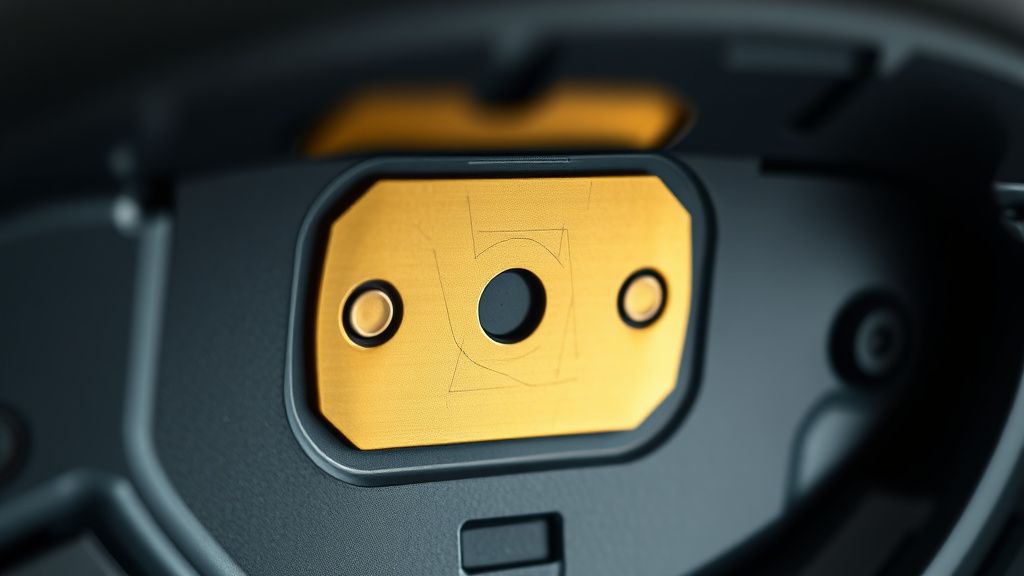
The Qrevo Master relies on a dual-contact system. When the unit backs into the dock, two spring-loaded pins on the base meet two conductive pads on the robot’s underbelly. This is a low-voltage, high-current interface. The "Error 18" flag is thrown by the robot’s internal logic board when it detects that the physical connection has been made, but the expected voltage drop—the "handshake"—fails to occur.
Think of it like a failing USB-C port. You see the device is plugged in, but the OS doesn't acknowledge the power delivery. In the world of high-end home robotics, this is usually caused by:
- Oxidation of the brass/nickel contacts: Thin layers of household dust or microscopic humidity buildup acting as an insulator.
- Spring-loaded pin fatigue: The docking station pins are held out by small springs. Over time, these lose tension, meaning the contact isn't "firm" enough to overcome the resistance of the dirt.
- Dirty "Dead Zones": Micro-debris from the mop cleaning cycle (dirty water residue) gets baked onto the contact points, creating a non-conductive crust, similar to issues found with Roborock Q Revo dock suction issues related to dock maintenance.
Step-by-Step Diagnostic Hierarchy
Before you start looking for a replacement dock or considering a warranty claim, you have to treat this as a hardware validation process. Do not trust the software interface blindly.
- The Manual Polish: Use a melamine sponge (magic eraser) or a high-grit abrasive pad (lightly!) to strip the contact pads on the robot. Do not use sandpaper; you will strip the plating and accelerate future oxidation.
- The Dock Spring Test: With the dock unplugged, press down on the two contact pins on the dock. They should provide consistent resistance and snap back instantly. If one feels "mushy" or stays compressed, you have a mechanical failure.
- The Power Cycling Protocol: Disconnect the dock from the wall, leave it for 60 seconds to drain the capacitors, then reconnect. This resets the dock's internal controller, which occasionally enters a "protect mode" if it detects an arc or short circuit.
Real Field Reports: The "Ghost" Errors
On forums like r/Roborock and various Discord support channels, a recurring sentiment emerges: Error 18 is often intermittent. Users report that the bot "works fine for three days, then dies in the dock."
Field Report 01 (Reddit User vacuumfixer99):
"My Qrevo Master kept flagging Error 18 after every mop cycle. Turns out, the water residue from the mop-cleaning station was dripping down the back wall of the dock and reaching the pins. I cleaned the contacts, but the error persisted until I physically cleaned the back of the dock where the cable enters, realizing the moisture was causing a ground loop."
This highlights a major oversight in the "Master" design: the proximity of the water management system to the high-current charging electronics. If your dock environment is humid, the error isn't the vacuum; it’s the lack of moisture shielding on the base station's PCB.
Counter-Criticism: The "Smart" Failure
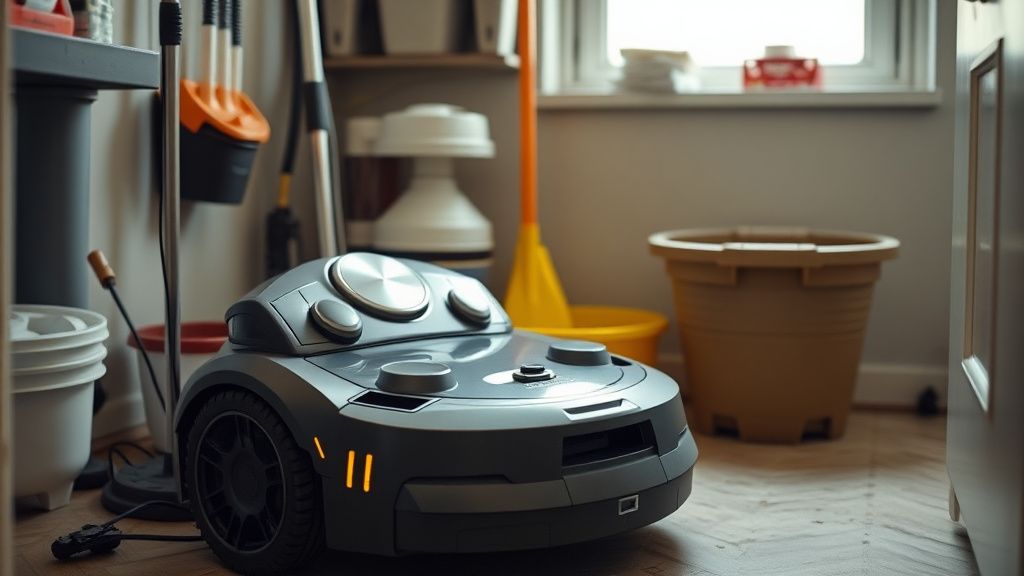
Industry critics often point out that Roborock’s software ecosystem is too "black box." When Error 18 pops up, the app gives you a generic "check your contacts" prompt. It never tells you why the handshake failed. Did it detect a short? Did it detect zero voltage? Is the battery BMS (Battery Management System) refusing the charge? You might consult a specific battery repair guide for robot vacuums if the issue points to the battery pack.
The frustration in the community is palpable. Why doesn't the app show the voltage currently being received? As a technician, I see this as a deliberate "consumer-proofing" strategy. They don't want users poking around the BMS data, even though that data would instantly confirm if the dock is the problem or the battery pack itself.
Advanced Hardware Troubleshooting: The "Tape Hack"
For those with out-of-warranty units, there is a "workaround culture" that has emerged on GitHub/GitLab discussions. Some power users apply a small piece of conductive adhesive tape or shim the charging dock base with a thin plastic sliver to increase the docking angle.
Warning: This is technically dangerous. If you shim the dock too high, you might create an uneven load on the robot's drive wheels, potentially triggering a "Wheel Overcurrent" error. Only attempt this if you have exhausted all cleaning and software reset options.
Operational Reality: Why Maintenance Schedules are Lies
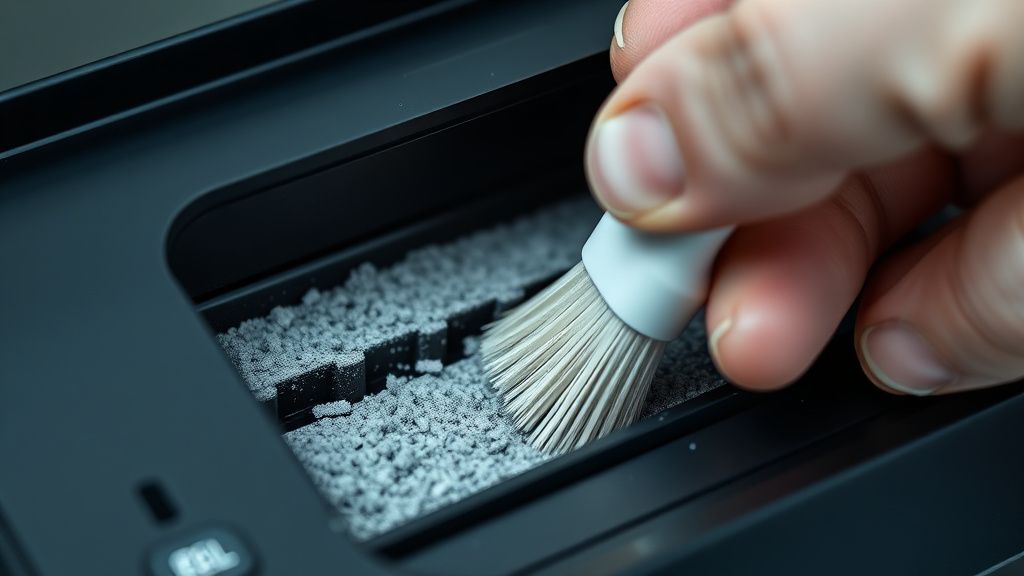
Marketing materials suggest cleaning the base station "once a month." In any real-world environment with pets or high-traffic carpet, this is a recipe for failure. The charging pins are sitting in a "debris vacuum." Every time the robot docks, it pushes dust into the nooks of the base station.
If you are using the Qrevo Master in a dusty environment, you aren't just docking a vacuum; you are docking a device that collects floor-grit exactly where the electrical connection occurs. The "Error 18" isn't a malfunction; it is the inevitable outcome of a system that wasn't designed for extreme, long-term environmental accumulation.
Firmware Updates and the "Broken Handshake"
There is a segment of the user base that swears Error 18 started only after a specific firmware update. While companies rarely admit to "power handshake" bugs in updates, it is technically plausible. A firmware update that changes the "Charging Detection Threshold" can make the robot too sensitive, rejecting a valid, but slightly noisy, connection.
If you suspect this:
- Don't wait for an OTA (Over-the-Air) fix.
- Check if your region has a specific version history. Sometimes, a "factory reset" of the robot (holding the reset button, not just the app-based reset) will revert the communication logic to a more stable baseline.
The Economic Cost of the "Error 18" Lifecycle
From a repair perspective, the Qrevo Master is a high-density, low-serviceability device. If the dock’s internal power board fails (often evidenced by a total lack of LED indication on the base, coupled with the Error 18), the entire dock is usually tossed. Repairing the internal PCB involves desoldering sensitive power capacitors and proprietary controllers—a job for a master tech, not a hobbyist.
This creates an "E-waste cycle." When users see Error 18 and can’t solve it with a rag and some alcohol, they buy a new dock, or worse, a new robot. The financial pressure here is clear: the manufacturer benefits from the "sealed unit" design.
FAQ
What does "Error 18" specifically mean?
Should I use sandpaper on the charging contacts?
Can a faulty battery cause Error 18?
Why does the error only happen at night?
Is the Error 18 a software or hardware bug?
Does a hard reset fix it?
What should I do if the pins on the dock don't move?
Concluding Thoughts on Long-Term Reliability
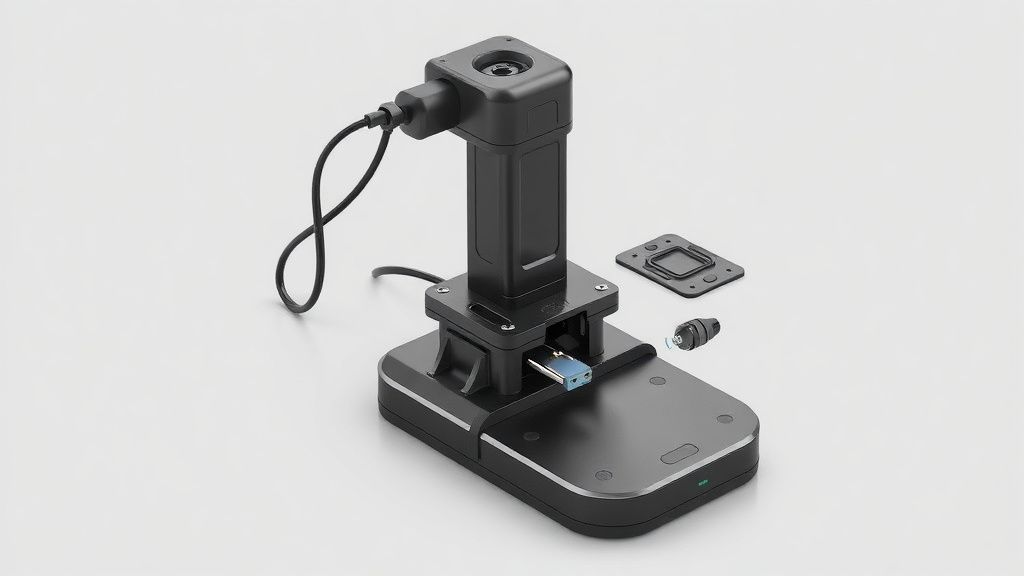
The Roborock Qrevo Master is a marvel of automation, but it operates in an inherently dirty environment. Error 18 is the point where the "smart" world of sensors hits the "dumb" world of physical, dirty reality. If you are experiencing this error, stop looking for a software "fix" and start treating it like a hardware maintenance task. Keep your contacts clean, keep your dock floor level, and never assume the software is telling you the full truth about your hardware's health. The system is designed to be elegant, but it is only as reliable as the contact point between the metal pins and your living room dust.