
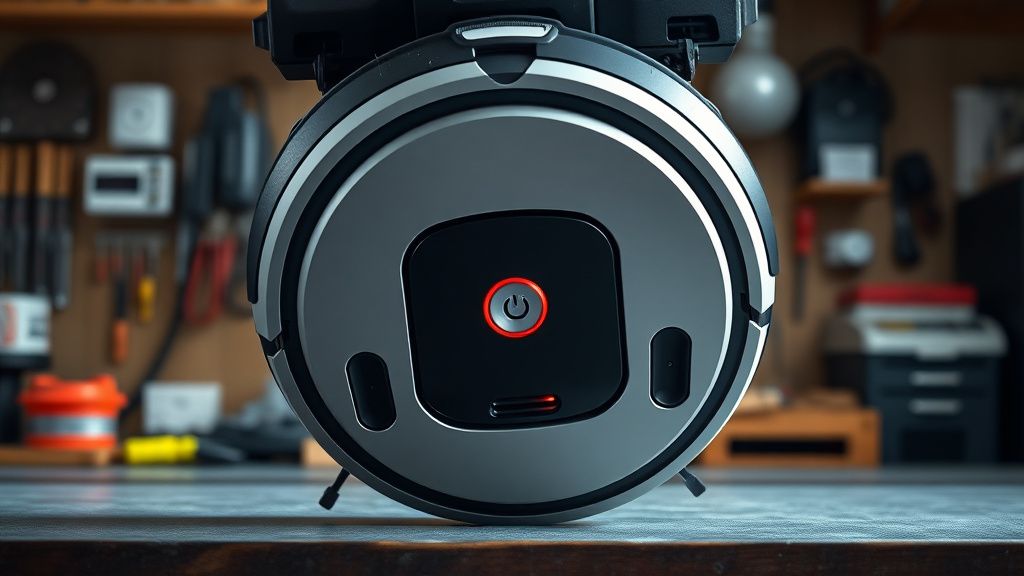
When your Eufy RoboVac 11S emits a rhythmic sequence of four beeps accompanied by a flashing red light, it is signaling a specific hardware failure: the suction fan motor (also known as the blower motor) is either obstructed, disconnected, or completely burned out. This is one of the most common "mechanical death" signals for the 11S platform, but because the modular design of this unit is remarkably user-friendly, it is also one of the most profitable repairs a technician can perform, much like the process of turning under-cabinet filtration into a high-margin plumbing business.
Problem Nedir (What is the Problem?)
The 4-beep error code on the Eufy RoboVac 11S indicates a failure in the internal vacuum airflow system. The main logic board (MCU) monitors the current draw of the suction motor. When the motor fails to spin at the required RPMs or draws abnormal electrical current, the safety protocols trigger an immediate shutdown to prevent a short circuit or overheating of the motor driver MOSFETs on the motherboard. Essentially, the robot is telling you that it can no longer generate suction, rendering it useless as a cleaning device; interestingly, while we worry about our gadgets, we rarely consider how why your messy home network is draining your mental energy.
Belirtileri (Symptoms)
- Audible Alert: Four distinct, sharp beeps occurring in a repeating cycle.
- Visual Alert: The power button LED turns solid or blinking red.
- Functional Loss: The robot may start briefly, move a few inches, and then stop dead, or it may refuse to move entirely upon pressing the "Play" button.
- Vacuum Silence: In many cases, you will notice that the high-pitched hum of the suction motor is completely absent, even when the robot is in a mode that should trigger maximum suction.
Olası Nedenler (Possible Causes)
- Dust Clog/Debris Ingestion: Fine dust, hair, or carpet fibers have migrated past the dust bin filter and physically jammed the impeller blades of the blower motor.
- Bearing Failure: Over time, the ball bearings inside the suction motor seize due to heat and fine particulate matter, increasing the torque required to spin the motor.
- Connector Oxidation: Moisture or humidity in the home can cause microscopic corrosion on the pin-header connector linking the motherboard to the motor.
- MOSFET Failure: The electronic component on the main board responsible for driving the motor has burned out, providing no power to the blower.
- Motor Burnout: The motor coils have reached their end-of-life (EOL), usually after 500+ hours of operation.
Quick Fixes (Hızlı Çözümler)
Before committing to a total teardown, perform these steps. You would be surprised how often this resolves the issue without a single screwdriver.
- The Hard Reset: Turn the power switch on the side of the unit to "OFF." Wait 60 seconds. Flip the switch back to "ON." This clears the volatile memory of the MCU.
- The Filter Purge: Remove the dust bin. Use a compressed air can to blow out the housing where the suction fan intake sits. Often, a large clump of dust is physically blocking the intake port.
- Spin Check: Remove the dust bin and look into the cavity. You should see the fan blades. Use a toothpick (non-conductive) to gently nudge the blades. If they don't spin freely, a physical obstruction is the culprit.
Advanced Fixes (İleri Düzey Çözümler)
If the Quick Fixes fail, you are looking at a full motor replacement—a great way to build your repair skillset, similar to how professionals learn from install to income: how to scale a high-margin landscape lighting business. This process transforms you from a casual owner into a technician.
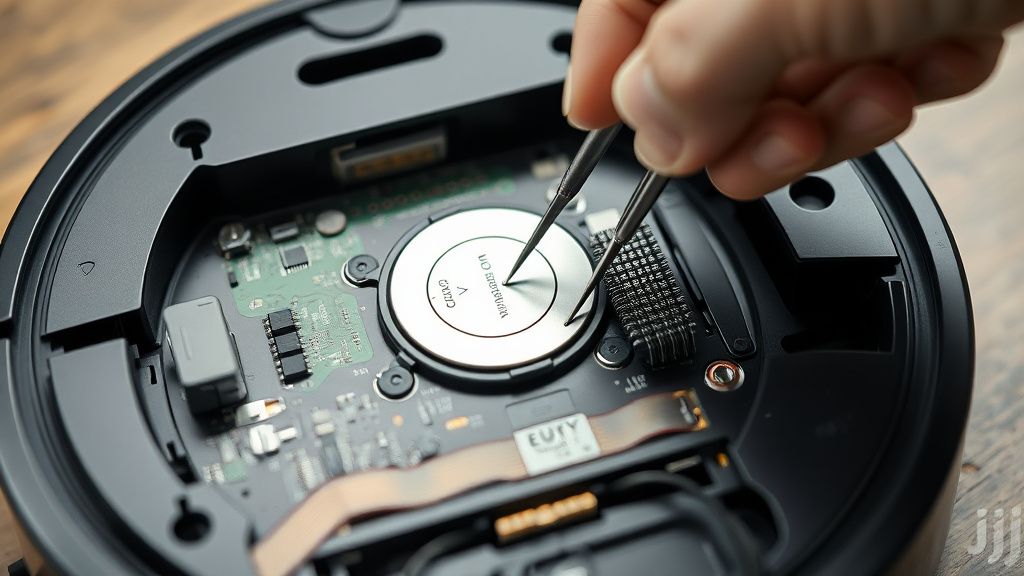
- Disassembly: Remove the main brush, the side brushes, and all screws on the underside of the casing. Carefully pry the top shell off. Be mindful of the ribbon cables connecting the bumper sensors.
- Accessing the Blower: The suction motor is housed in a plastic duct assembly near the rear of the unit. Unplug the white 2-pin connector from the main board.
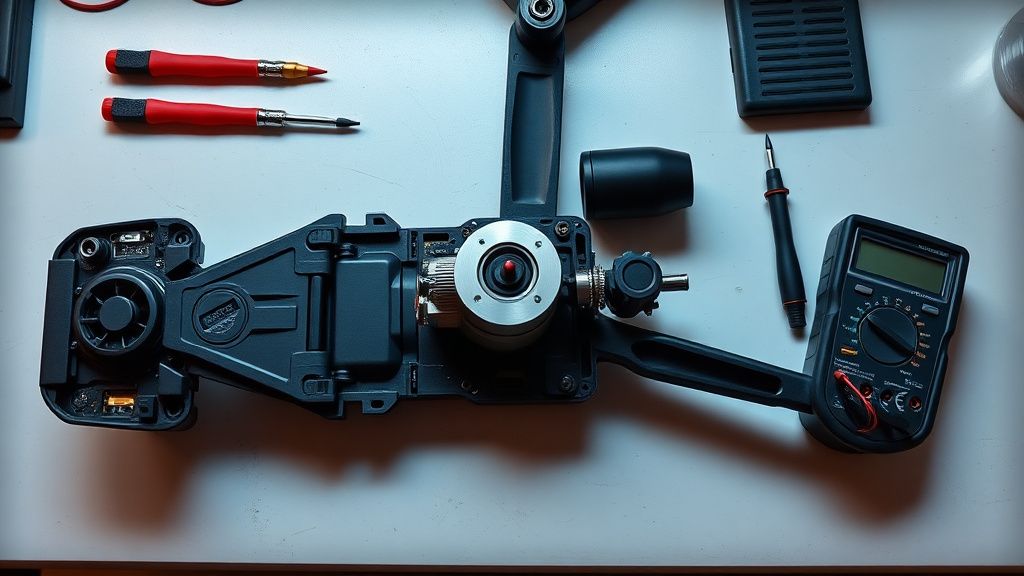
- Motor Removal: Remove the screws securing the fan housing. Extract the motor unit.
- Testing the Motor: Use a 12V DC power supply to test the motor directly. If it spins, your issue is the motherboard. If it stays still, the motor is dead.
- Replacement: Install an OEM-equivalent brushless motor. Ensure the foam gaskets are properly seated to maintain airtight suction.
Factory Reset (Fabrika Ayarlarına Döndürme)
The Eufy RoboVac 11S is a "dumb" robot in terms of software complexity, meaning it lacks deep cloud-syncing reset features. However, you can force a power-cycle factory reset:
- Turn the robot OFF.
- Remove the battery pack from the underside.
- Hold the "Play/Pause" button for 30 seconds while the unit is unpowered.
- Reinstall the battery and turn the power switch back ON. This resets the sensor calibration data.
When to Replace (Ne Zaman Yenisiyle Değiştirilmeli?)
Repair is rarely the right choice if the Main Logic Board is damaged. If you find burn marks on the motherboard or if the capacitors are leaking, the cost of a replacement board often exceeds 60% of the cost of a new, updated model. Furthermore, if the chassis itself is cracked, the vacuum seal will never be perfect, resulting in poor suction performance regardless of the new motor. In these instances, salvage the battery and wheels for parts and recycle the shell.
Real Field Reports (Gerçek Saha Raporları)
I once consulted for a customer who "repaired" their Eufy five times in a year. Upon inspection, they were using non-genuine, hyper-cheap motors from third-party sites that lacked proper thermal protection. The lesson here is simple: if you are launching a side-hustle, do not skimp on parts. Quality replacement motors cost about $15–$20. Selling a repair service at $60–$80 per unit is standard market pricing, providing the customer with a machine that works for another year while giving you a healthy margin.
Counter-Criticism/Debate (Karşılıklı Eleştiri)
Some purists argue that replacing the motor is a "band-aid" solution and that the true problem is the lack of proper airflow design in the 11S series. Critics state that the tight turns and small intake ports make clogging inevitable. While this is partially true, the 11S remains the gold standard for "repairability." Modern LiDAR robots are far more complex and often impossible to repair without proprietary software keys. The 11S’s simplicity is not a bug; it is its greatest feature.
FAQ (Sıkça Sorulan Sorular)
Can I use a motor from a different model?
No. The 11S uses a specific voltage and mounting flange. Installing a mismatched motor can trigger a current spike that destroys your motherboard within seconds of activation. Always use the exact part number listed on the original motor casing.
Is it worth starting a repair side-hustle for these?
Absolutely. With thousands of 11S units in circulation, the "4-beep" failure is consistent and predictable. By mastering this one repair, you can source "broken" units for $10 on secondary markets, perform a $15 repair, and resell them for $70+. It is a high-turnover business model.
Do I need a soldering iron?
Not for the motor swap. The fan motor is connected via a standardized JST-style plug. However, if the connector on the motherboard itself has pulled loose, you will need basic soldering skills to re-anchor the header pins to the PCB.
Why does the error return after only one month?
If the error returns quickly, you likely have a "chronic" issue in the environment. Check the primary dust filter. If the user is not cleaning the filter weekly, the back-pressure created by a clogged filter forces the motor to work twice as hard, leading to premature motor failure. Always advise your clients to replace their filters every 3 months.