
If your Roborock S8 Pro Ultra has stopped auto-emptying, you are likely dealing with a physical blockage in the dust duct, a degraded vacuum seal, or a firmware-level handshake failure between the robot and the RockDock Ultra, issues that can sometimes be related to general Roborock S8 Pro Ultra docking station problems. Start by manually clearing the intake, checking the dust bag seating, and inspecting the cyclone air path.
The Anatomy of a Vacuum Failure: Why "Auto-Empty" Isn't Magic
In the world of consumer robotics, we often mistake convenience for simplicity. The Roborock S8 Pro Ultra’s auto-emptying station is a marvel of miniaturized industrial engineering, but it’s fundamentally a delicate pneumatic system. When that "Auto-Emptying Error" notification pings your phone, you aren’t just looking at a software bug; you are looking at a failure of fluid dynamics, air pressure gradients, and, more often than not, the sheer stubbornness of household debris.
The system relies on a high-velocity suction motor located in the base station. It creates a vacuum seal against the robot's underside, pulls the dust through a primary intake, routes it through a cyclone separator, and deposits it into a proprietary dust bag. If any point in that sequence loses structural integrity, the pressure drops. Once the onboard sensors detect a lack of airflow resistance change, the system throws an error code.
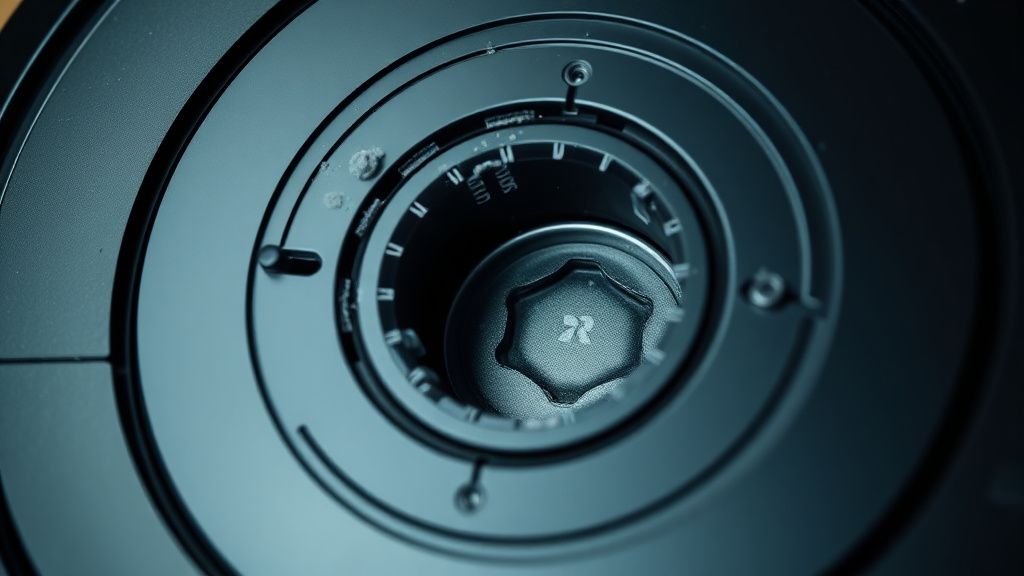
The "Rubber Gasket" Fallacy and Pneumatic Integrity
The most common point of failure—and the one that Reddit threads and support forums consistently underestimate—is the rubber interface gasket. This gasket connects the robot’s dust bin port to the base station’s suction intake. Over time, heat cycles and the physical impact of the robot docking cause this rubber to lose its elasticity.
If this gasket has even a microscopic crack or a misalignment, the vacuum pressure escapes into the open air rather than pulling dust from the robot. When you're debugging this, don't just look for clogs; look for gaps, similar to how a technician would diagnose pressure loss in a Breville Oracle Touch. I’ve seen units where the robot wasn't parking deep enough because of a worn-out dock ramp, creating a 2mm gap that killed the entire suction process.
Field Report: The "Hair-Mattress" Syndrome
In my shop, I categorize failures based on user environment. The "Hair-Mattress" syndrome is the classic edge case. If you have pets (especially long-haired breeds like Golden Retrievers), the hair doesn't always just sit in the dust bin. It creates a structural matting effect inside the robot's primary bin.
When the dock attempts to empty this, the matting becomes a "plug" that is larger than the intake port of the dock. The dock tries to suck, creates a massive negative pressure spike, and then the software, sensing a complete blockage, gives up to protect the motor from overheating.
- The Workaround: If you are dealing with heavy pet hair, you cannot rely on the auto-empty feature to handle 100% of the volume. You must manually clear the bin at least once a week. The system is designed for dust and fine particles, not heavy-duty weaving of hair fibers.
Troubleshooting the Airflow Path: Systematic Deconstruction
When the software reports an error, ignore the app for a moment and follow the physical path of the air.
- The Dock Intake: Flip the dock over. Inspect the clear plastic ducting. This is where most debris "hangs up" if the suction was interrupted mid-cycle. Use a long, flexible probe to push through any debris.
- The Bin Interface: On the robot itself, remove the dust bin. Look at the rubber flap that seals the bin. If this flap is stuck open with grime, the vacuum won't be able to pull air through the bin; it will just pull air from the room, losing all efficacy.
- The Filter Conundrum: If the HEPA filter in the dust bag area is clogged, the motor in the dock will strain. Many users forget the secondary filter inside the base station. If that’s blocked, the motor draws more current than expected, potentially triggering a thermal trip or an "Error" state because the impeller speed is lower than the expected RPM.
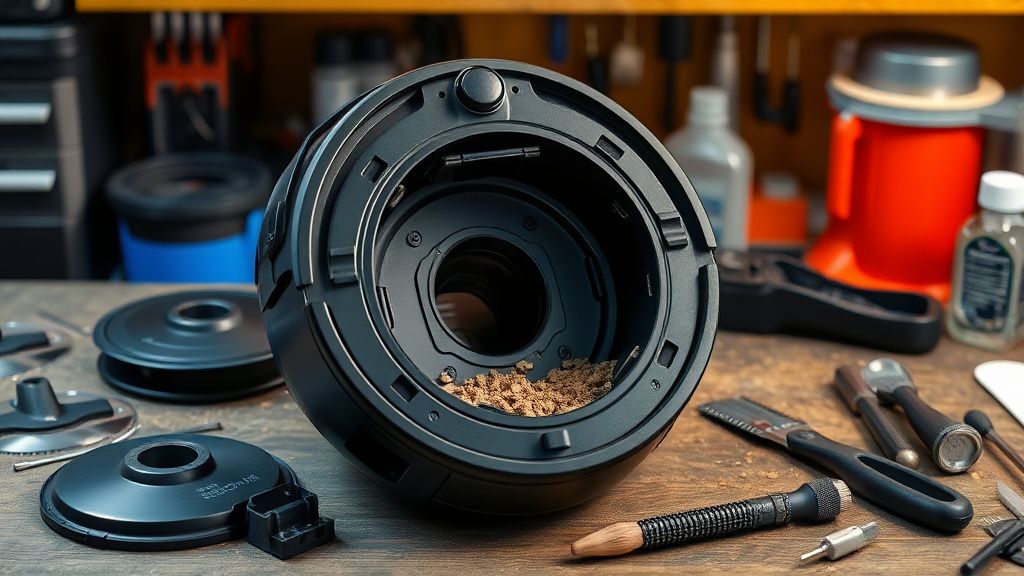
Industry Controversy: Proprietary Bags and "Planned Obsolescence"
There is a loud, ongoing debate on platforms like Hacker News and specialized robot vacuum forums regarding the mandatory use of proprietary dust bags. By using a sealed bag system, Roborock ensures consistent suction performance, but it also creates an "unseen" failure point: The Bag Sensor.
If you use third-party, ill-fitting bags, the airflow may be restricted due to lower-quality fabric, or the bag might not seat properly against the dock's intake port. The sensor—usually a simple pressure-differential switch—will detect this inconsistency and trigger an error, effectively "locking" you into the official accessories. Is it a feature or a monetization tactic? The technical reality is that off-brand bags often struggle with the high-static-pressure requirements of these specific motors, leading to premature motor failure in the base station.
Firmware and The "Handshake" Problem
Sometimes, the hardware is fine, but the communication is broken. We have seen instances where a firmware update interrupts the "Docking-Handshake" protocol. If the robot doesn't receive the "I am ready to receive" signal from the dock via the charging pins, it will report an emptying error because it assumes the dock is offline or disconnected.
- The Fix: Hard-reset the dock (unplug from wall power for 60 seconds) and the robot simultaneously. This forces a re-negotiation of the docking protocol. If the error persists after a hard reset, you are likely looking at a logic board issue in the base station, which is rarely a user-serviceable part.
Counter-Criticism: Why Modern Robotics Engineering is a Compromise
Critiques often point out that the S8 Pro Ultra is "over-engineered" to the point of frailty. I tend to agree. The move toward modular, non-repairable components means that when a small plastic sensor in the dock fails, the entire base station becomes a $500 paperweight.
We see this frequently in the "Service Mode" community. Users trying to perform deep-level repairs on these units are often thwarted by proprietary screws and glued-in assemblies. The design philosophy favors the aesthetic of a "sleek, invisible cleaner" over the serviceability of a professional-grade appliance. If you own one, you are essentially renting a high-end service, and you are subject to the limitations of its sealed-system architecture.
Why does my dock say "Emptying Error" even when the bag is empty?
Usually, this indicates a physical blockage in the path between the robot and the bag, or the robot’s internal dust bin filter is so clogged that air cannot pass through it effectively. Check the clear plastic air channel at the bottom of the base station. It is notorious for catching large debris like pebbles or hairballs.
Can I run the vacuum without a dust bag to test the suction?
Technically yes, but I strongly advise against it. The system is designed to maintain a specific pressure gradient through the filtration layer of the bag. Running it without a bag allows fine dust to reach the station's impeller motor, which can cause permanent damage to the motor bearings over time.
How do I clean the internal ducting of the S8 Pro Ultra dock?
You need a non-metallic, flexible brush. Do not use metal screwdrivers to clear the ducting; you will scratch the plastic walls, which increases friction and leads to faster debris buildup in the future. If you must use a tool, use a long zip tie or a piece of heavy-gauge plastic wire.
Is there a way to override the "Bag Full" sensor?
No. The sensor is a safety mechanism to prevent motor strain. If you try to bypass it, you risk burning out the suction motor, which is far more expensive to replace than a dust bag. Stick to the OEM bags if possible, as their material porosity is calibrated for the specific CFM (Cubic Feet per Minute) rating of the dock motor.
Why does the robot often fail to empty if it's too full?
The vacuum's "Auto-Empty" feature is designed to handle a standard day's worth of dust. If you let the bin overfill until the sensor physically flags it, the debris often becomes compacted. The dock's suction is not strong enough to break up dense, packed-in dust. You must empty the bin manually if it hits the maximum capacity.