
If your Samsung SmartThings Hub V3 is stuck in an "Offline" state, you aren't alone; this is the quintessential "death by a thousand updates" scenario. Most connectivity drops are caused by local network fragmentation, DHCP lease conflicts, or the platform’s transition from Groovy-based DTHs to the new Edge driver architecture. Start by power-cycling your router and hub in sequence, then verify your 2.4GHz Wi-Fi band stability. If it fails, you are likely dealing with a botched firmware handshake or a corrupted cloud-to-hub token.
The Architecture of Failure: Why SmartThings Hub V3 Disconnects
After fifteen years of gutting smart home hardware, I’ve learned one immutable truth: your SmartThings Hub V3 is not a simple "bridge." It is a multi-protocol gateway (Zigbee, Z-Wave, Thread, Matter) masquerading as a consumer appliance. When it reports "Offline" in your app, it’s rarely just a "Wi-Fi issue."
The V3 hub operates on a persistent heartbeat connection to the Samsung cloud. When that heartbeat fails, the local execution engine—which is supposed to keep your automations running—often hangs because it can’t reconcile its local state with the cloud’s expected state. This is what we call "State Desynchronization."
Network Congestion and Channel Interference
The V3 hub primarily communicates over the 2.4GHz spectrum. In a modern urban environment, this band is essentially a digital war zone. If your router is fighting for space with your neighbor’s Wi-Fi, your Bluetooth speakers, and your microwave, the Hub V3’s Zigbee radio will drop packets.
- The Reality: Most users don't realize that Zigbee channels 11, 15, 20, and 25 overlap with standard Wi-Fi channels 1, 6, and 11. If your router is on Auto-Channel, it will eventually jump to a channel that suffocates your hub.
- The Fix: Manually lock your router’s 2.4GHz channel to 1, 6, or 11, and keep the hub at least 5 feet away from the router. Never stack them. Stacking electronics is the quickest way to induce thermal throttling, which triggers internal protection cycles that look exactly like "Offline" status.
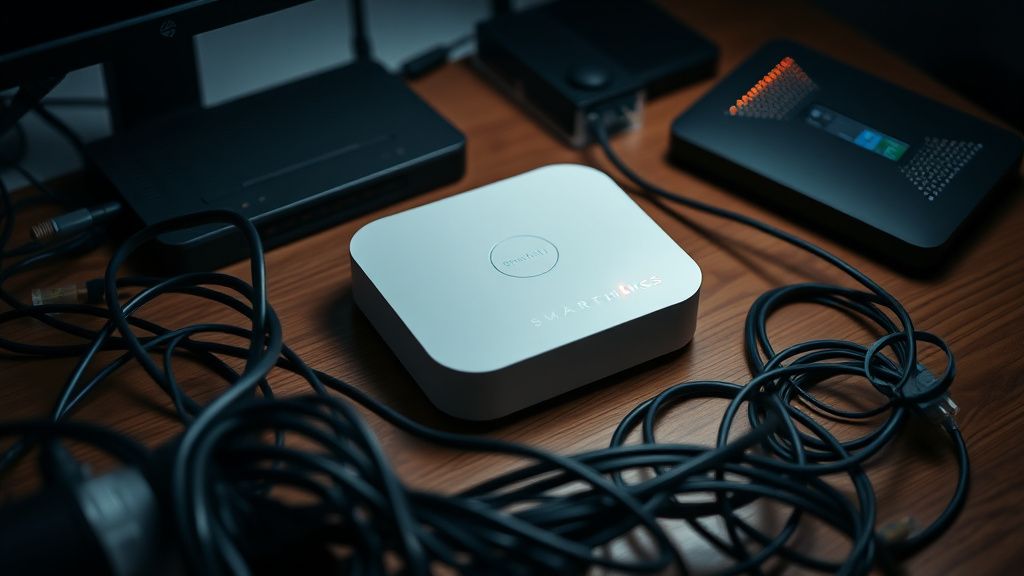
Firmware Rollouts and the "Update Brick" Phenomenon
If you search the Samsung Community forums or the r/SmartThings subreddit, you will find recurring threads titled "Hub Offline after Update." These aren't imagined. Samsung pushes firmware updates silently in the background.
When an update fails to commit—often due to a transient power flicker or a drop in packet integrity during the download—the hub enters a "boot loop" or a "zombie state." It appears to have power, but the radio sub-systems are unresponsive.
The Developer Perspective: The Shift to Edge
The migration from the legacy Groovy IDE (which was essentially a sandbox for custom code) to SmartThings Edge Drivers has been the biggest catalyst for support headaches in the last two years. Many older, "community-driver" legacy device handlers simply stopped working correctly. If you have a custom driver that is leaking memory or failing to report states, it can crash the Hub’s local execution core.
Operational Insight: When a hub goes offline, check the IDE (or the current equivalent in the Advanced Web Portal). If you see "Hub Status: Inactive" but the physical light is solid green, your hub is likely "ghosting"—it has internet, but the cloud service has dropped its persistent socket connection.
Troubleshooting Logic: Beyond the Power Cycle
Don't just pull the plug and pray. Follow this systematic approach to rule out hardware failure versus software lockout:
- Verify the IP Reservation: If your router assigns a new IP address to the hub via DHCP while it's in the middle of a check-in, the hub may panic. Assign a static IP address to the Hub’s MAC address in your router’s settings.
- Check the Ethernet Backhaul: If you are using Wi-Fi to connect the hub, stop. The V3 hub is notorious for having a mediocre Wi-Fi radio. A physical Cat6 ethernet cable provides a stability that Wi-Fi can never match. If you are forced to use Wi-Fi, ensure your mesh satellite isn't roaming the hub between nodes.
- The "Factory Reset" Trap: Avoid the factory reset button on the back unless you are prepared to re-pair every single Zigbee and Z-Wave device in your home. That button is a nuclear option. Instead, reach out to support and ask for a "cloud-side sync" or a "re-enrollment of the gateway ID."
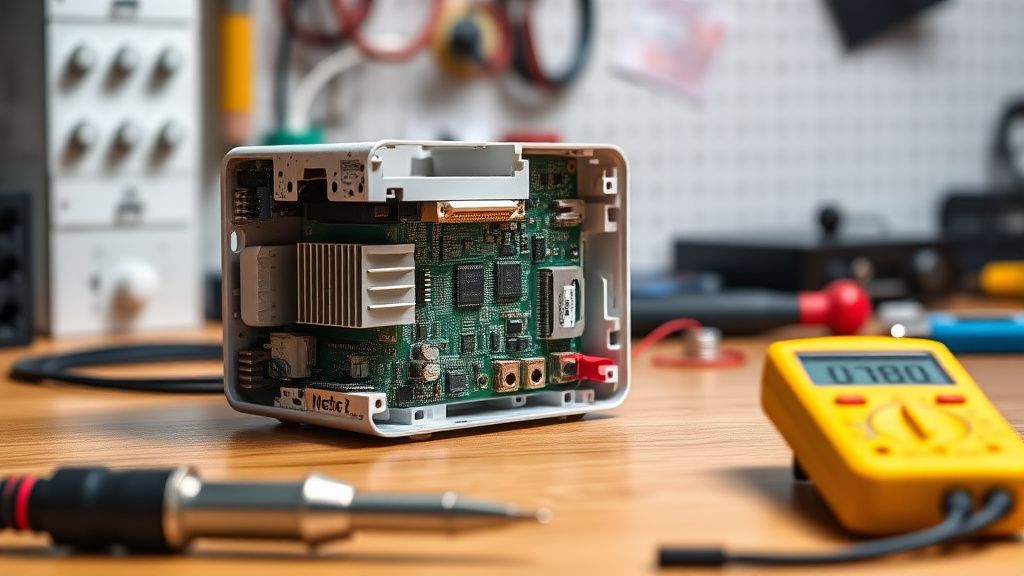
Real Field Reports: The "Ghost" Device Problem
In my time on the bench, I’ve encountered cases where the hub was fine, but a single malfunctioning Z-Wave repeater was flooding the mesh network with garbage data.
Case Study: The "Flood" Scenario A user reported that their hub went offline every night at 2:00 AM. After reviewing the logs, it turned out a smart plug with a faulty power-monitoring chip was broadcasting "power report" spikes every millisecond, saturating the hub’s radio bandwidth. The hub couldn't handle the interrupt requests and effectively "hung."
- Takeaway: If your hub drops offline, check for recently added devices. Remove them one by one. Often, a device that isn't fully compatible with the SmartThings mesh will "drown" the hub in noise.
Counter-Criticism: Is SmartThings Still Viable?
There is a loud, vocal contingent on Hacker News and various home-automation forums that argues SmartThings is a dying platform because of its cloud-dependency. The criticism is valid: if your internet goes down, your automations should work, but they often don't if they rely on "Cloud-to-Cloud" integrations.
However, the counter-argument is the sheer scale of the ecosystem. No other platform offers the same breadth of "It just works" compatibility with cheap, mass-market sensors. The trade-off for this convenience is that you are at the mercy of Samsung's servers. If their API endpoints have latency, your "Smart Home" slows down.

Deep Dive: Managing Zigbee and Z-Wave Interference
If you are seeing "Offline" status, it might be that your mesh is dying, not the hub.
- Zigbee: It operates on a low-power mesh. If you have "dead spots" in your house, your end-devices (sensors) will try to route through the hub at too high a power, causing packet loss.
- Z-Wave: It is a 900MHz protocol. It is much more robust than Zigbee, but it suffers from "dead nodes." If a node disappears, the hub will spend resources trying to repair the network path, leading to performance degradation.
Use the Z-Wave Repair function in the app regularly. Don't wait for things to break. Treating your smart home like a network that requires maintenance rather than a "set and forget" appliance is the only way to keep the V3 hub healthy.
The Future: Matter and Thread Fragmentation
We are currently in a transition period. Matter over Thread is the supposed "promised land" where everything talks to everything without a cloud. The V3 hub is Thread-capable, but the rollout has been messy. Many users find that adding Matter devices causes their Z-Wave/Zigbee devices to act inconsistently.
This "protocol collision" is the current frontier of support requests. When you mix legacy Zigbee sensors with new Matter-over-Thread controllers, you increase the operational overhead on the Hub’s processor. If you are experiencing constant offline issues, try disabling one protocol's integration to see if the system stabilizes.
FAQ
Why does my hub show as "Offline" even though the light is green?
Does a static IP address actually fix disconnection issues?
How often should I run a Z-Wave repair?
Is the Wi-Fi connection on the V3 hub reliable?
Will factory resetting the hub fix my sync issues?
Can custom drivers cause my hub to go offline?
Does SmartThings work without the internet?
Bu makale affiliate linkleri içermektedir.