If you are staring at a "Station Error" notification or your Dreame L10s Ultra is refusing to dump its dustbin, similar to users of the Roborock Q Revo who experience auto-empty dock suction issues, you aren't alone. The fix usually isn't a factory reset or a firmware update; it’s a physical blockage in the air path caused by the intersection of high-suction engineering and real-world floor debris. Most clogs occur at the base station inlet or the transition point between the robot and the dock’s vacuum port. Clear these, and you’re back in business.
The Physics of Failure: Why Auto-Empty Systems Actually Clog
From a mechanical engineering standpoint, the L10s Ultra is a marvel, but it relies on a delicate balance of fluid dynamics. The auto-empty process creates a high-pressure differential to pull debris from the robot’s internal bin into the disposable dust bag. When you introduce hair, pet fur, or slightly damp debris, you create a "bridge" effect.
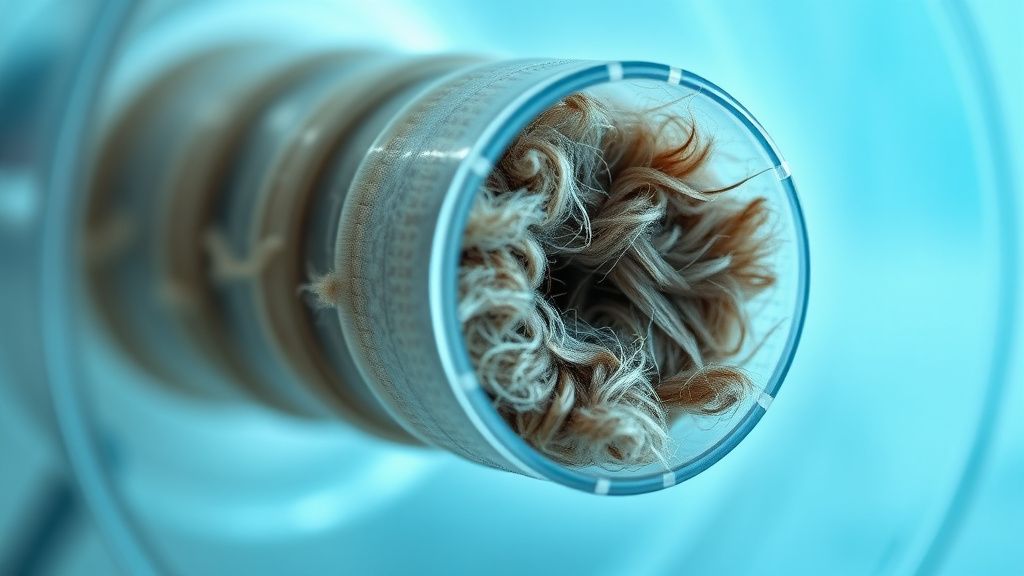
The transition from the robot’s narrow nozzle to the base station’s vertical duct is the most frequent point of failure. If the vacuum pressure isn't perfectly sustained, heavy particles drop out of the airstream and settle in the elbow of the duct. Over time, this forms a compacted mass—a felt-like plug that no amount of software optimization can bypass. For specific guidance on restoring suction in robot vacuums, addressing such blockages is often key.
Diagnosing the Vacuum Path: Troubleshooting the Base Station
Before you start ripping things apart, verify where the blockage sits. The L10s Ultra architecture relies on an "in-line" extraction path. If the motor is running at full pitch (that high-pitched, straining whir) but nothing is entering the bag, you have a hard blockage.
- The Disposable Bag Integrity: Check if the bag is seated correctly. If the cardboard collar isn't snapped into the plastic bracket, the suction creates a vacuum around the bag rather than through it, leading to a total system stall.
- The Dock-to-Robot Seal: Inspect the rubber gasket at the base of the dock. If this gasket is cracked, curled, or covered in debris, the system loses the airtight seal required for the venturi effect.
- The Hidden Duct: Many users ignore the transparent plastic path under the station. If you see debris there, you need to pull the station away from the wall, disconnect the power, and check the underside. Use a long, flexible wire or a specialized duct-cleaning brush. Do not use metal screwdrivers; you will puncture the seals and ruin the suction capacity forever.
Real Field Reports: Community Observations from the Trenches
Scanning the r/Roborock and r/Dreame subreddits alongside specialized Discord channels like "The Robot Vacuum Repair Collective," a pattern emerges. Users often report that the L10s Ultra performs flawlessly for six months, then hits a wall.
"The issue isn't the robot; it's the lifestyle mismatch. We have two Labradors. The system handles fur well until it encounters a damp piece of lint or a stray piece of kibble. That kibble acts as a boulder, and the fur builds up behind it. The sensors think the bin is empty, but the weight sensor in the station is actually confused by the blockage." — User 'TechRepairGuy88' via Home-Assistant Forum.
This field report highlights a critical design compromise: the sensors in these machines are calibrated for air-flow resistance. They don't actually "see" the clog; they infer it from the motor’s current draw. When the motor draws too much current, the firmware throttles it to prevent overheating, sometimes leading to fan errors that affect suction and sensor issues, as seen in the DreameBot D10 Plus. This leads to the "successful empty" lie—the app says it worked, but the robot remains full.
The "Workaround Culture": When Engineers Miss the Mark
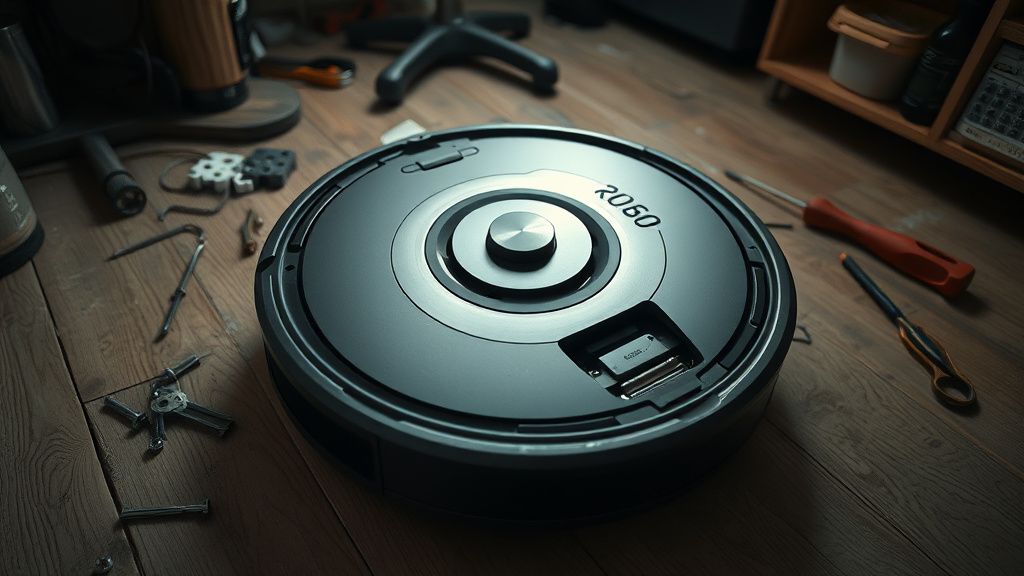
The community has developed a "workaround culture" to mitigate these hardware limitations. You’ll see threads on Hacker News discussing the modification of the dust bag collars or the installation of custom mesh filters. While these modifications can prevent clogs, they fundamentally alter the airflow.
- The Over-Filter Trap: Some users add extra fine-mesh screens to the intake. While this keeps the motor cleaner, it increases the air resistance (static pressure). If your motor isn't powerful enough to pull through that extra resistance, you are essentially shortening the life of your pump in exchange for cleaner intake.
- The Manual Assist: Many power users now perform a "bi-weekly physical sweep." This involves taking a compressed air canister and blowing out the dock's intake ports while the station is unplugged. This is the only truly effective preventative measure against the "compacted dust" scenario.
Counter-Criticism: Is the L10s Ultra Over-Engineered?
There is an ongoing debate among repair technicians regarding the complexity of the L10s Ultra. Critics argue that the shift toward automated base stations has introduced more "failure points" than the efficiency gain is worth.
By adding an auto-empty, self-cleaning mop, and auto-refill water system, the L10s has become a multi-stage hydraulic and pneumatic system. Each one of these stages—the mop-lifting gears, the water pumps, and the vacuum duct—is a potential point of ingress for failure. If you look at the maintenance logs on GitHub for similar models (e.g., Valetudo project discussions), you see that the majority of issues stem not from the core vacuuming performance, but from the ancillary maintenance systems failing to communicate with each other.
The Economics of Maintenance: Why Support is Always a Bottleneck
From an operational perspective, the manufacturers (Dreame, Roborock, etc.) are caught in a cycle of "planned obsolescence versus high-end specs." They want to market a "maintenance-free" experience, so they bury the actual maintenance points deep within the hardware. When a customer calls support, the script is almost always: "Update your firmware, then reset your map."
This is a defensive policy. It reduces the volume of RMAs (Return Merchandise Authorizations) by forcing the user to do the work of a technician. However, for a user whose dock is truly clogged with a physical mass of debris, these software steps are useless. It erodes trust, causing users to move toward third-party repair services or abandon the brand entirely.
Deep Technical Analysis: Air-Flow Impedance and Motor Health
If you are troubleshooting a recurring clog, keep an eye on the sound of the auto-empty motor.
- High-Pitched Whine: Indicates a partial blockage somewhere before the motor (likely the duct).
- Dull Thudding/Straining: Indicates a heavy blockage at the entrance of the dock bag.
- Consistent Rhythm: If the system is pulsing (starts, stops, restarts), the firmware is attempting to clear the blockage via "burping" the suction. If this happens three times and the robot still reports a failure, the clog is too dense for the air-flow sensor to compensate.
If you are a DIY enthusiast, the only way to truly clean the system is to access the main blower housing. This often requires removing the lower chassis of the base station. Be warned: many of these units use proprietary screw heads (security Torx) to prevent user intervention.
Why does my app say "Emptying" but nothing happens?
The vacuum motor is active, but the airflow is restricted. This is usually caused by a physical blockage in the primary vertical duct connecting the robot’s floor port to the dust bag. The software thinks it is emptying because the motor is drawing power, but the air circuit is "choked."
Can I use a metal rod to clear the clog in the base station?
Absolutely not. The internal ducting is made of flexible plastic and contains sensitive air-pressure sensors. Using a rigid metal object will puncture the duct or damage the sensors, leading to permanent suction loss. Always use a soft, flexible silicone-coated wire or a long, soft-bristle brush.
Is the "Auto-Empty" feature a failure point?
From a longevity standpoint, yes. It is an additional mechanical layer that adds weight and complexity. While it provides immense user convenience, it turns the dock into a centralized dust trap. If the main path isn't perfectly sealed, the dock will eventually become a focal point for dust accumulation, requiring manual cleaning regardless of the marketing claims.
Why does the clog happen more often with pet hair?
Pet hair acts as a binding agent. Unlike standard household dust, which is particulate, hair is fibrous. It weaves together to create a "mat" or "felt" structure. When this hits an elbow in the suction pipe, it doesn't flow like sand—it grabs the wall and anchors itself, trapping other debris behind it.
How often should I manually clean the base station ducts?
In a high-traffic or pet-friendly home, once every 4 to 6 weeks is the gold standard. Do not wait for the "Error" notification. By the time the robot throws an error, the clog is already at a point of high density that puts unnecessary strain on the vacuum blower motor.
Concluding Thoughts: Managing the Reality
The Dreame L10s Ultra is a powerful tool, but it is not a "set it and forget it" appliance. It is an industrial cleaning device scaled down for residential use, and it carries the maintenance requirements of an industrial device. If you treat it like an autonomous butler, you will find yourself dealing with mechanical failure. If you treat it like a sophisticated power tool—one that needs periodic cleaning, duct inspection, and sensor maintenance—it will serve you well. The secret to keeping the auto-empty function running isn't in the code; it’s in the realization that airflow is the lifeblood of the machine, and airflow hates obstacles. Stay proactive, keep your ducts clear, and you will avoid the frustration of the inevitable dock-clog cycle.