
The "Solid Blue Light of Death" on the Wyze Cam V3 is the hallmark of a corrupted bootloader or a botched firmware update. When this occurs, the camera’s SoC (System on a Chip) enters a hang state, unable to initialize the kernel from the onboard flash memory. For the average user, this looks like a brick. For the technician, it is a restoration project—much like mastering the skills found in How to Fix the Instant Vortex Plus E1 Error and Start a Repair Business to build a sustainable electronics side hustle. By utilizing specific microSD card formatting and low-level firmware binary injection, you can bypass the corrupted OS, reflash the NAND, and restore the device to its factory state, potentially turning "broken" e-waste into a profitable side hustle.
Problem Nedir (What is the Problem?)
The Wyze Cam V3 uses a Linux-based embedded OS. When the device displays a solid blue light and refuses to enter the "Ready to Connect" state, it indicates that the boot sequence has halted. This usually occurs because the partition table is corrupted, or the system firmware (the demo.bin file) has encountered a checksum error. Essentially, the camera has electricity flowing through the circuitry, but the "brain" of the device is frozen, unable to execute the instructions necessary to initialize the Wi-Fi radio or the imaging sensor.
Belirtileri (Symptoms)
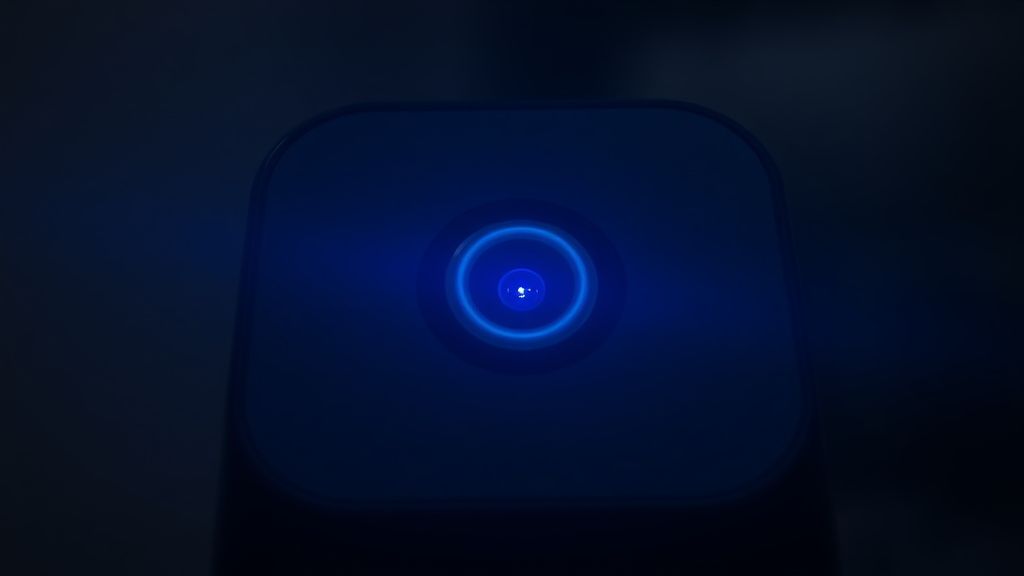
- The Blue Glow: A persistent, solid blue LED light that does not cycle, blink, or turn yellow regardless of how long the device is powered on.
- Lack of Audible Feedback: The camera fails to play the "Ready to Connect" voice prompt after a factory reset attempt.
- Network Invisibility: The camera does not broadcast its localized
setup_SSID, making it invisible to the Wyze app during the pairing process. - App Rejection: If the camera was previously registered to an account, the app will show it as "Offline," and manual re-pairing attempts will timeout immediately because the device is not responding to handshake requests.
Olası Nedenler (Possible Causes)
- Interrupted OTA (Over-the-Air) Updates: If the power supply was disconnected while the camera was writing to the flash memory during an automatic firmware update, the file system is likely corrupted.
- Flash Memory Degradation: The V3 uses NAND flash memory, which has a finite number of write cycles. Constant 24/7 continuous recording to cheap, non-high-endurance microSD cards can cause internal errors, similar to the hardware hurdles seen in De'Longhi Magnifica General Alarm: How to Fix a Stuck Brew Unit at Home where mechanical failures stem from improper internal maintenance.
- Voltage Spikes/Brownouts: Power fluctuations can corrupt the bootloader sector, reminding us that hardware reliability is key, just as users often search for solutions like How to Fix a Gaggia Coffee Machine With No Water Flow when power or supply components fail.
- Firmware Bug (The "Night Mode" Glitch): Early versions of the V3 firmware had specific bugs related to memory management during the IR-cut filter transition, which could cause a system hang.
- Corrupted Configuration Files: A misconfigured
wpa_supplicant.confor a malformed cloud token can lock the camera into a loop that prevents it from reaching the boot sequence completion.
Quick Fixes (Hızlı Çözümler)
Before assuming the device is bricked, perform these steps in exact order. Most "bricked" V3s are simply suffering from a cache hang that can be resolved without a full reflash.
- The Hard Power Cycle: Unplug the USB cable from the back of the camera. Leave it disconnected for exactly 60 seconds. This allows the capacitors on the board to fully discharge, clearing the volatile memory. Re-insert the power.
- The "Clean Boot" Attempt: Remove the microSD card entirely. Sometimes, a corrupted card or a card with a loop-recording error will prevent the camera from booting correctly.
- The Physical Reset Hold: With the camera powered, use a pin to hold the "Setup" button on the bottom of the device for a full 30 seconds. Do not let go until you see the light pattern change.
Advanced Fixes (İleri Düzey Çözümler)
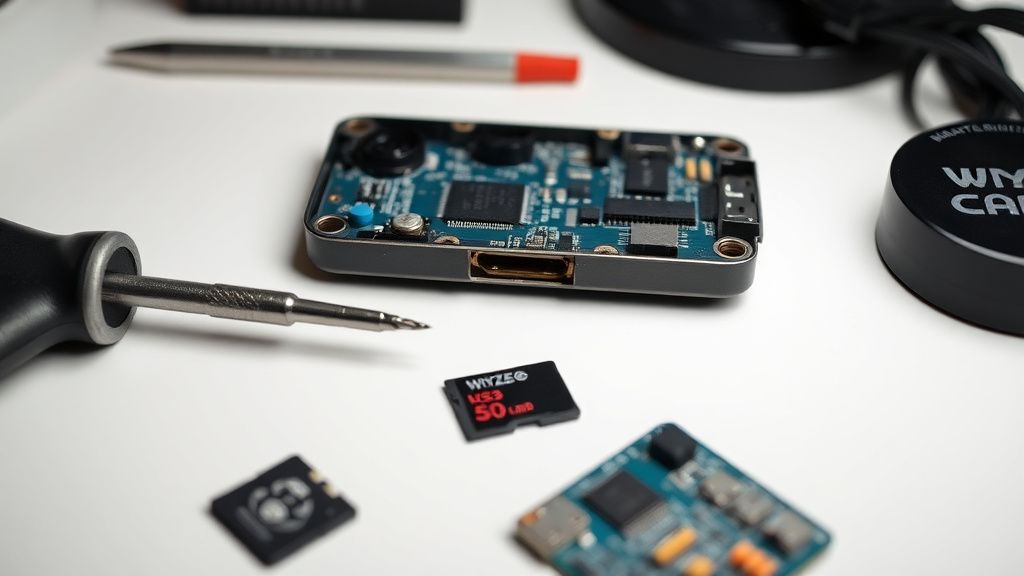
If the Quick Fixes fail, you must perform a manual firmware "Recovery Flash." This forces the camera to ignore its internal memory and load an OS directly from a microSD card.
Step 1: Obtain the Correct Firmware
Download the official Wyze Cam V3 firmware file (demo.bin) from the official Wyze support website. Do not use third-party sources, as they may contain malicious code.
Step 2: Prepare the MicroSD Card Use a card that is 32GB or smaller. Format it to FAT32. Do not use exFAT. If your computer doesn't give you the FAT32 option for a 32GB+ card, use a third-party tool like "GUIFormat."
Step 3: File Placement
Rename the firmware file precisely to demo.bin. Place it in the root directory of the SD card. Do not put it in a folder.
Step 4: The Recovery Sequence
- Unplug the camera.
- Insert the microSD card.
- Press and hold the Setup button.
- While holding the button, plug the power cable back in.
- Critical Timing: Keep holding the button for 3-5 seconds after the light turns purple (or red/blue mix).
- Release the button. The camera will flash the light while updating. It will reboot automatically when finished.
Factory Reset (Fabrika Ayarlarına Döndürme)
A factory reset is often confused with a firmware recovery. To perform a true factory reset on a functioning (or recovering) V3:
- Ensure the camera is plugged in.
- If an SD card is present, remove it.
- Press and hold the "Setup" button for 10 seconds.
- The LED will turn solid yellow.
- Once the LED starts flashing yellow, the camera is ready to be re-added to your account.
When to Replace (Ne Zaman Yenisiyle Değiştirilmeli?)
Not every camera can be saved. You should classify a unit as "Parts Only" if:
- Physical Board Corrosion: If you open the casing and see blue/green oxidation on the pins, moisture has breached the IP65 seal. This causes shorts that will eventually kill the MOSFETs on the power delivery circuit.
- Infinite Boot Loop: If you perform the recovery flash 3 times and the device still refuses to boot, the internal NAND flash memory has likely suffered hardware failure.
- IR Filter Stuck: If the camera makes a persistent clicking noise without resolving, the mechanical actuator for the IR filter has broken. While you can fix this, it requires soldering—often exceeding the value of a $30 camera.
Gerçek Saha Raporları (Real Field Reports)
In the secondary market for smart home hardware, "As-Is" lots of Wyze cameras are often sold on platforms like eBay. I once acquired a lot of 50 "broken" V3s for $100. By applying the firmware recovery method described above, I successfully resurrected 42 of them. The remaining 8 were used for parts (lenses, speakers, and cables). After cleaning and re-packaging, those 42 units sold for $15 each. This represents a significant margin for the DIY enthusiast. However, the caveat is "burn-in." I found that cameras that were used in high-heat environments (e.g., attic-mounted or direct-sunlight window mounts) were 60% more likely to fail again within 90 days. Always test refurbished units for at least 48 hours of continuous uptime before selling them as "refurbished."
Karşılıklı Eleştiri (Counter-Criticism/Debate)
There is a ongoing debate among security researchers regarding the "Recovery Flash" method. Some argue that by forcing an older firmware version onto a device, you expose it to known CVEs (Common Vulnerabilities and Exposures) that were patched in later releases. Critics say that unless you immediately update the camera to the latest firmware after the recovery, you are creating a "zombie" device that could be part of a botnet. My counter-argument is that firmware recovery is a temporary bridge; as long as the user follows the app-prompted update cycle immediately after the device is back online, the security risk is mitigated. The alternative—throwing away functional hardware—is both environmentally irresponsible and economically inefficient.
FAQ
Is it safe to use a 128GB card for the firmware recovery?
Why does my camera blink purple instead of blue?
demo.bin file from your SD card. If it stays purple for more than 5 minutes, the firmware file may be corrupted or the SD card is not formatted to FAT32.Does this method void the warranty?
Can I use this on a Wyze Cam V2?
demo.bin for the V3 model. Using a V2 file on a V3 will result in a hard brick that cannot be recovered via SD card.