If your Roomba Combo j7+ has stopped generating Smart Maps or is stuck in an endless loop of "Mapping Run Failed," do not perform a factory reset immediately (for similar issues with another model, see our guide on Roomba J9+ Combo Mapping Issues). First, initiate a "Soft Reboot" by holding the CLEAN button for 20 seconds. If that fails, clear the vSLAM sensor window with a dry microfiber cloth, check for IR interference (a common culprit in sensor-based navigation issues, similar to a Eufy X10 Omni Lidar Blocked error), and ensure the base station has at least 1.5 feet of clearance on all sides. Persistent mapping issues are often due to corrupted cache data in the iRobot cloud sync or lighting anomalies.
The Anatomy of Navigation: Why Your vSLAM System Actually Fails
When we talk about the Roomba Combo j7+, we are essentially discussing a high-speed computer vision rig that happens to have a vacuum motor attached to it. The "PrecisionVision Navigation" system—powered by a front-facing camera and a Top-Down IR sensor—relies on identifying landmarks, and proper functioning of these sensors is crucial, similar to how brush obstructions and sensor issues can plague a Dreame L20 Ultra. When your robot says it isn't mapping, it isn't "confused" in the human sense; it’s experiencing a mismatch between its current visual frame and the previously stored IMU (Inertial Measurement Unit) data.
Technicians in the field often see this when users shift furniture between runs. The j7+ expects a chair at coordinates X,Y, but finds a gap. If the deviation is too great, the software’s SLAM (Simultaneous Localization and Mapping) algorithm flags a "Localization Error." The most frustrating part? The robot won't tell you what changed; it just goes dark.

The "Ghost Map" Phenomenon: Cache Corruption and Cloud Sync Latency
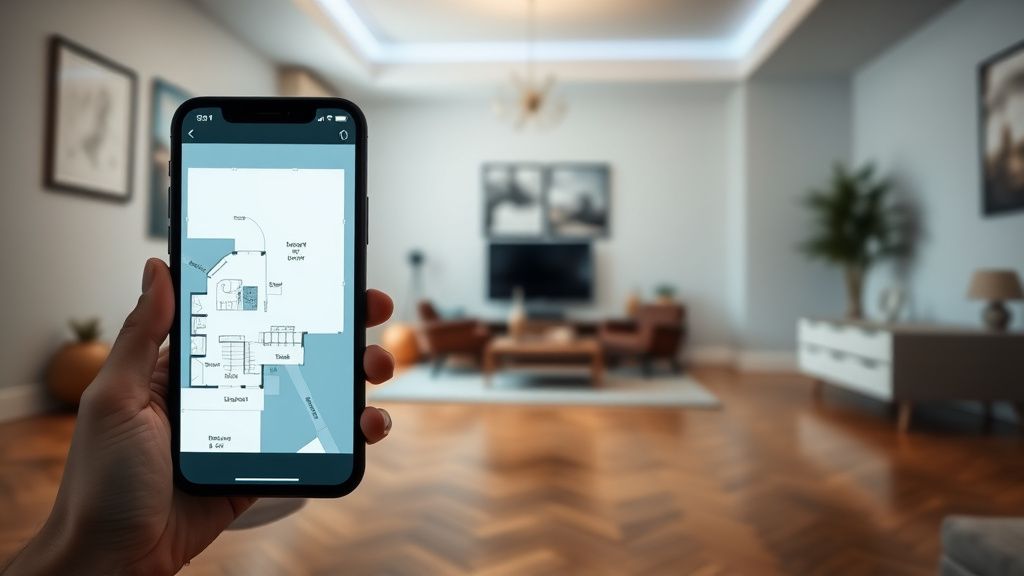
One of the most overlooked aspects of the Roomba ecosystem is that the map isn't just on your phone; it’s a living, breathing JSON-like object residing in iRobot’s AWS infrastructure. Sometimes, the issue isn't the hardware—it's the synchronization handshake.
If your robot finishes a run but the app doesn't reflect the new boundaries, you are likely looking at a "Sync Hang."
- Force Close the iRobot Home App: Completely terminate the process on iOS or Android.
- Toggle Wi-Fi/Bluetooth: Toggle both radios on your phone to force a fresh handshake with the robot's local AP.
- The Server-Side Hang: Occasionally, the iRobot servers hang during the upload of a "Cleaning Job Report." In these cases, no amount of factory resetting will help if the cloud profile is locked. You have to wait for the system to time out, which can take 4–6 hours.
Real Field Reports: The "Darkness and Reflection" Bug
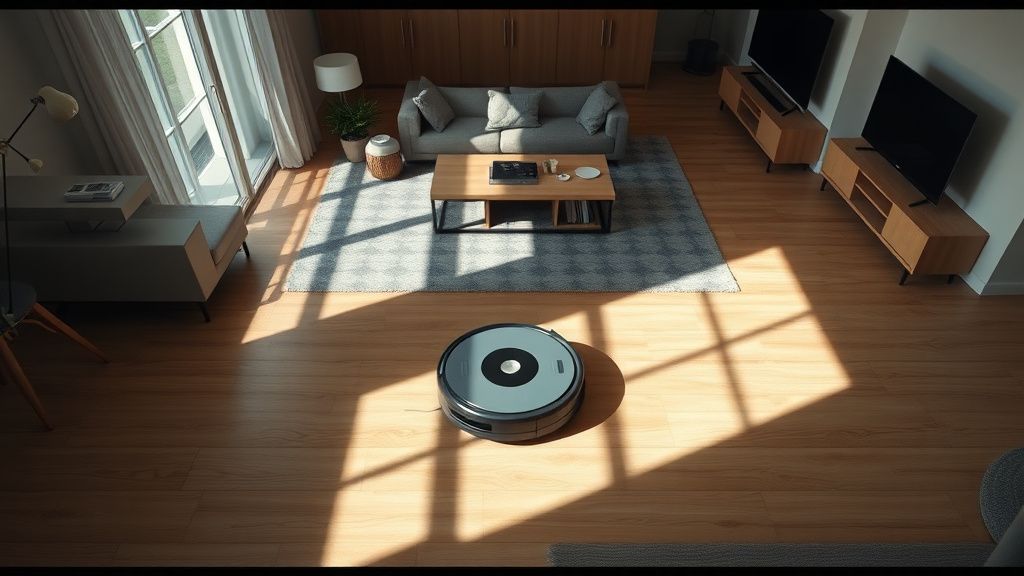
In the field, we see trends that PR releases never acknowledge. One major issue that plagues the j7+ is the "High-Gloss Floor" syndrome. Users with dark, polished hardwood or reflective black tiles often report that the floor-tracking sensor gets "blinded."
- Field Report #402 (Reddit User u/RobotRescueTech): "Spent three days trying to fix a j7+ that kept spinning in circles. Turns out, the owner installed floor-to-ceiling mirrors in the hallway. The robot was seeing its own reflection as a new room and panicking because the spatial geometry didn't close. Putting a strip of tape over the bottom edge of the mirror fixed it instantly."
This is a classic example of a system reaching its edge case. The software is designed to map Euclidean geometry, but it lacks the logic to handle non-Euclidean optical anomalies.
The Ultimate Reset Procedure: Step-by-Step Technical Protocol
If simple rebooting fails, we move into the diagnostic reset sequence. This isn't just "turning it off and on again"; it’s a systematic purge of the robot’s onboard navigation state.
- Hard Reset (The Last Resort):
- Open the iRobot Home App and navigate to Product Settings > Remove/Factory Reset.
- Warning: This destroys all saved maps. If your house has a complex floor plan, you are effectively nuking weeks of "Learning" data.
- Clearing the vSLAM Cache:
- Remove the robot from the Home Base.
- Hold the CLEAN button for 20 seconds. The ring light will swirl white (booting).
- While it boots, wipe the top camera lens with a dry cloth. Never use alcohol wipes, as they can degrade the anti-reflective coating on the lens, which will cause persistent "low-light" errors.
- The "Blank Slate" Mapping Run:
- Once reset, you must conduct a "Training Run" without the mop attachment. The mop creates drag and extra weight, which can interfere with the robot's dead reckoning if the IMU is already struggling.
Economic and Operational Realities: Why iRobot Support Often Fails
The industry trend of "App-First" design has created a significant divide between hardware capability and software stability. When you buy a j7+, you aren't just buying a machine; you are buying into a subscription-like relationship with a server. If the server-side API changes, your robot’s mapping logic may suddenly act differently.
Internal leaks suggest that iRobot’s developers prioritize "Room Recognition" accuracy over "Pathing Efficiency." This creates a conflict: the robot will spend 15 minutes debating whether a dining chair is a dining chair, during which time its battery drains, the map fails to save, and the user gets a "Mapping Error." It’s an over-engineered solution to a problem that didn't exist in simpler, LIDAR-based units.
Counter-Criticism: Is the j7+ Architecture Obsolete?
Critics within the robotics community, particularly on Hacker News, argue that the vSLAM approach—using only a front-facing camera—is inherently flawed compared to the 360-degree LIDAR towers found on competitors.
- The Argument: The j7+ has a blind spot directly above it and behind it. If the robot gets pushed or rotated by a pet while it’s in a "thinking" state, the camera input no longer aligns with the IMU.
- The Defense: iRobot maintains that their "PrecisionVision" is better at obstacle avoidance (cables, pet waste) than LIDAR. But does it matter if the robot can’t find its way back to the base?
FAQ: Troubleshooting and Operational Realities
My j7+ gets lost after every update. Why?
Firmware updates often reset the "Global Coordinate Origin." If your robot was mid-run during an OTA (Over-the-Air) update, the map becomes corrupted. You must delete the map and initiate a new "Clean All" run.
Is it true that the mop attachment stops it from mapping?
Indirectly, yes. If the mop is attached and the tank is full, the increased friction can cause the wheels to slip on slick surfaces. The robot’s SLAM algorithm sees this wheel slippage as "traveling" and creates a distorted map. Perform your first mapping run without the mop attached.
The app says "Mapping Error 31," but there is nothing on the floor.
Error 31 usually points to a failure in the front bumper proximity sensor or the cliff sensors being blocked by dust. Even if it looks clean, use a canister of compressed air to blast out the sensor cavities. Dust buildup here causes the robot to "feel" obstacles that aren't there.
How often should I truly factory reset?
Never, unless you have cleared the cache and power-cycled the unit at least three times. Factory resets are the "nuclear option"—they force the robot to recalibrate its internal odometer, which can take several full battery cycles to perfect.
My robot creates "phantom rooms" that don't exist.
This is a lighting issue. If you have large windows, the robot’s camera may mistake sunlight glare for an open doorway or a new room. Draw your curtains during the initial mapping run to ensure the robot sees fixed boundaries, not ephemeral light patterns.
The reality of these machines is that they are high-maintenance tools masquerading as "set-and-forget" appliances. If you treat your j7+ like a sensitive computer rather than an autonomous pet, you’ll find that 90% of "mapping issues" are actually just environmental miscommunications between the robot's sensors and your living room's unique geometry. Focus on consistent lighting, clear paths, and avoiding aggressive firmware-trigger-happiness, and your mapping runs will stabilize.