If your Nespresso Vertuo Next is blinking red—whether it’s a steady glow or an annoying pulse—you aren’t alone. Usually, this means the machine has encountered a sensor fault, a flow-meter blockage, or a critical software hang. Perform a factory reset by opening the head, emptying the capsule bin, and pressing the button five times within three seconds. If that fails, it’s often a hardware-level sensor degradation, such as a thermistor sensor failure.
The Nespresso Vertuo Next is arguably the most controversial machine in the company’s current lineup. On paper, it’s a triumph of sustainable engineering: recycled plastics, a compact footprint, and "Centrifusion" technology that reads barcodes to optimize extraction parameters. In my workshop, however, it’s a constant source of bread-and-butter repairs—or, more accurately, a source of profound user frustration. When that light starts blinking, it isn't just an error code; it’s a cry for help from a machine that has reached the limits of its firmware’s ability to compensate for hardware fatigue.
Understanding the Centrifusion Sensor Matrix and Flow Meter Failures
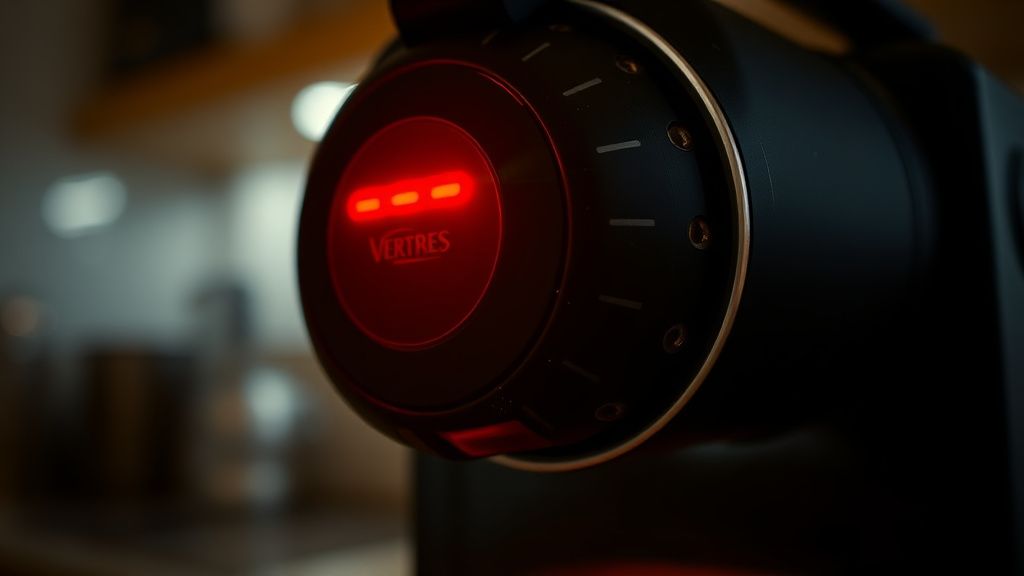
The "Red Light of Death" on a Vertuo Next is rarely just one thing. It is a catch-all notification for the machine’s internal diagnostic system. Unlike older, analog espresso machines where a pressure gauge told you exactly what was wrong, the Vertuo Next relies on a complex array of Hall-effect sensors and optical readers.
The system uses an optical reader to scan the rim of the capsule. If the barcode is obscured—by coffee grounds, scale, or even a slight misalignment in the capsule holder—the machine pauses. The red light is the firmware’s way of saying, "I have no idea what I’m brewing."
- The Flow Meter Clog: Inside the tubing, there’s a small turbine that measures water volume. If your water is hard (high mineral content), calcification builds up on this turbine. The machine waits for a pulse from the flow meter to confirm water is moving; if no pulse arrives, the pump runs dry for a second, then throws a red light error.
- Thermal Cut-off: The heating element in the Next is highly miniaturized. If the NTC (Negative Temperature Coefficient) sensor reports a temperature spike outside of the expected threshold, the system triggers a hard shutdown to prevent melting the internal housing.
- Firmware Hangs: I’ve seen boards lose their calibration parameters after a power surge. The machine "forgets" where the top and bottom positions of the brewing head are.
The Anatomy of the Factory Reset: Why It Often Fails
When you look at the official support documentation, the "5-press reset" is the universal solution. But in the field, this is frequently a temporary patch. You’re essentially clearing the volatile memory (RAM) where the machine stores the last error code.
The Procedure:
- Ensure the machine is plugged in and the head is closed.
- Open the head and eject any used capsules.
- Close the head but keep the lever in the 'unlocked' position.
- Press the button 5 times within 3 seconds. The light should blink orange 5 times to confirm the reset was successful.
If the light returns to a solid or pulsing red immediately after the reset, the issue isn't the software; it’s the physical state of the hardware. I often tell users on platforms like Reddit’s r/nespresso that if the reset doesn’t hold for more than a few cycles, you aren’t looking at a software glitch—you’re looking at a component failure, likely in the main PCB or the pump assembly.
Real-World Field Reports: The "Brewing Threshold" Controversy
There is a massive community discourse regarding the longevity of the Next. On GitHub and Discord repair channels, technicians often point to the "brewing threshold." Because the Next is designed to be thinner and lighter than the Vertuo Plus, the internal components are packed tightly. This leads to heat soak.
A common complaint in support threads is: "It works for a month, then the red light starts flashing during the pre-heating cycle." This is almost always a sign that the thermal paste between the heater and the temperature sensor has degraded or the sensor has drifted out of tolerance.
The Economic Reality: Repair vs. Replace
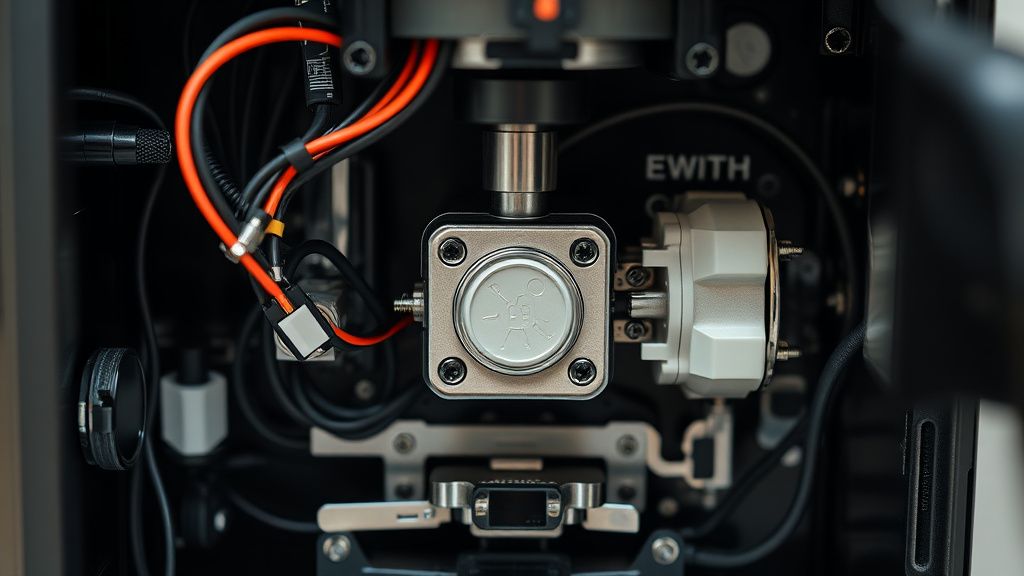
Nespresso’s strategy with the Vertuo Next is clearly mass-market saturation. From an economic perspective, the machine is barely modular. If the main board dies—which, after 18 months of intensive use, it often does—the cost of the replacement part plus the labor of a certified technician often exceeds the price of buying a refurbished unit.
This creates a "throwaway culture" that annoys long-time espresso enthusiasts. Users who take the time to descale religiously every 300 cycles still encounter the red light. Why? Because the firmware doesn't account for the wear of the pump; it only accounts for the presence of water. If the pump is weak, it can't maintain the 19-bar pressure required, and the machine panics.
Addressing the Scaling Issue and Optical Sensors
If you live in a region with hard water, the "Red Light" is almost guaranteed to be a flow-meter obstruction. I’ve performed countless teardowns where the flow meter turbine was seized solid by calcium carbonate deposits.
- Pro Tip: Don’t use standard vinegar for descaling. It’s too acidic and can damage the rubber seals inside the Next’s proprietary tubing. Use the official Nespresso descaling solution, which is lactic acid-based.
- The Optical Lens: Take a Q-tip with a tiny amount of isopropyl alcohol and gently wipe the barcode reading window inside the head. Users often forget this, and a single oily fingerprint from a thumb can confuse the machine during the reading cycle.
Community Backlash and the "Firmware Lockdown"
There is a palpable frustration in forums like Hacker News regarding the closed nature of the ecosystem. Because the machine requires specific capsules with barcodes, the machine effectively acts as a DRM gatekeeper. When the "Red Light" appears, the user is locked out of their own hardware, with no way to enter a diagnostic mode or pull an error log.
Some engineers have attempted to bridge the serial connection on the board, but the security obfuscation makes it a nightmare. Most users just end up dealing with the support line, which results in the "ship it to us and we'll send you a different refurbished one" cycle. It’s an unsustainable loop for the environment and the user's pocket.
Systematic Failure Points: A Technician’s Checklist
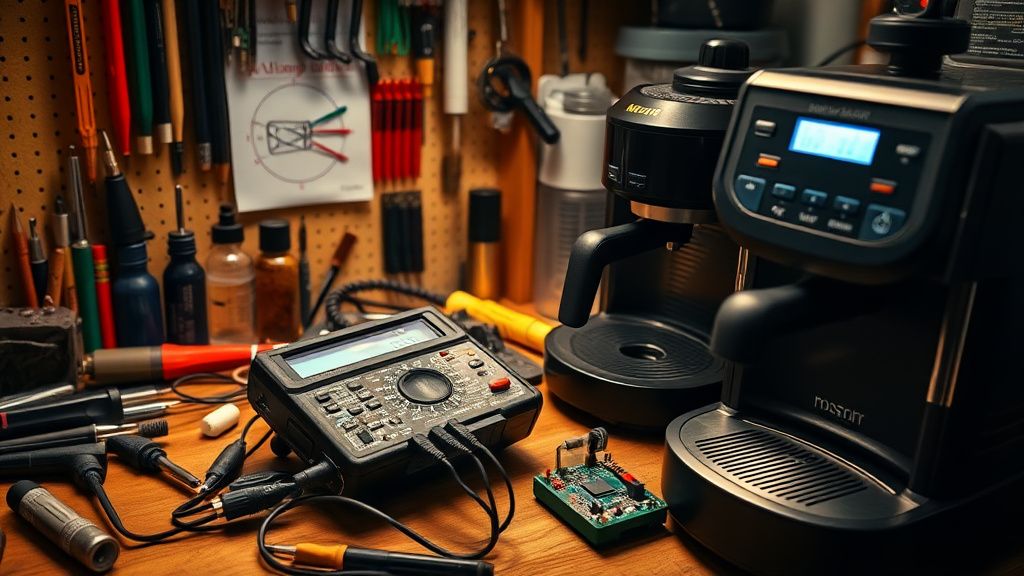
If you are staring at that red light, go through this in order before calling support:
- The Water Tank Sensor: Check the magnetic float in the water tank. If it’s stuck at the bottom, the machine thinks it’s empty. A quick shake of the tank usually fixes this.
- The Capsule Piercing Plate: Check the needle plate for buildup. If it’s clogged with dried coffee, the internal pressure will spike instantly, causing the pump to stall.
- The Overheat Reset: Let the machine sit unplugged for 2 hours. Sometimes the internal NTC sensor just needs to cool down and re-calibrate at room temperature.
- The Voltage Check: Are you using a smart plug? The Next is incredibly sensitive to voltage drops. If you have it on a power strip with other appliances, the surge protection might be cutting the feed during the high-draw heating phase.
The Conflict of Design: Complexity vs. Reliability
The Vertuo Next represents a move toward "feature-rich" appliance design that ignores the "KISS" principle (Keep It Simple, Stupid). By adding Bluetooth and Wi-Fi to a coffee machine, you’ve added two extra points of failure. If the Wi-Fi module fails to handshake with the Nespresso app, does it impact the brew cycle? Theoretically, no. In practice? The firmware is so tightly integrated that a network timeout can sometimes trigger a "system ready" hang that manifests as a red light.
Why does my Nespresso Vertuo Next blink red after a descaling cycle?
This usually indicates the machine hasn't exited "Descaling Mode." To fix this, you must run a full rinse cycle with fresh water. The machine expects a specific volume of water to pass through the system to consider the process complete. If you stop the process halfway, it will remain in a "locked" state.
Is the red light always a sign of a broken machine?
No. Often, it is a "soft error." Most commonly, the internal barcode reader is dirty or the machine is simply too hot from back-to-back brewing. Give it 20 minutes to cool down, perform the 5-press reset, and see if it clears. If it remains solid red, you are likely looking at a hardware sensor failure.
Should I attempt to open the casing to fix a persistent red light?
Unless you have experience with high-pressure water systems and high-voltage electronics, I strongly advise against it. The Vertuo Next uses proprietary Torx security screws and delicate ribbon cables. You are very likely to tear a sensor cable while trying to remove the outer shell, turning a fixable error into a total write-off.
Why does the machine keep saying "error" even though I just cleaned it?
The machine tracks cycles between descaling. If the internal counter hits a limit, it will force a red-light state until a descaling cycle is performed. Even if the machine seems clean, it may simply be waiting for you to initiate the software-driven descaling process to reset its "health" counter.
Can I bypass the barcode requirement to stop the red light?
No. The barcode isn't just for dosage; it’s for the PID control of the water temperature and pressure. The machine needs to know if it is brewing a 40ml espresso or a 230ml mug. Attempting to trick the sensor will result in a messy overflow or an immediate error state, as the machine won't detect the expected flow rate for the detected capsule.
Ultimately, the Nespresso Vertuo Next is a masterclass in modern appliance design trade-offs. It’s elegant, it produces a consistent (if proprietary) cup of coffee, and it’s priced for the masses. But its reliance on a sensitive, integrated sensor suite means that the "Red Light" is an inevitable destination for most users. When you see it, don't panic. Start with the reset, check your cleanliness, and be prepared to accept that this machine—like all high-density consumer electronics—is designed for a limited service life. If the reset doesn't work, don't fight it. Life is too short for bad coffee and hours spent wrestling with a motherboard that was never meant to be serviced.